1. Navigate to https://freedom.frooition.com/ebay/
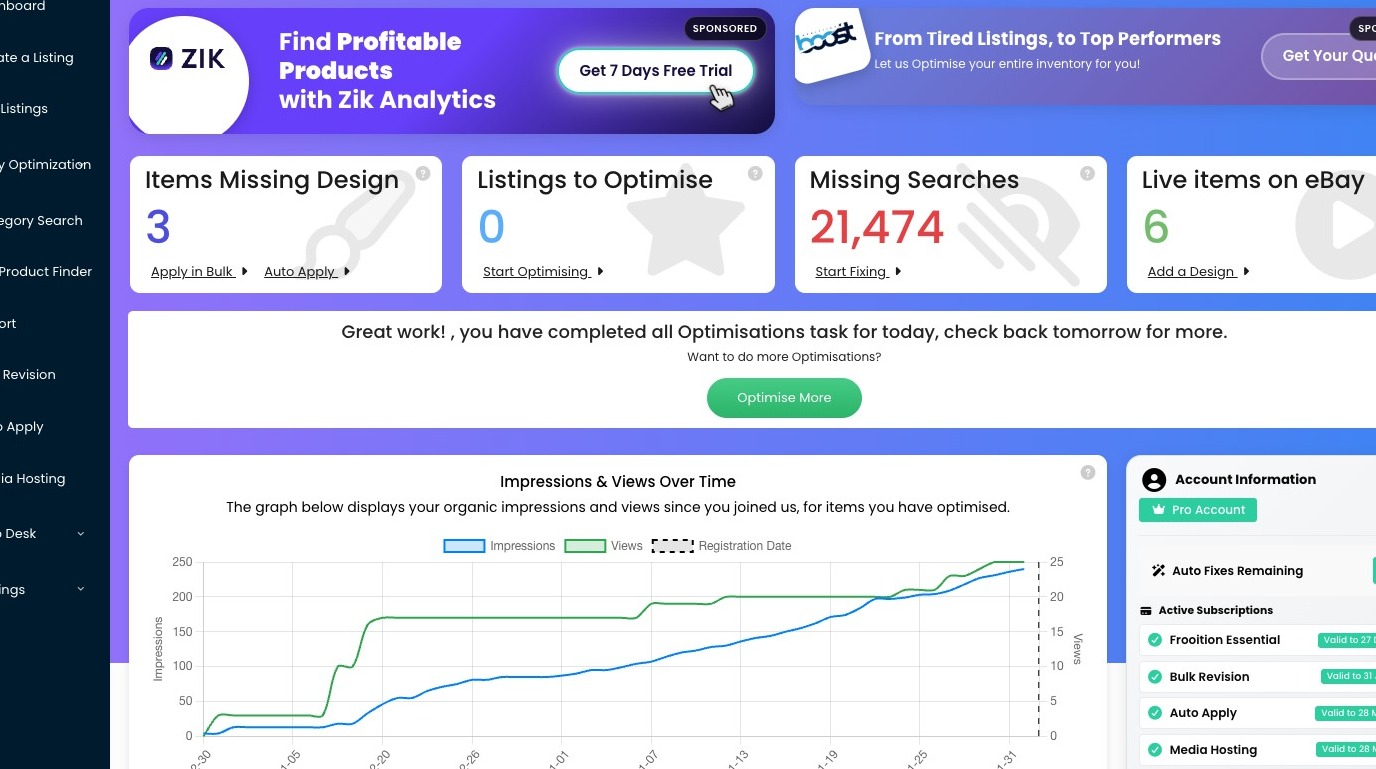
2. Click "Create a Listing"
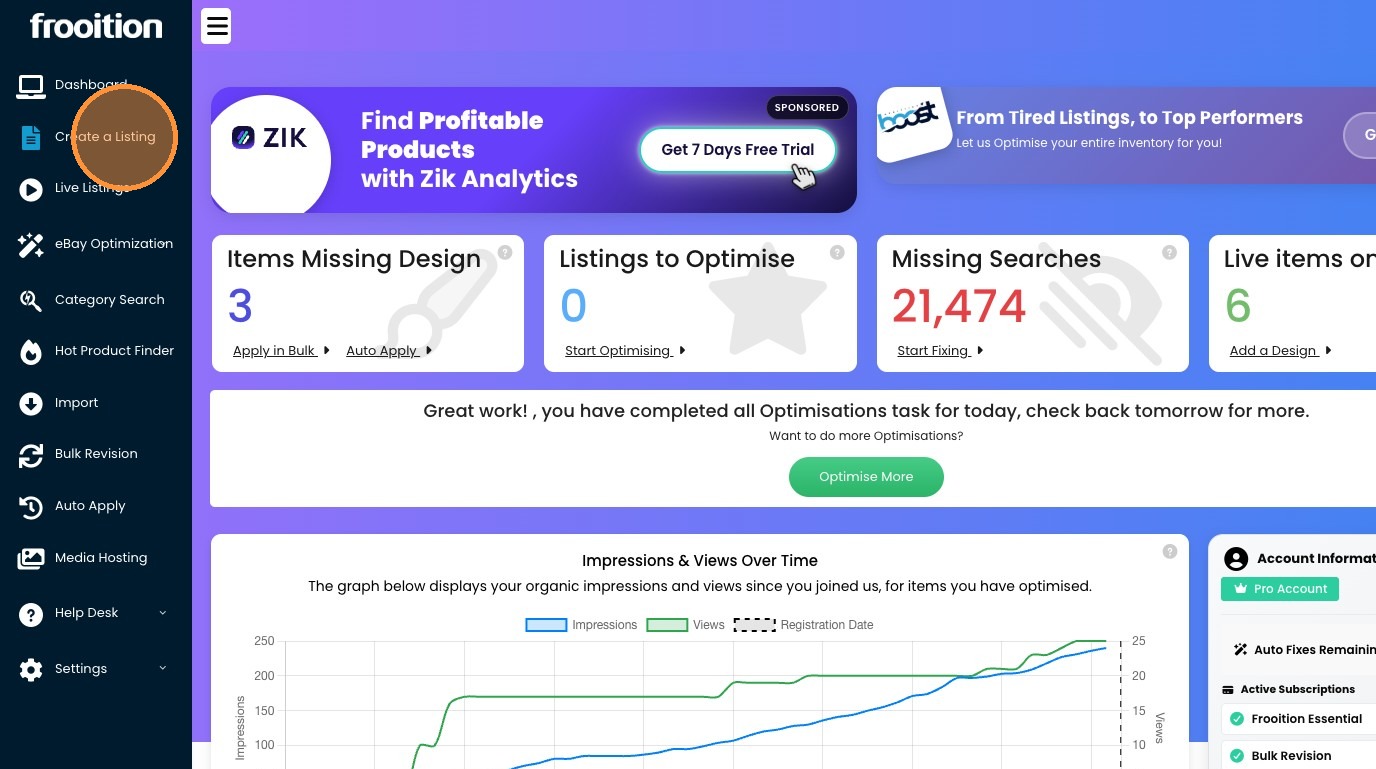
3. Click "Quick Create"
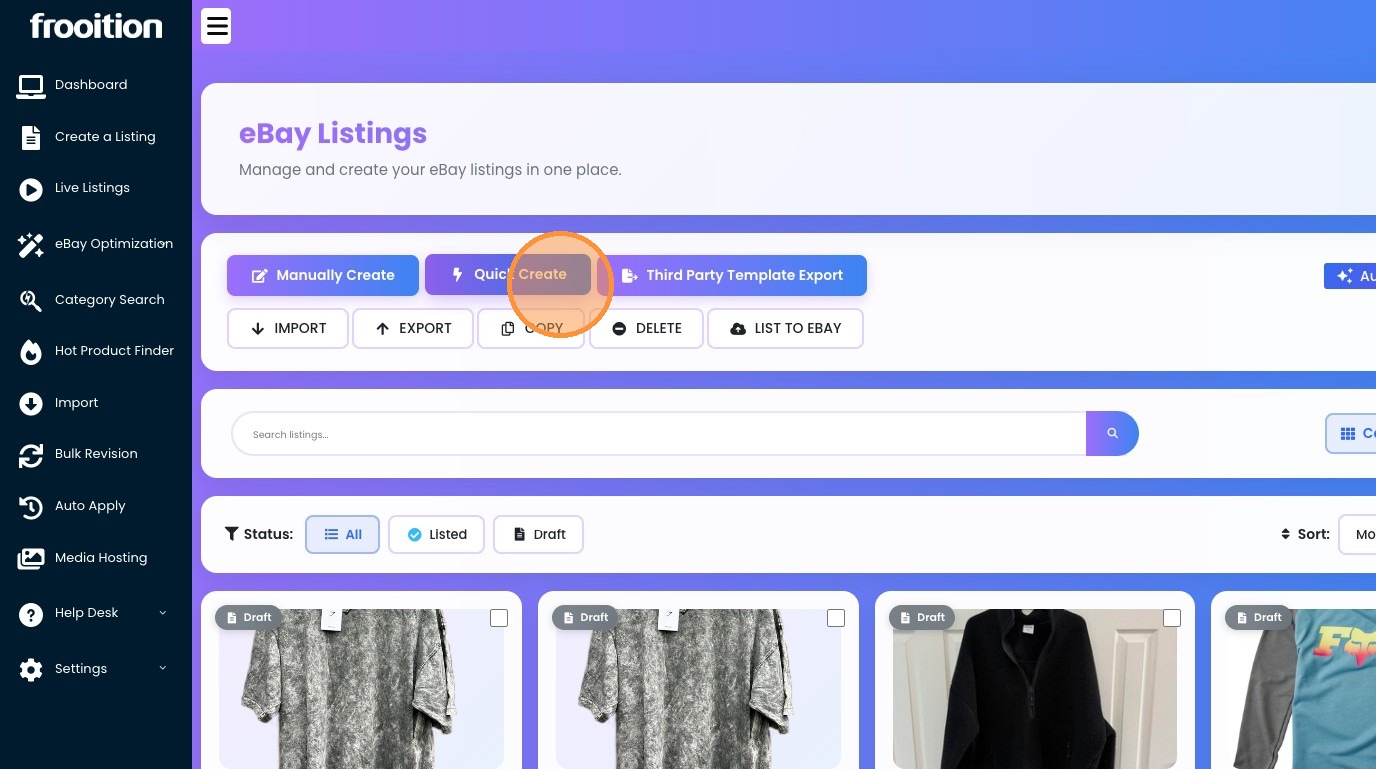
4. Click the "Item Title *" field and enter as much information as possible (80 characters or less about your product)
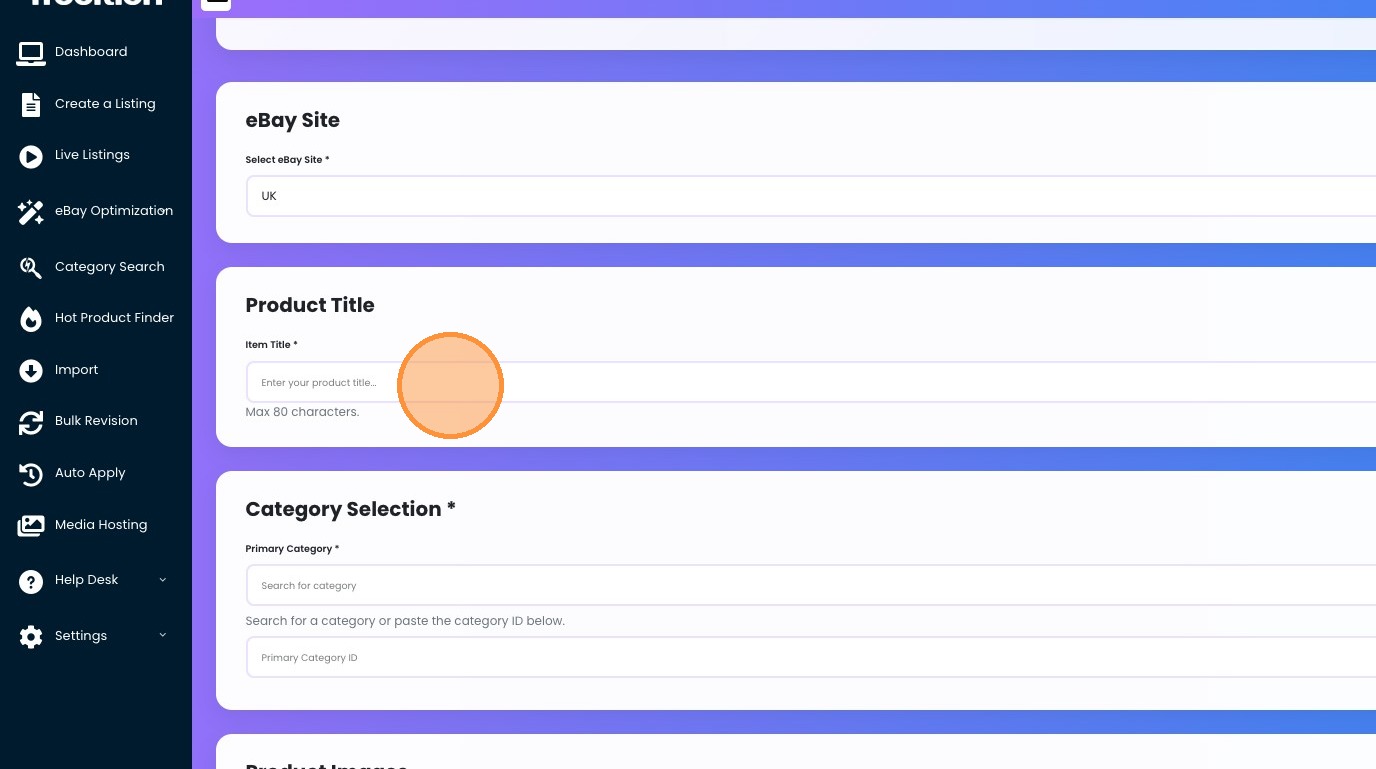
5. This will auto pre-fill the category search box, so you may find the correct category much quicker.
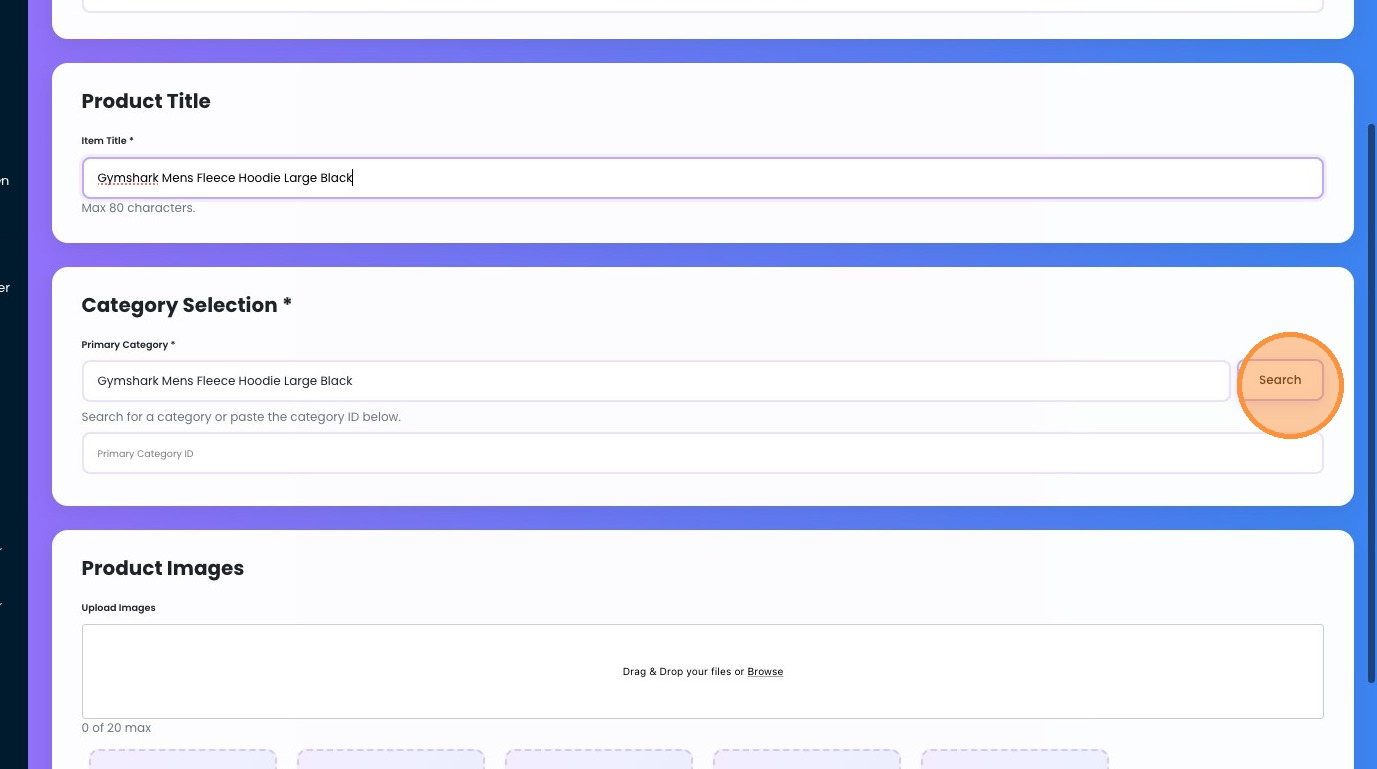
6. We are selected this category for our fleece: Click "Activewear > Men's Clothing > Men > Clothes, Shoes & Accessories > Hoodies & Sweatshirts (155183)"
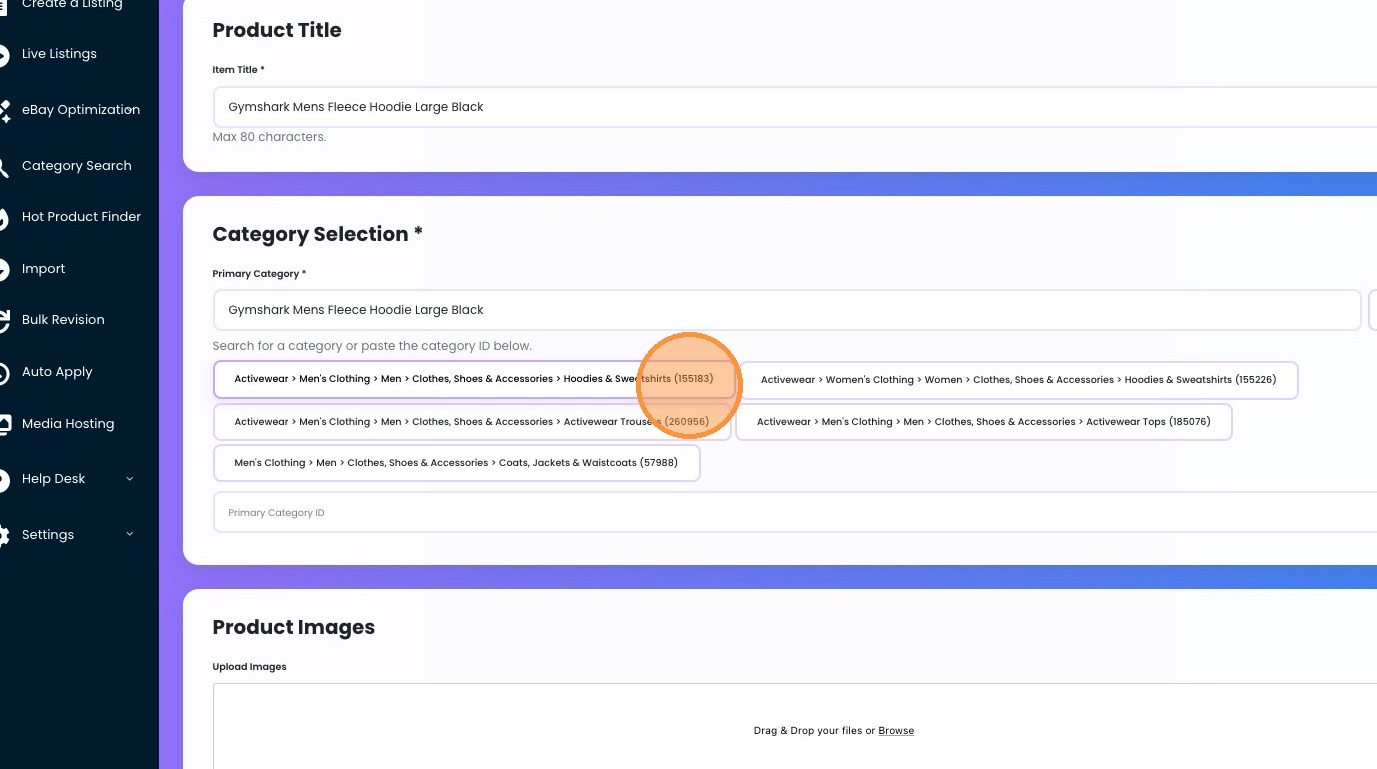
7. Upload your images by clicking the browse button.
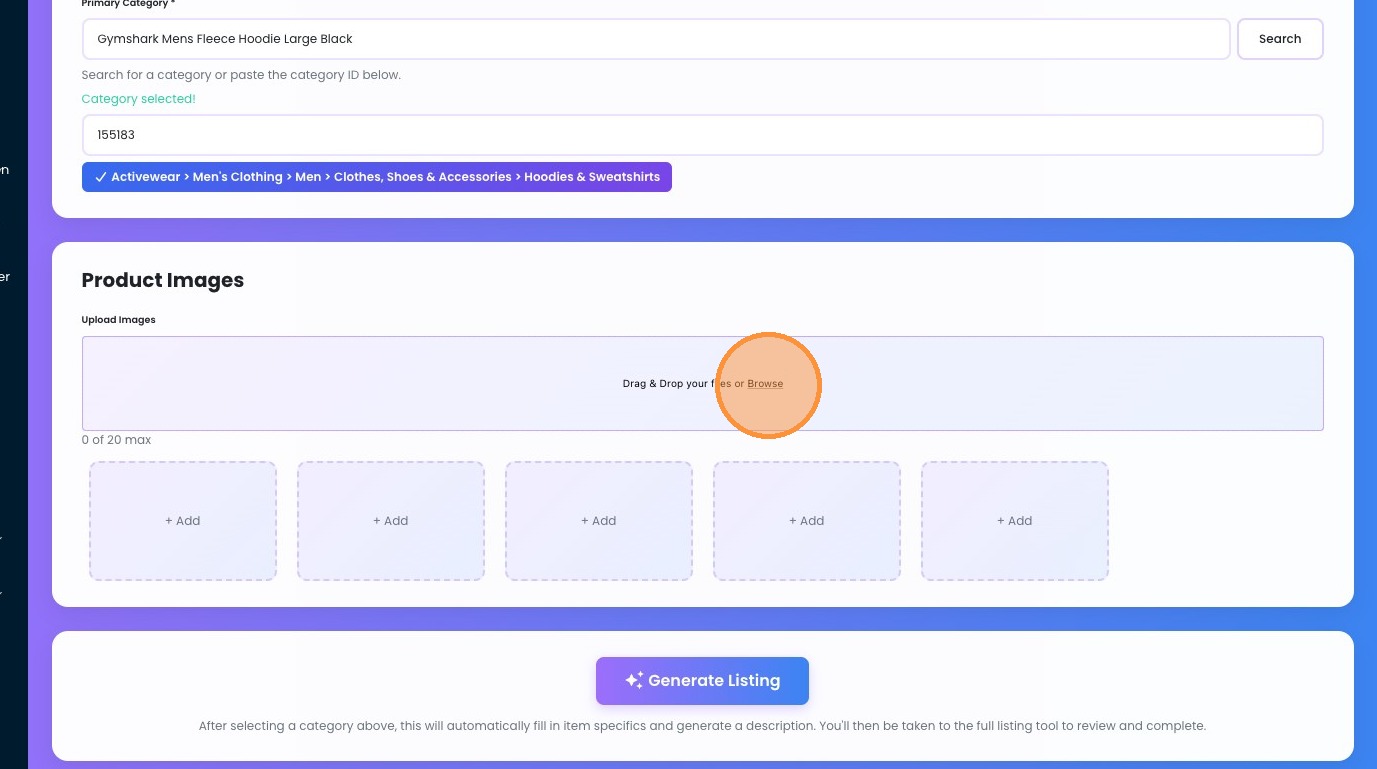
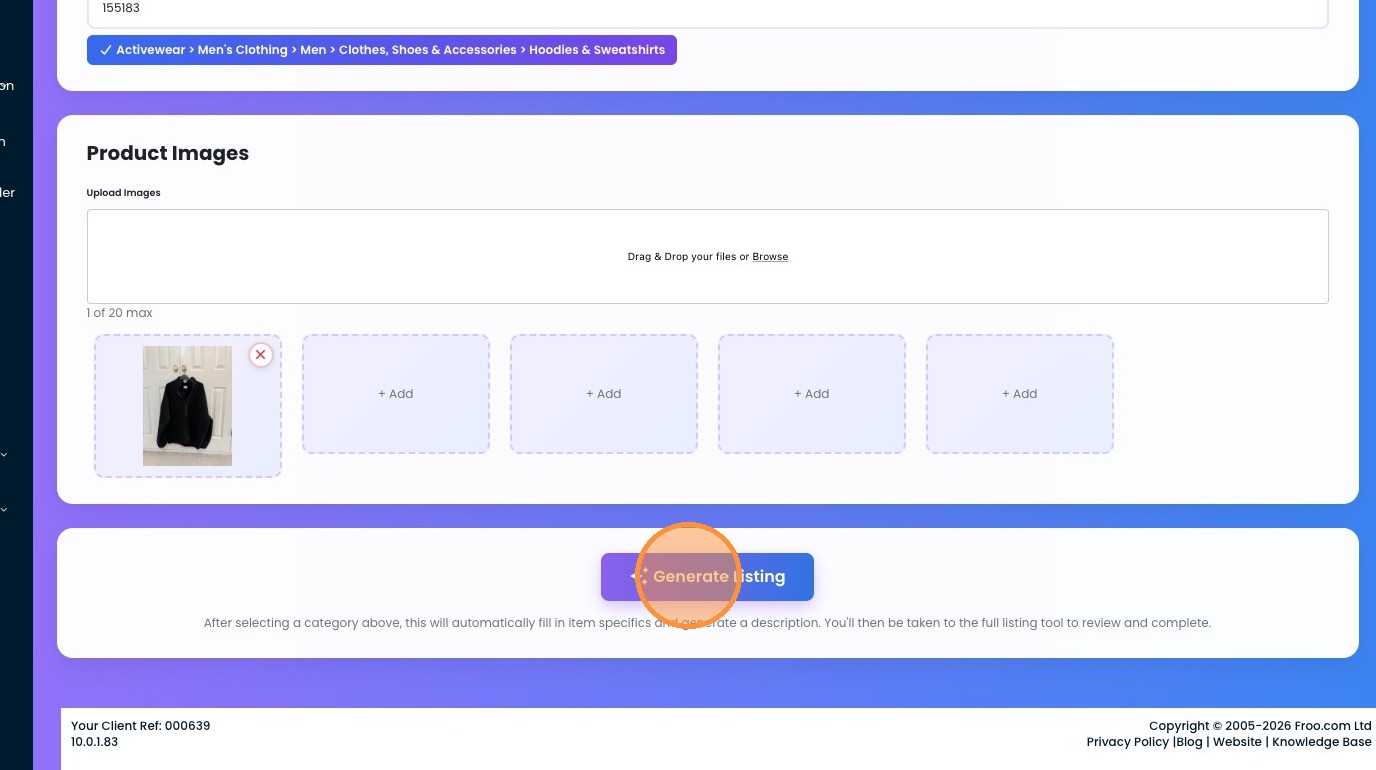
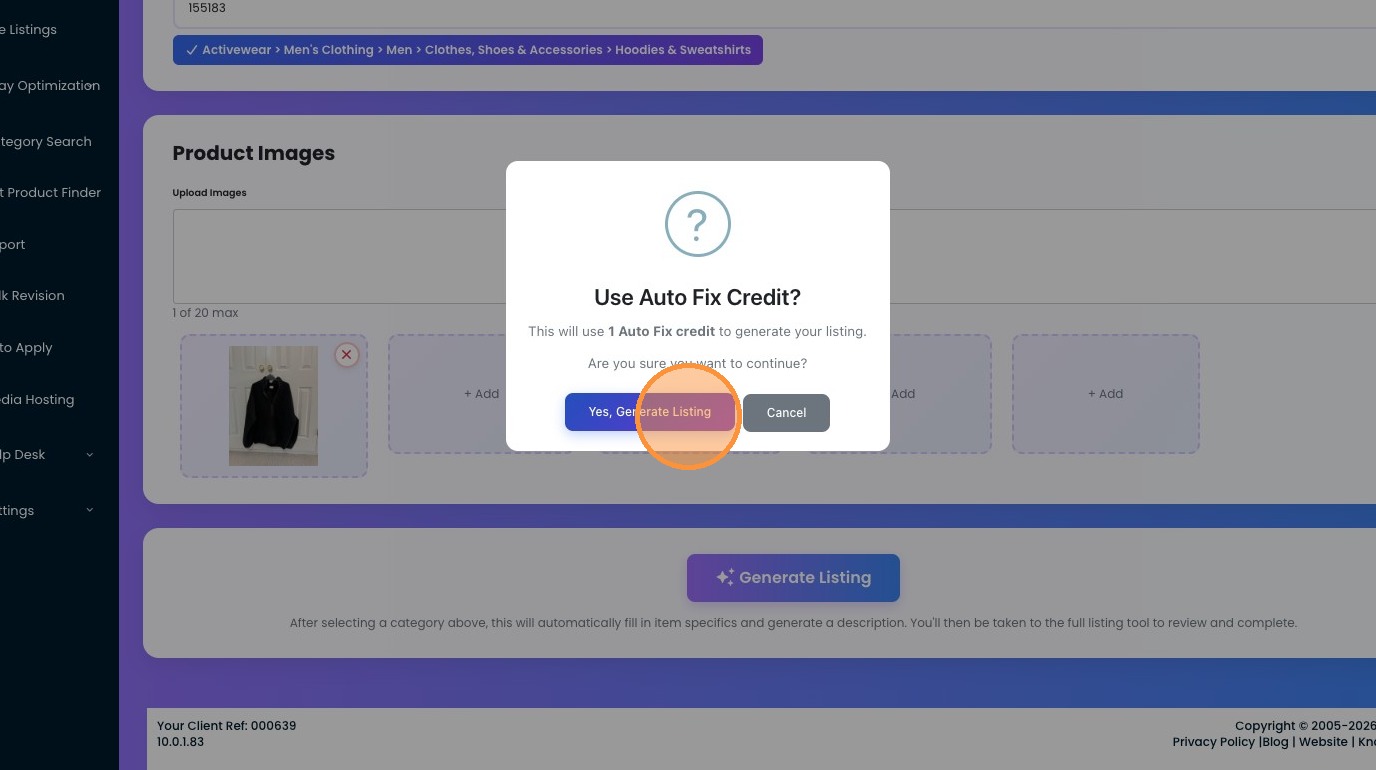
8. Click "Generate Listing" - this will trigger our AI to go off and generate everything for you, don't worry, you get the chance after to check through everything and make tweaks if needed.
9. Click "Yes, Generate Listing" - this will use one of your Auto Fix Credits, if you are running low, you can always purchase more via your subscriptions page.
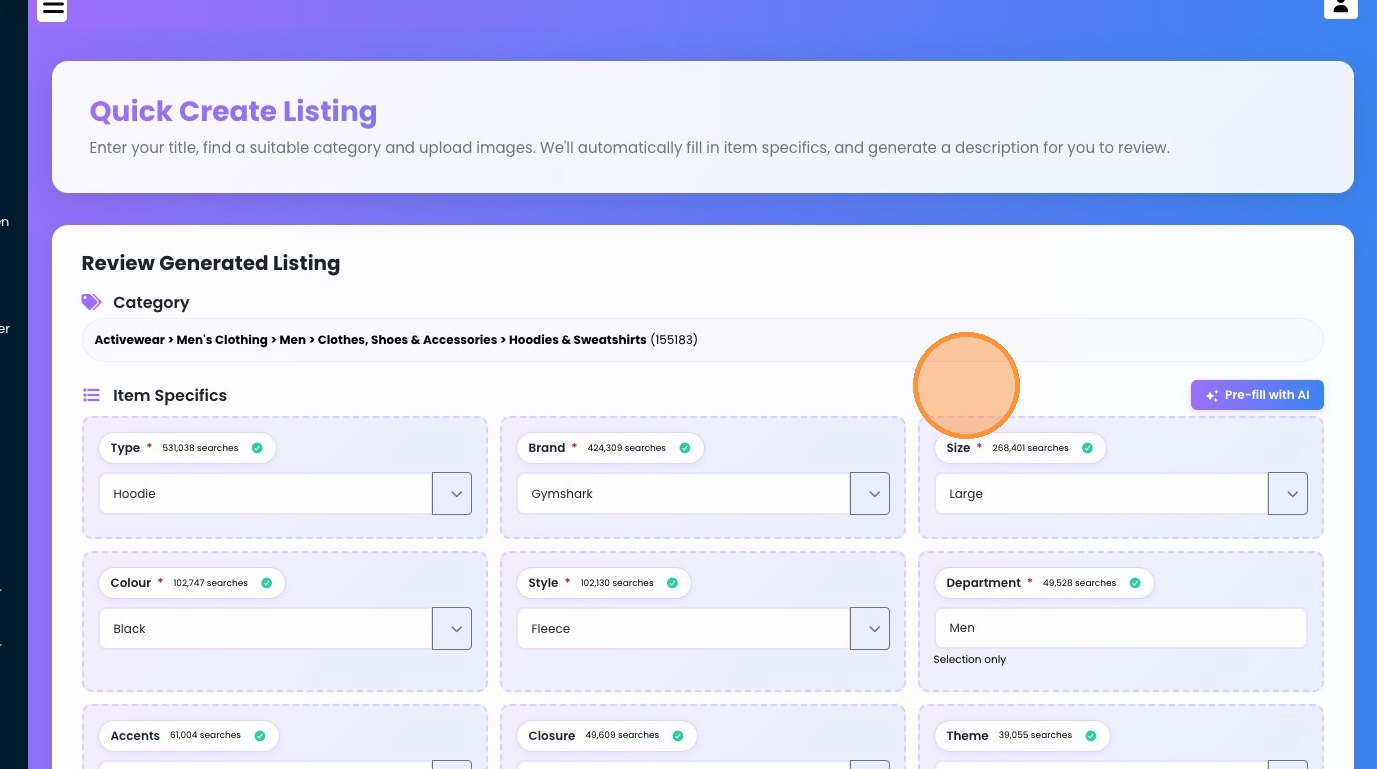
10. Click "Item Specifics Pre-fill with AI" - to populate all required Item Specifics
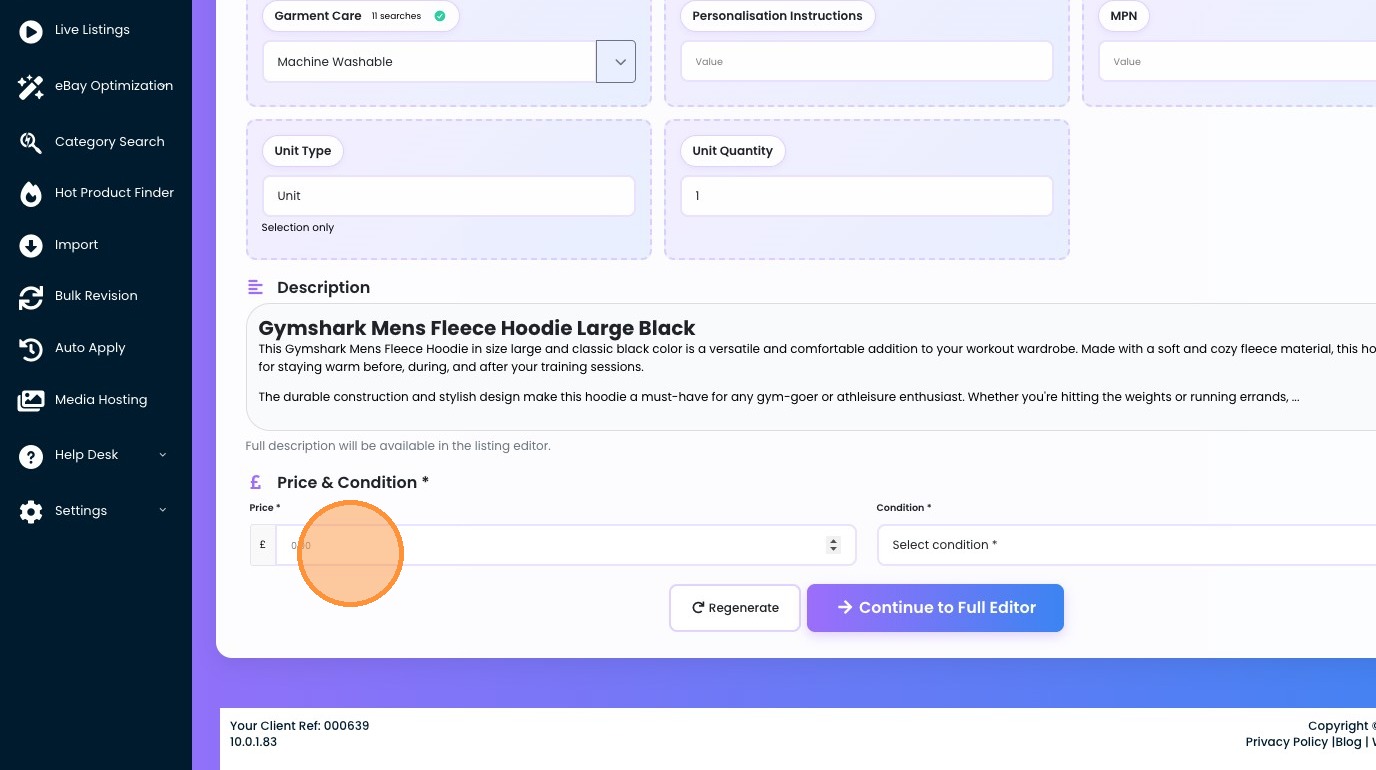
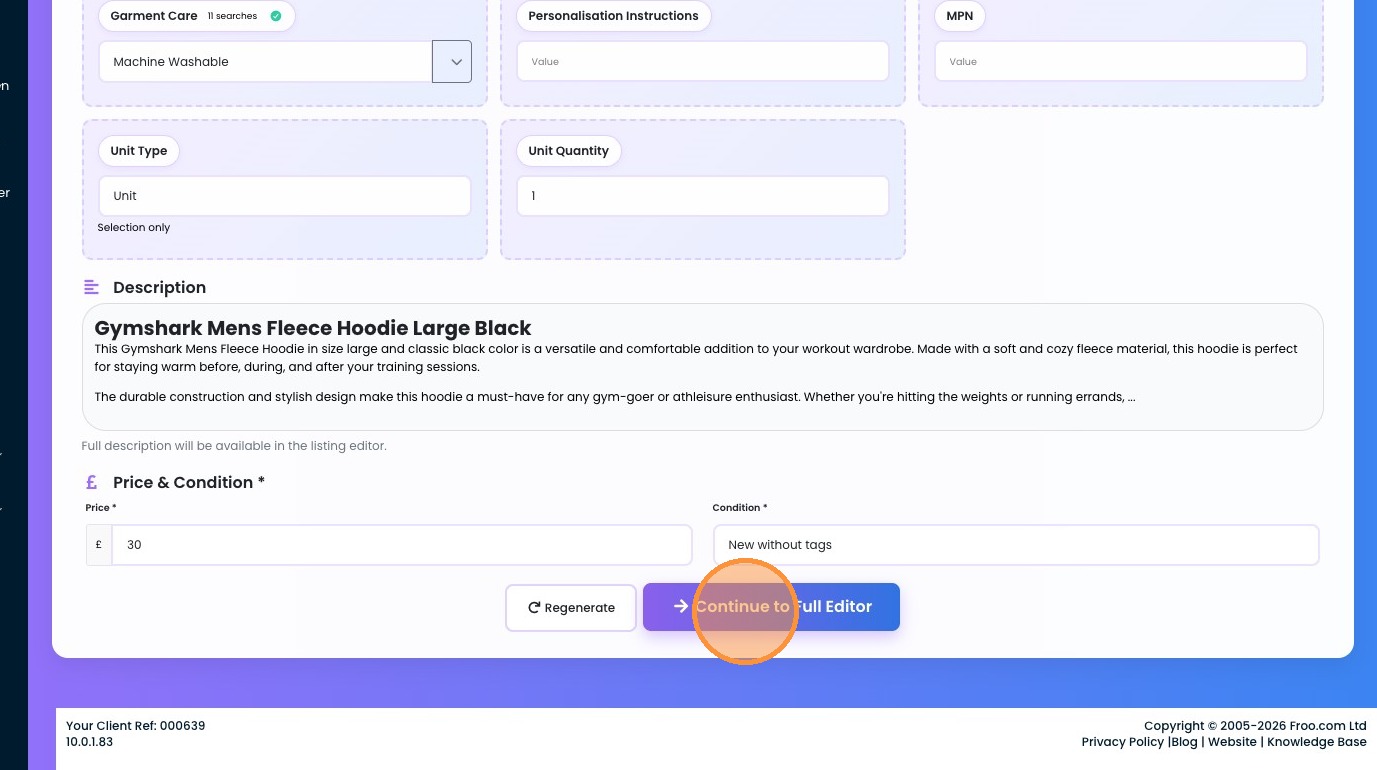
11. Add in your price and Conditions
12. Select the "New without tags" option.
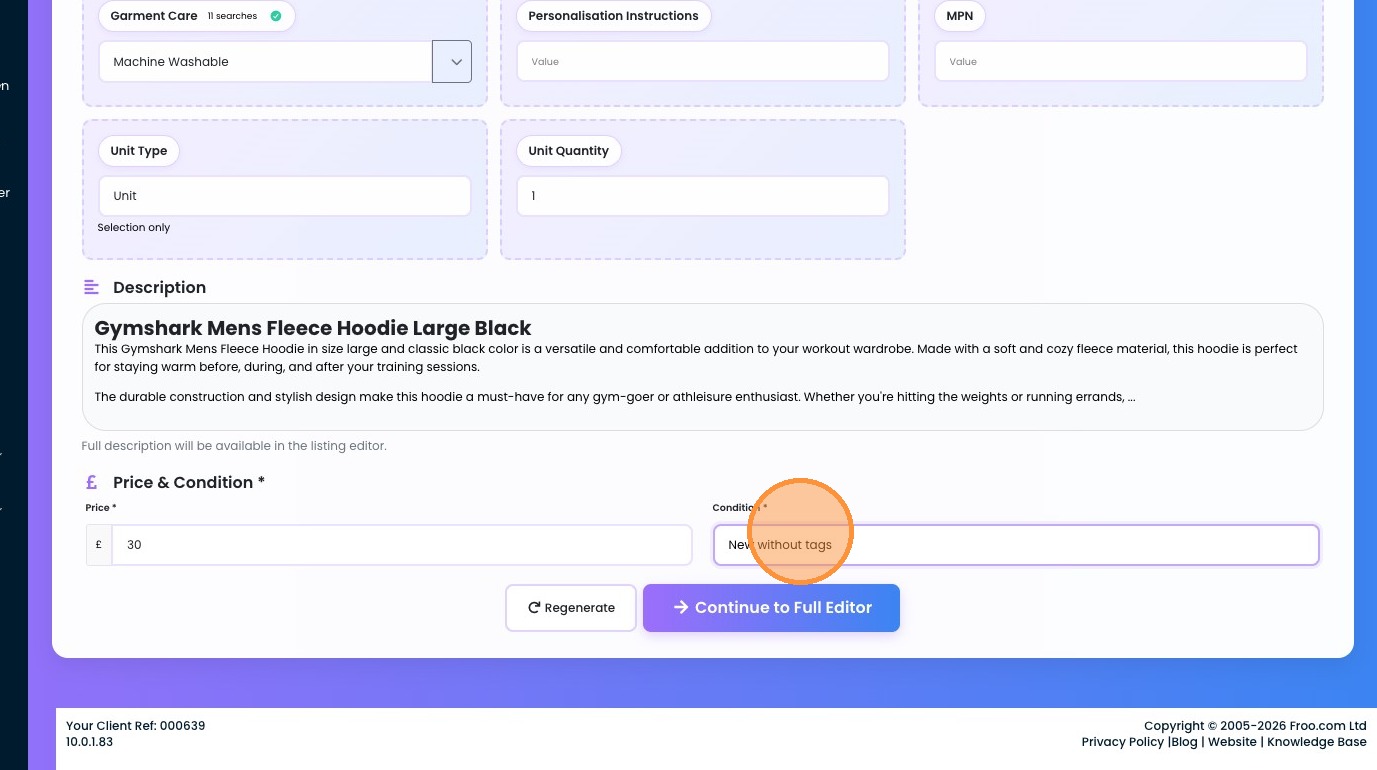
13. Click "Continue to Full Editor" - this is where you can fully review everything before launching it live.
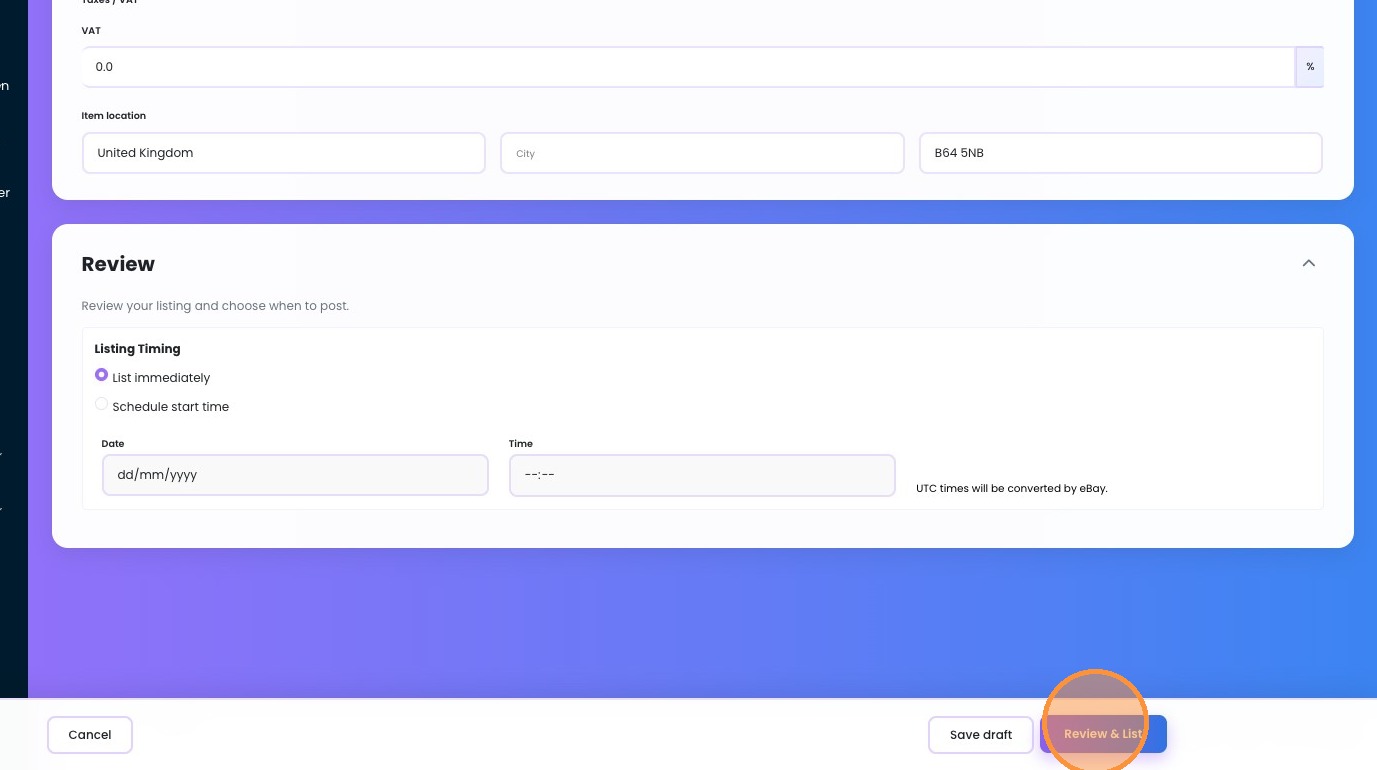
14. Once you are happy, click the Review and list button, this will tell you if there are any issues, if not, you may list it directly to eBay.
Was this article helpful?
That’s Great!
Thank you for your feedback
Sorry! We couldn't be helpful
Thank you for your feedback
Feedback sent
We appreciate your effort and will try to fix the article