Learn how to efficiently manage your eBay inventory by importing ended listings back into your drafts folder. This guide simplifies the process of reclaiming past product data to help you streamline your re-listing workflow.
Navigation and Filtering
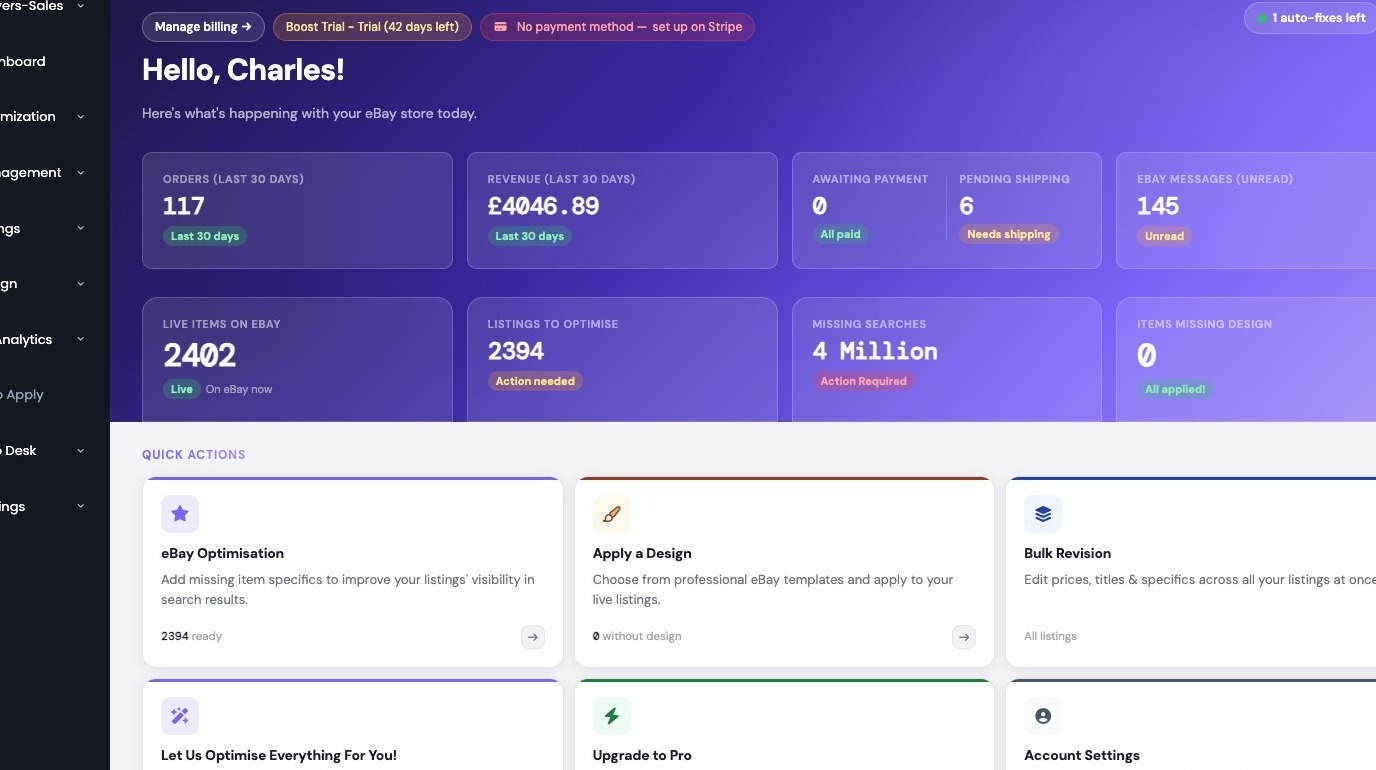
1. Navigate to https://freedom.frooition.com/ebay/
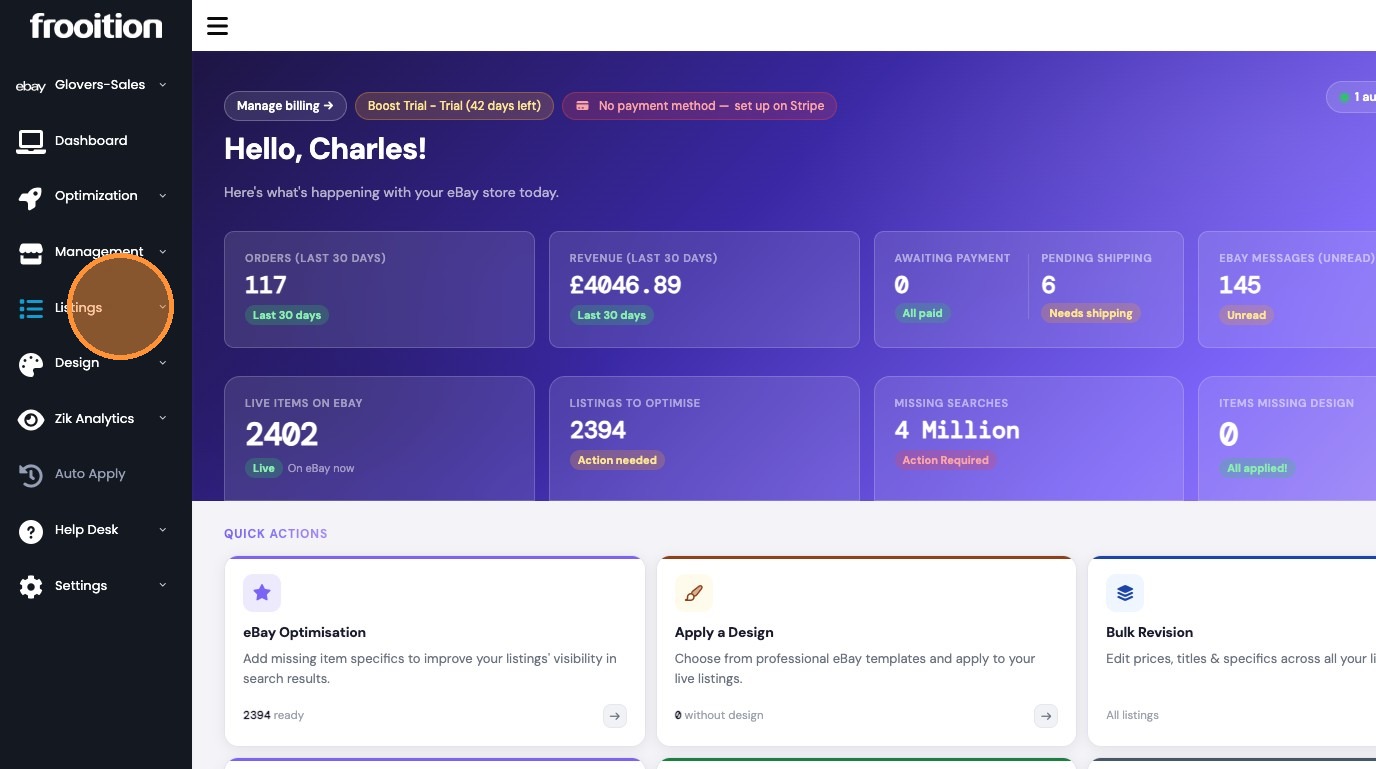
2. Click Listings in sidebar
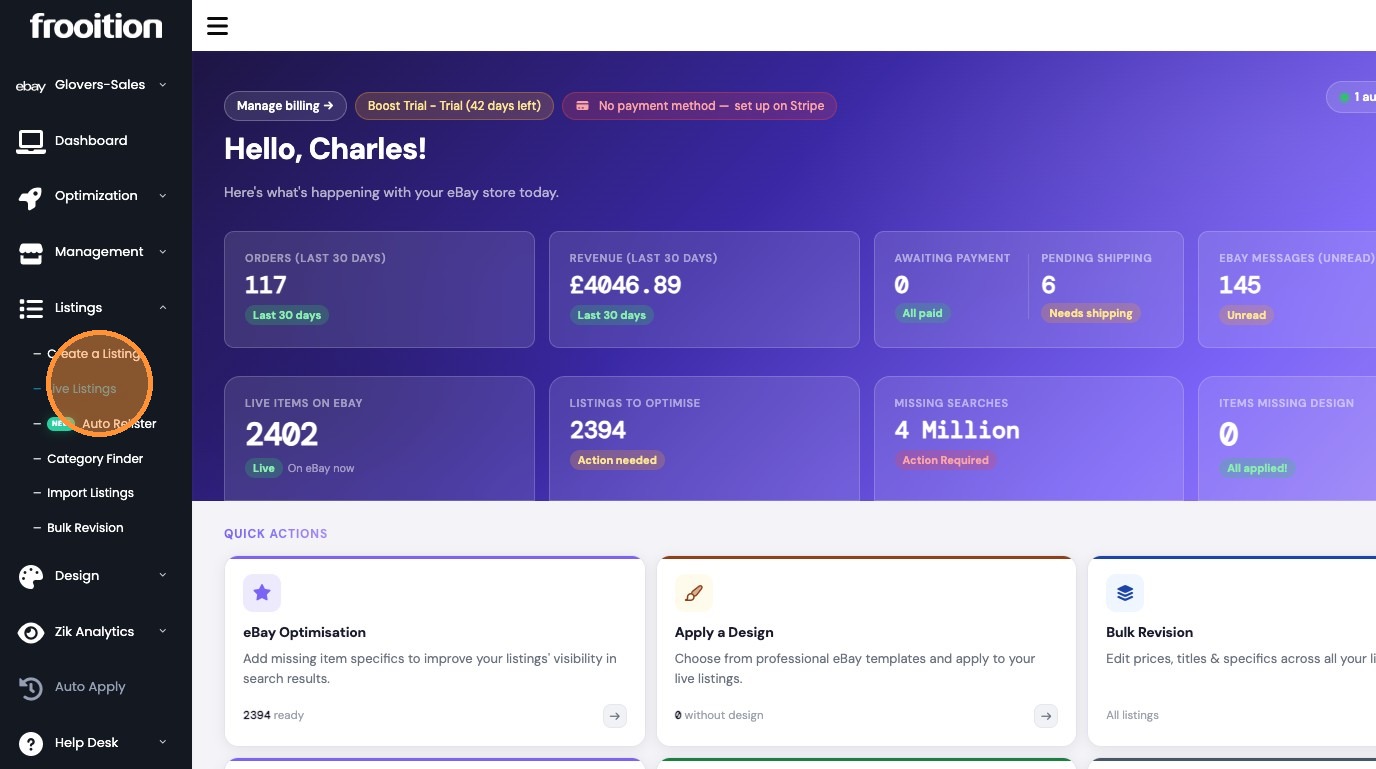
3. Select Live Listings
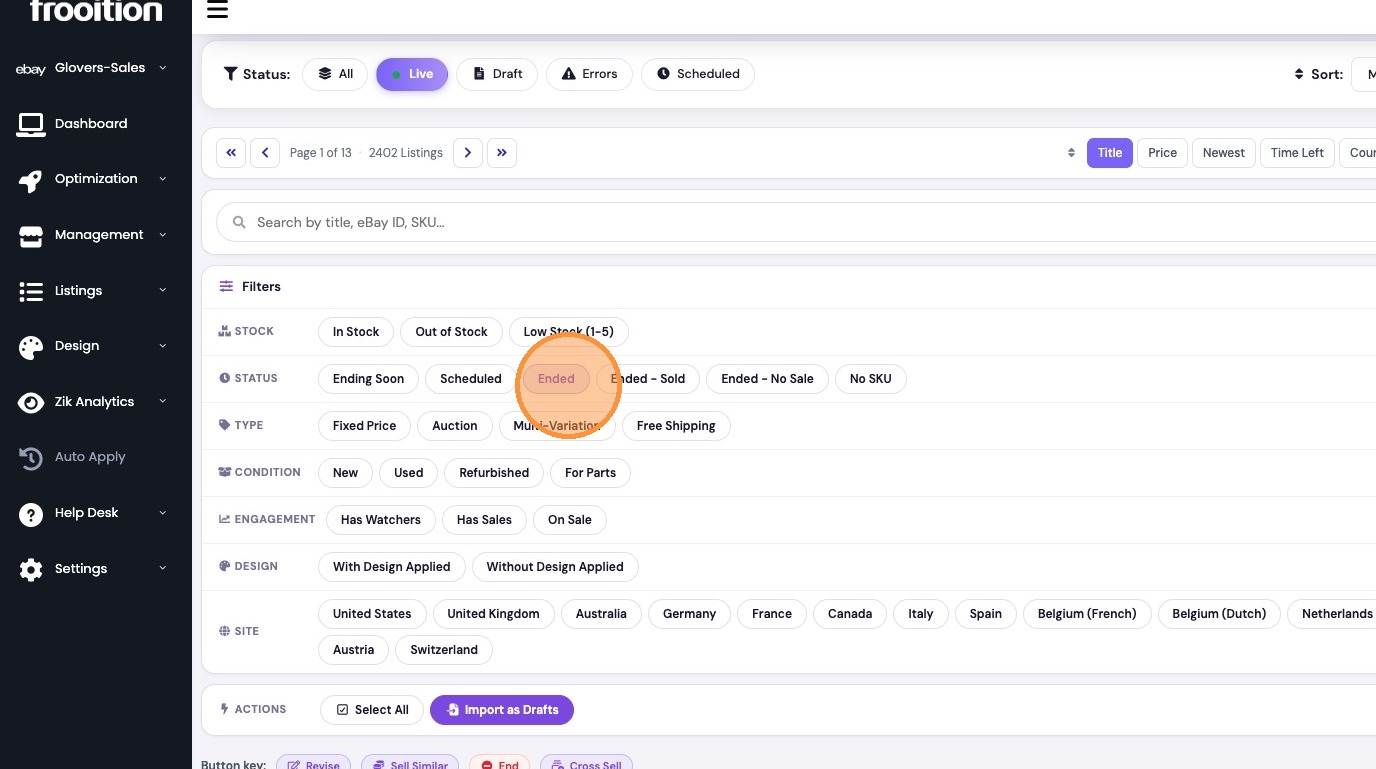
4. Expand Filters section
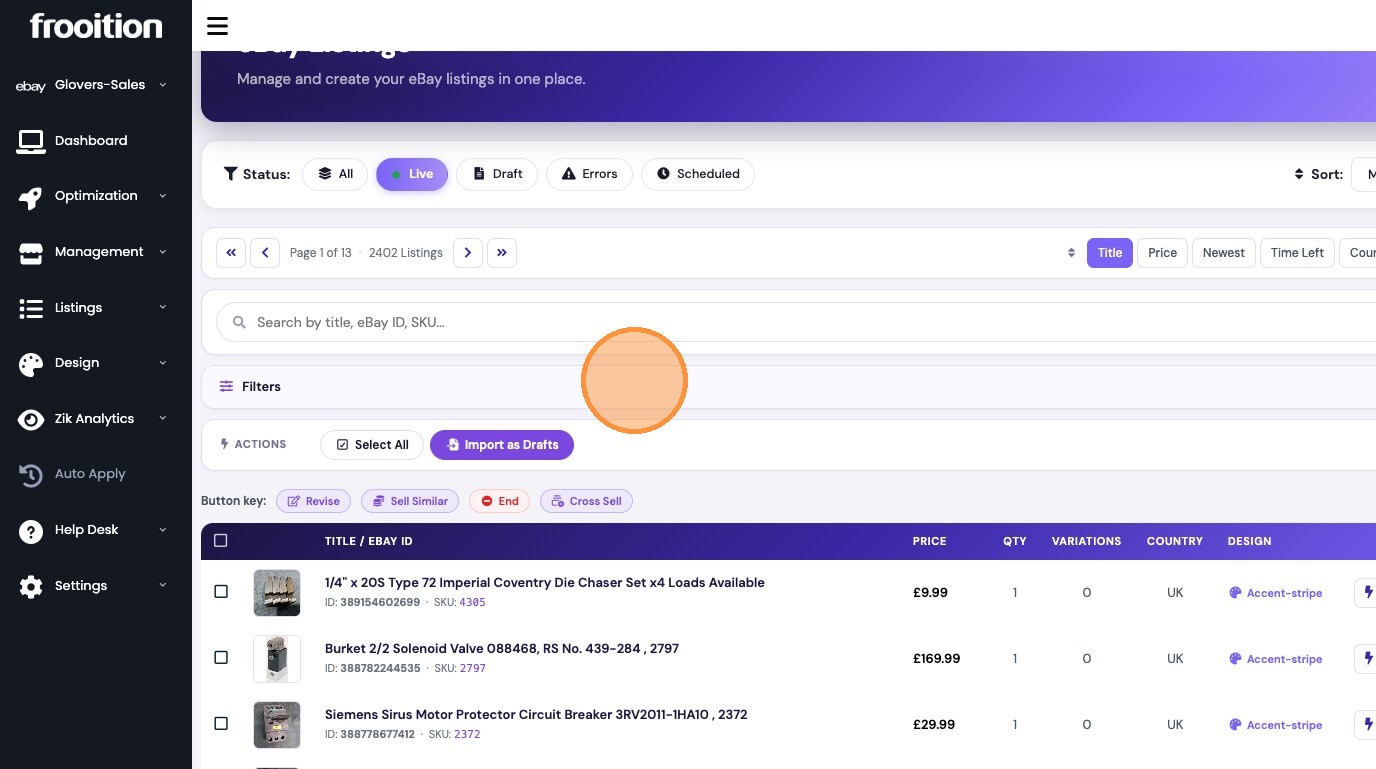
5. Filter by Ended status
Listing Import
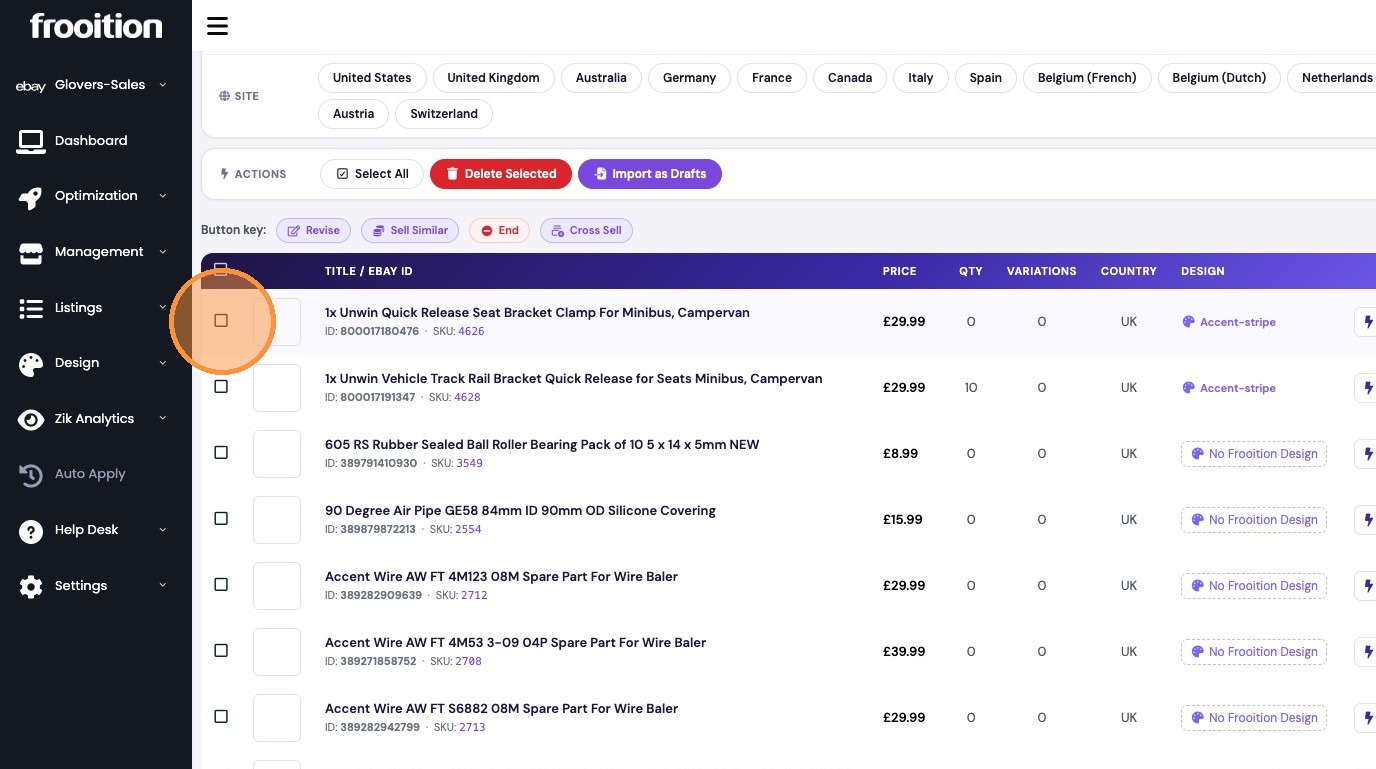
6. Select listing checkbox

7. Import selected listings as drafts and confirm action in popup
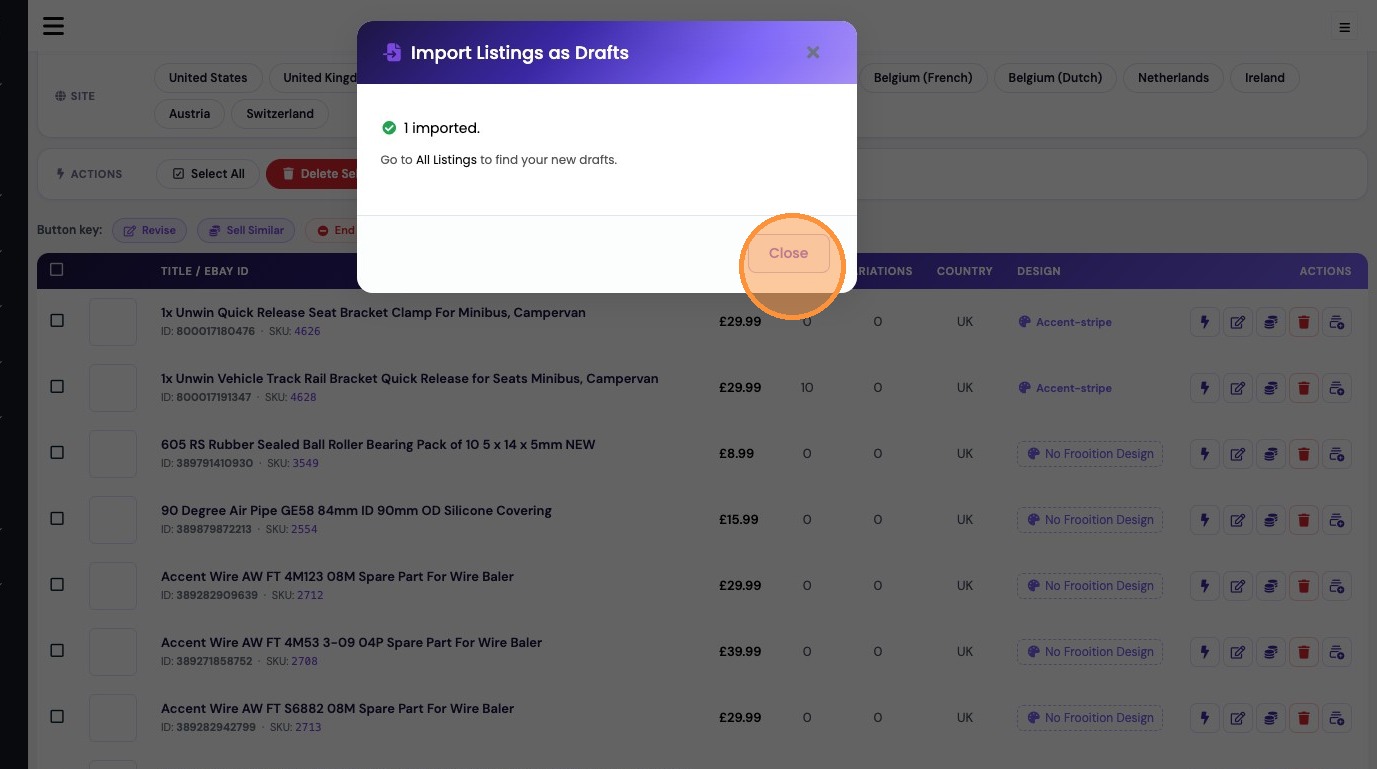
8. Close confirmation window
Review and Publication
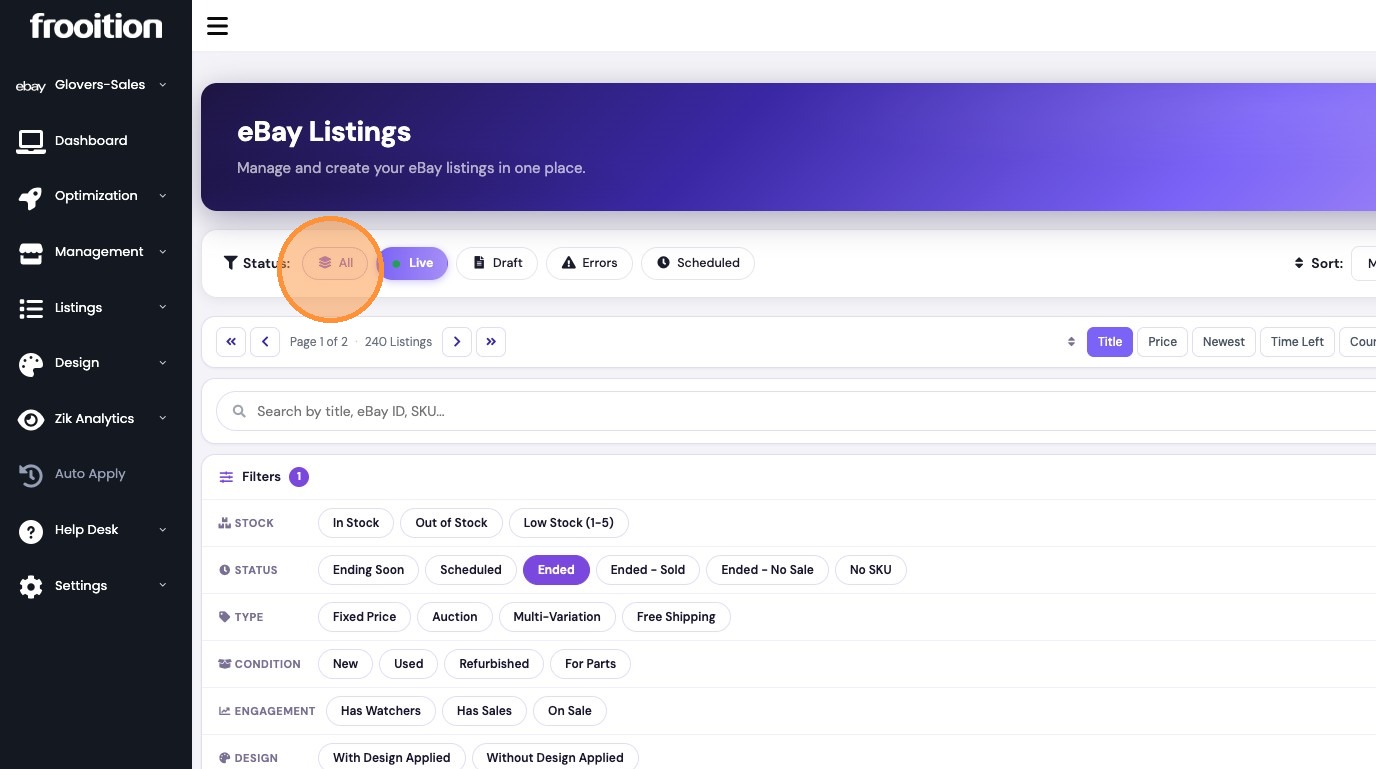
9. Filter listings by All status
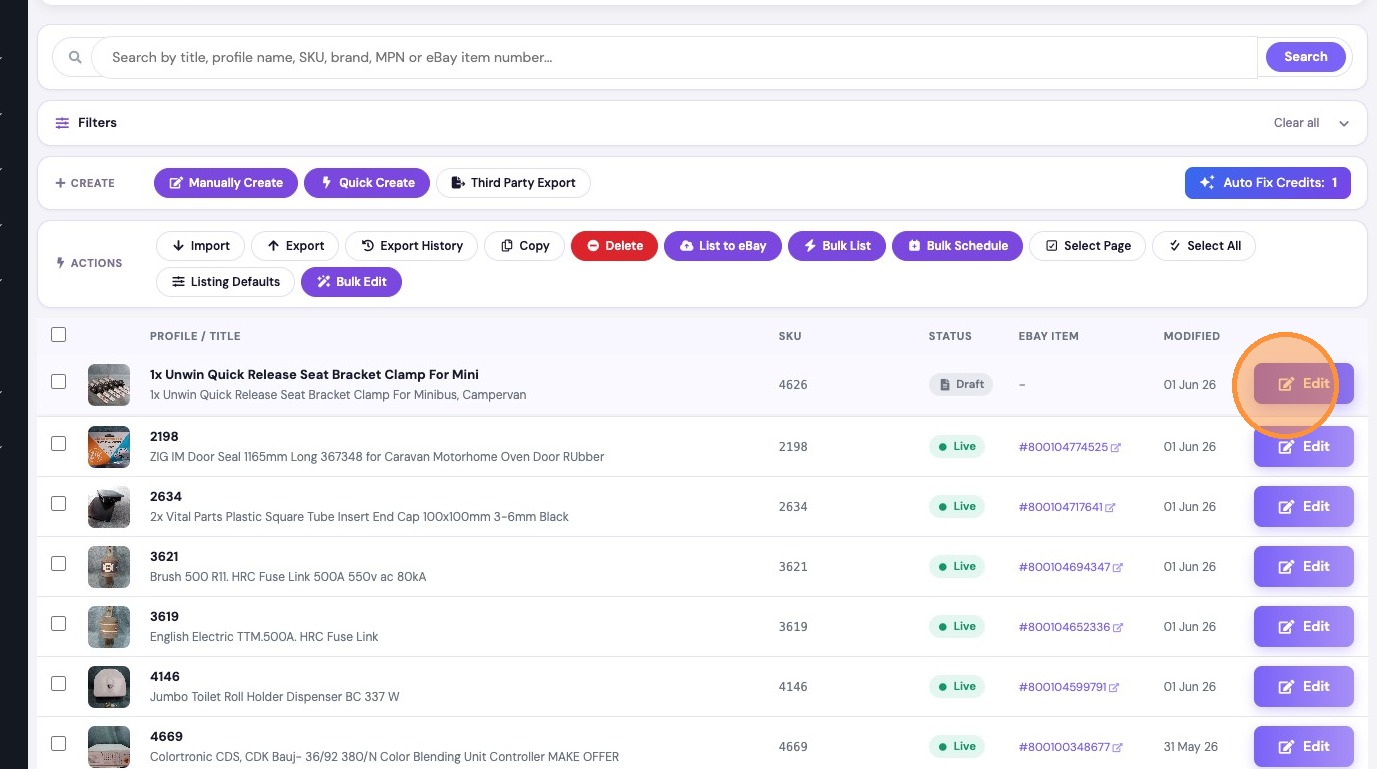
10. Click Edit on imported draft
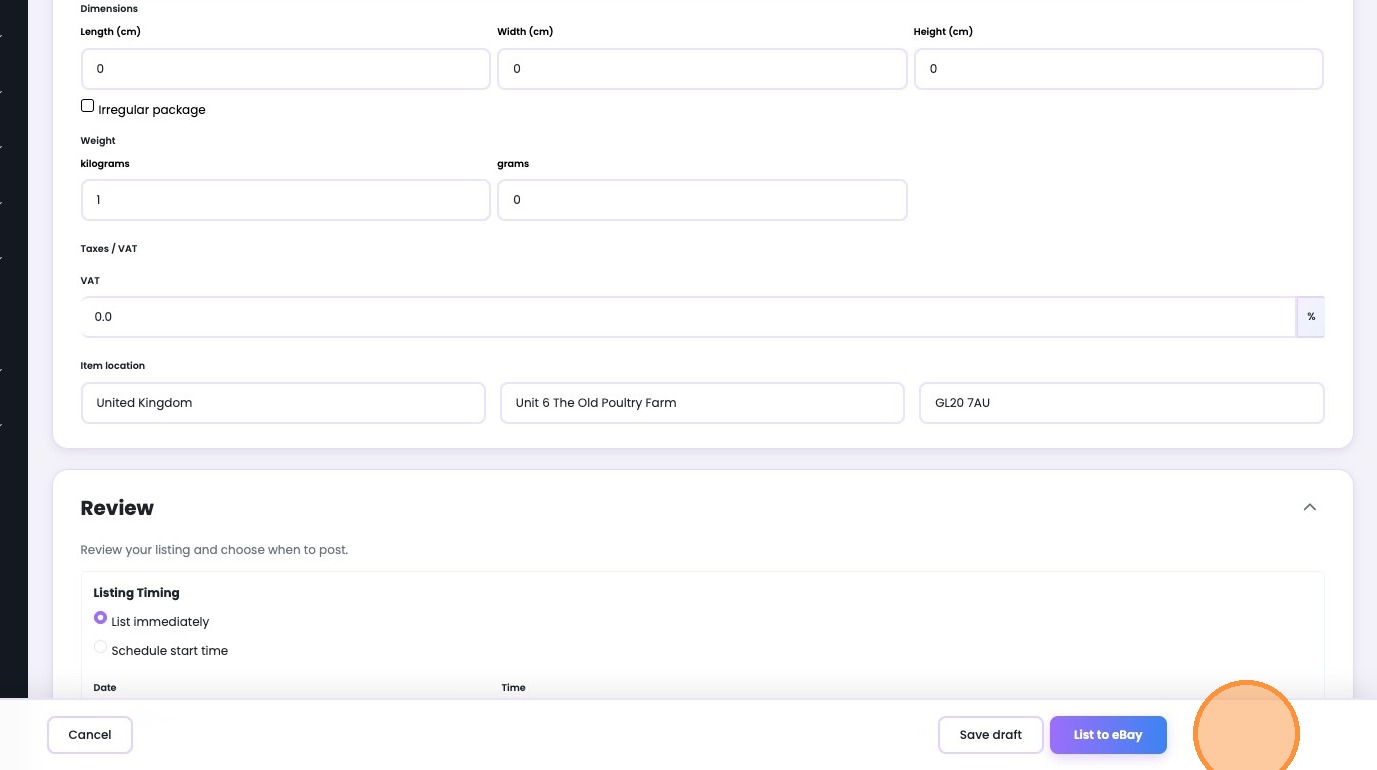
11. Click List to eBay to publish
Was this article helpful?
That’s Great!
Thank you for your feedback
Sorry! We couldn't be helpful
Thank you for your feedback
Feedback sent
We appreciate your effort and will try to fix the article