How To Create A New Listing On Frooition
Learn how to efficiently manage your eBay inventory by creating new listings through the Frooition dashboard. This guide walks you through the manual entry process, including setting your product details, selecting categories, and configuring listing options for a professional result.
1. Navigate to https://freedom.frooition.com/ebay/
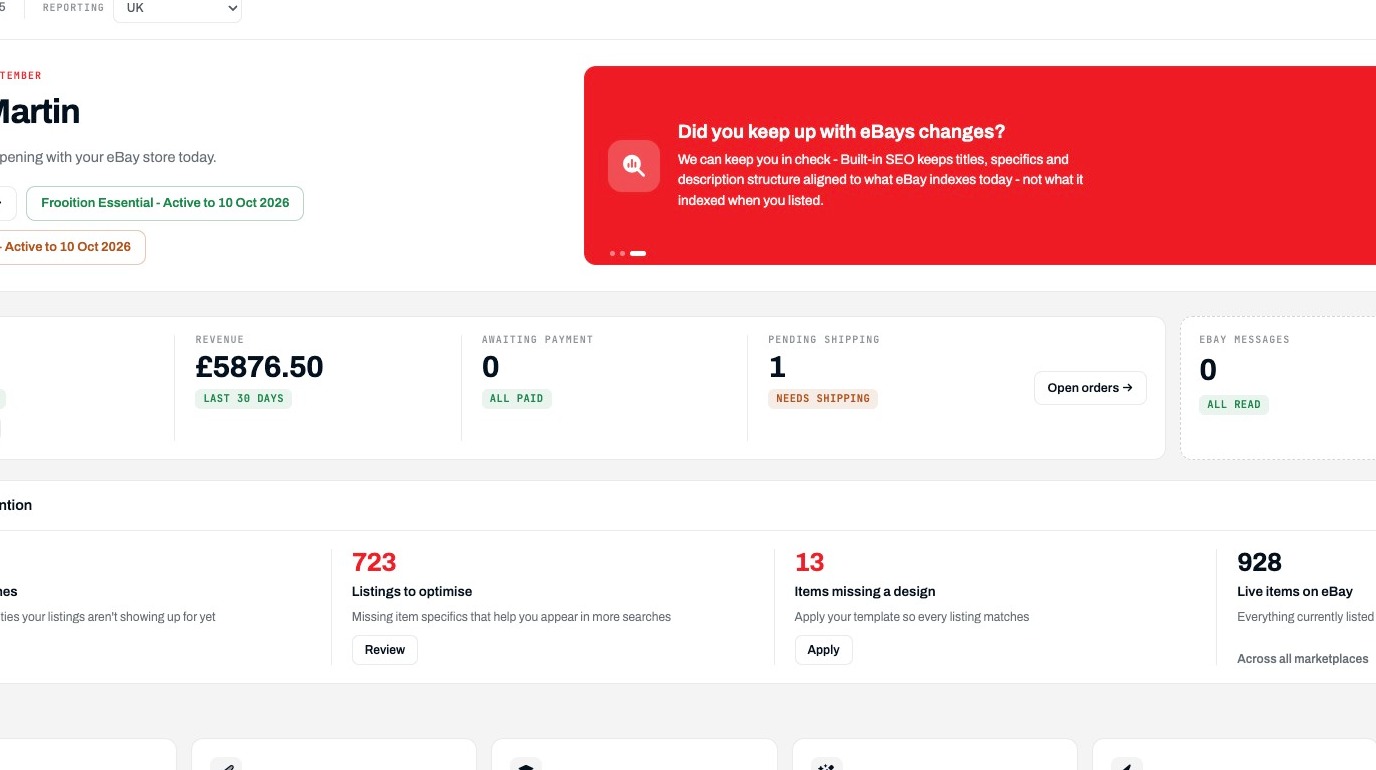
Listing Navigation
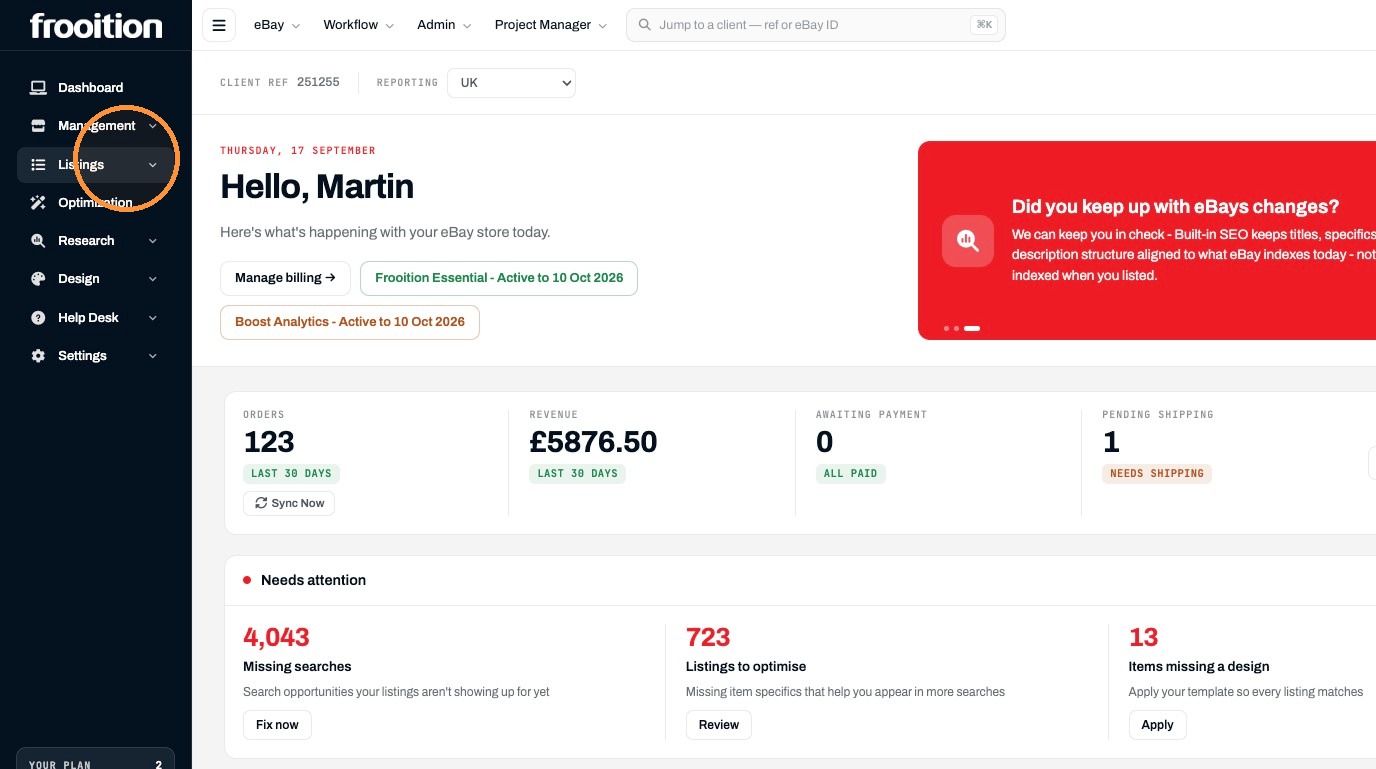
2. Click "Listings"
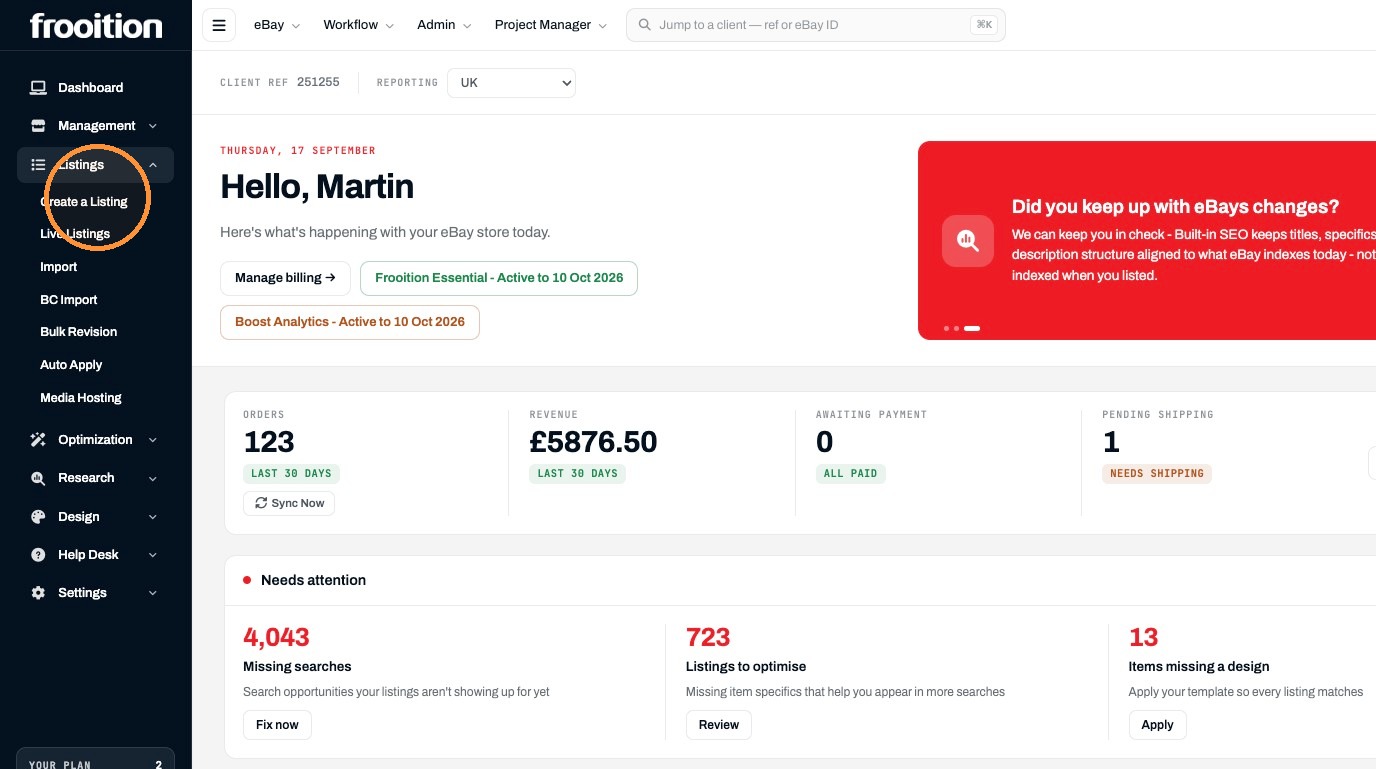
3. Click "Create a Listing"
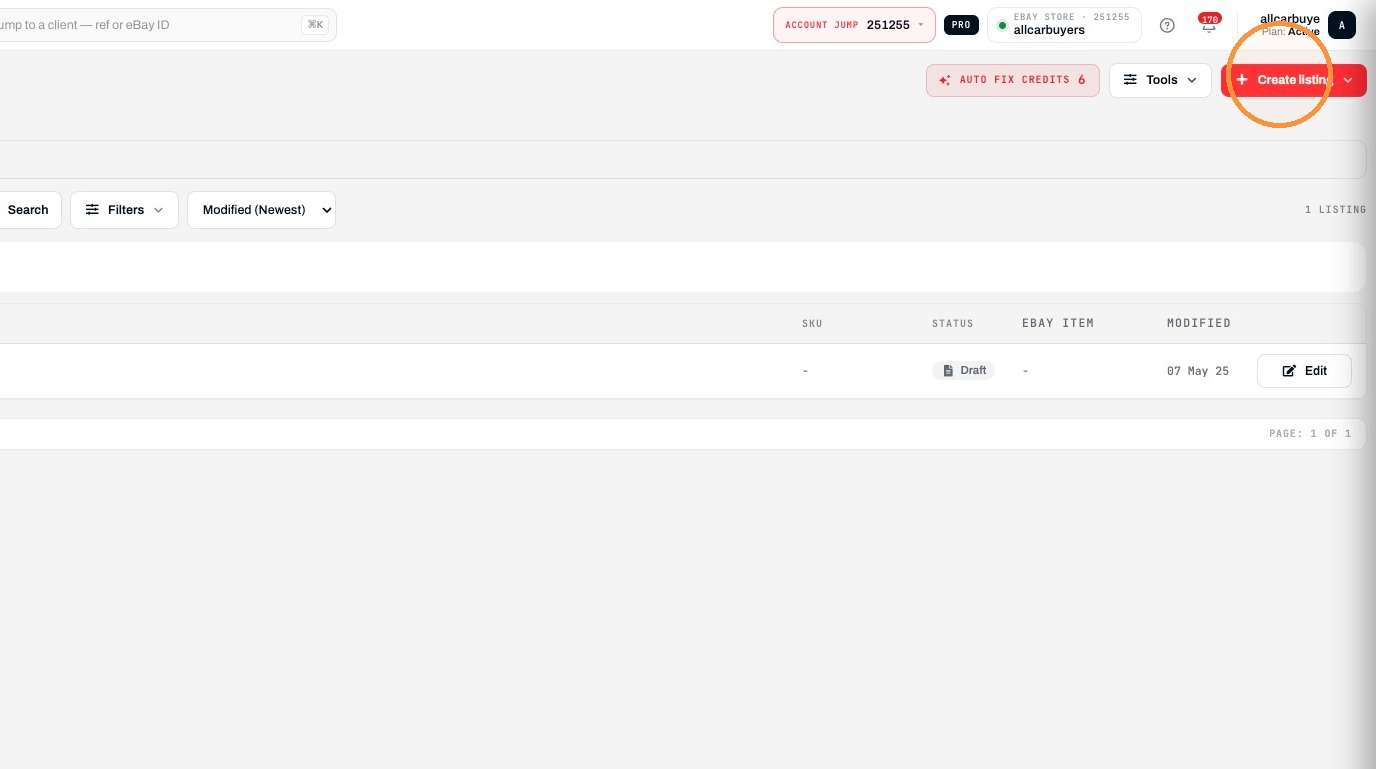
4. Click "Create listing"
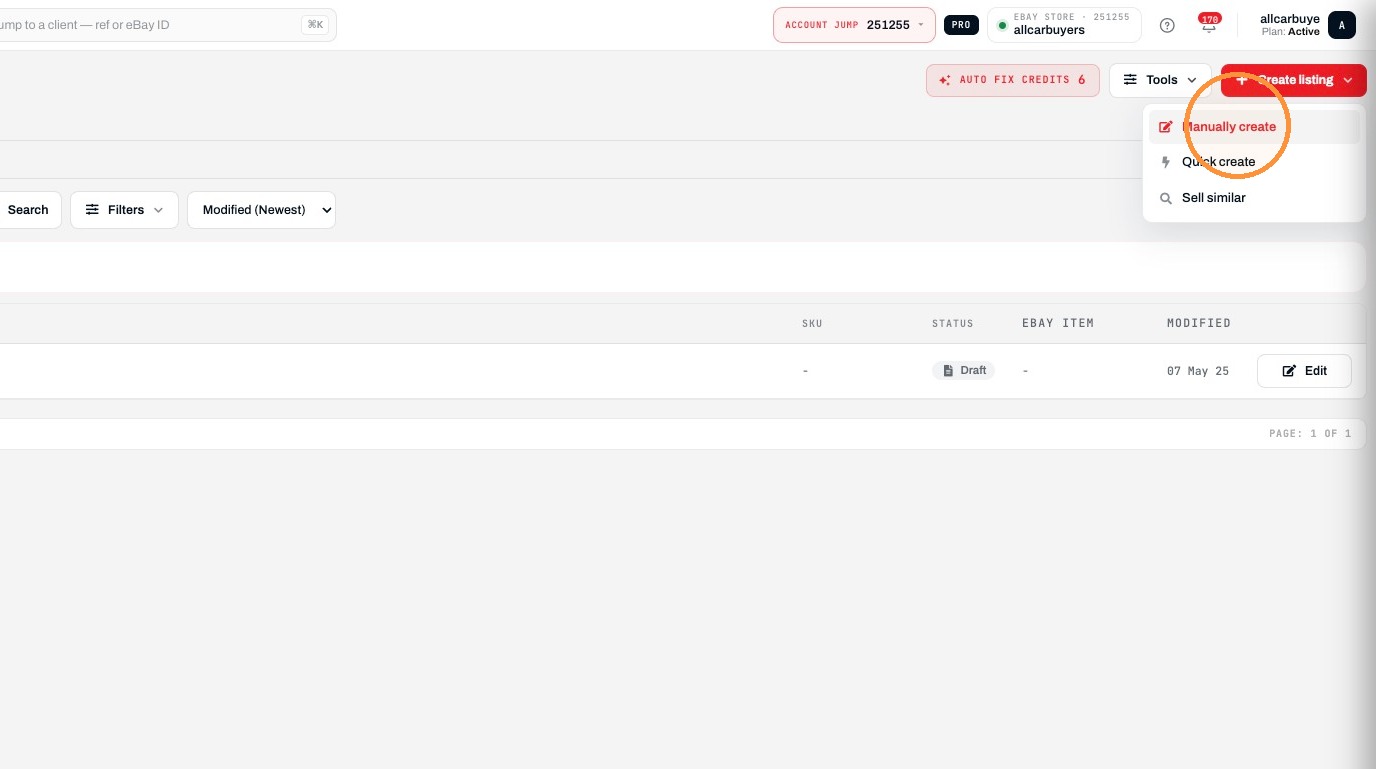
5. Click "Manually create"
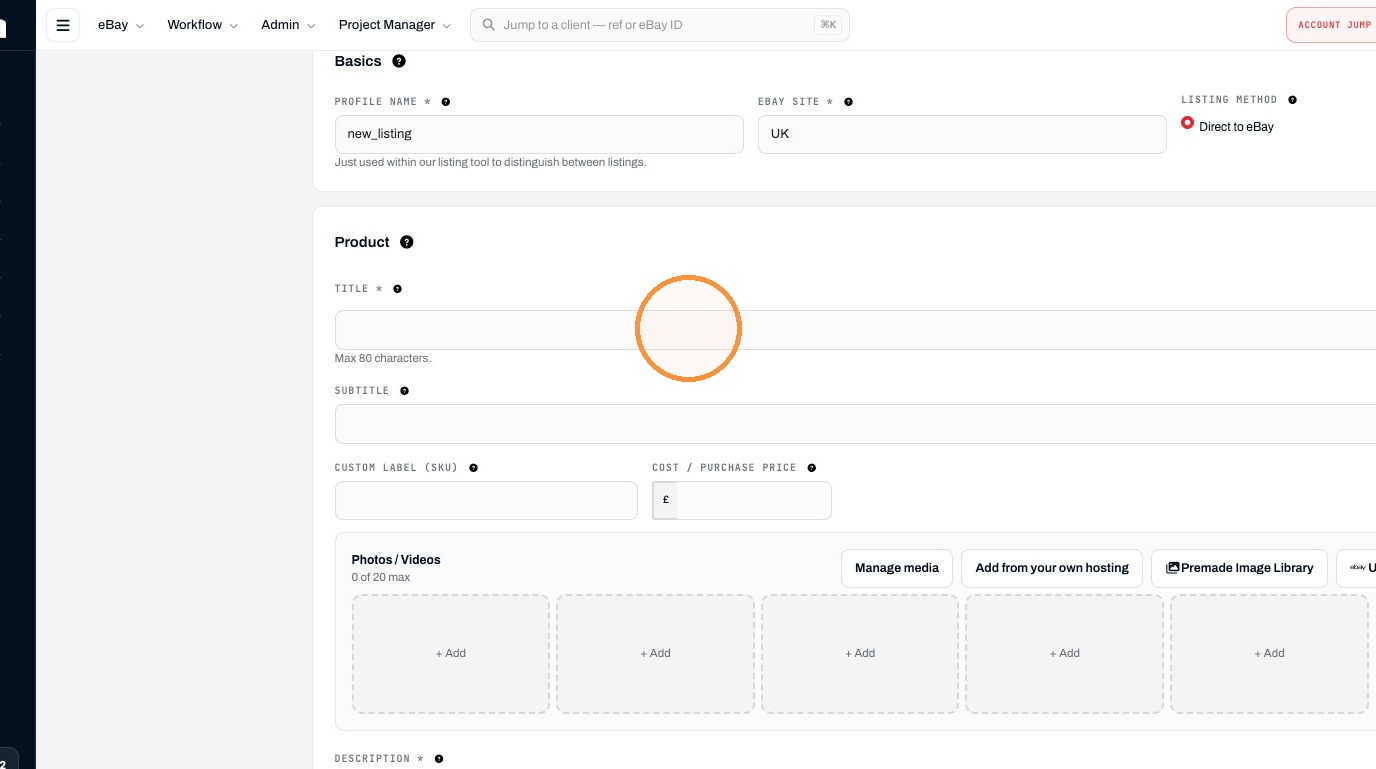
Product Details
6. Enter the product title in the Title field.
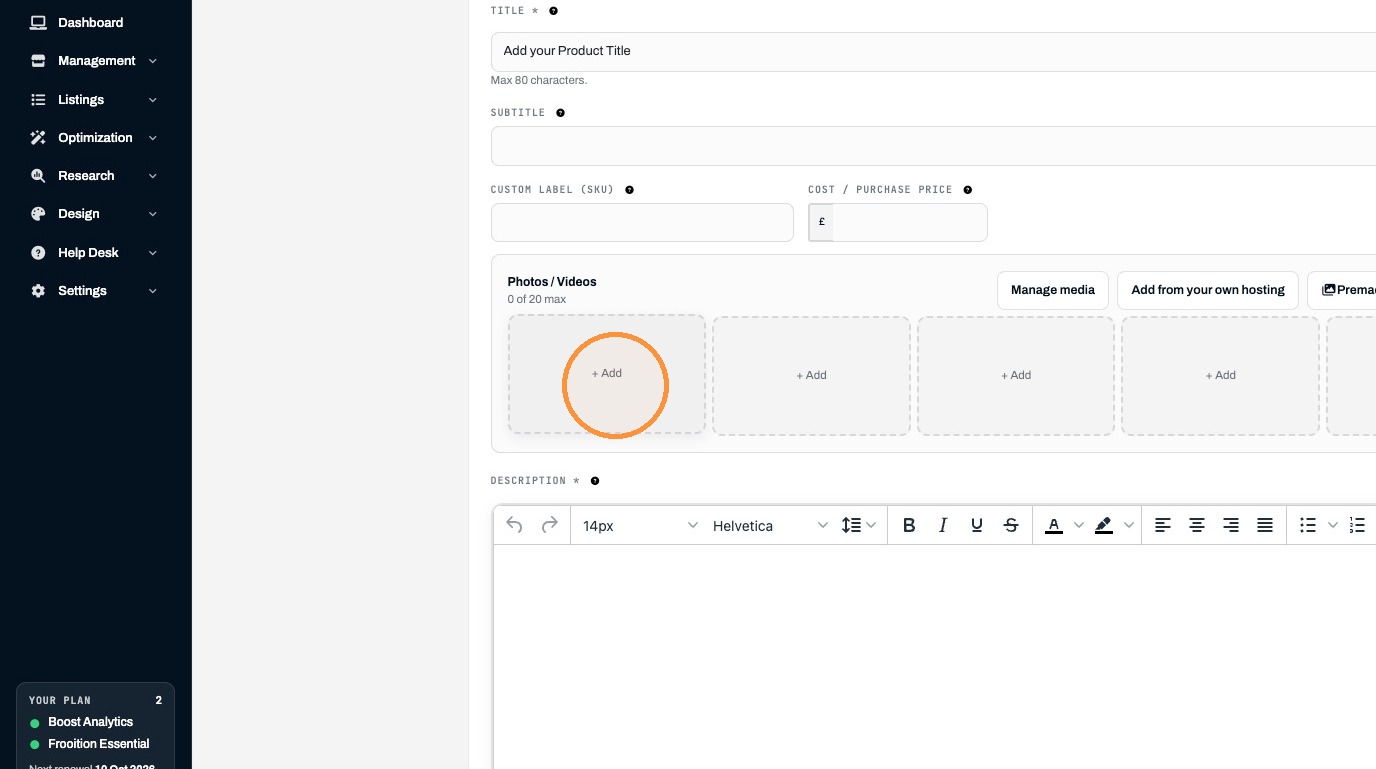
7. Click "+ Add"
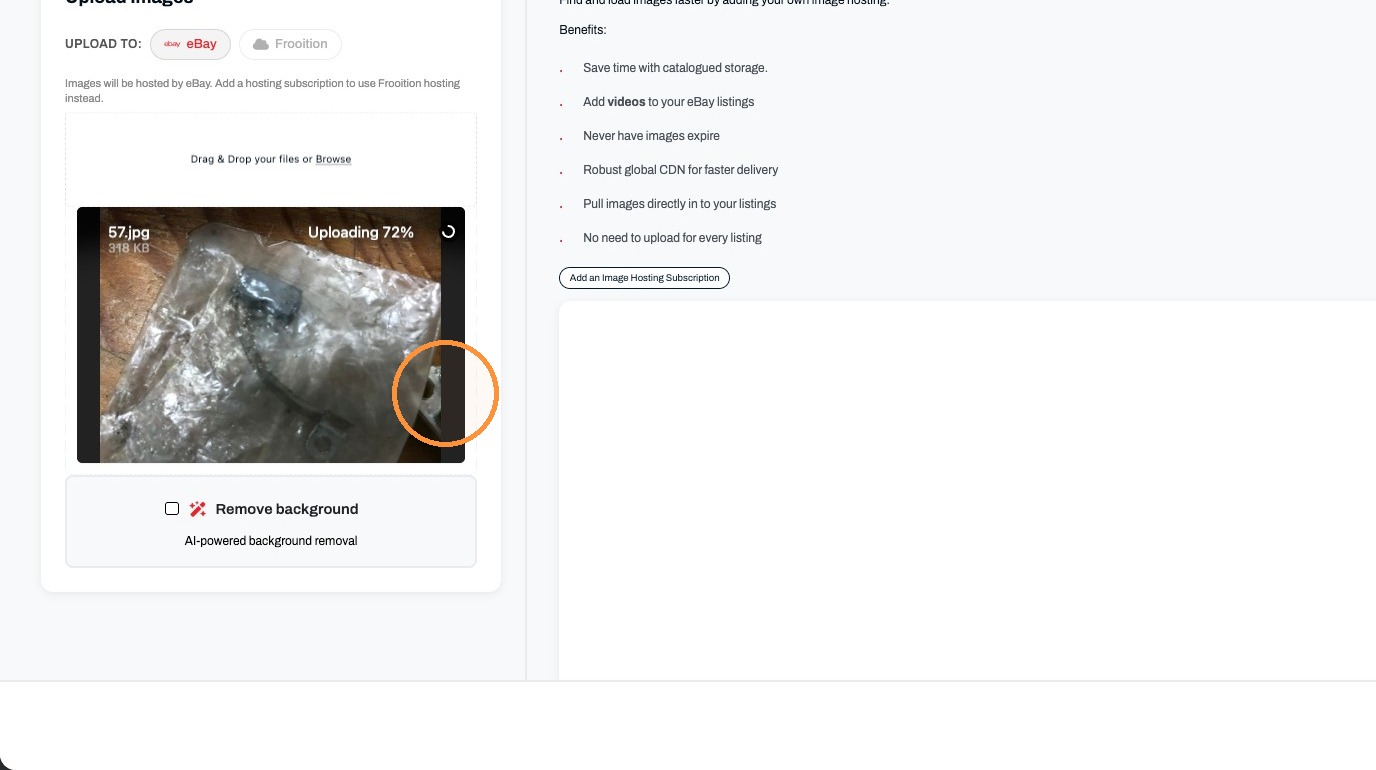
8. Click "Browse"
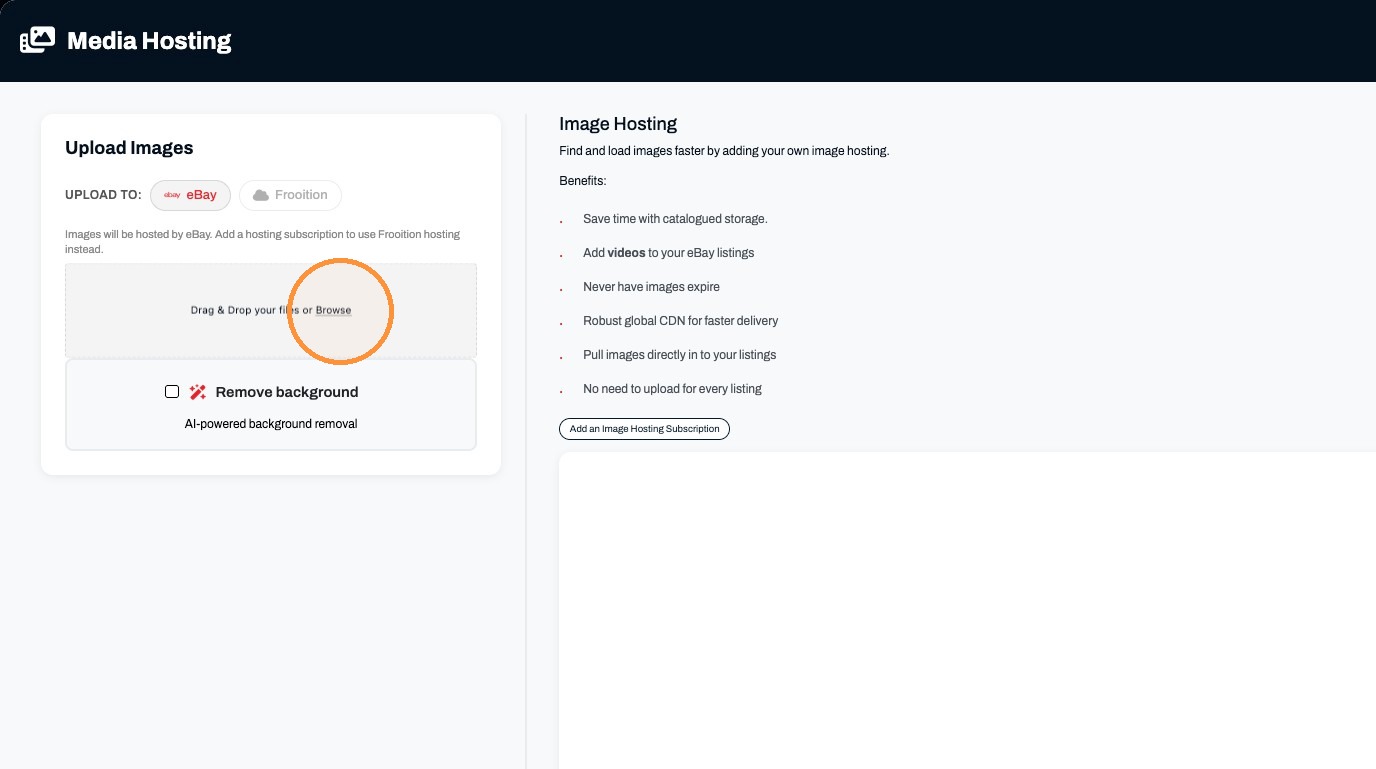
9. Click the image upload area.
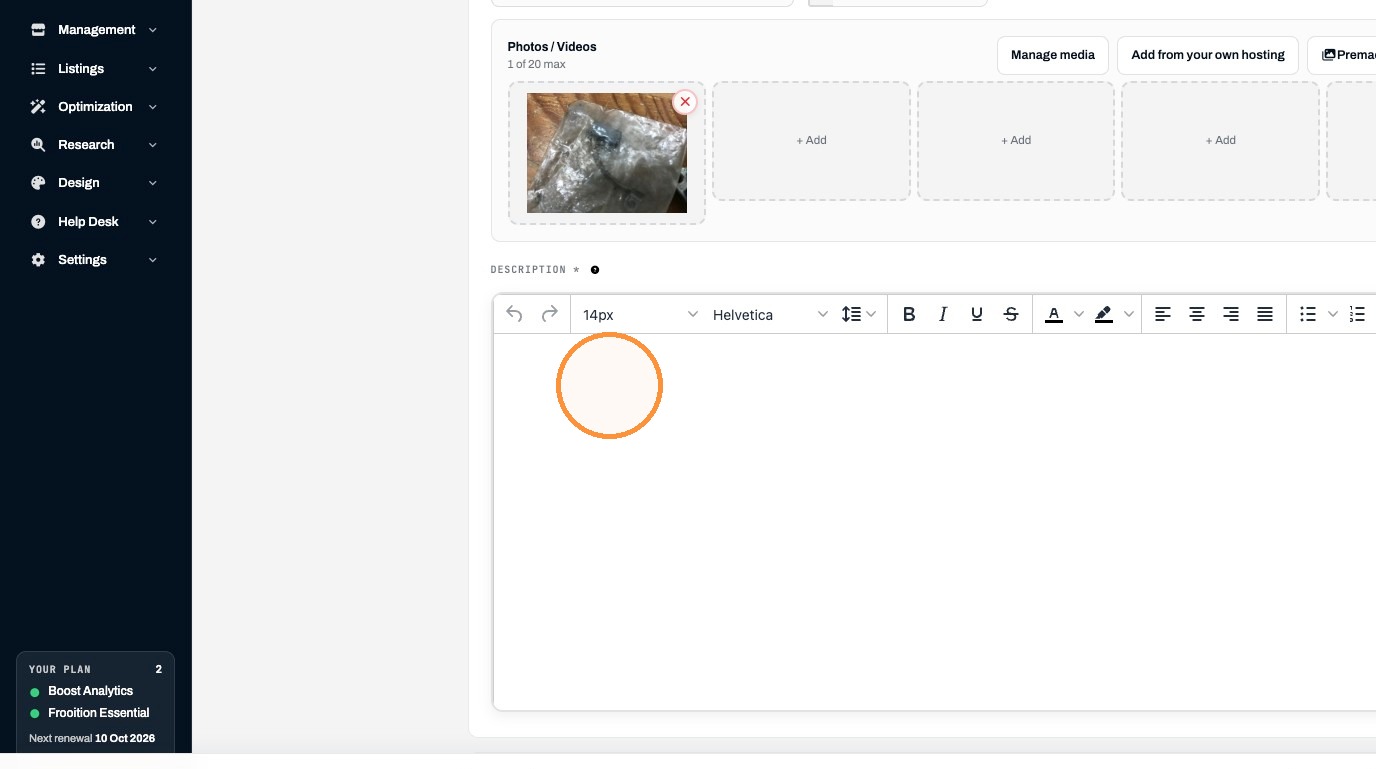
10. Enter the product description in the Description editor.
Listing Configuration
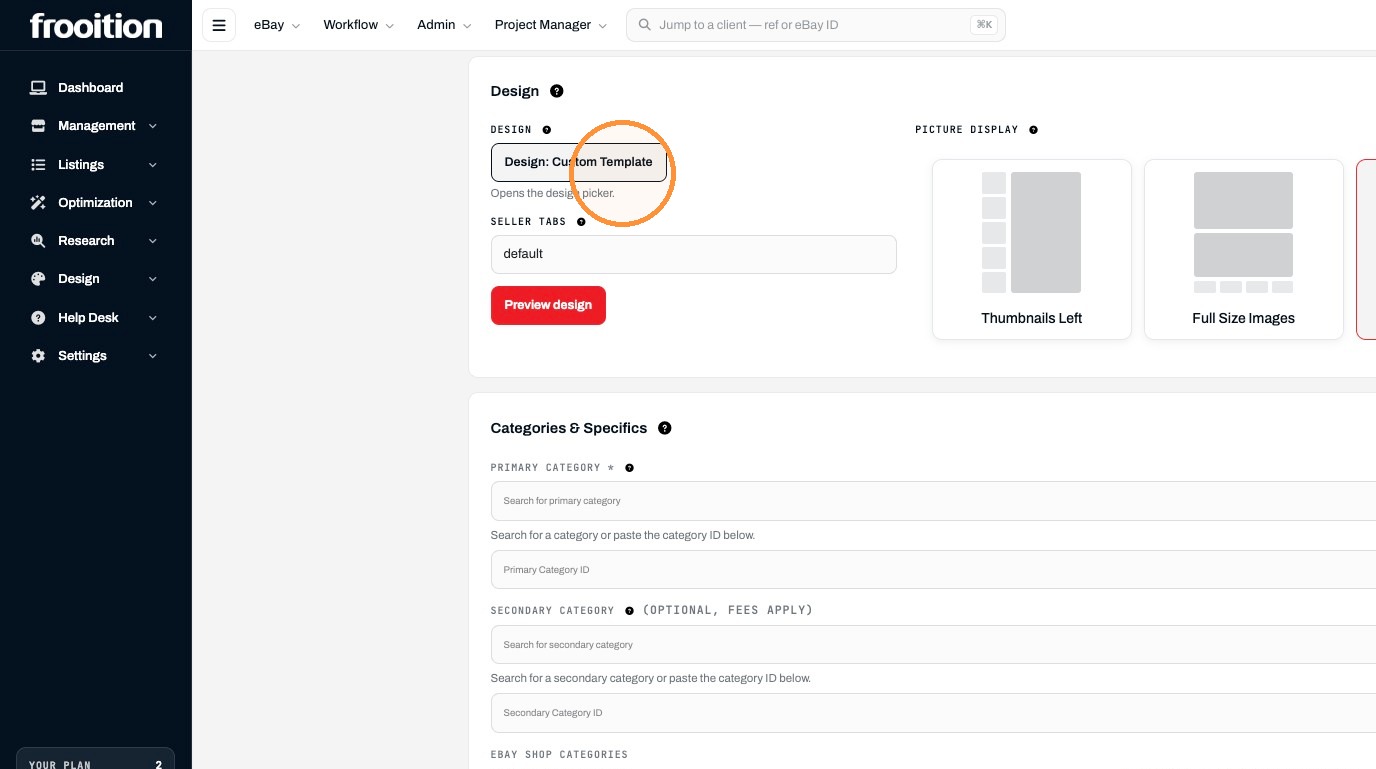
11. Click "Design: Custom Template"
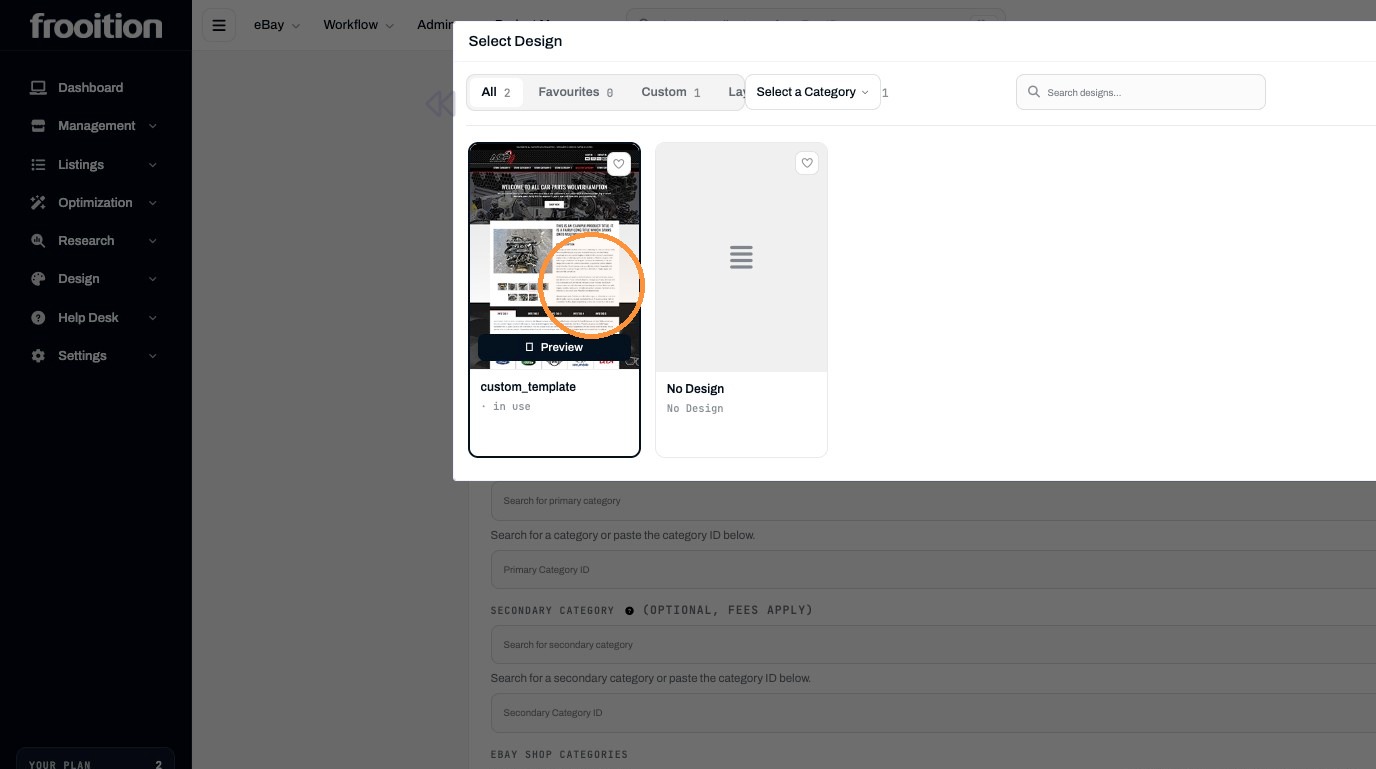
12. Select the custom_template design.
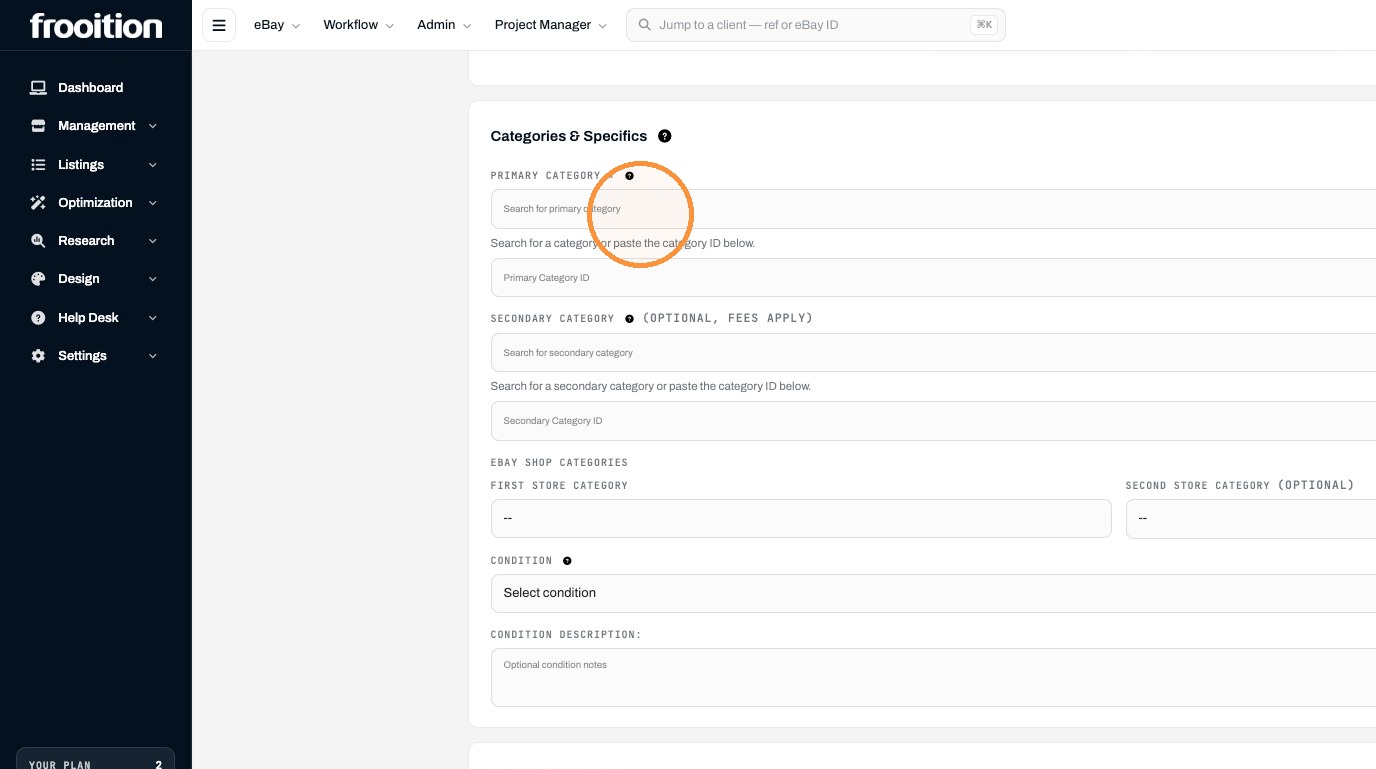
13. Click the "Search for primary category" field.
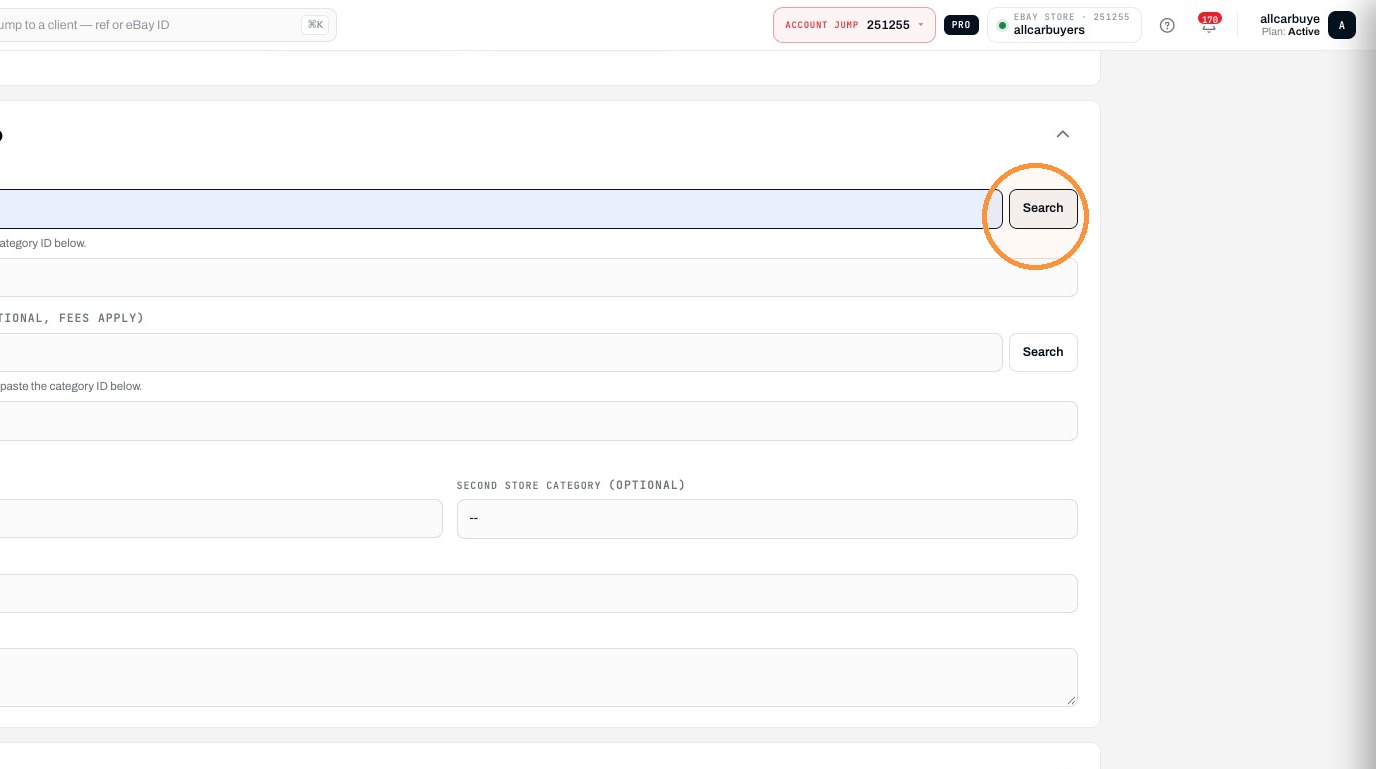
14. Click "Search"
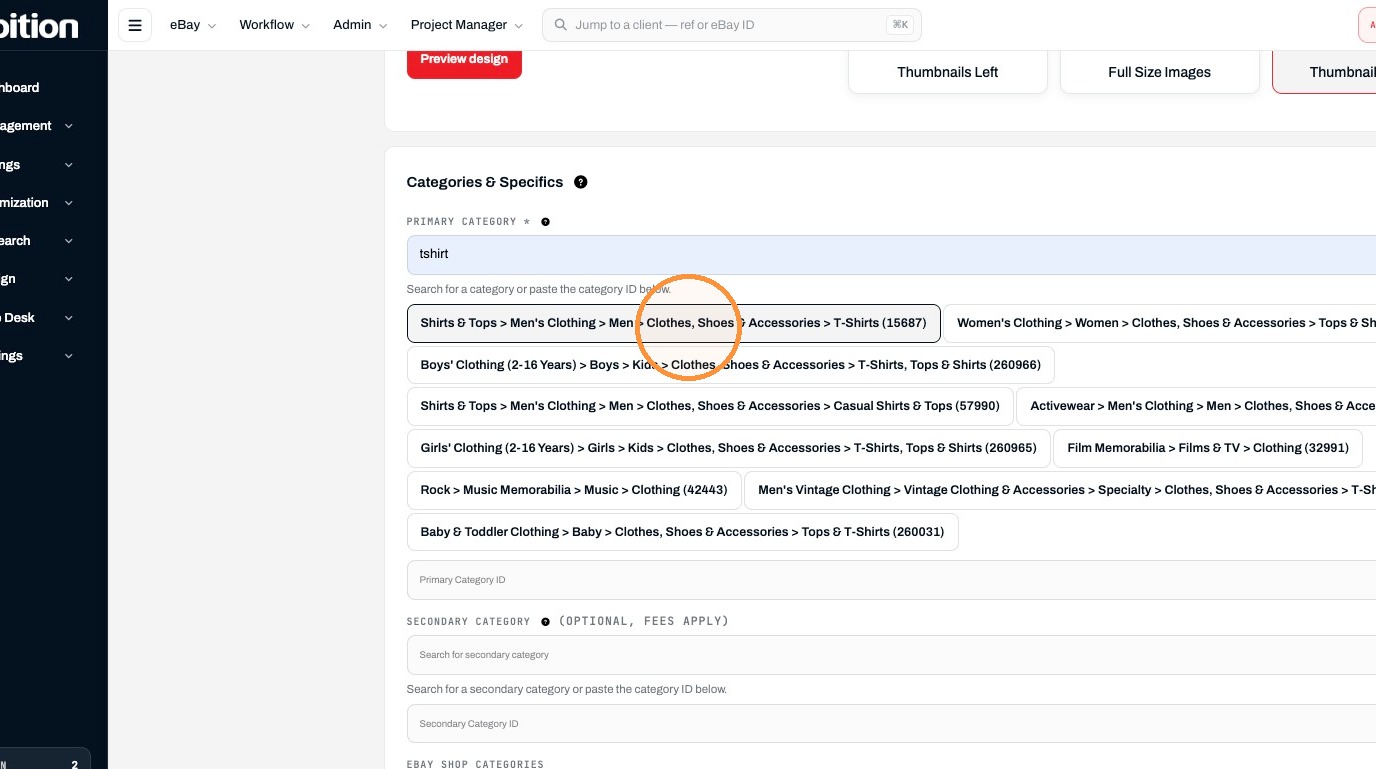
15. Click "Shirts & Tops > Men's Clothing > Men > Clothes, Shoes & Accessories > T-Shirts (15687)"
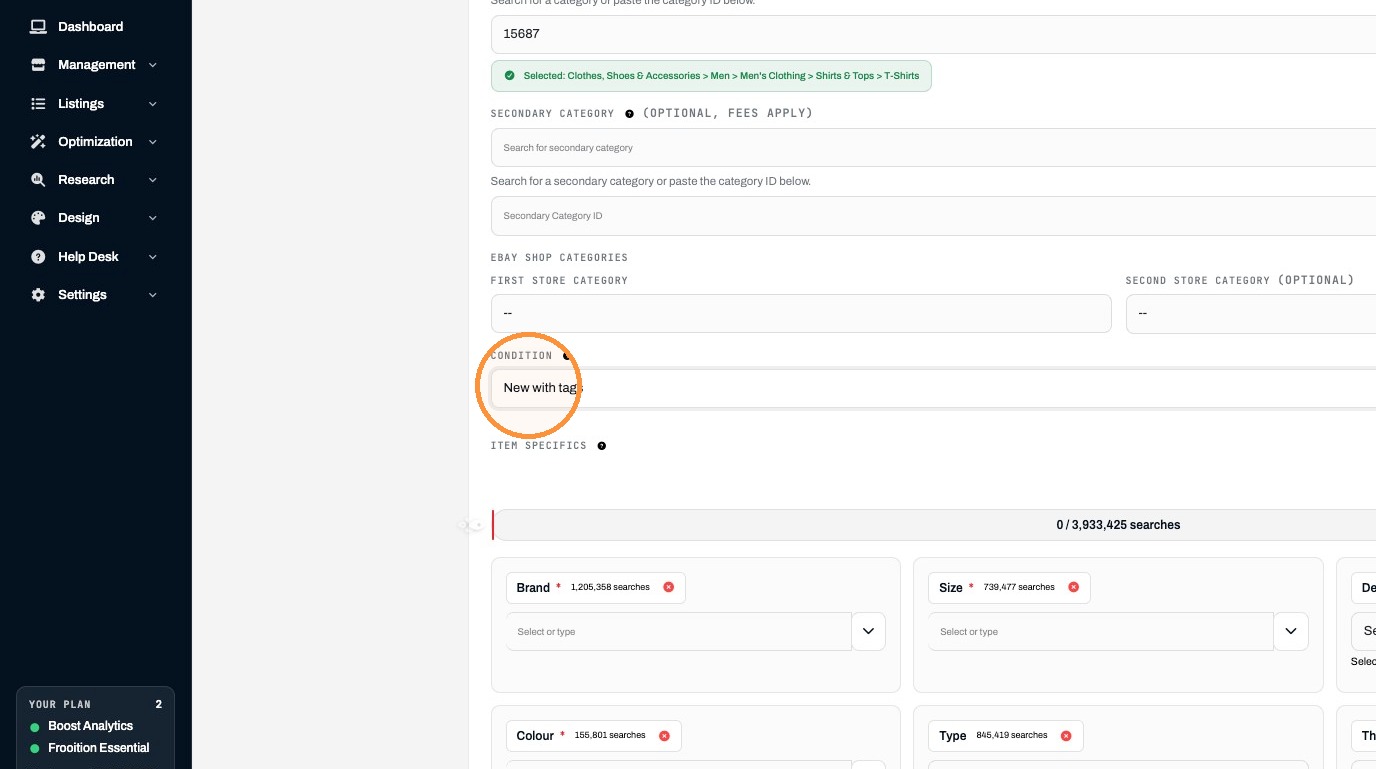
16. Select the "New with tags" option.
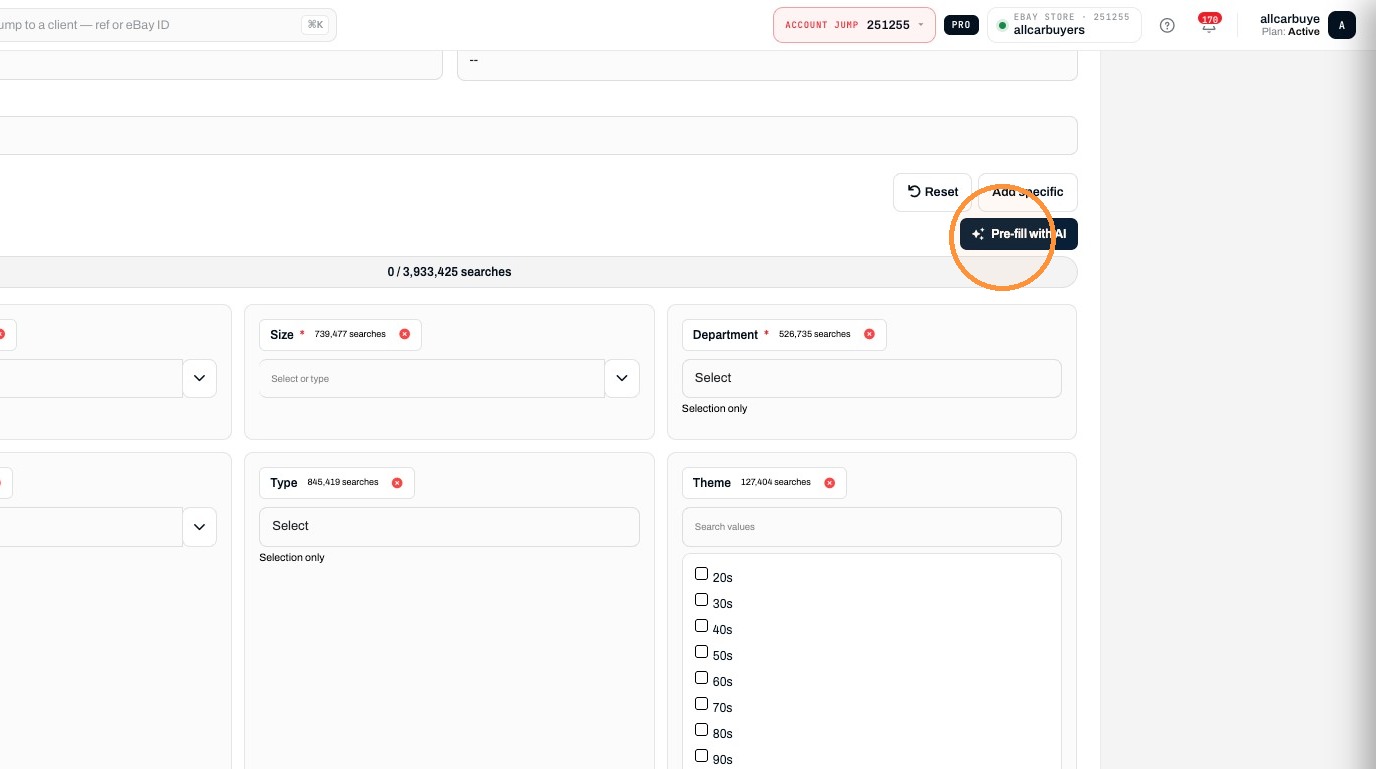
17. Click "Pre-fill with AI"
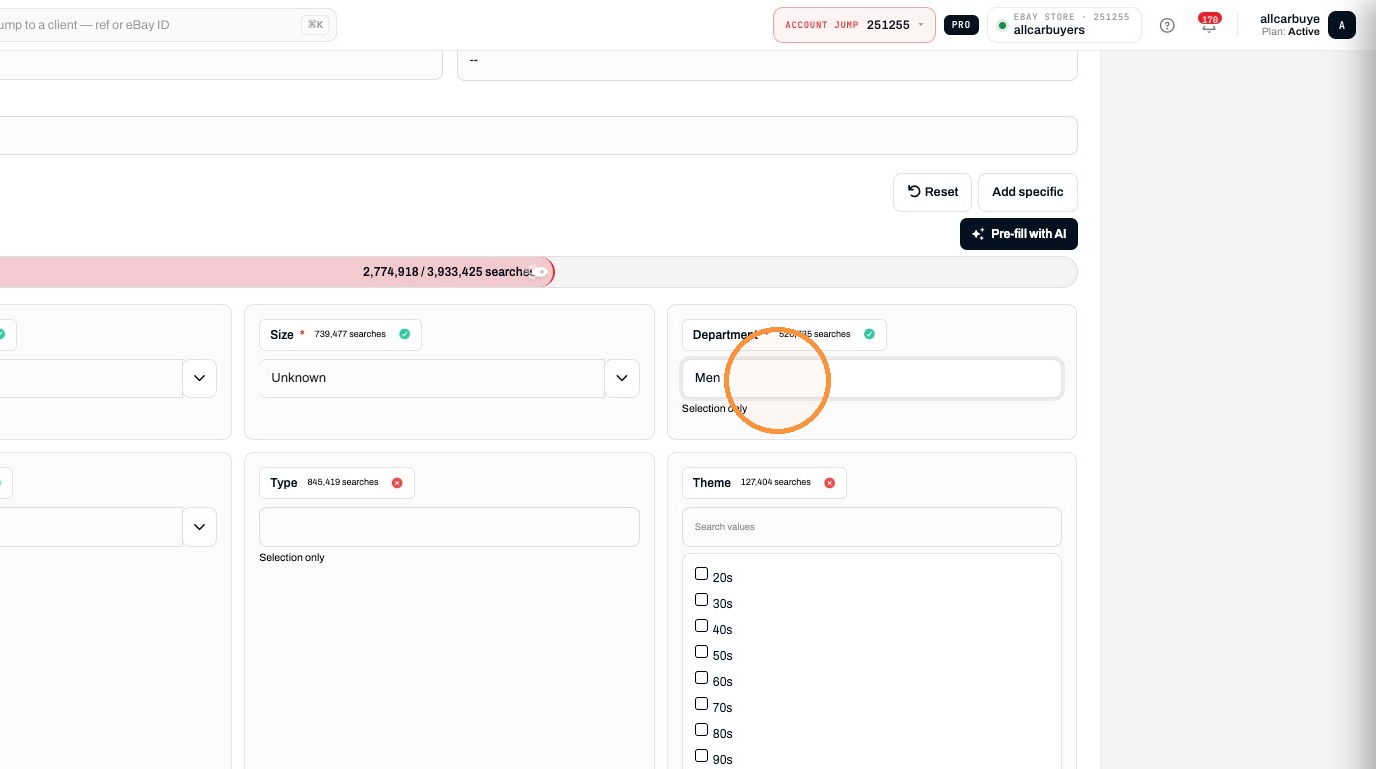
18. Select the "Men" option.
Pricing and Publishing
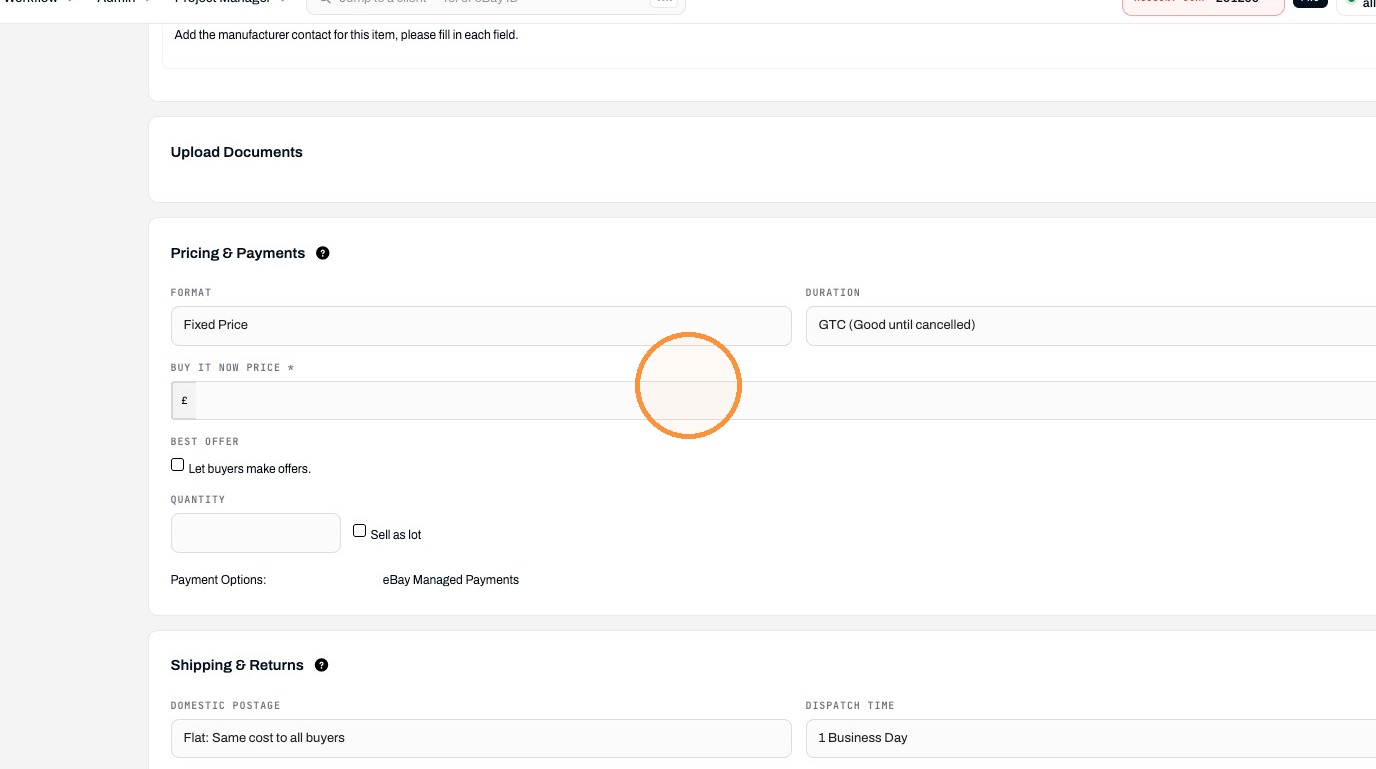
19. Click the Buy It Now Price field.
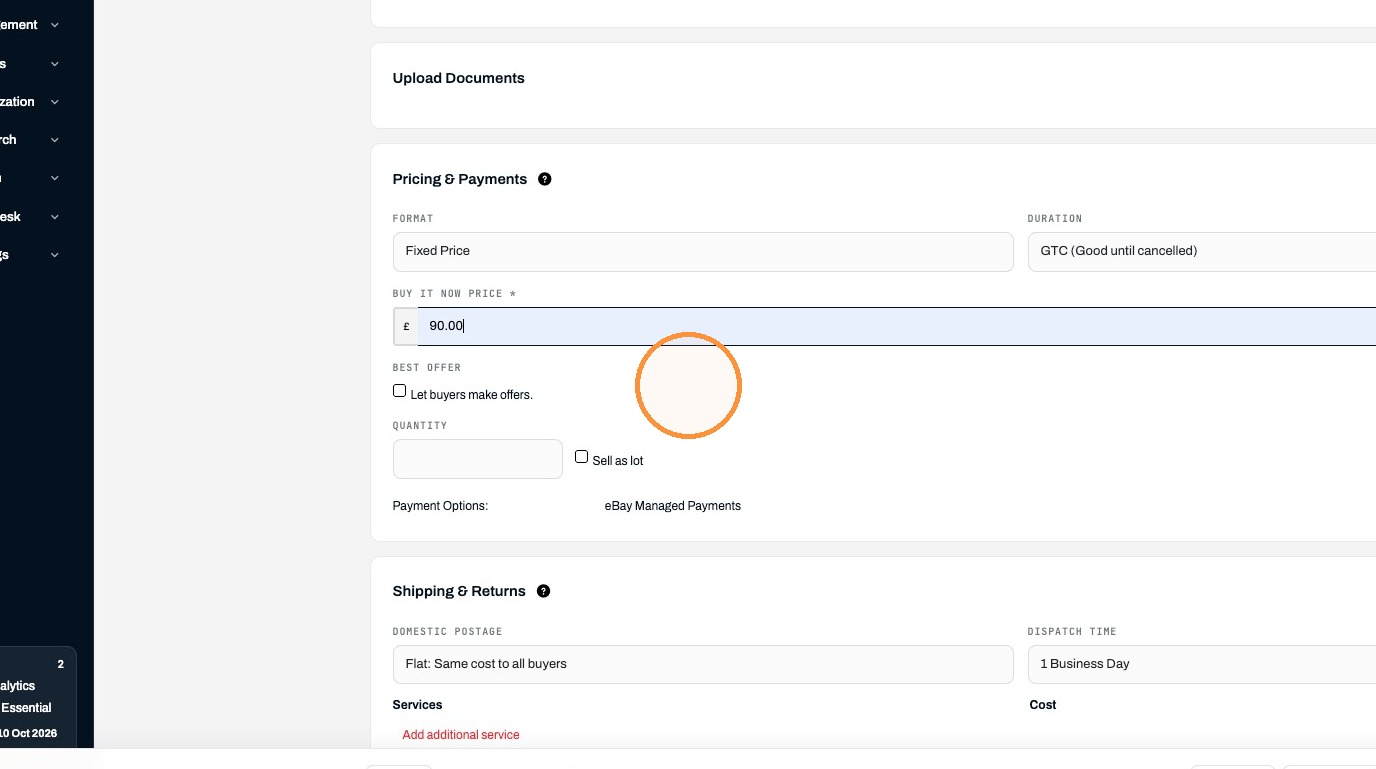
20. Click "Let buyers make offers."
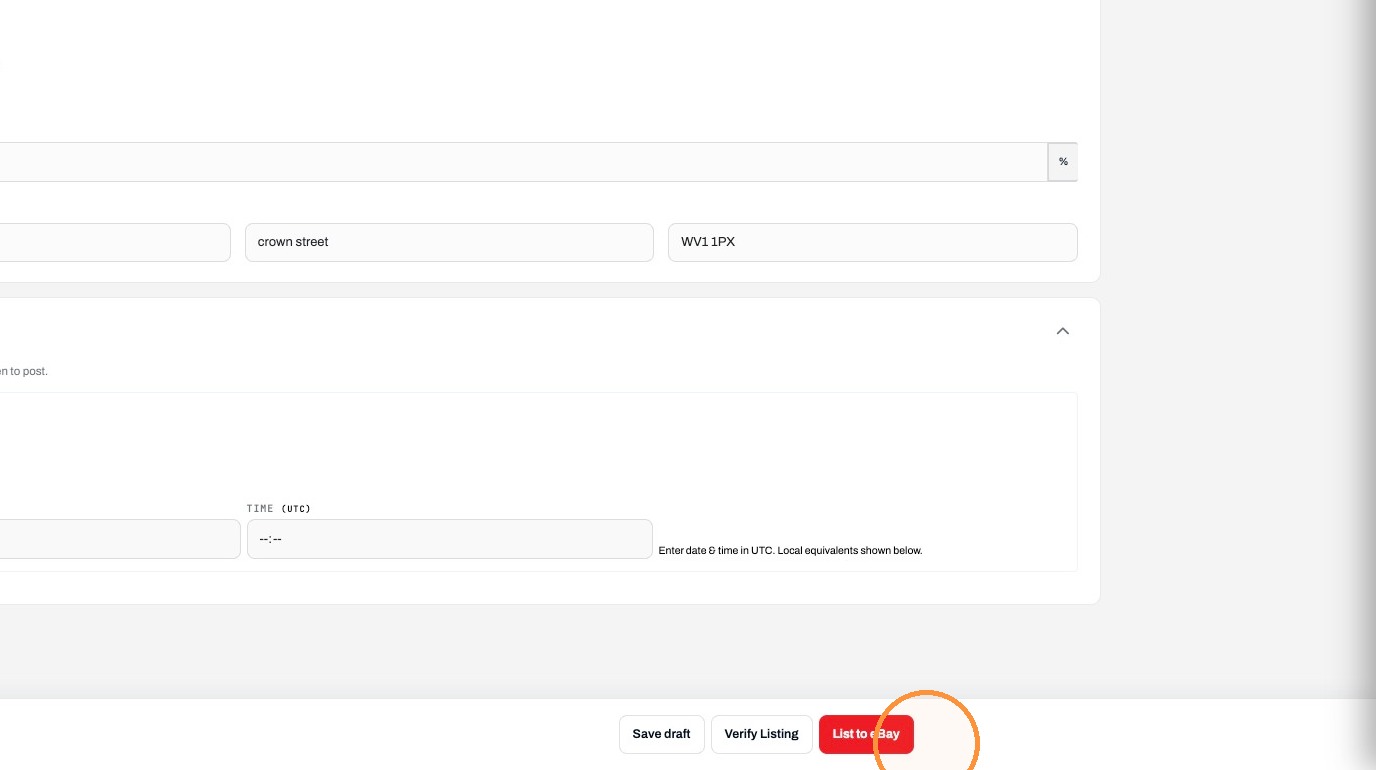
21. Click List to eBay.
Made with Scribe
Was this article helpful?
That’s Great!
Thank you for your feedback
Sorry! We couldn't be helpful
Thank you for your feedback
Feedback sent
We appreciate your effort and will try to fix the article