This guide explains how to efficiently import your active eBay listings into your Frooition account as drafts.
1. Navigate to https://freedom.frooition.com/ebay/
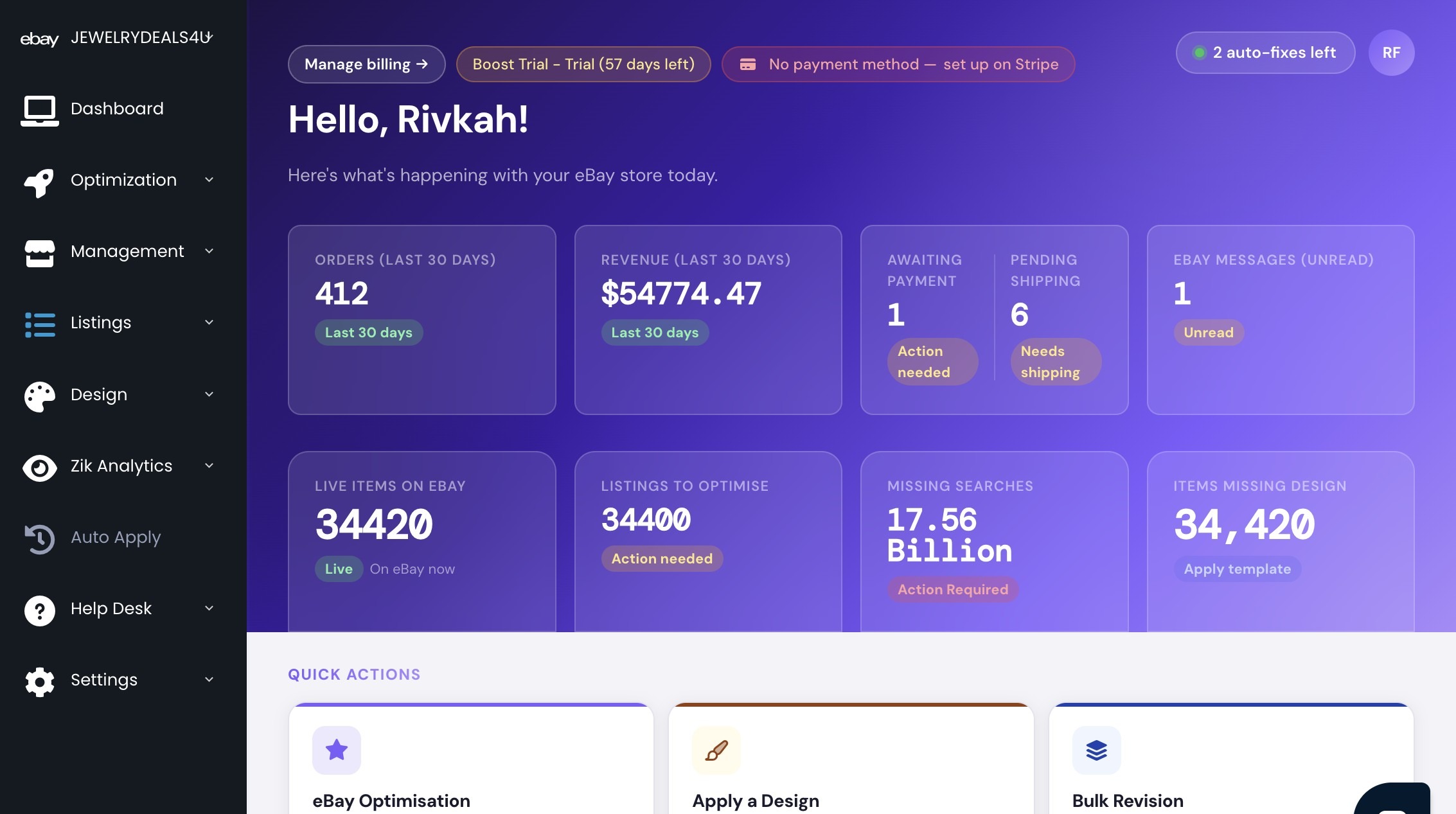
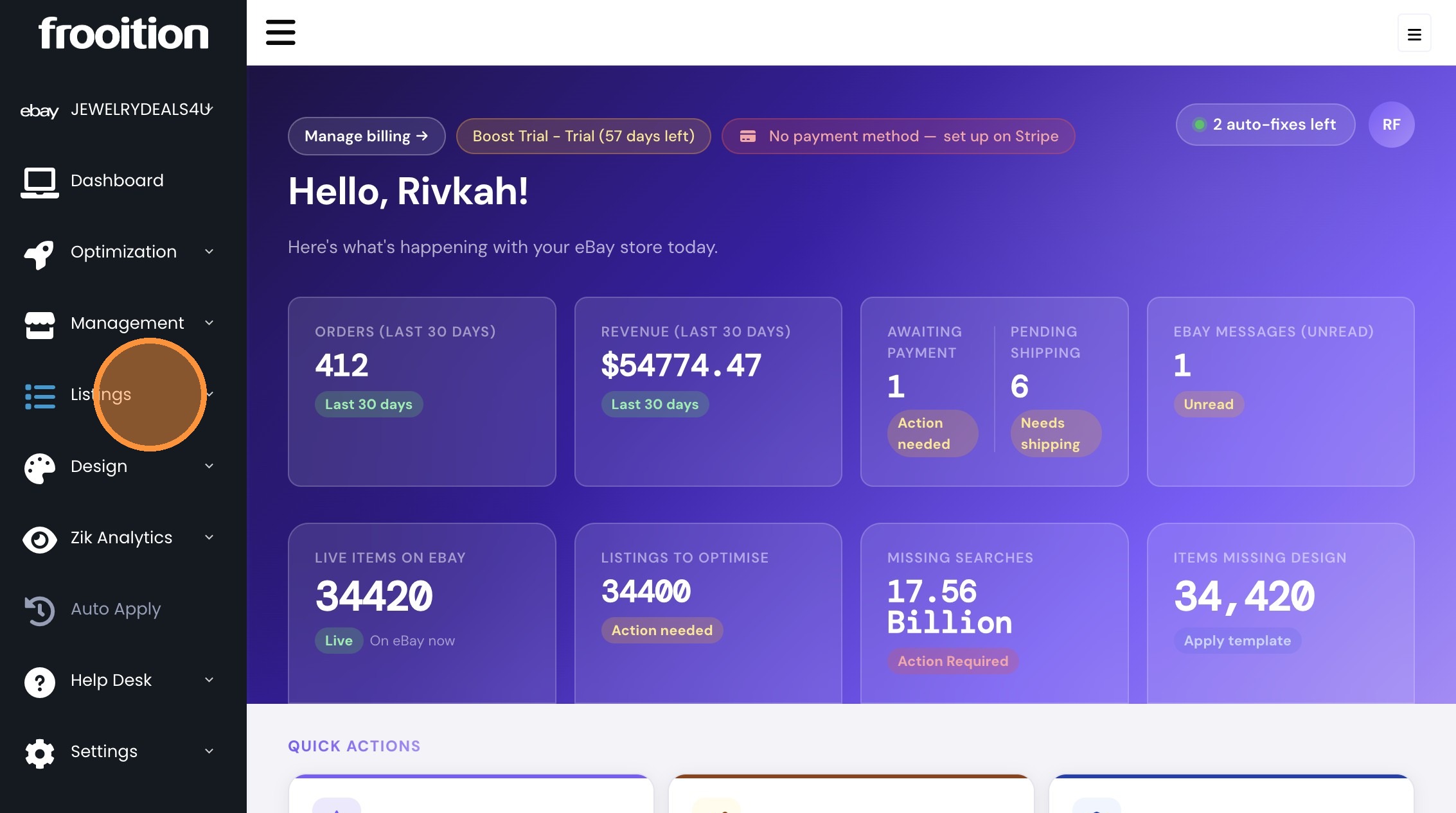
2. Click "Listings"
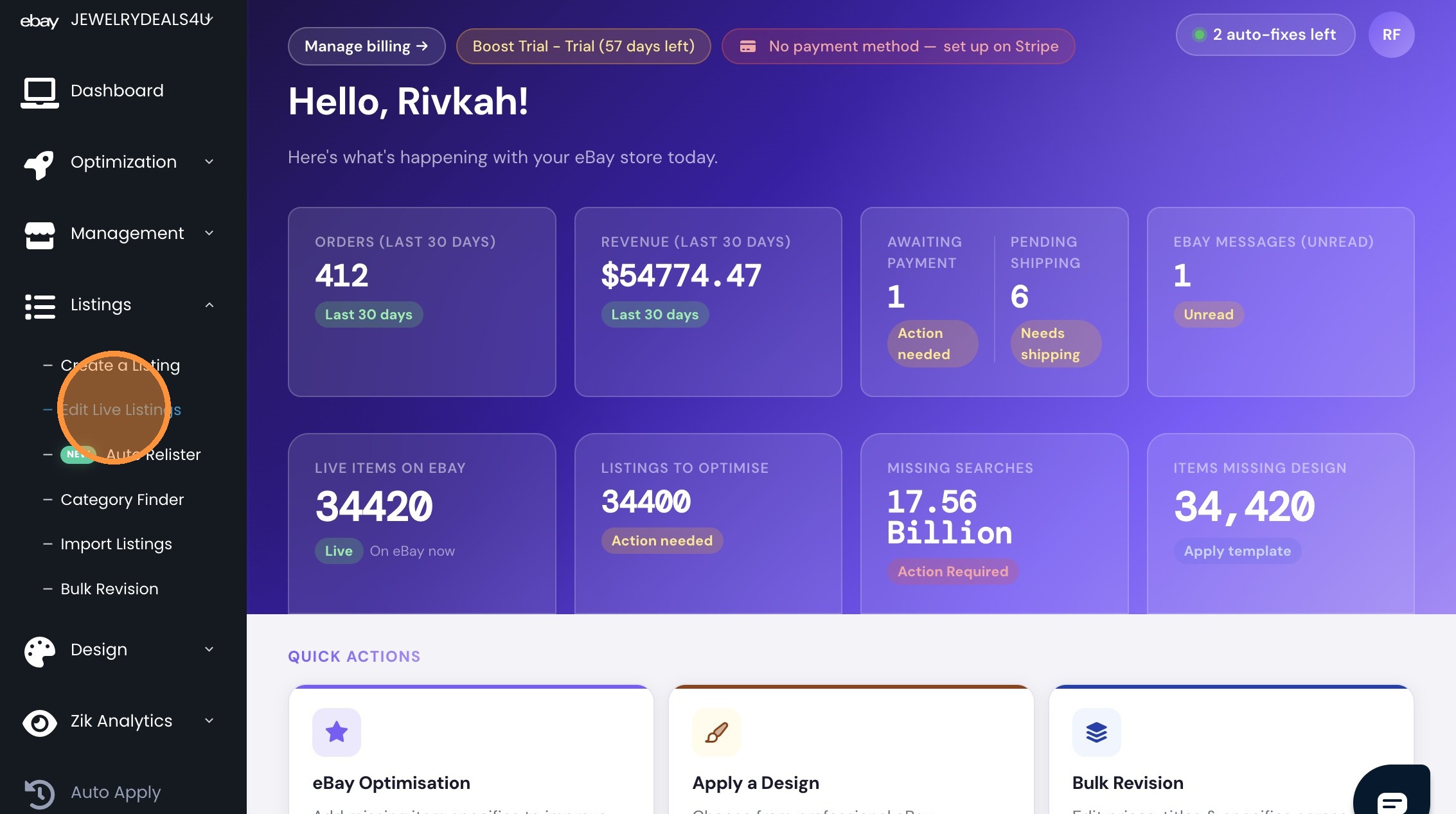
3. Click "Edit Live Listings"
4. Click "Select All"
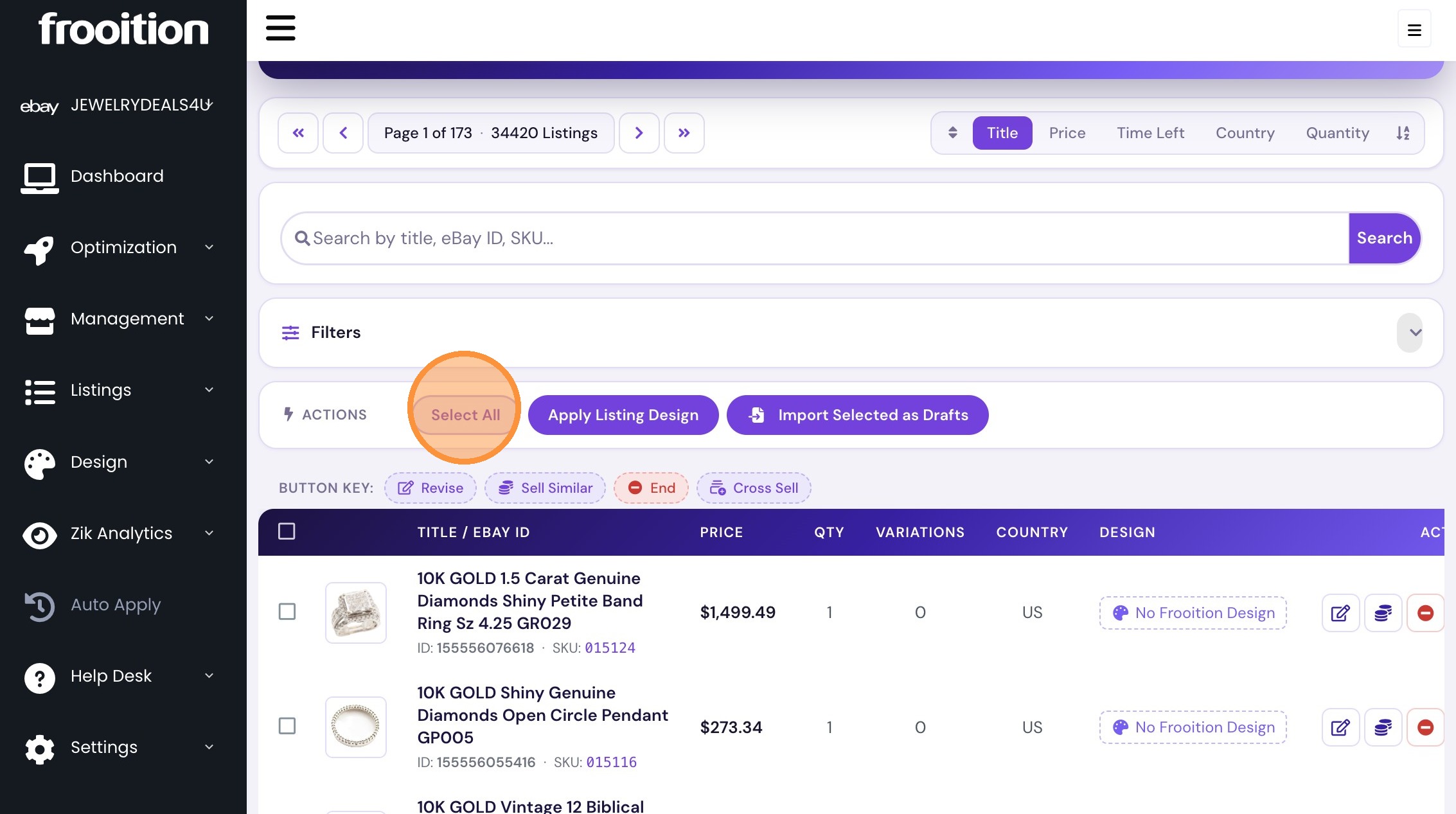
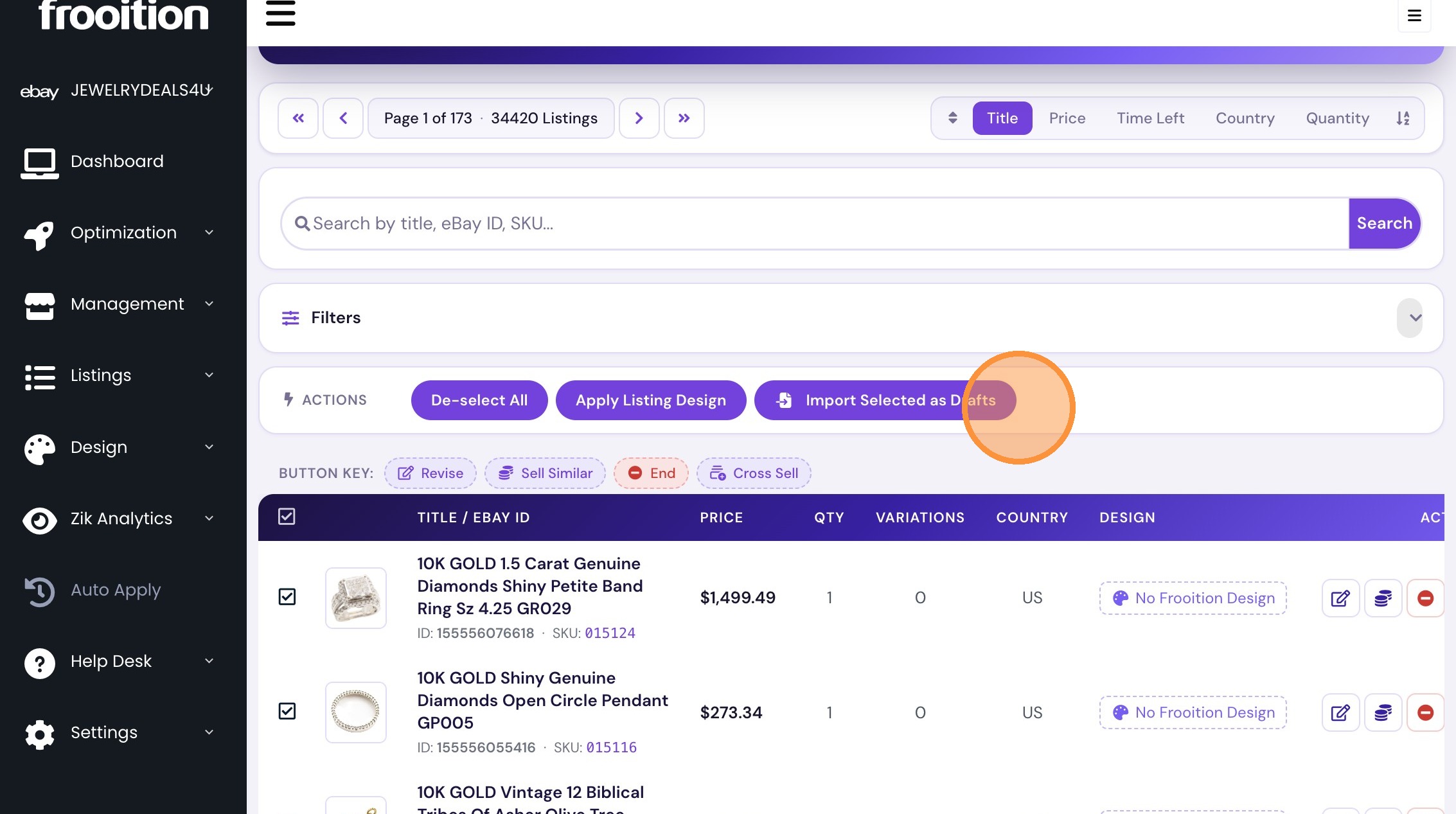
5. Click "Import Selected as Drafts"
Was this article helpful?
That’s Great!
Thank you for your feedback
Sorry! We couldn't be helpful
Thank you for your feedback
Feedback sent
We appreciate your effort and will try to fix the article