One at a time method.
Navigate to Listings
1. Navigate to https://freedom.frooition.com/ebay/
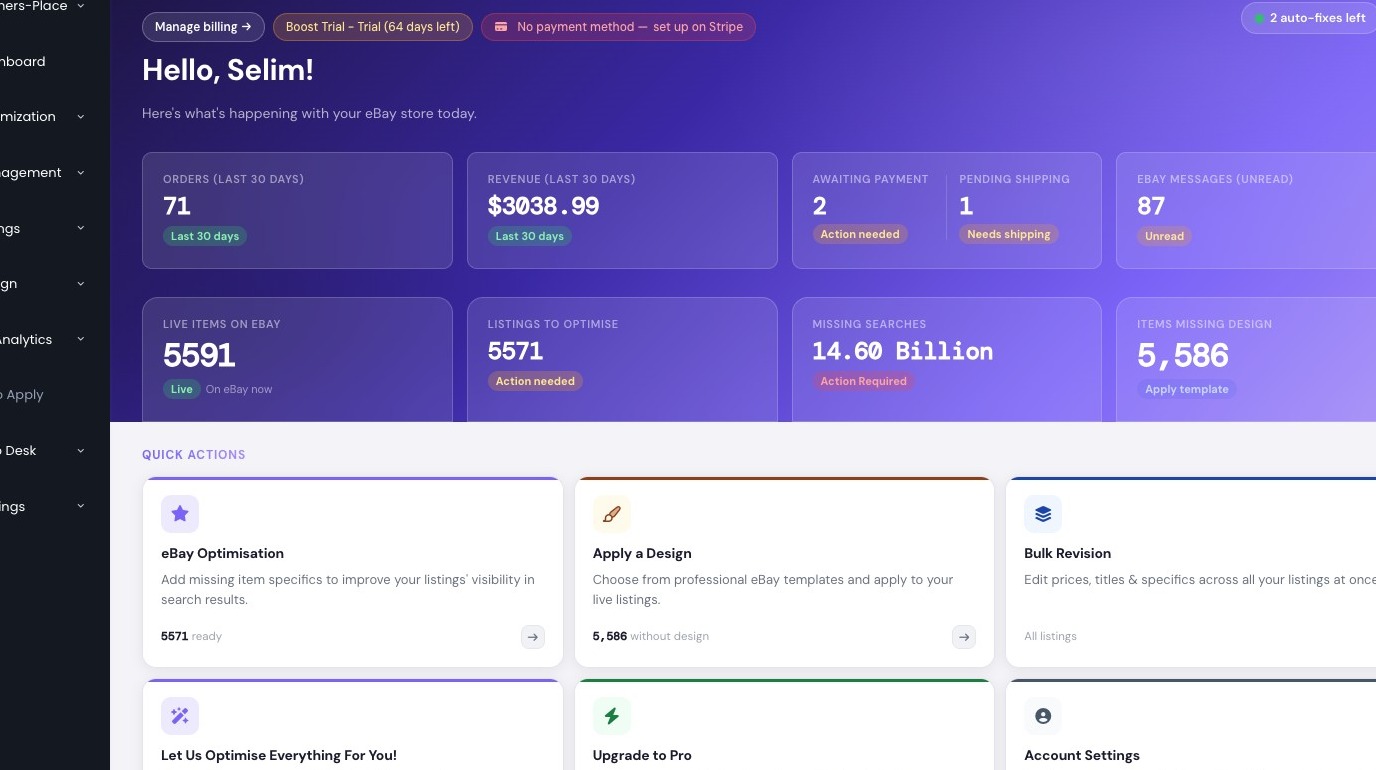
2. Click "Listings"
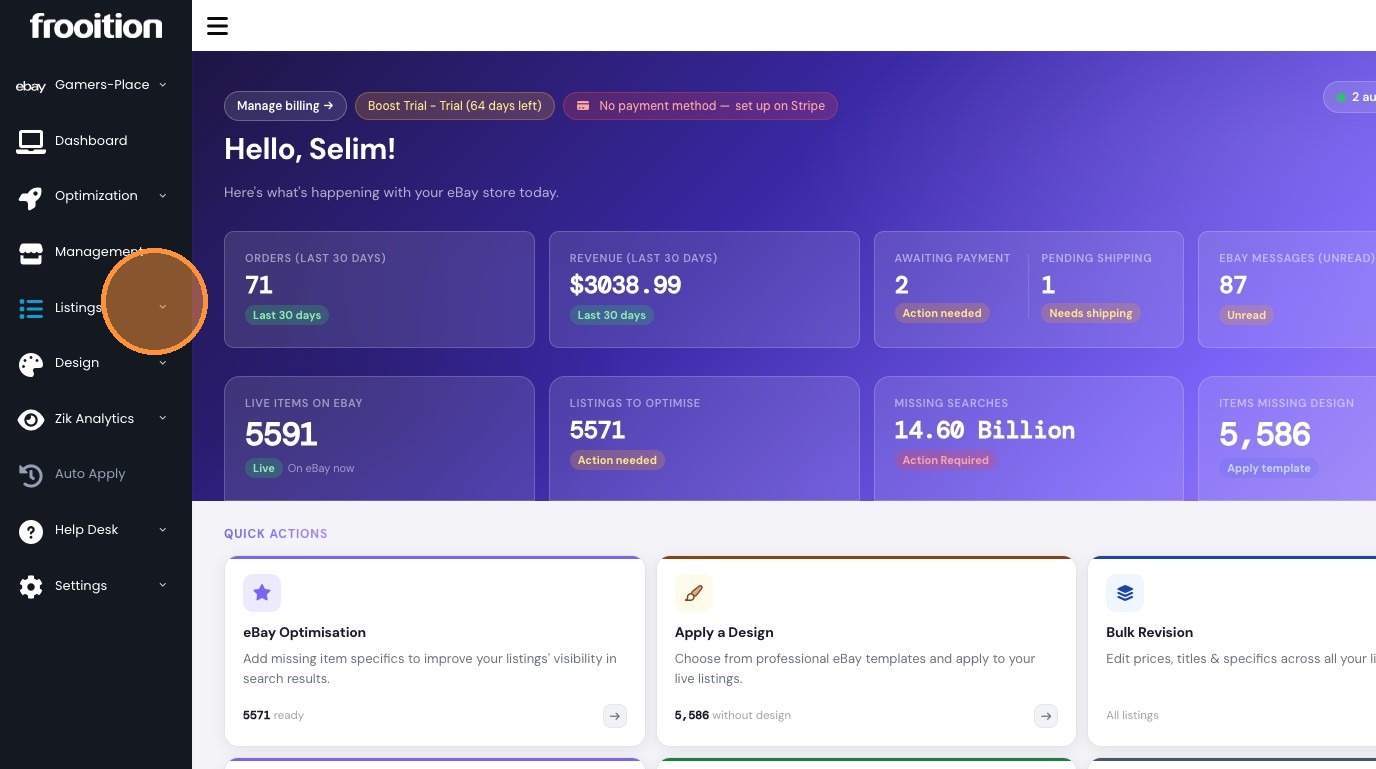
3. Click "Edit Live Listings"
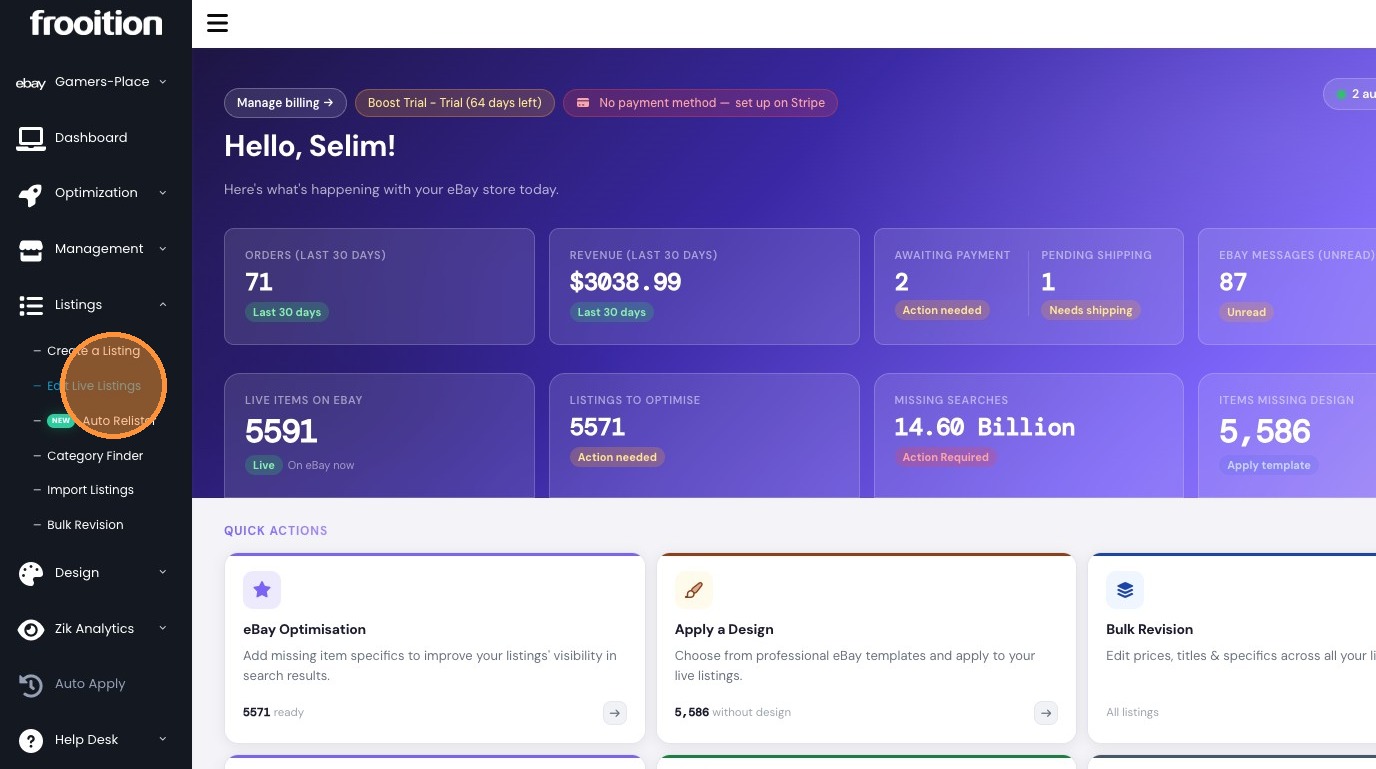
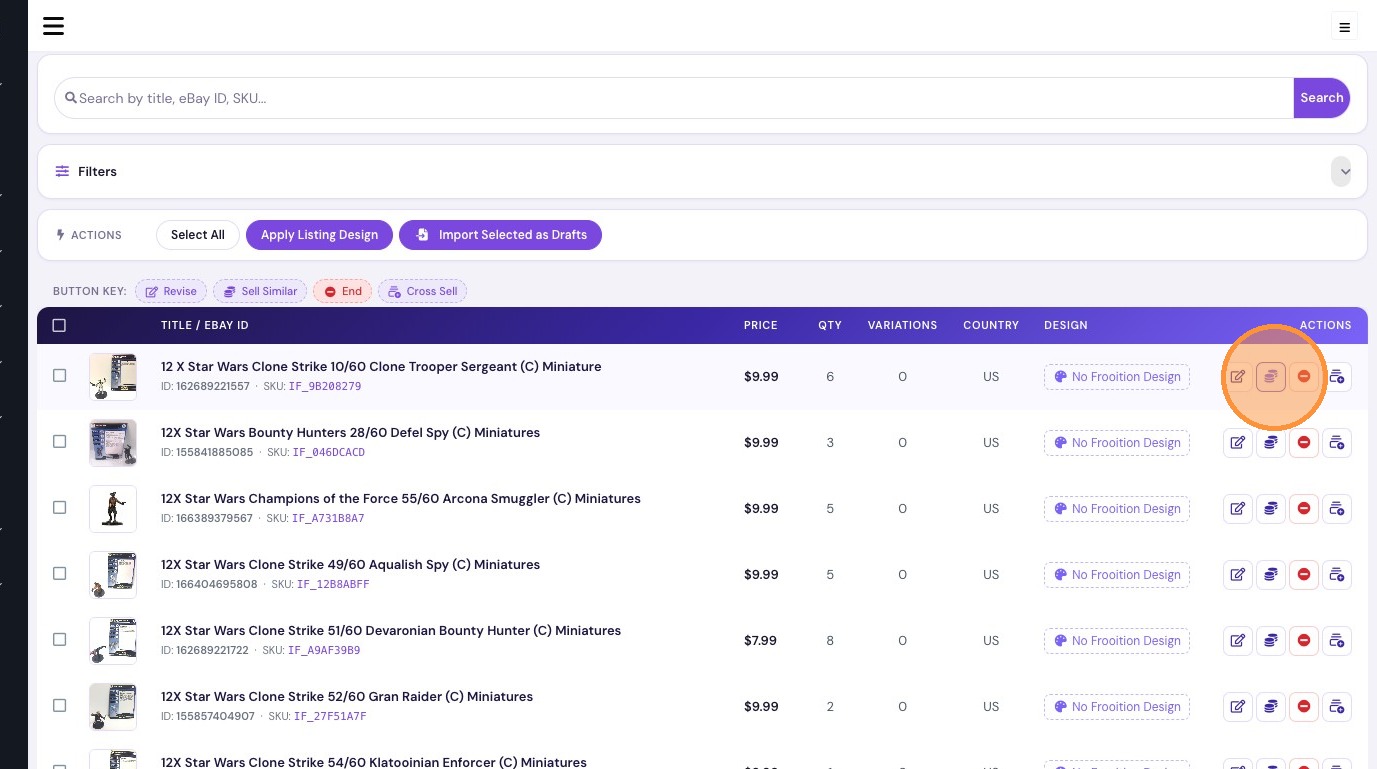
4. Click the Sell similar icon
Manage Listing Photos
5. Click "+ Add" to select a new image.
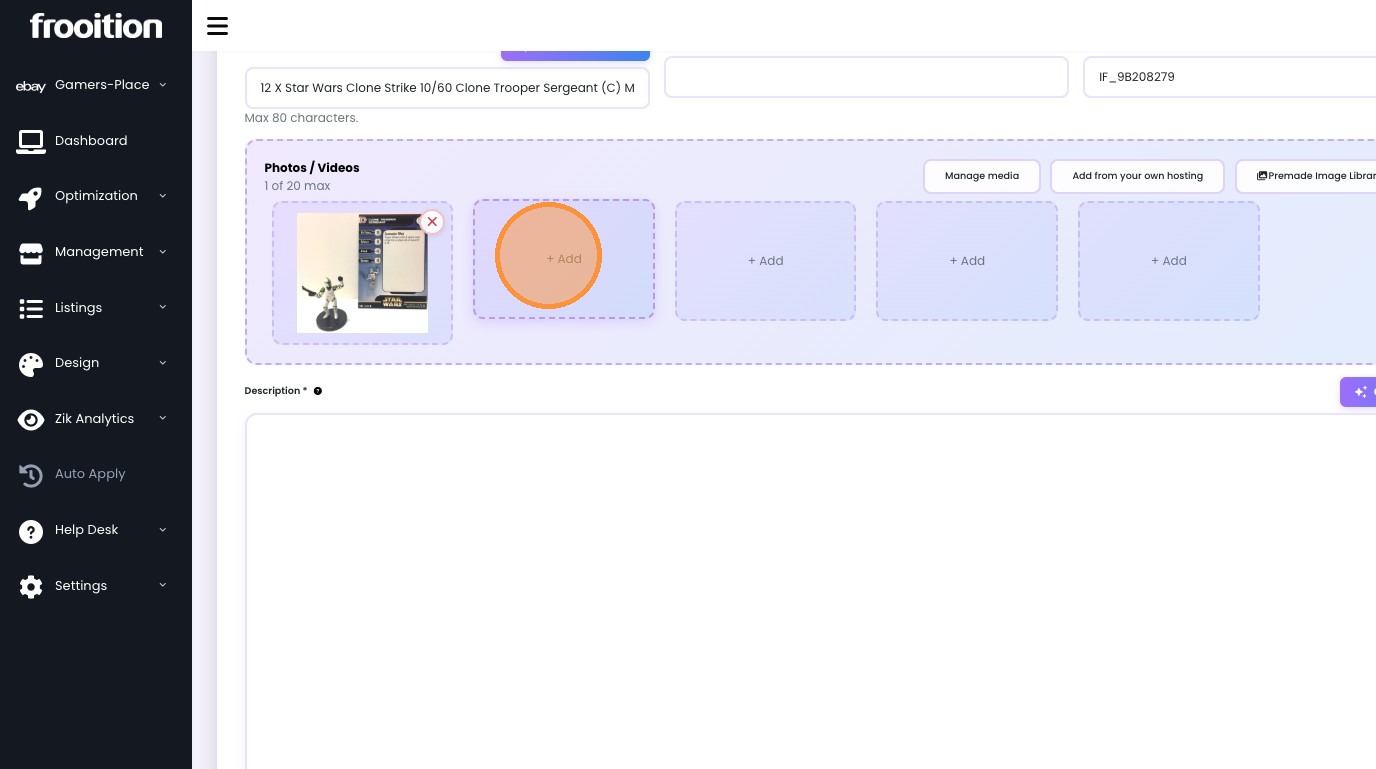
6. Select an image from your hosting library.
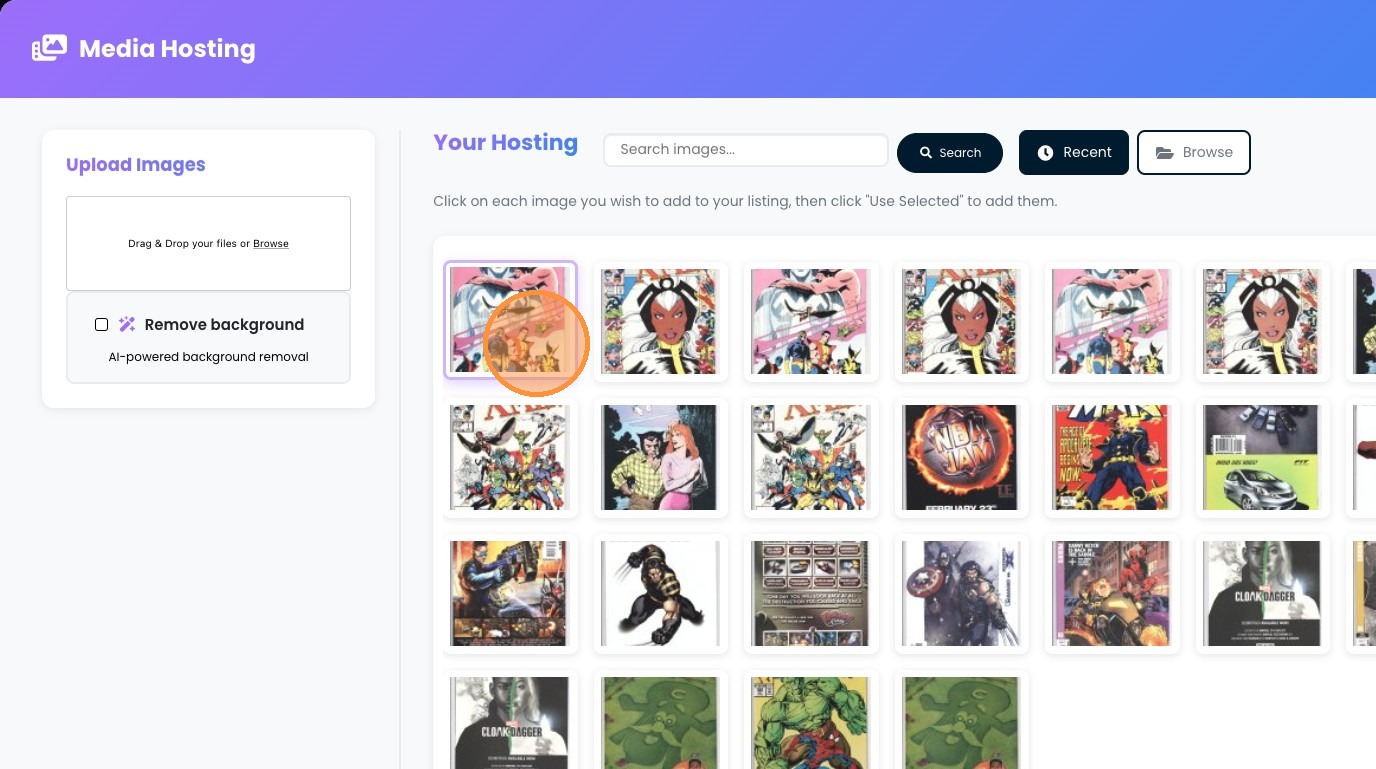
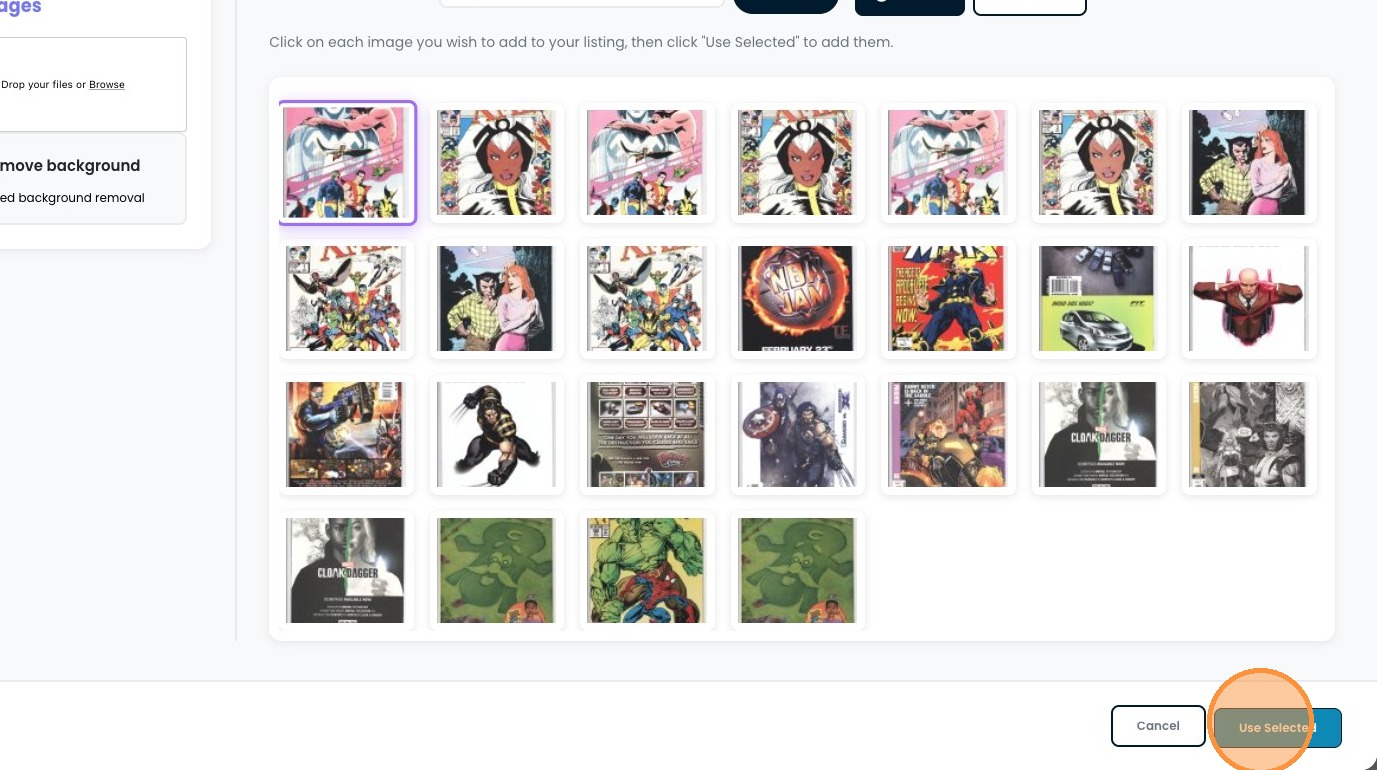
7. Click "Use Selected"
Edit Listing Content
8. Update the listing description field.

9. Click "Generate with AI" to update the description.
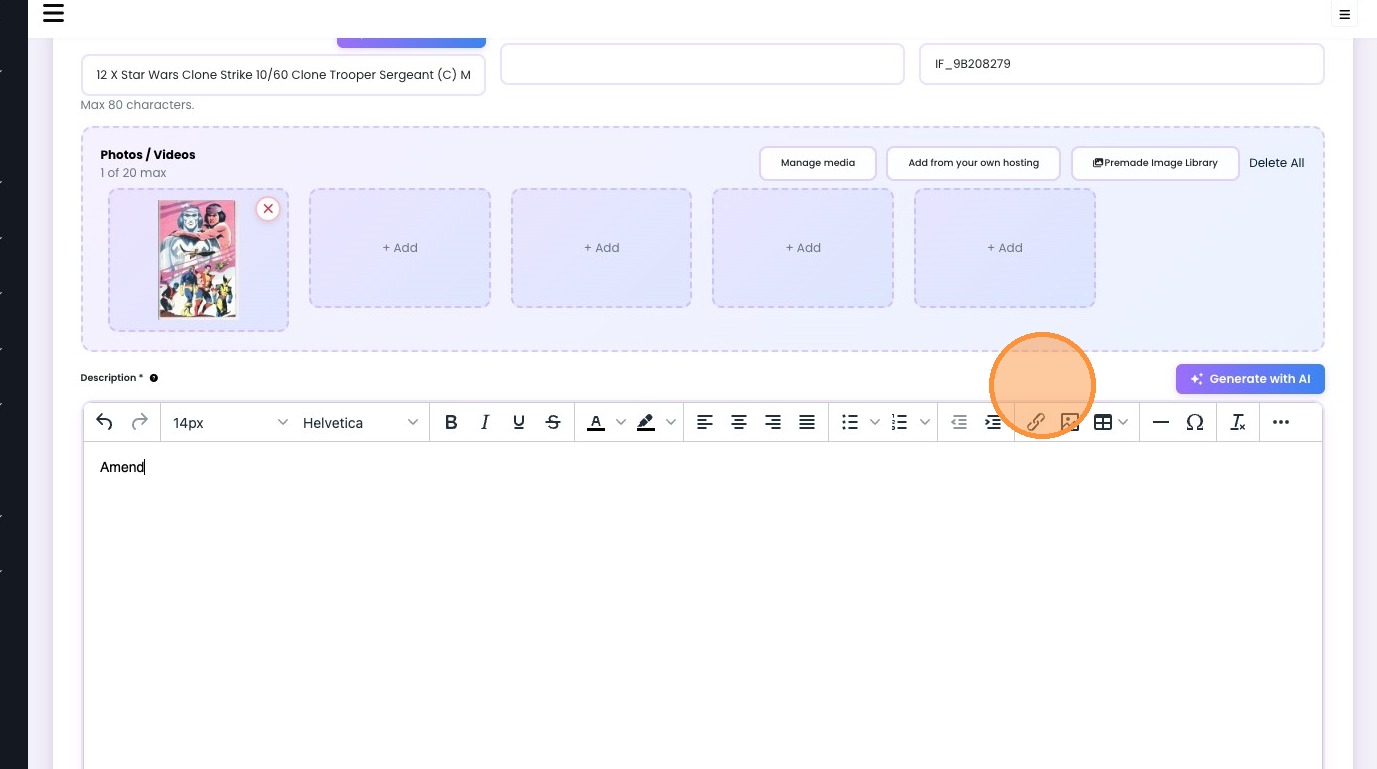

10. Update the product title.
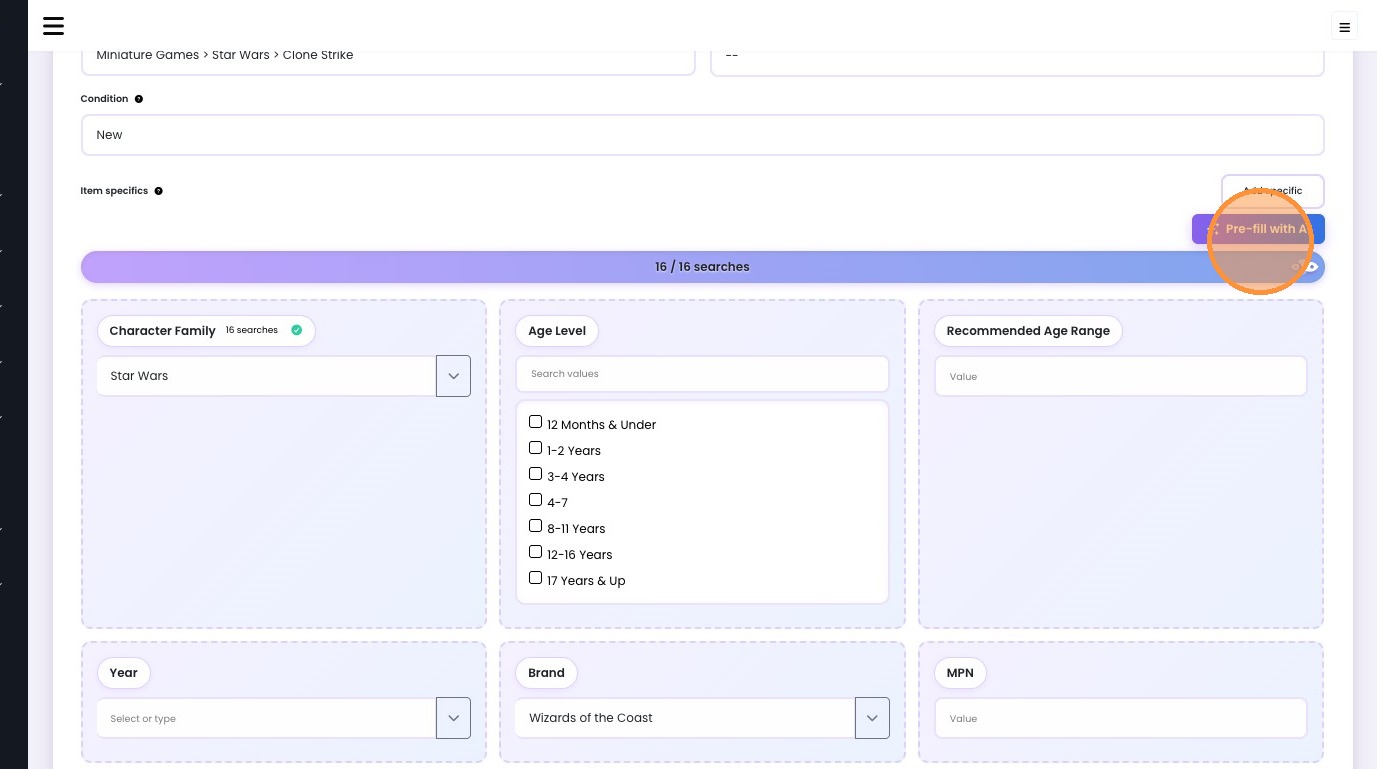
11. Click "Pre-fill with AI" to automatically populate item specifics.
Configure Pricing and Submit
12. Adjust the Buy It Now price.

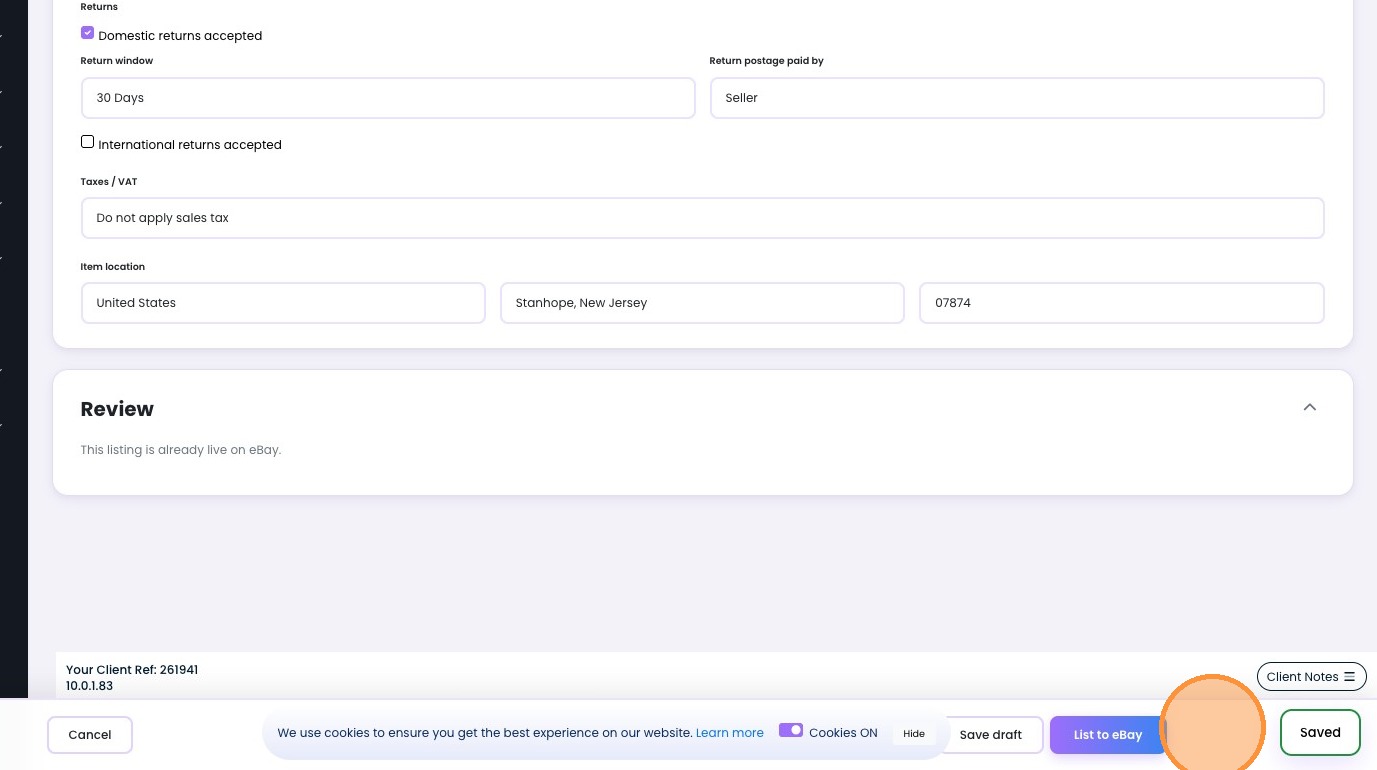
13. Click "List to eBay" to save and push your item to eBay
Was this article helpful?
That’s Great!
Thank you for your feedback
Sorry! We couldn't be helpful
Thank you for your feedback
Feedback sent
We appreciate your effort and will try to fix the article