Learn how to efficiently modify and save changes to your active eBay listings through the Frooition platform. This guide provides a quick walkthrough of the interface to ensure your product information remains accurate and up to date.
1. Navigate to https://freedom.frooition.com/ebay/
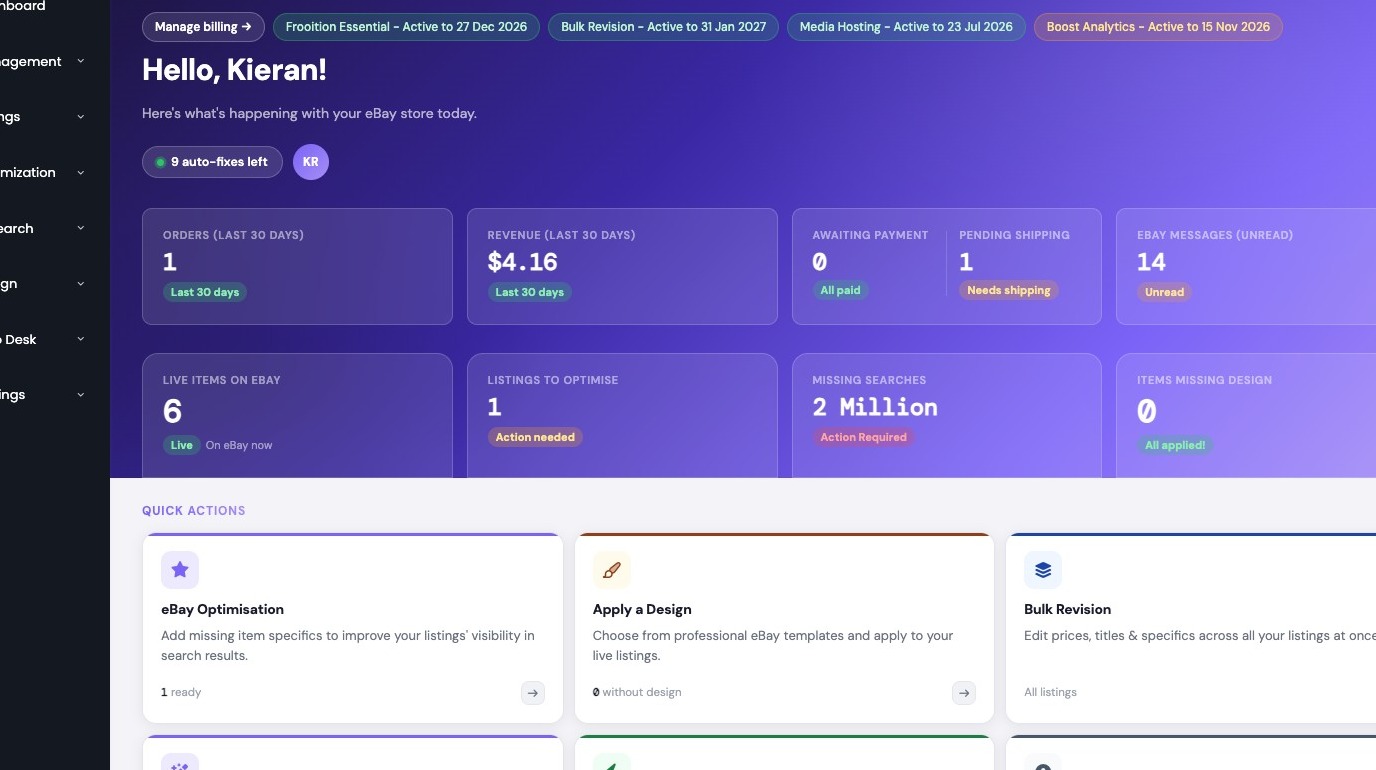
Navigation
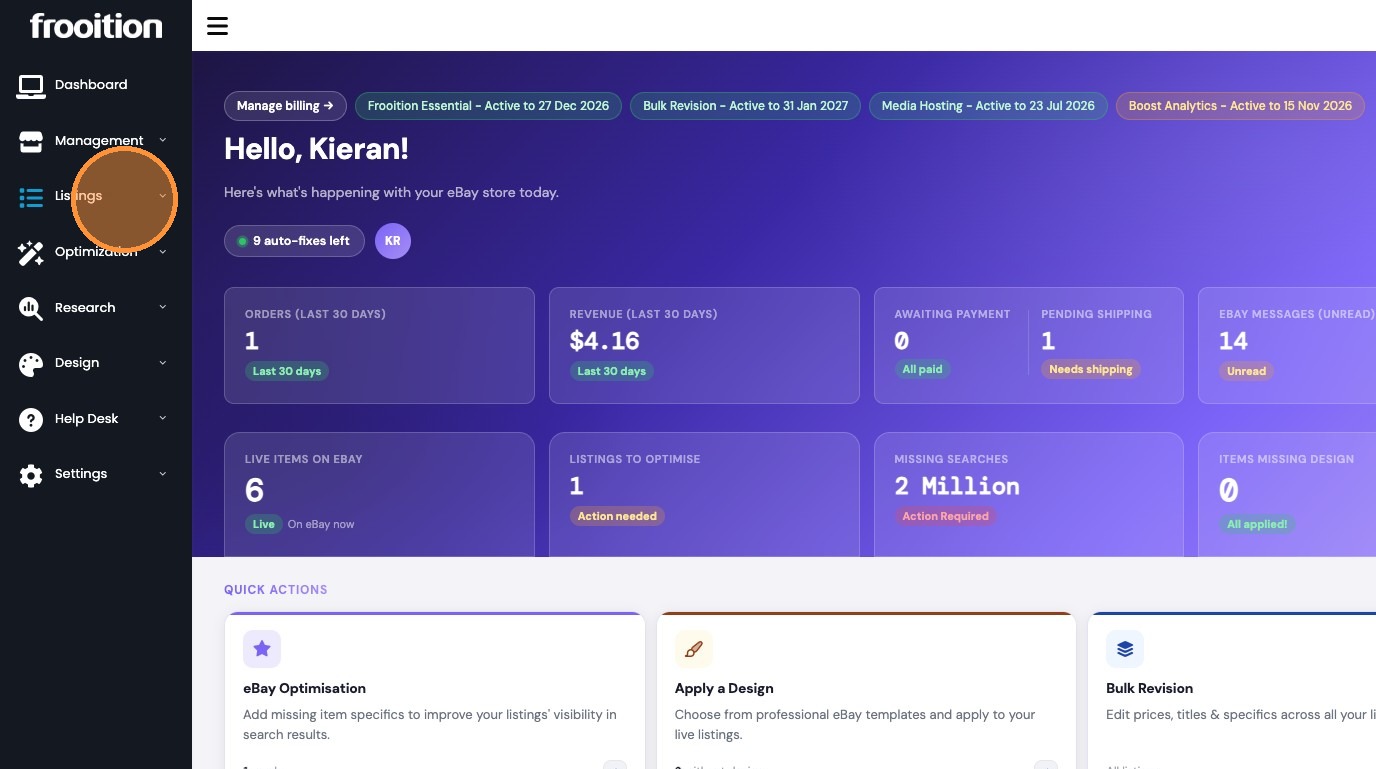
2. Click "Listings"
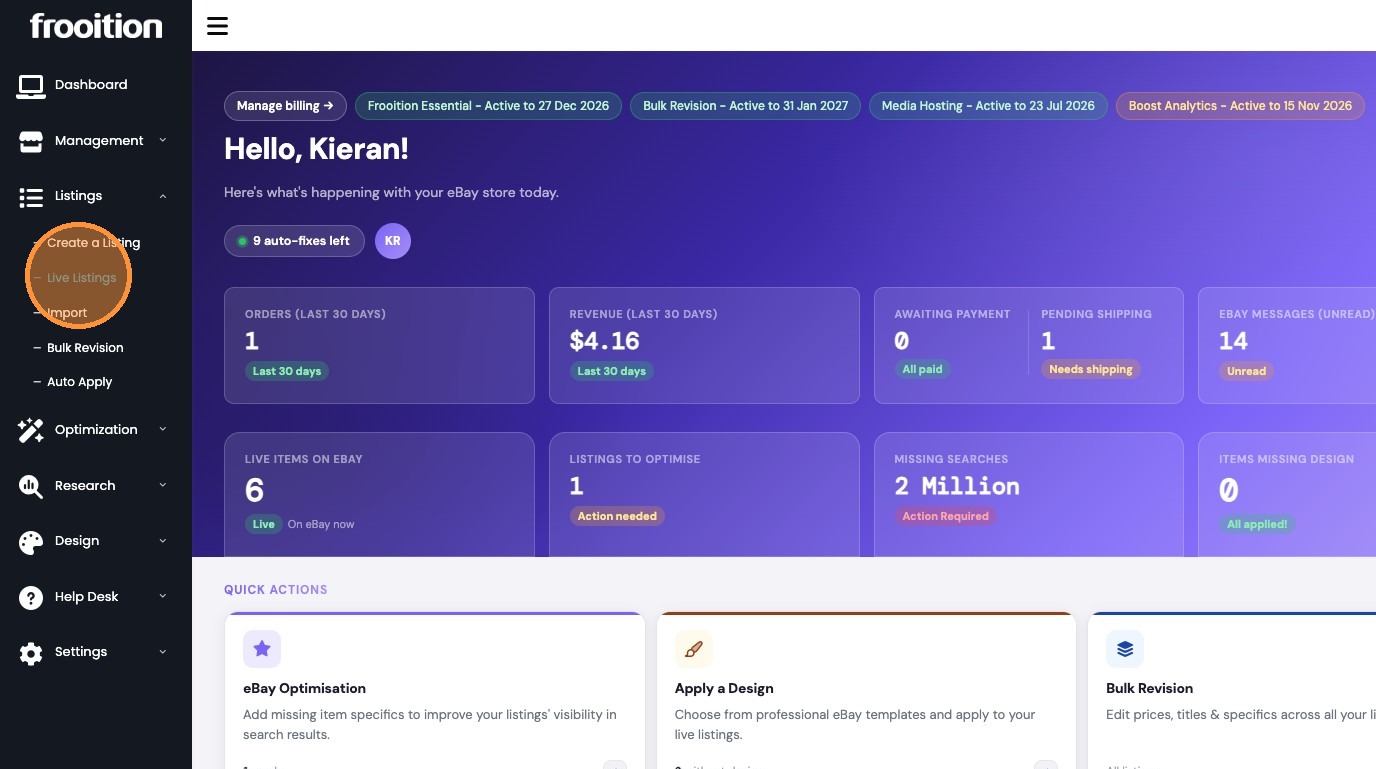
3. Click "Live Listings"
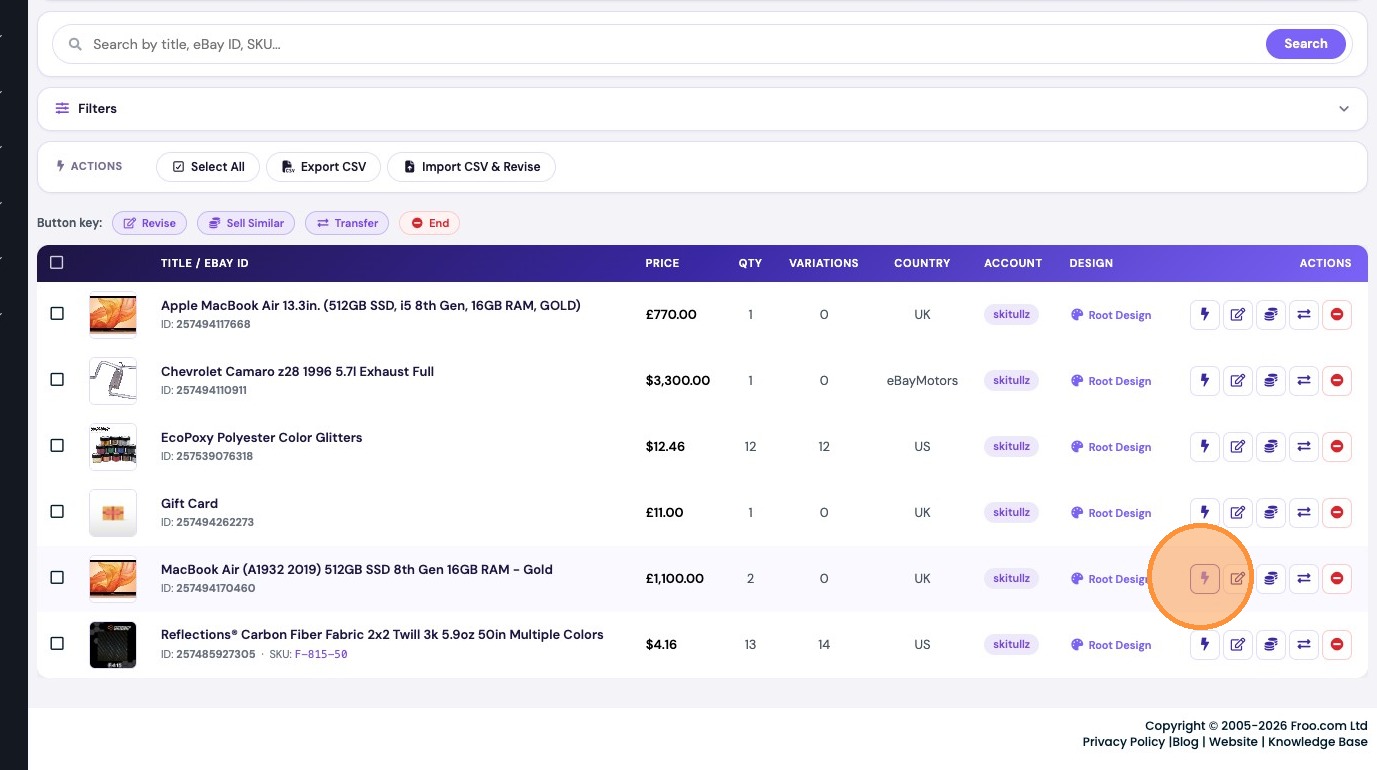
Listing Revision
4. Click the Revise icon for the listing you want to edit.
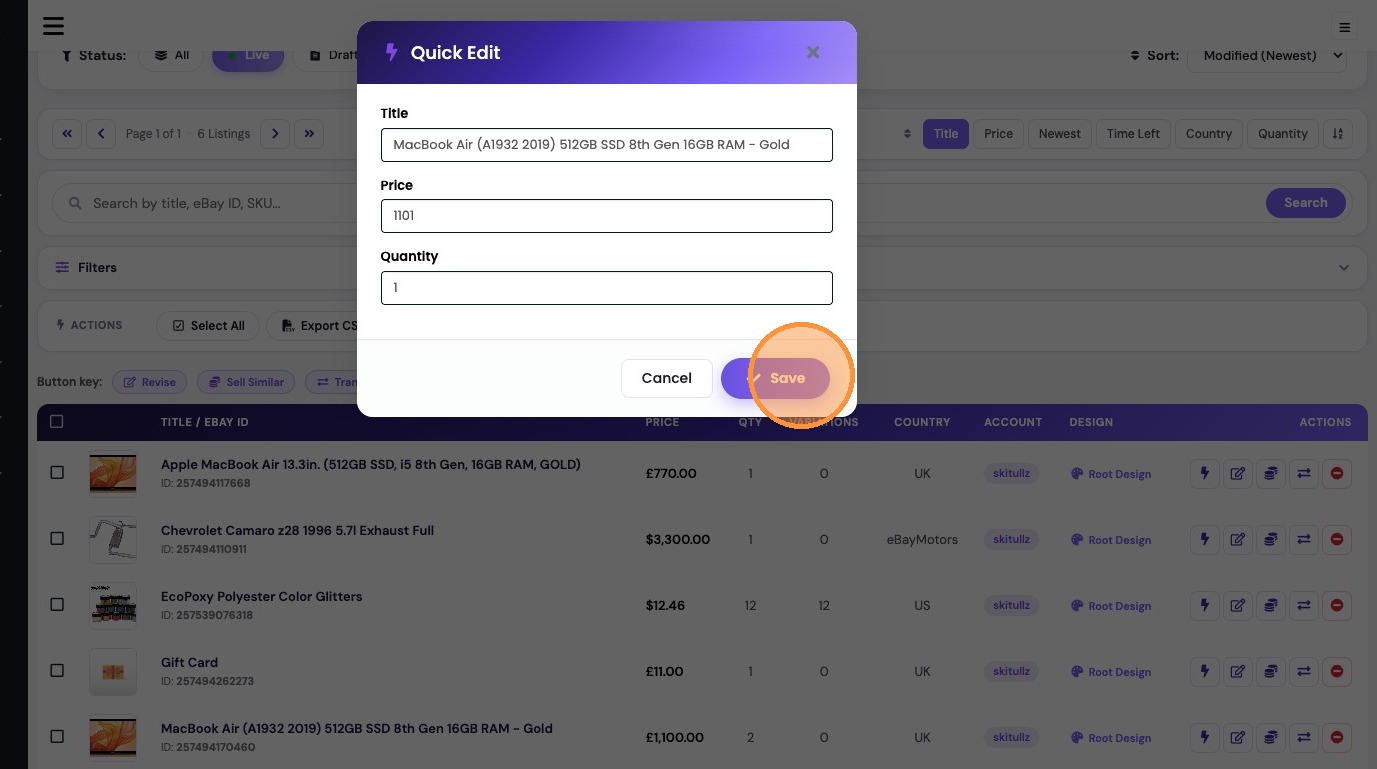
5. Enter a new Price.

6. Enter a new Quantity.

7. Click "Save"
Was this article helpful?
That’s Great!
Thank you for your feedback
Sorry! We couldn't be helpful
Thank you for your feedback
Feedback sent
We appreciate your effort and will try to fix the article