Learn how to synchronize your latest eBay store category updates with your Frooition account. This guide ensures your custom store design and navigation menus remain accurate and up-to-date for your customers.
1. Navigate to https://freedom.frooition.com/ebay/
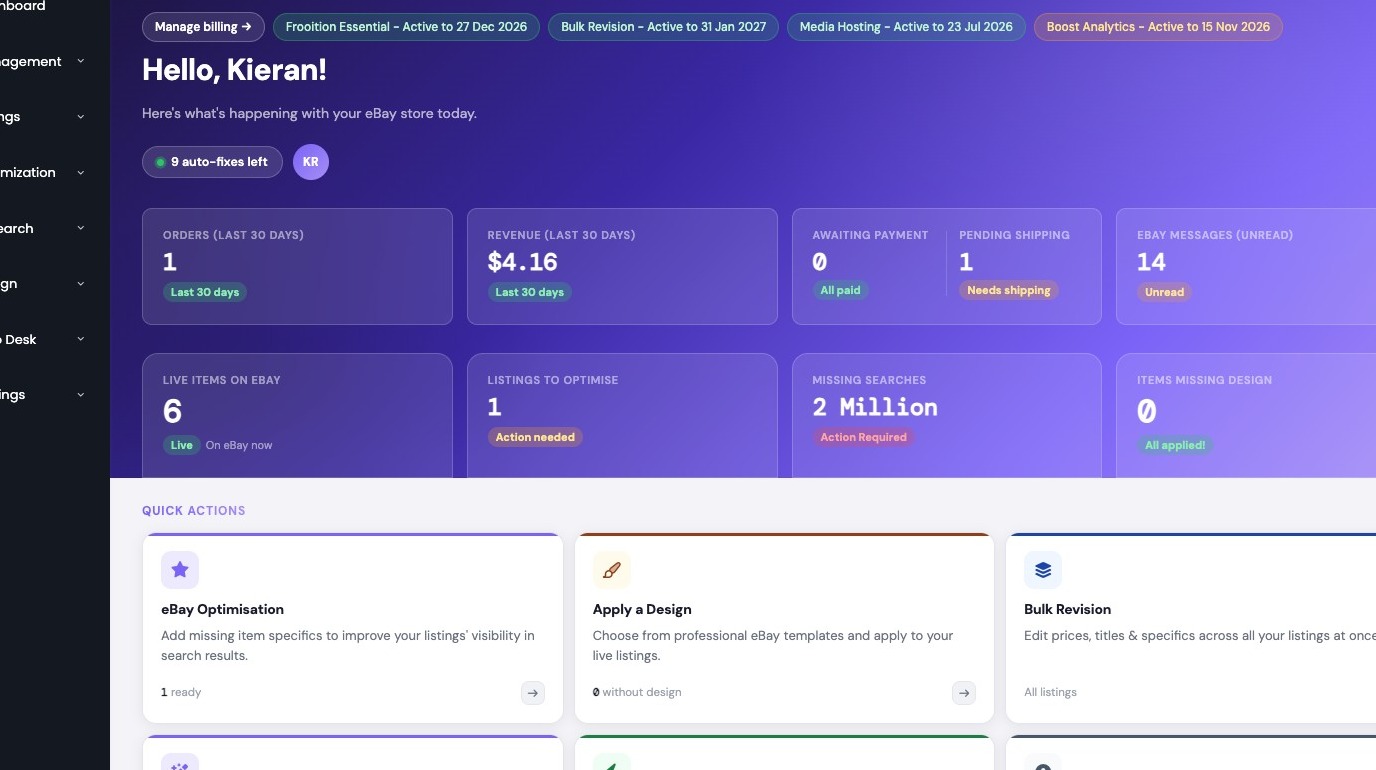

2. Navigate to 'Store Categories' in the Settings menu
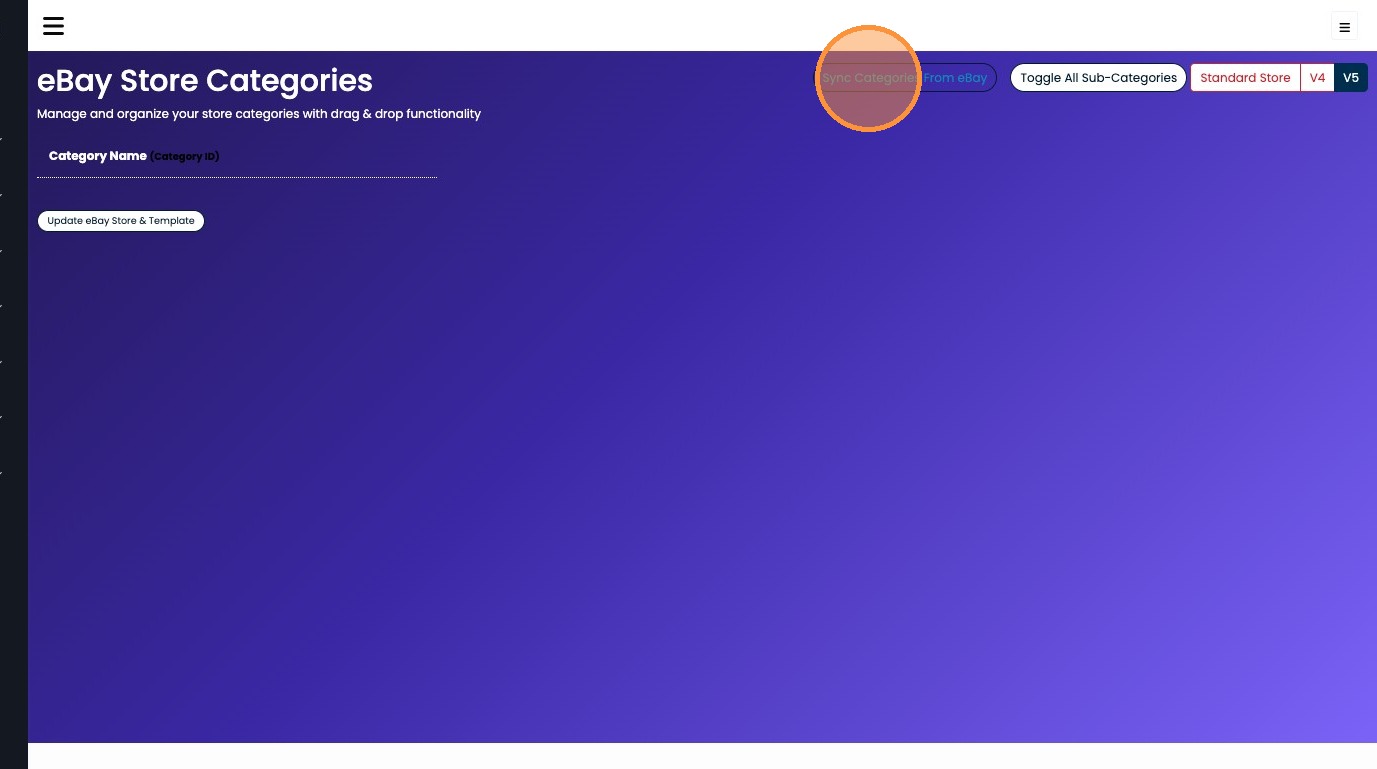
3. Click "Sync Categories From eBay"
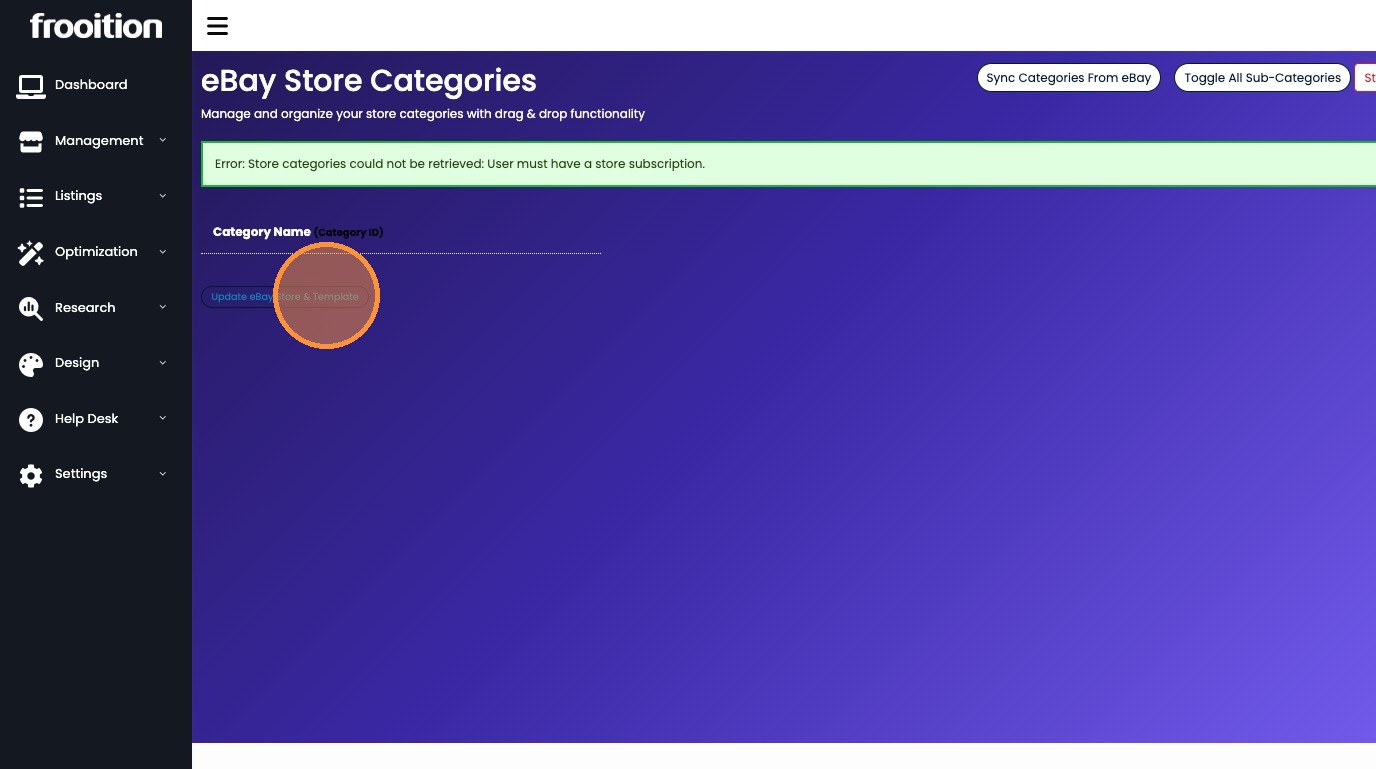
4. Click "Update eBay Store & Template"
Was this article helpful?
That’s Great!
Thank you for your feedback
Sorry! We couldn't be helpful
Thank you for your feedback
Feedback sent
We appreciate your effort and will try to fix the article