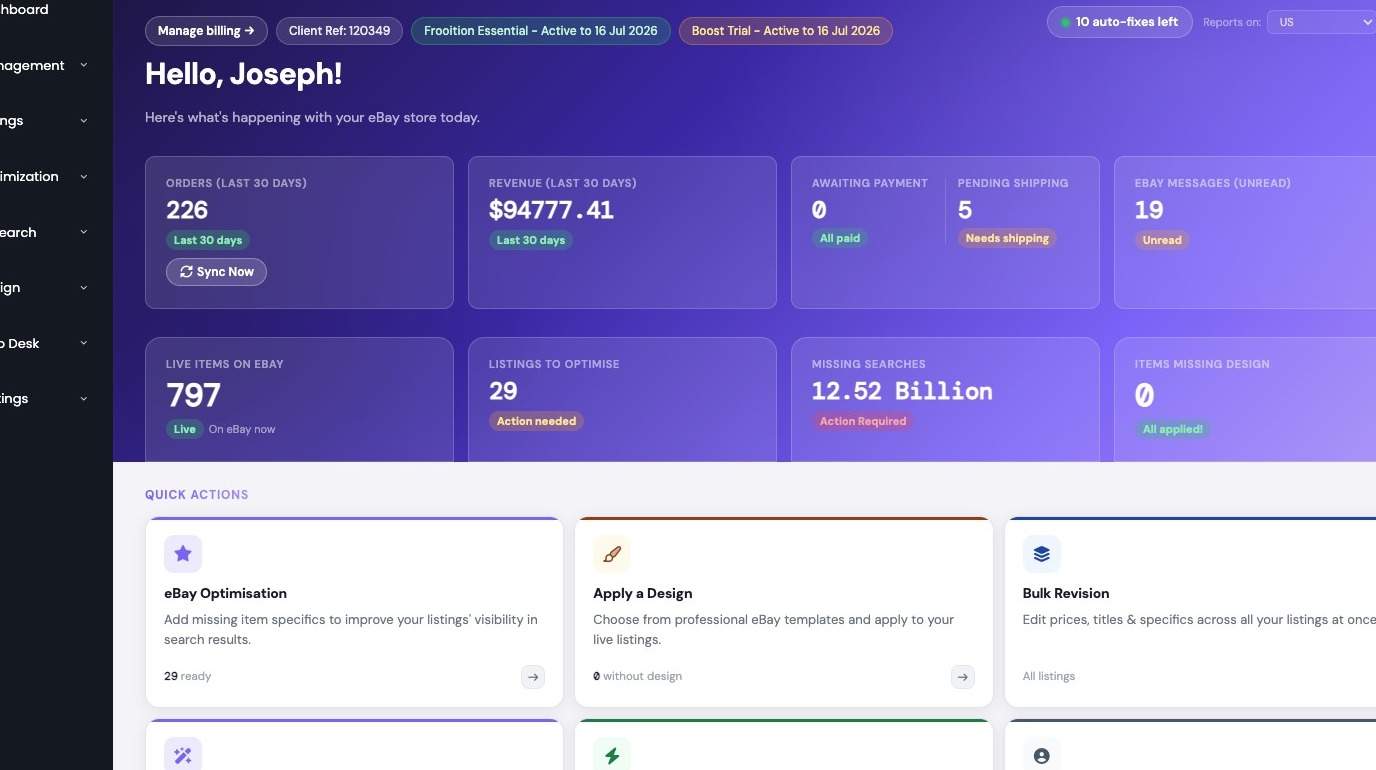
1. Navigate to https://freedom.frooition.com/ebay/
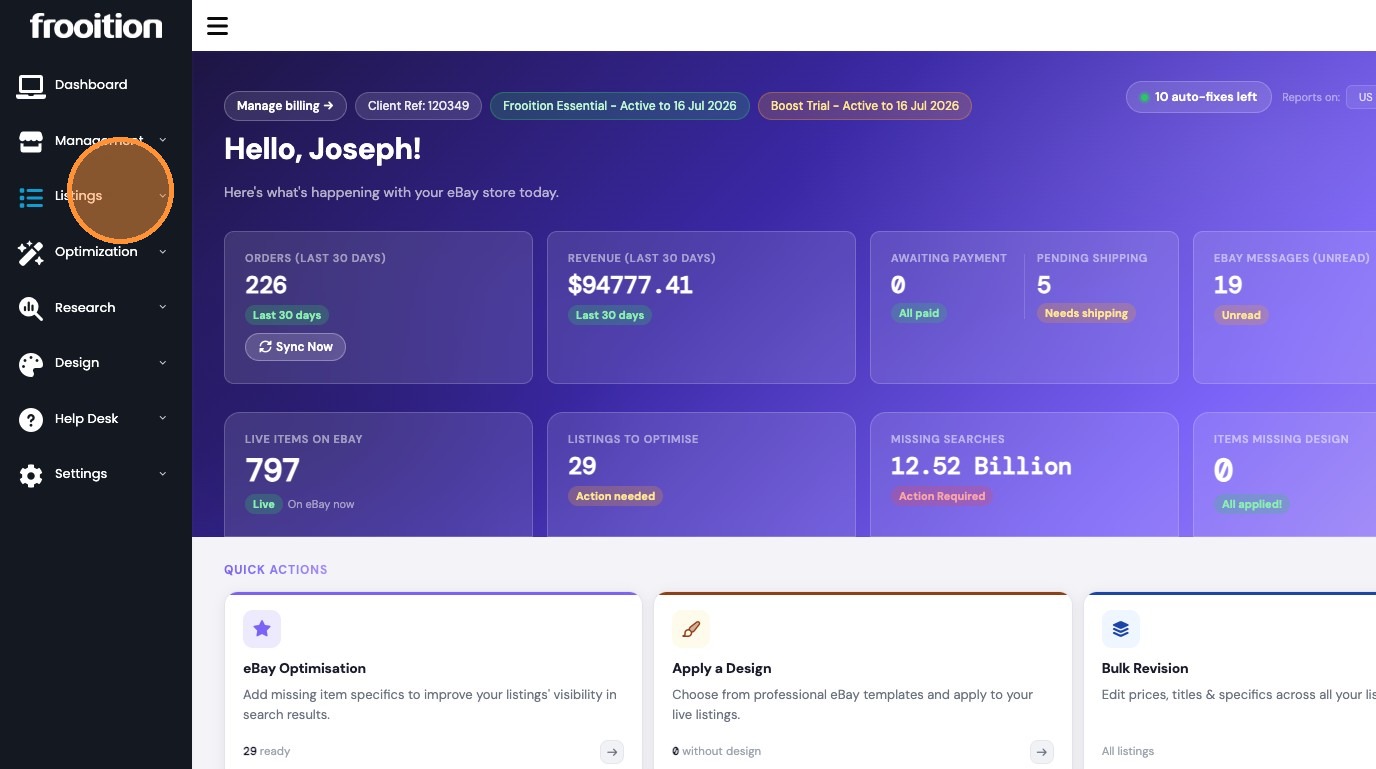
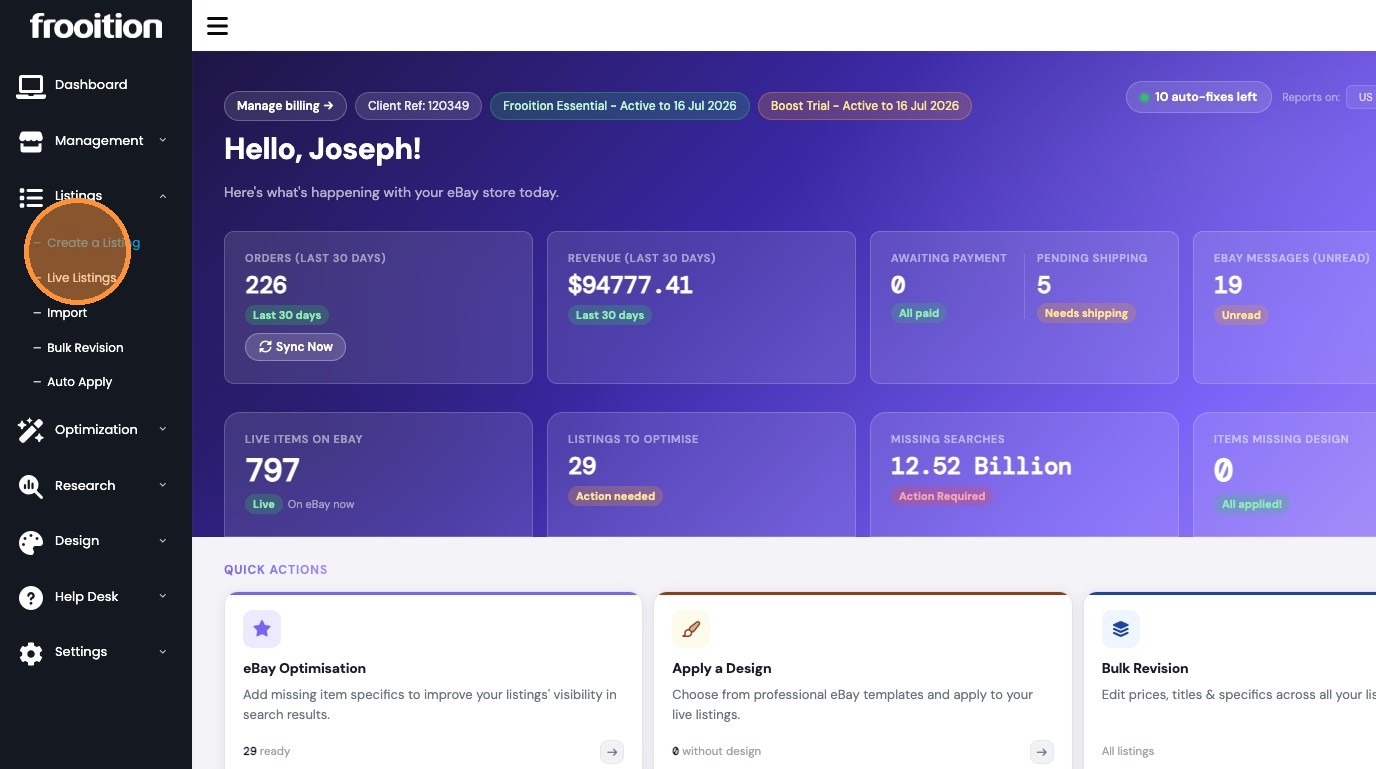
2. Select 'Create a Listing' from 'Listings' menu
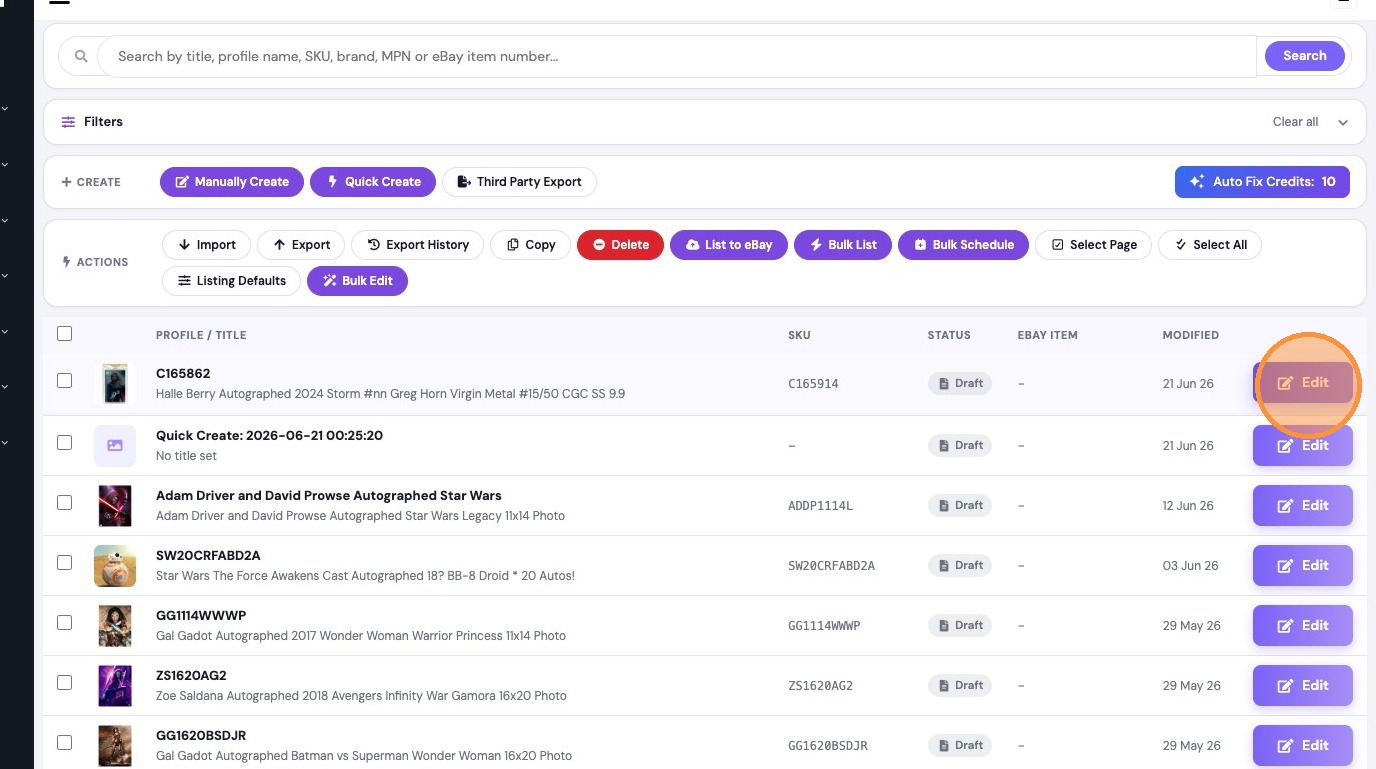
3. Click 'Edit' for desired listing
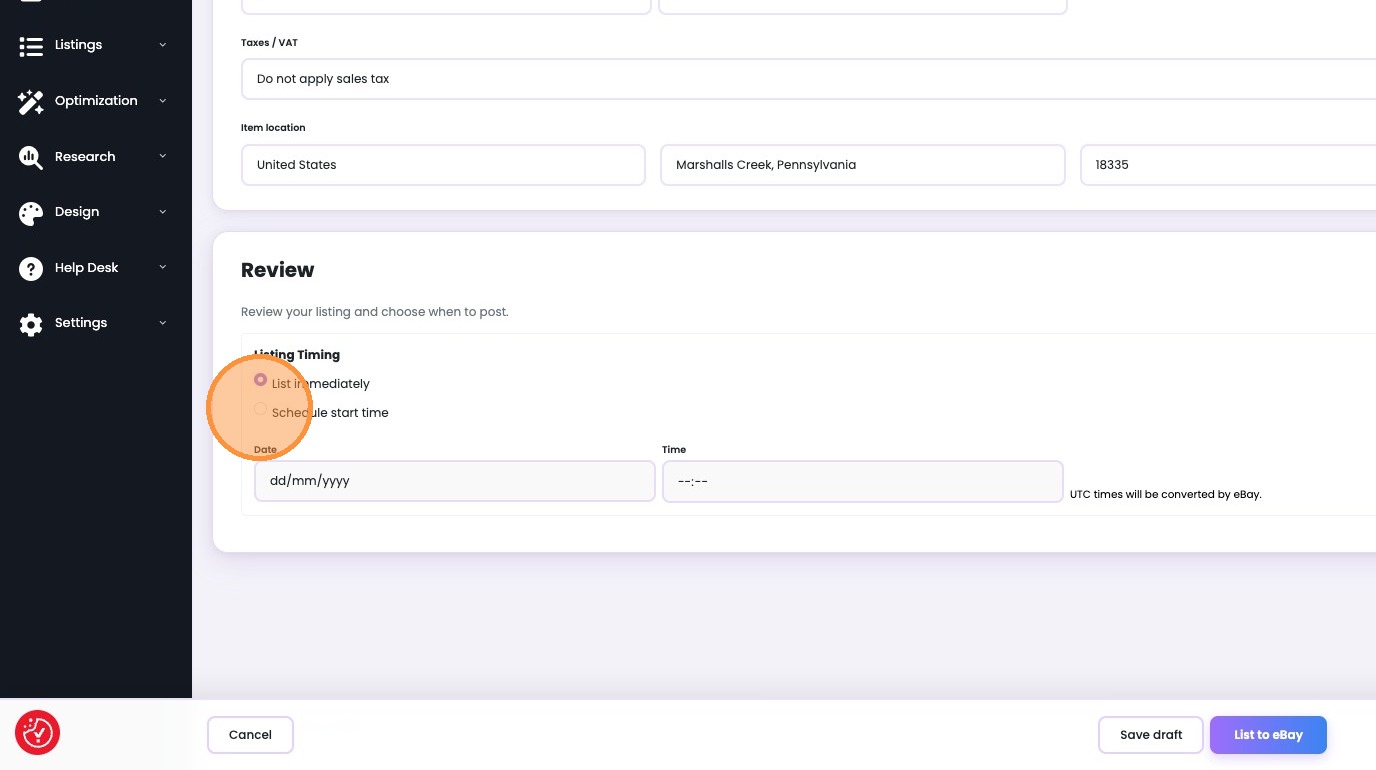
4. Select 'Schedule start time'
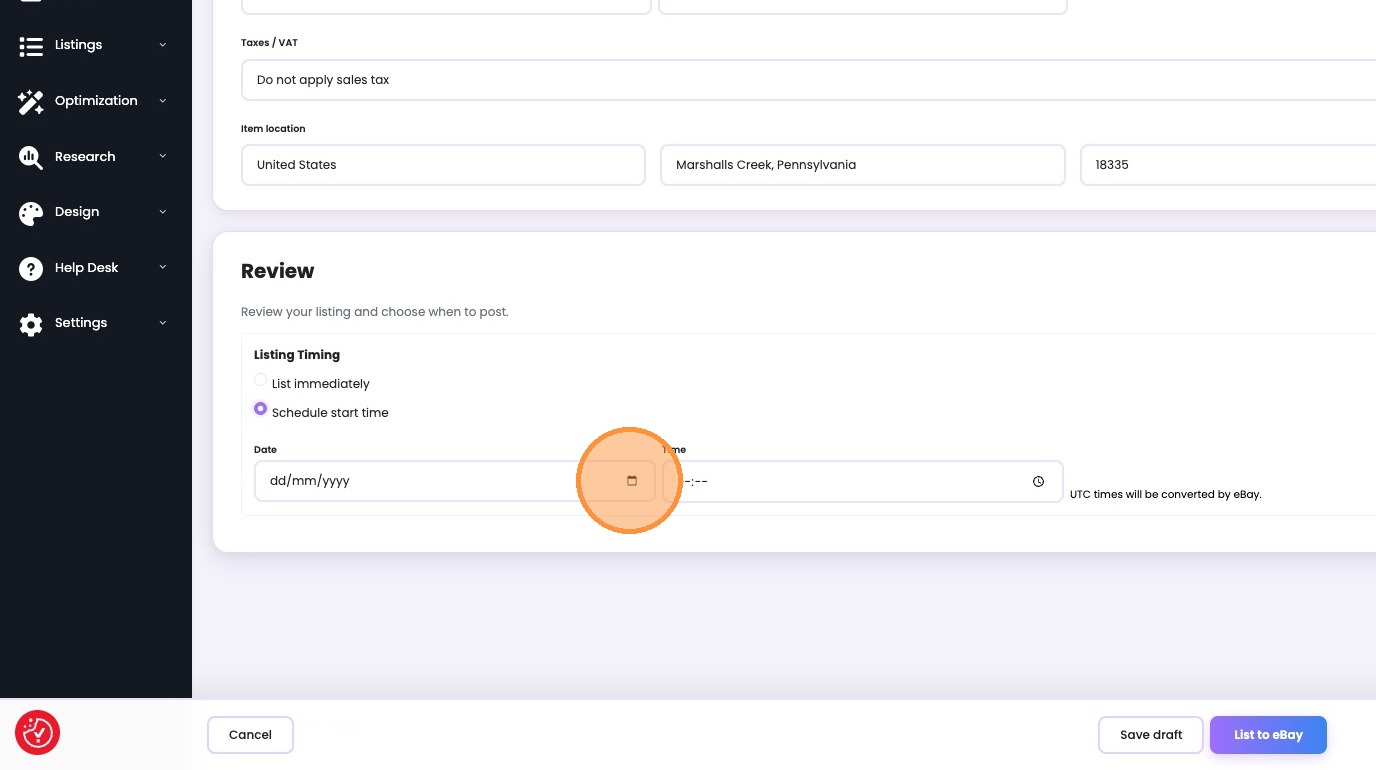
5. Set start Date
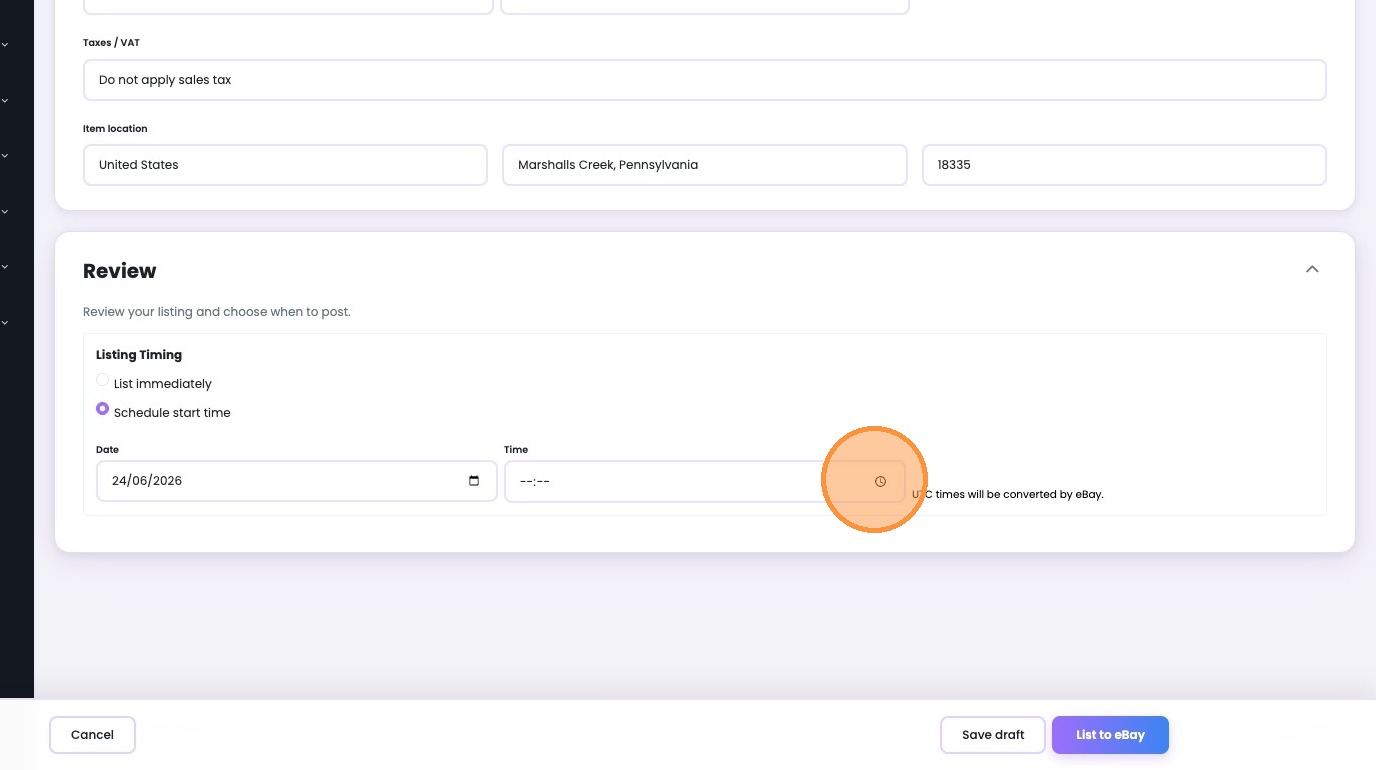
6. Set start Time
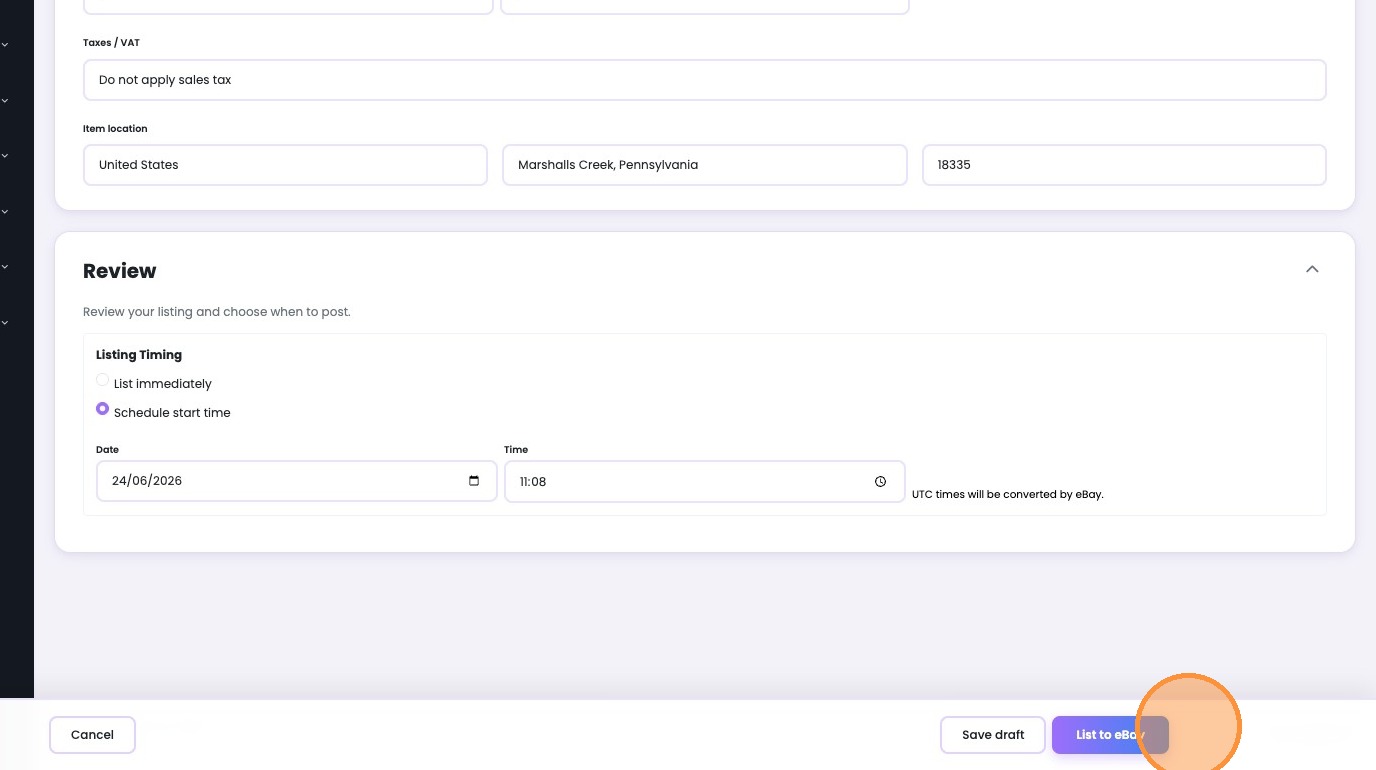
7. Click 'List to eBay'
Was this article helpful?
That’s Great!
Thank you for your feedback
Sorry! We couldn't be helpful
Thank you for your feedback
Feedback sent
We appreciate your effort and will try to fix the article