Learn how to efficiently update or change the design templates for your eBay listings in bulk using the Frooition dashboard. This guide simplifies the revision process, helping you manage your store branding across multiple items quickly.
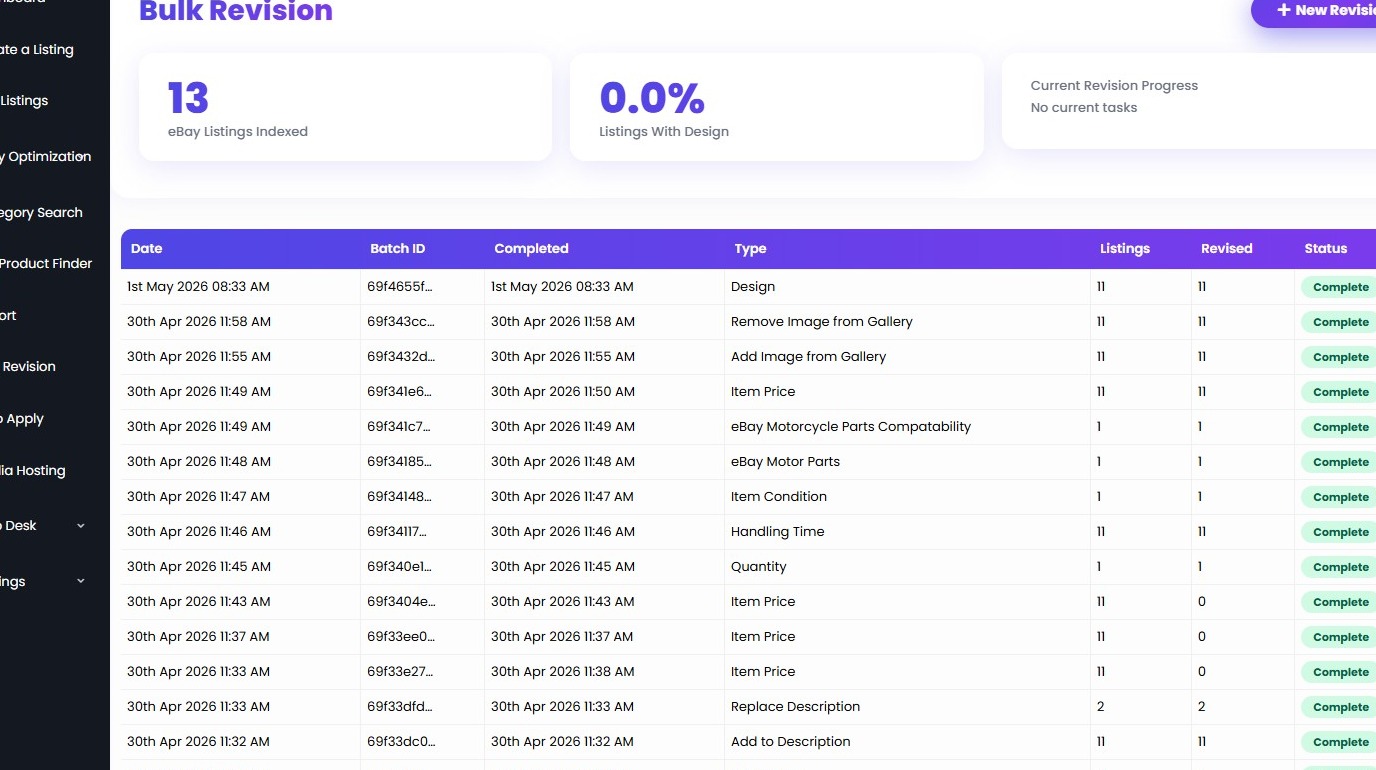
1. Navigate to https://freedom.frooition.com/bulkrevision/
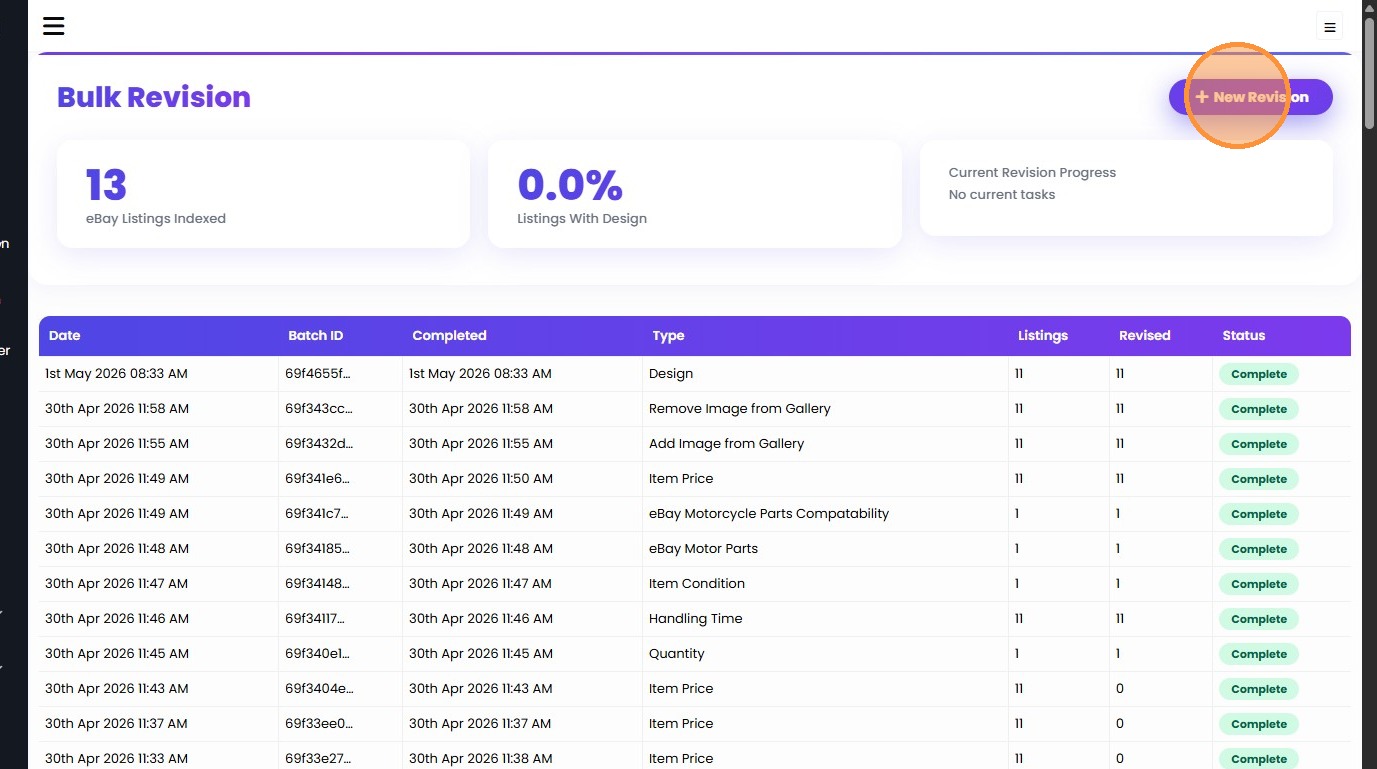
2. Click "New Revision"
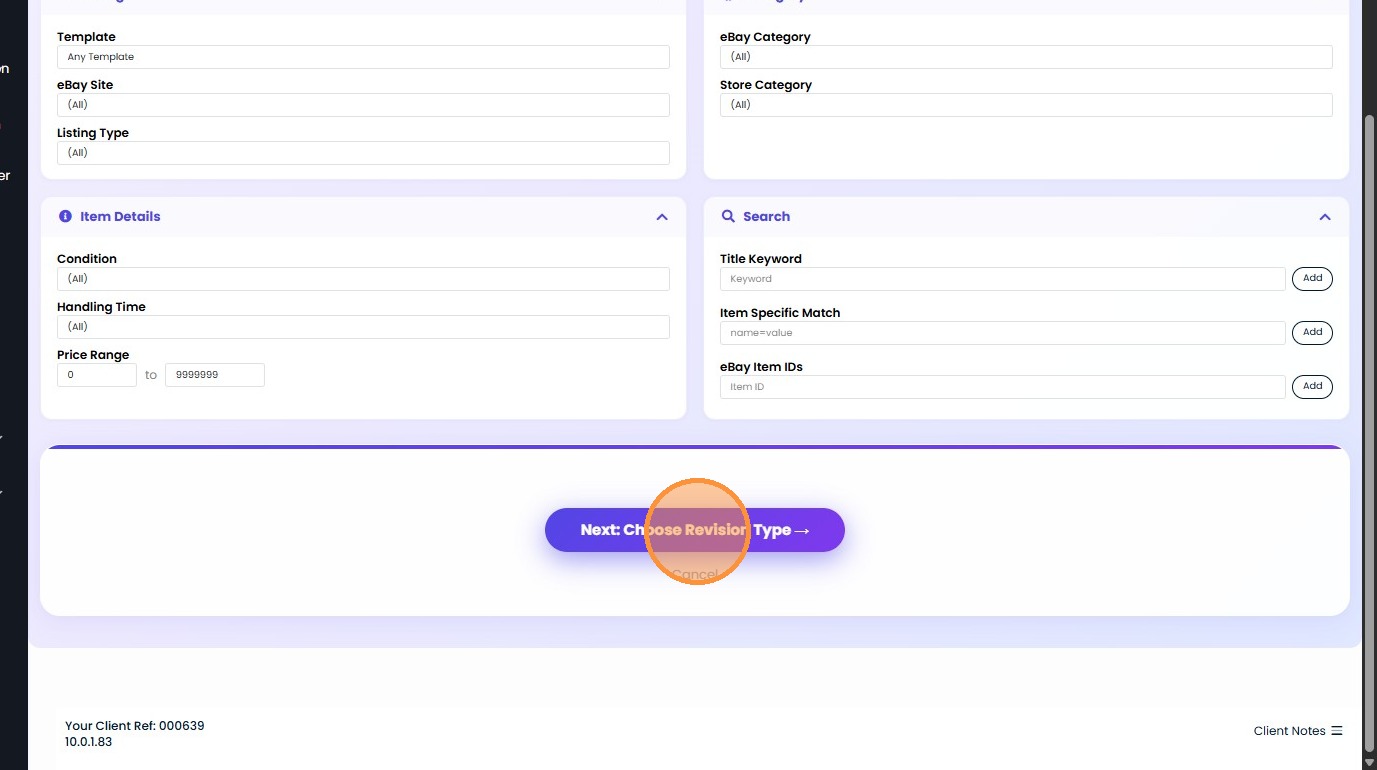
3. Click "Next: Choose Revision Type"
You can filter out listings on this step. We have different types of filters here. You can use the ones that are suitable for your use case

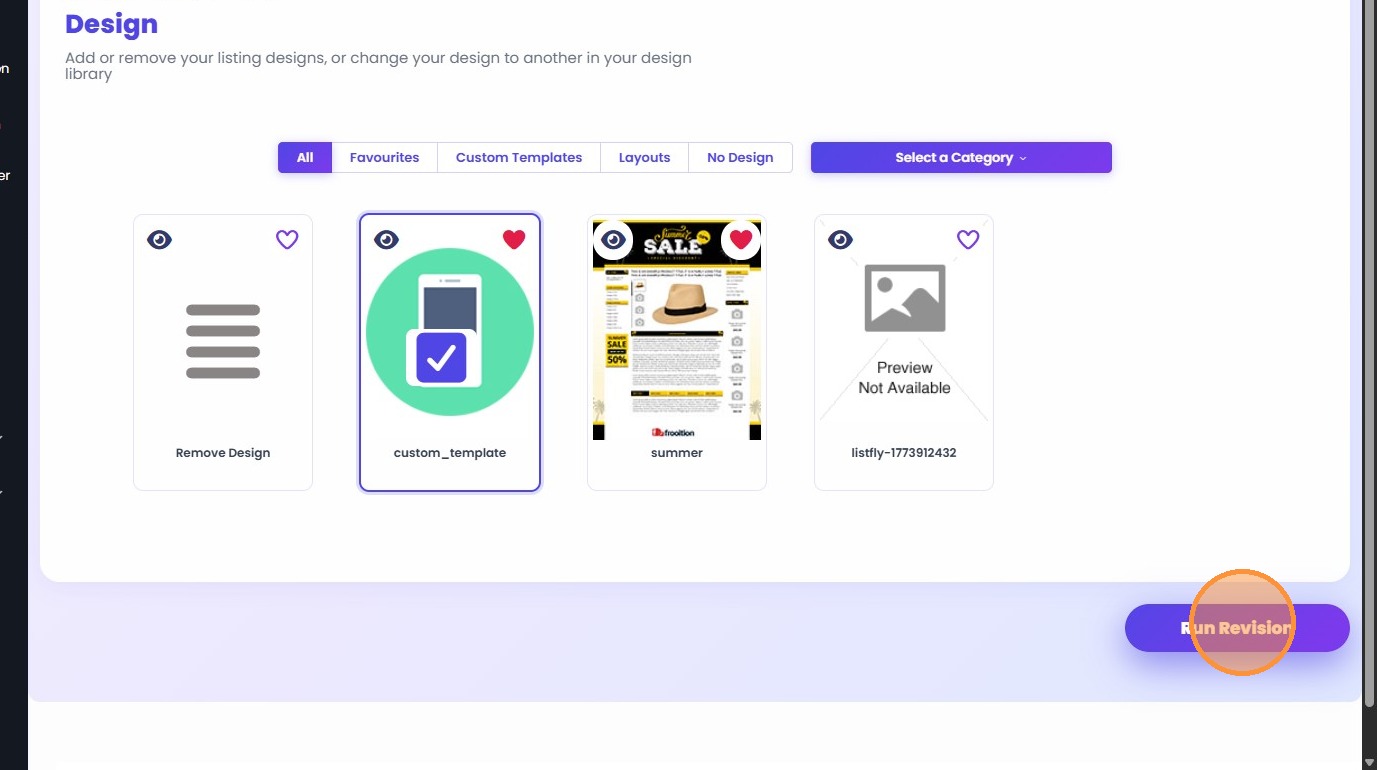
4. Select "Design" revision type and click "Next: Configure & Run"
You can see multiple types of revisions here. Since we are applying a design template we clicked on Design tab. You can choose a different option here based on your use case.
5. Click "Run Revision"
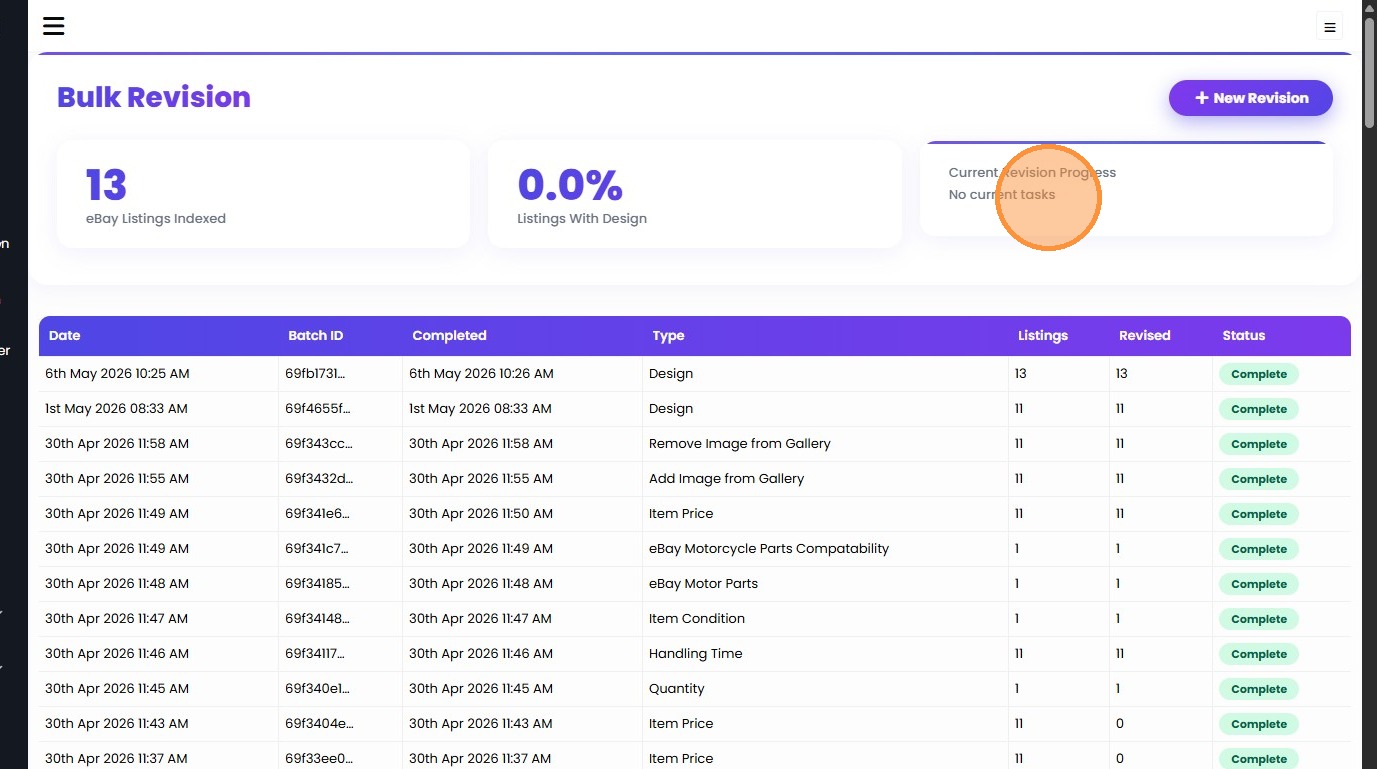
6. Progress Tracking Dashboard:
Once the revision starts you can track the progress from this page.
Was this article helpful?
That’s Great!
Thank you for your feedback
Sorry! We couldn't be helpful
Thank you for your feedback
Feedback sent
We appreciate your effort and will try to fix the article