How to Create New Business Policies on eBay
Access Business Policies
1. Navigate to https://freedom.frooition.com/ebay/
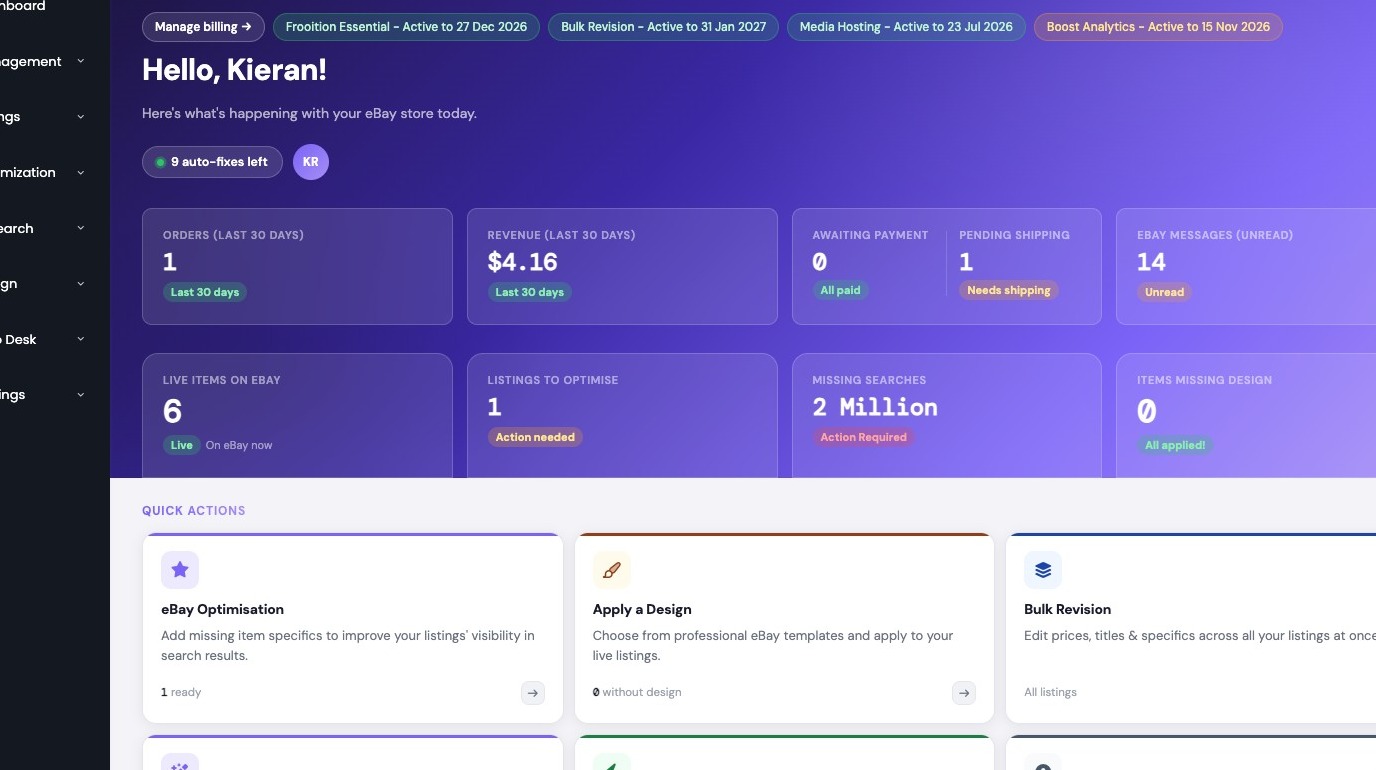
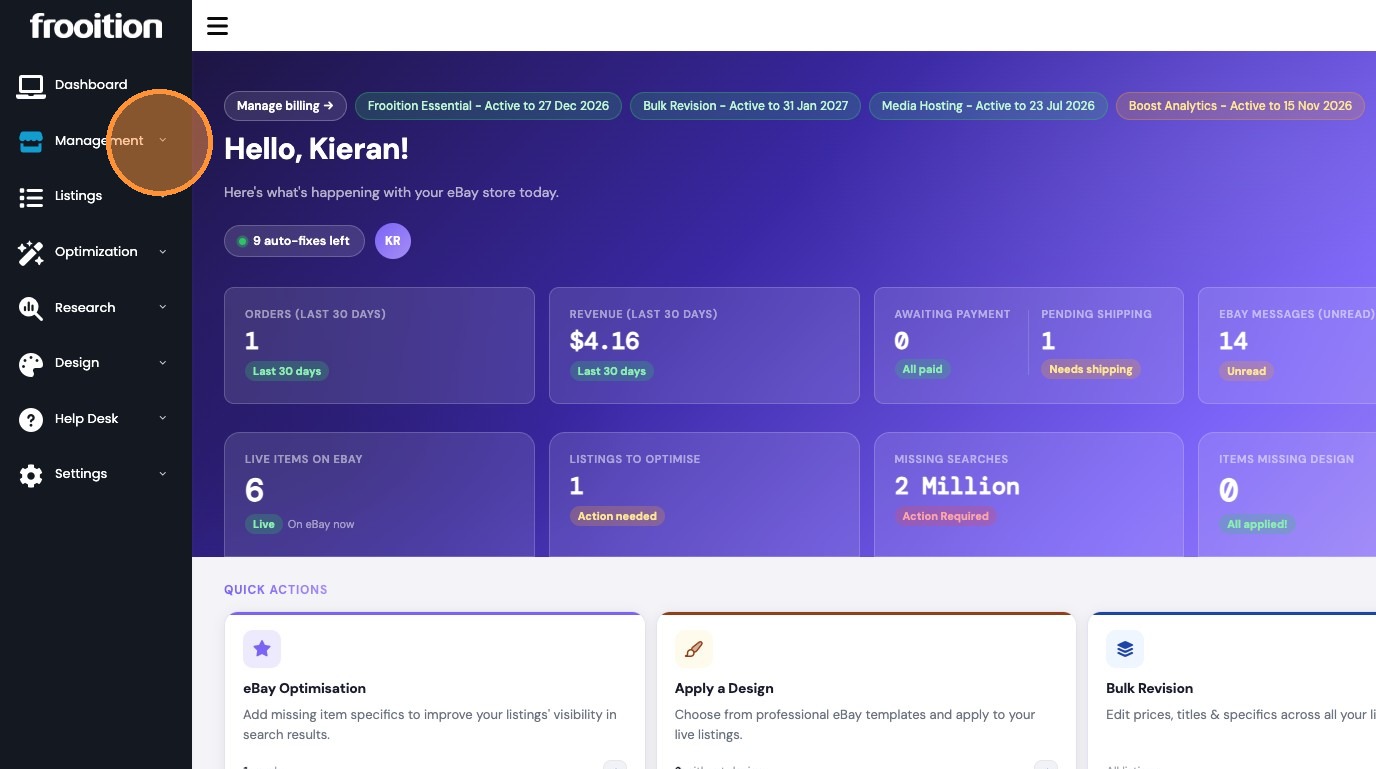
2. Click Management in the sidebar
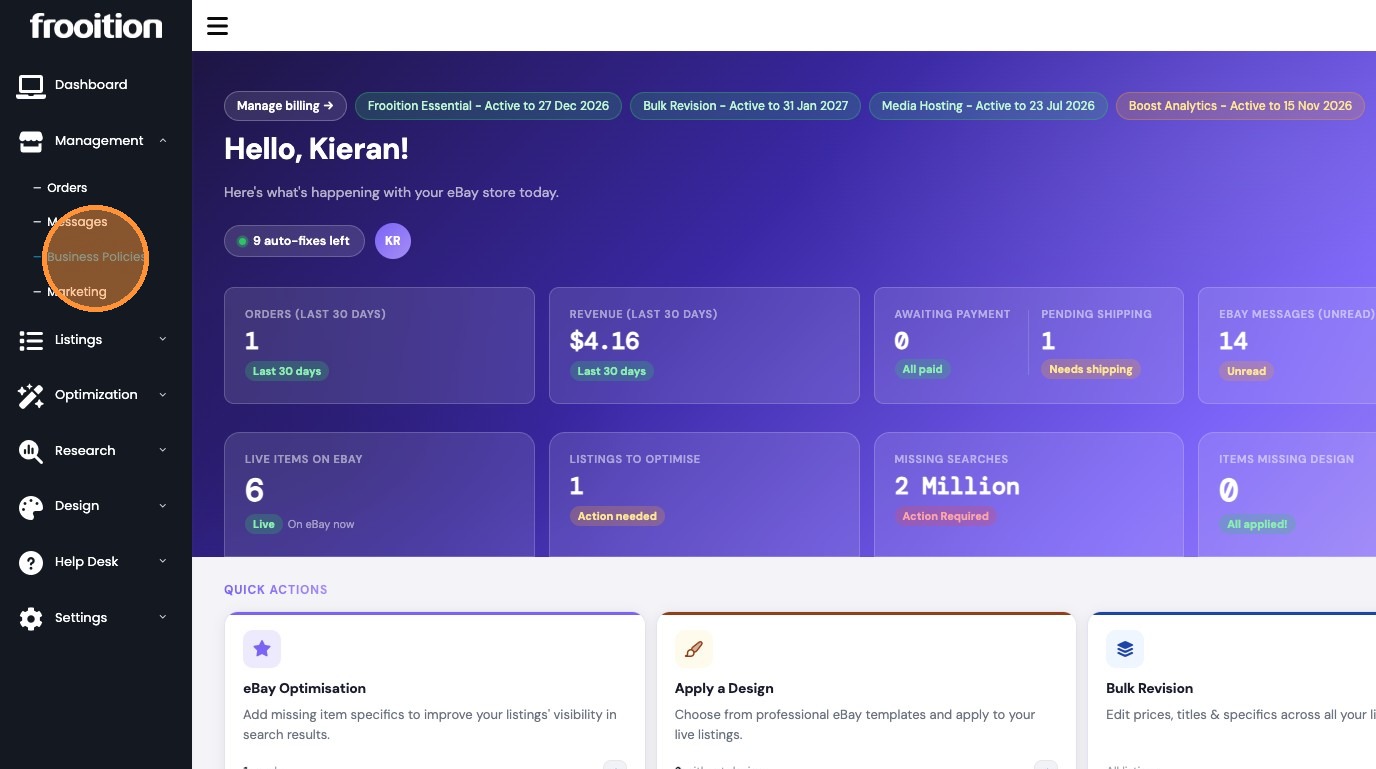
3. Click "Business Policies"
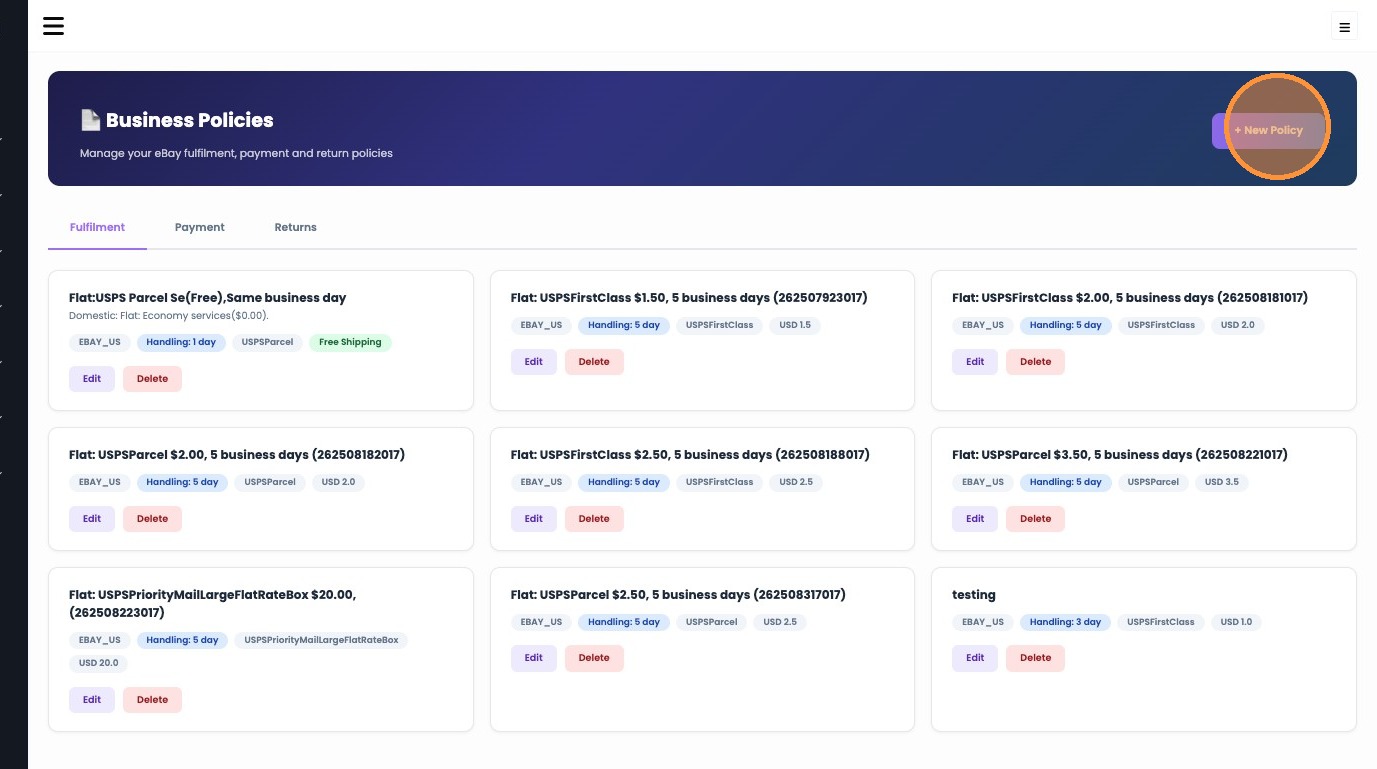
Policy Configuration
4. Click "+ New Policy"
5. Enter "New Policy" in the Policy Name field

6. Select USPS Priority Mail Express from the Carrier & Service dropdown
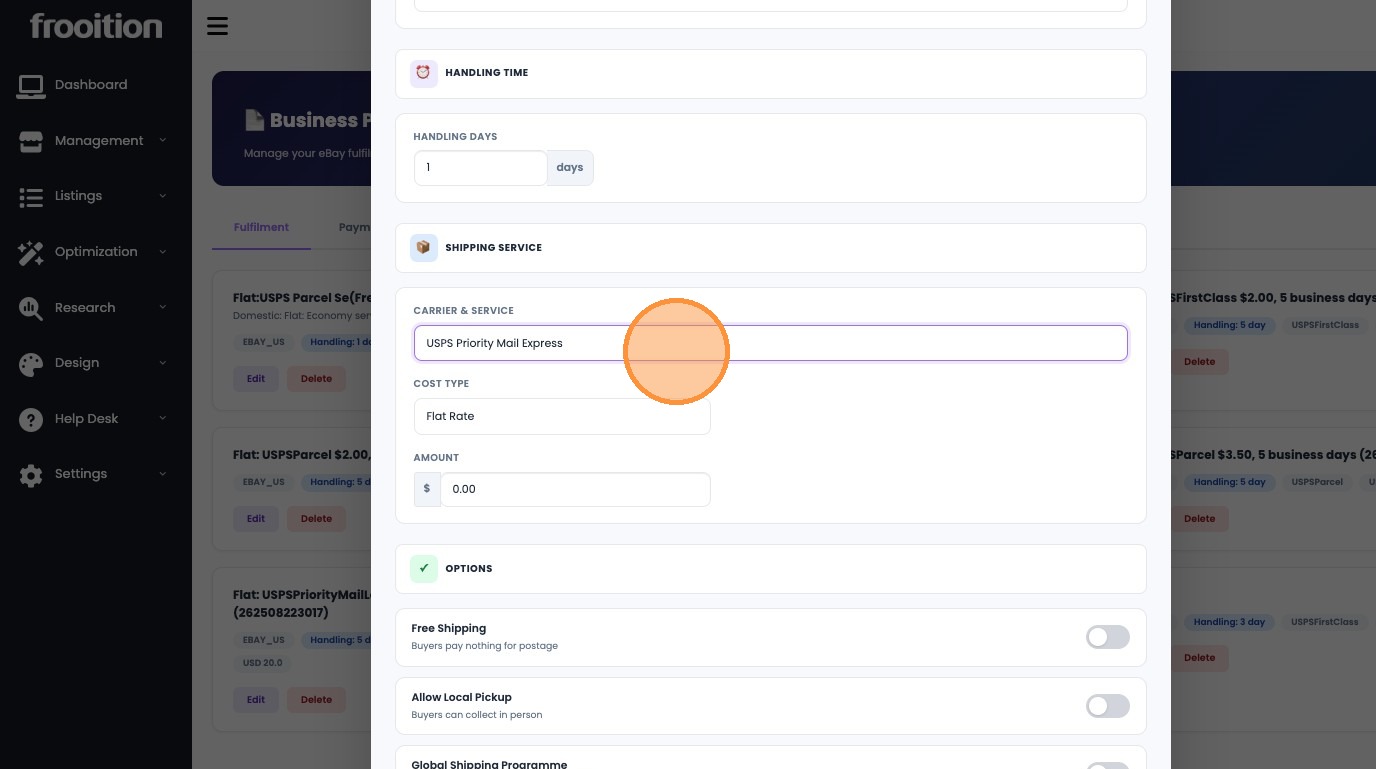
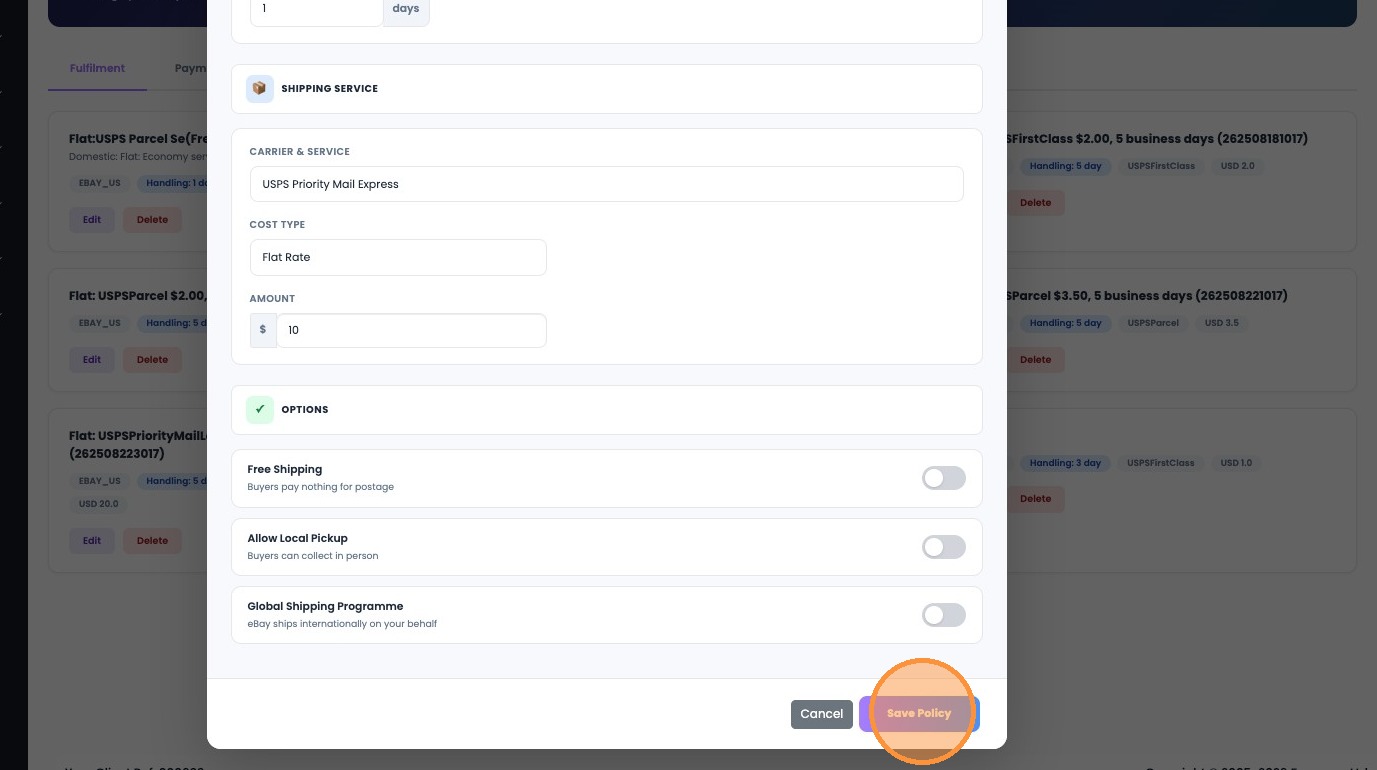
7. Enter "10" in the Amount field

8. Click "Save Policy"
Was this article helpful?
That’s Great!
Thank you for your feedback
Sorry! We couldn't be helpful
Thank you for your feedback
Feedback sent
We appreciate your effort and will try to fix the article