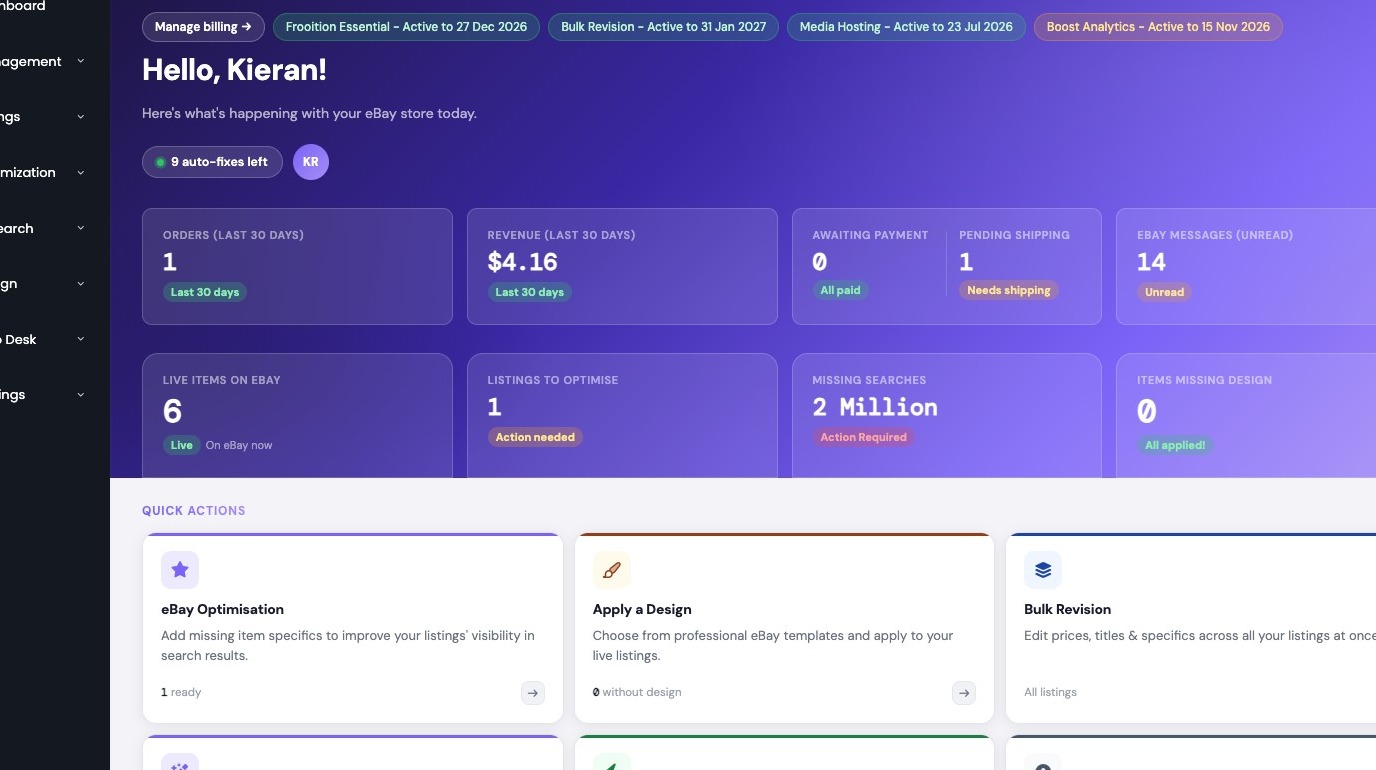
1. Navigate to https://freedom.frooition.com/ebay/

2. Navigate to Design > Media Hosting
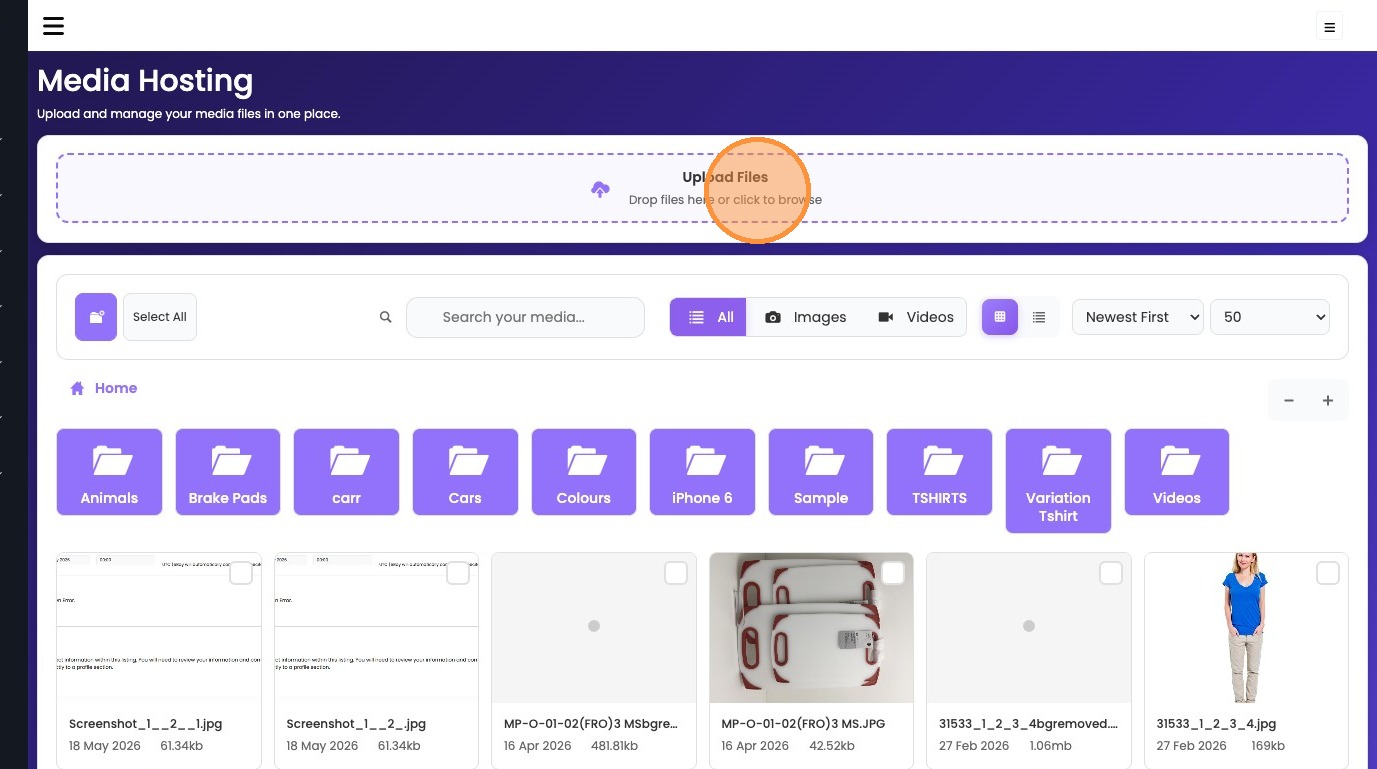
3. Click upload area to select files
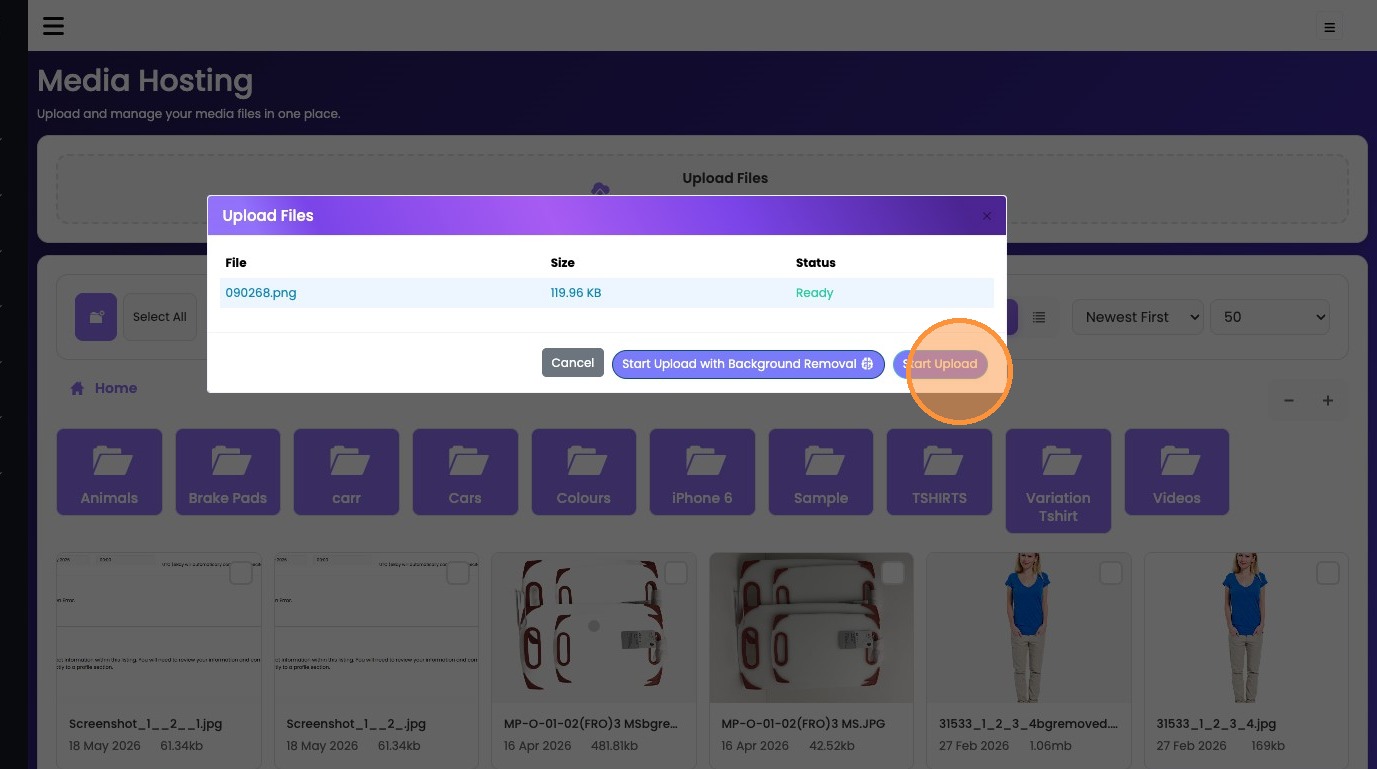
4. Click "Start Upload"
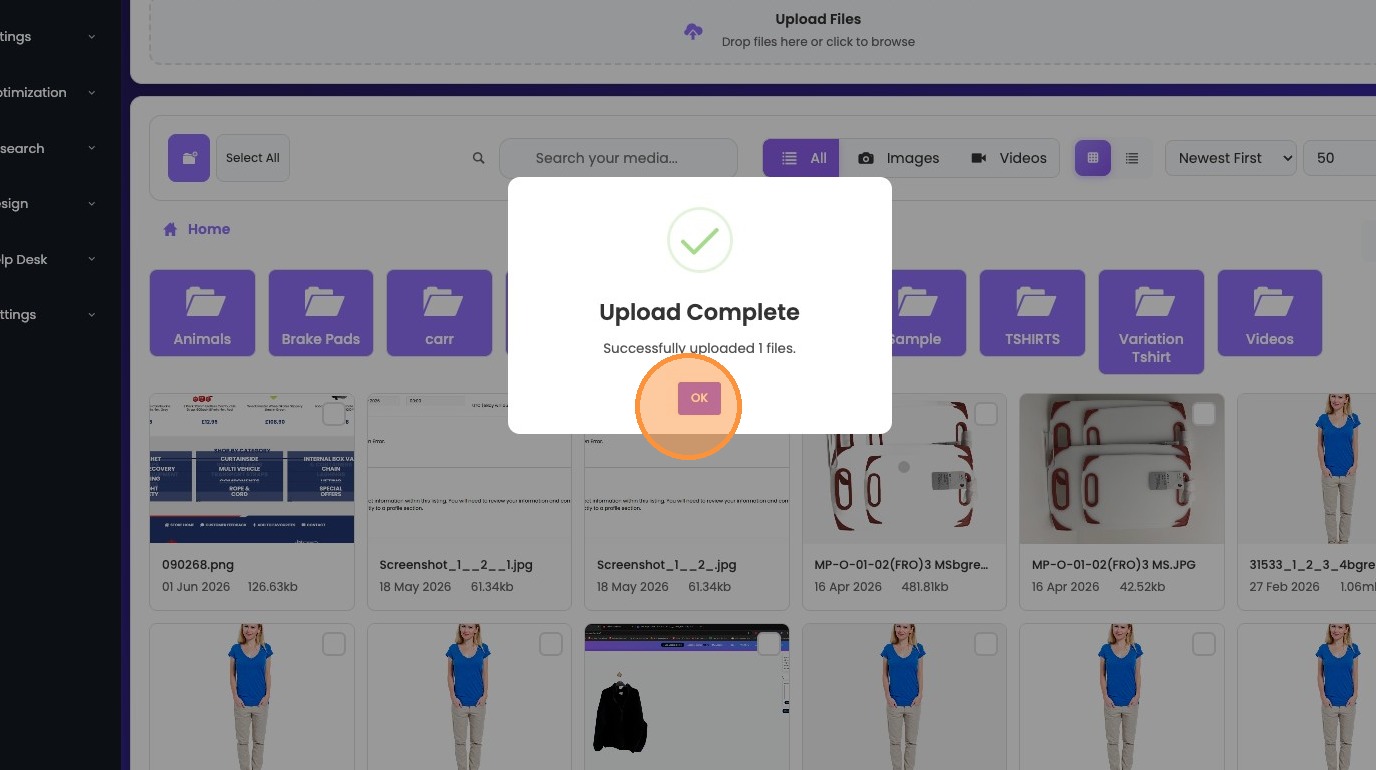
5. Click OK to complete upload
Was this article helpful?
That’s Great!
Thank you for your feedback
Sorry! We couldn't be helpful
Thank you for your feedback
Feedback sent
We appreciate your effort and will try to fix the article