Learn how to efficiently update shipping settings for multiple eBay listings at once. This guide simplifies the process of applying uniform shipping policies across your entire inventory to save you time.
1. Navigate to https://freedom.frooition.com/ebay/
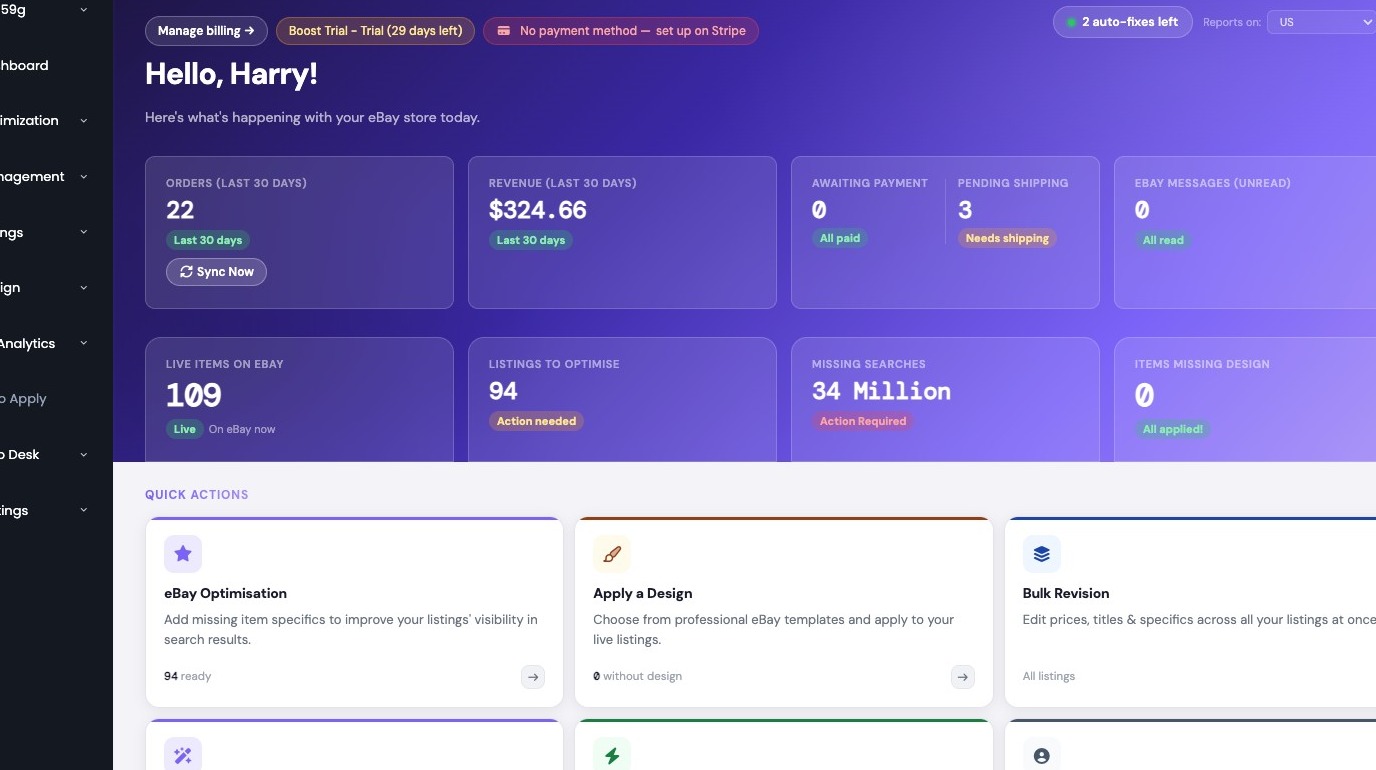
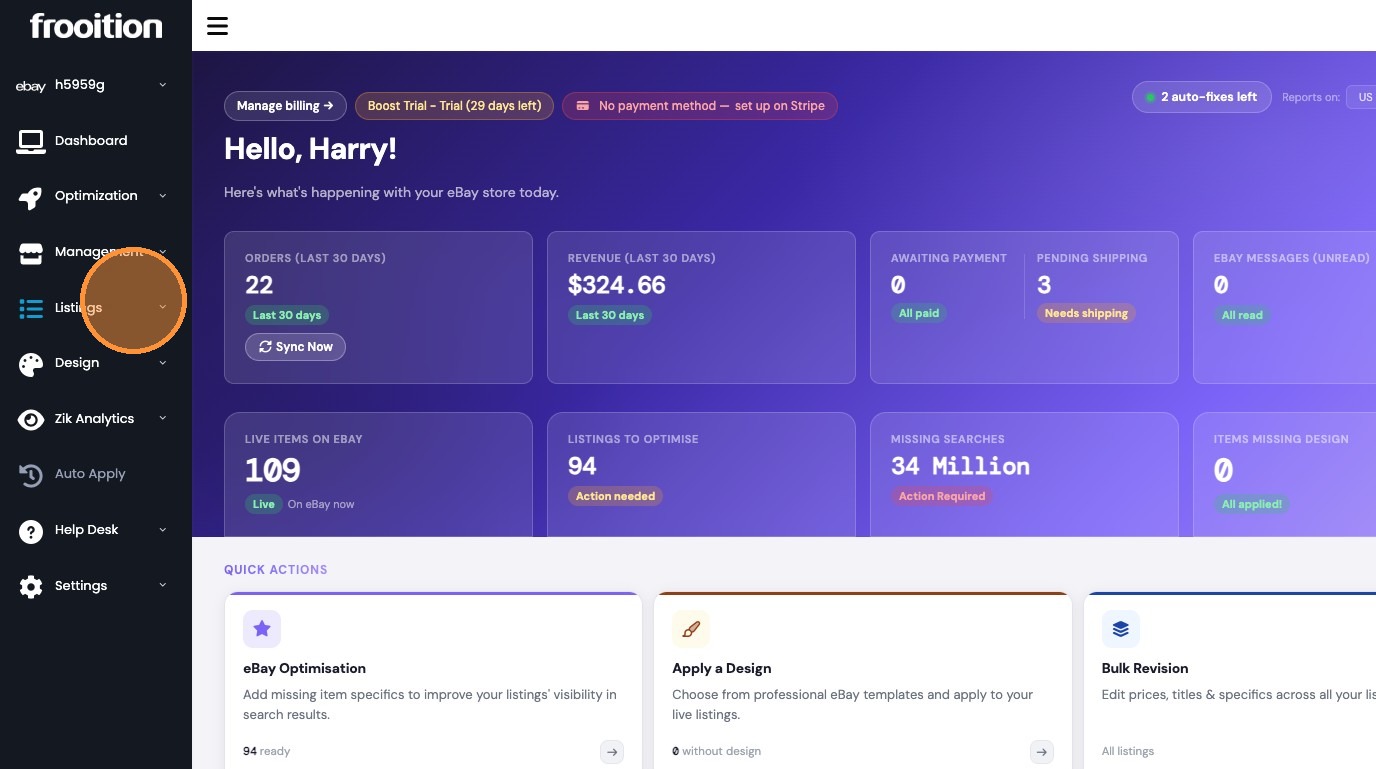
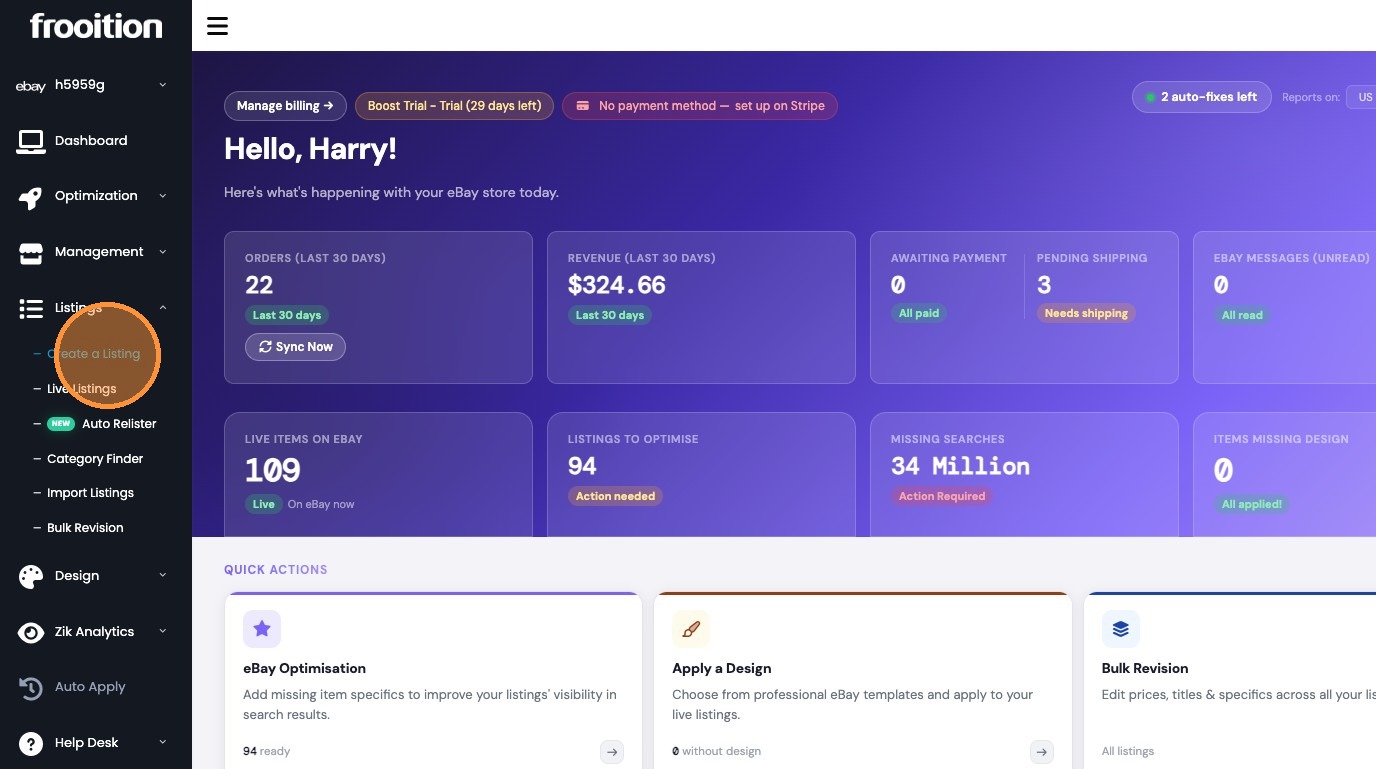
2. Navigate to the Create a Listing page from the sidebar menu.
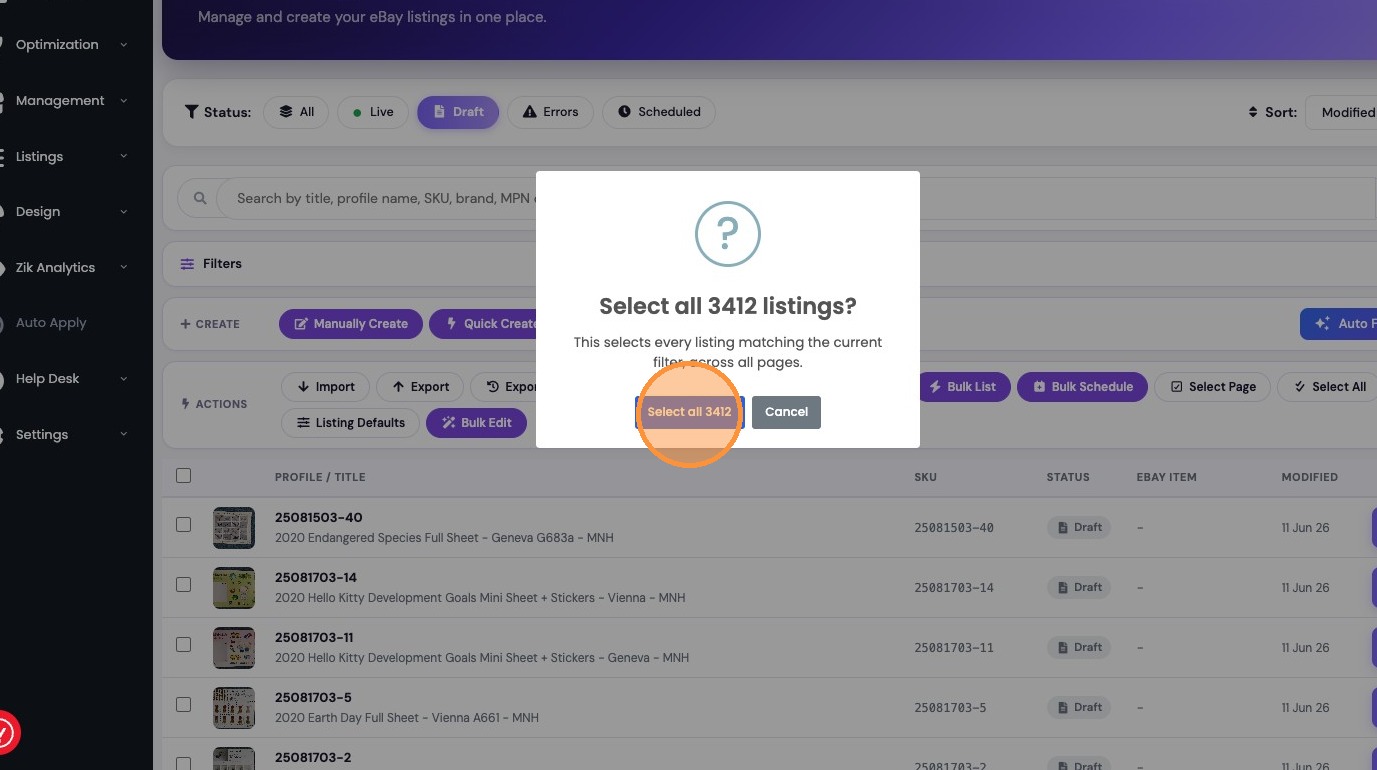
3. Select all listings matching the current filter across all pages.
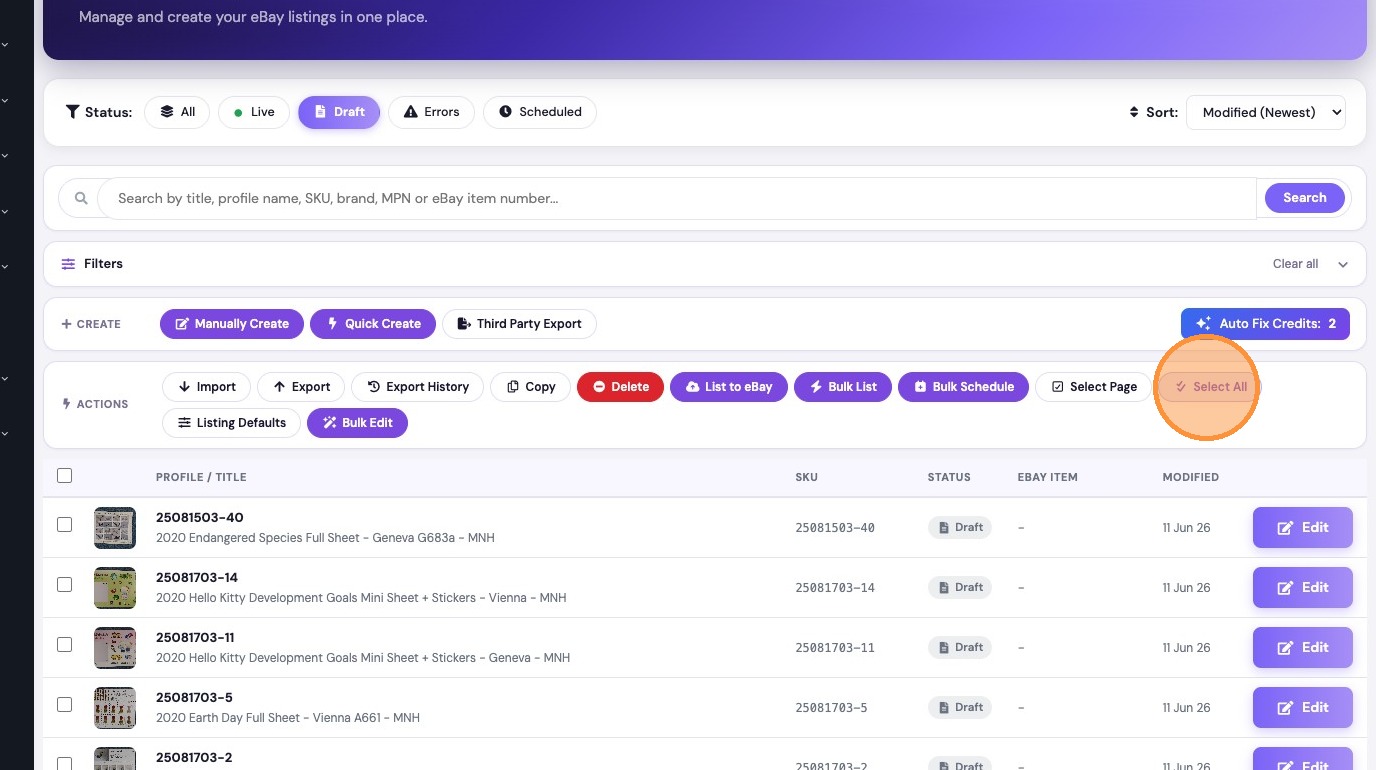
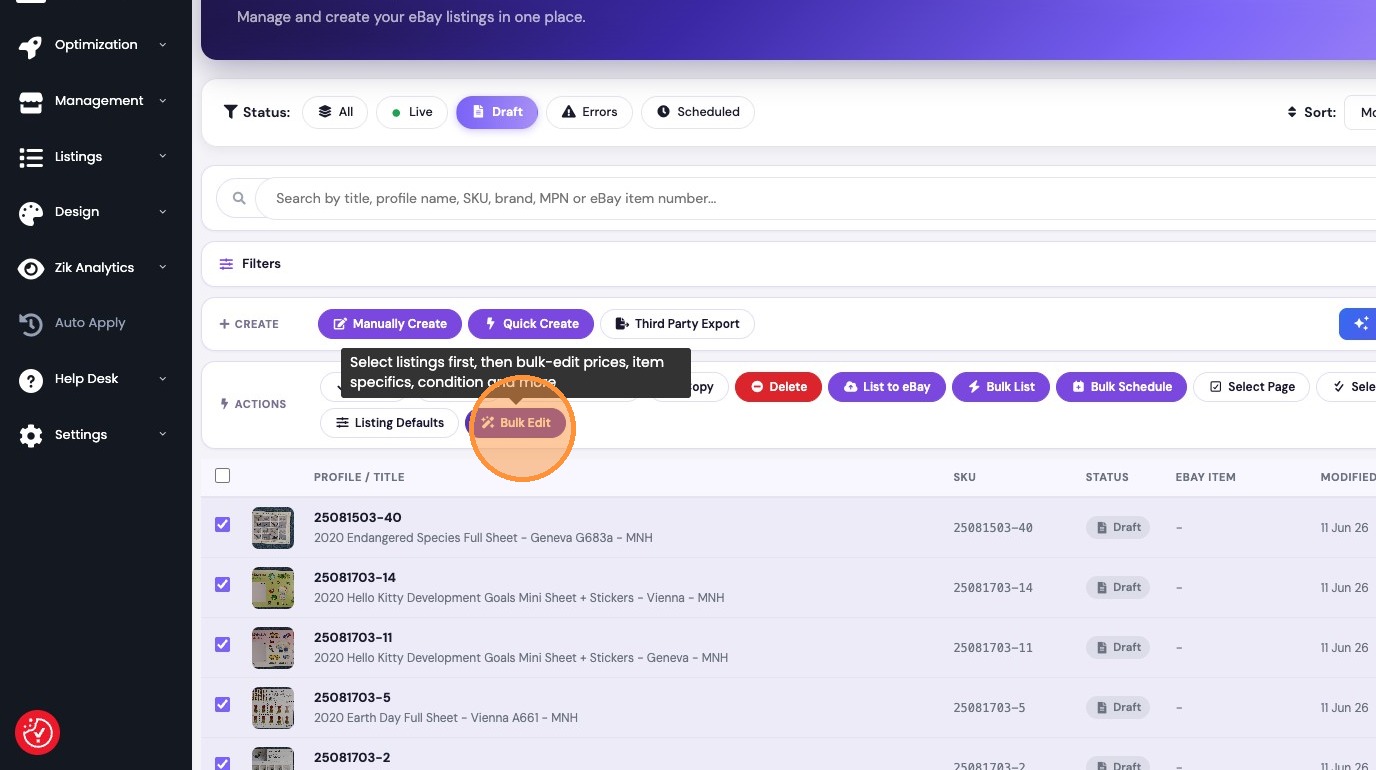
4. Click "Bulk Edit"
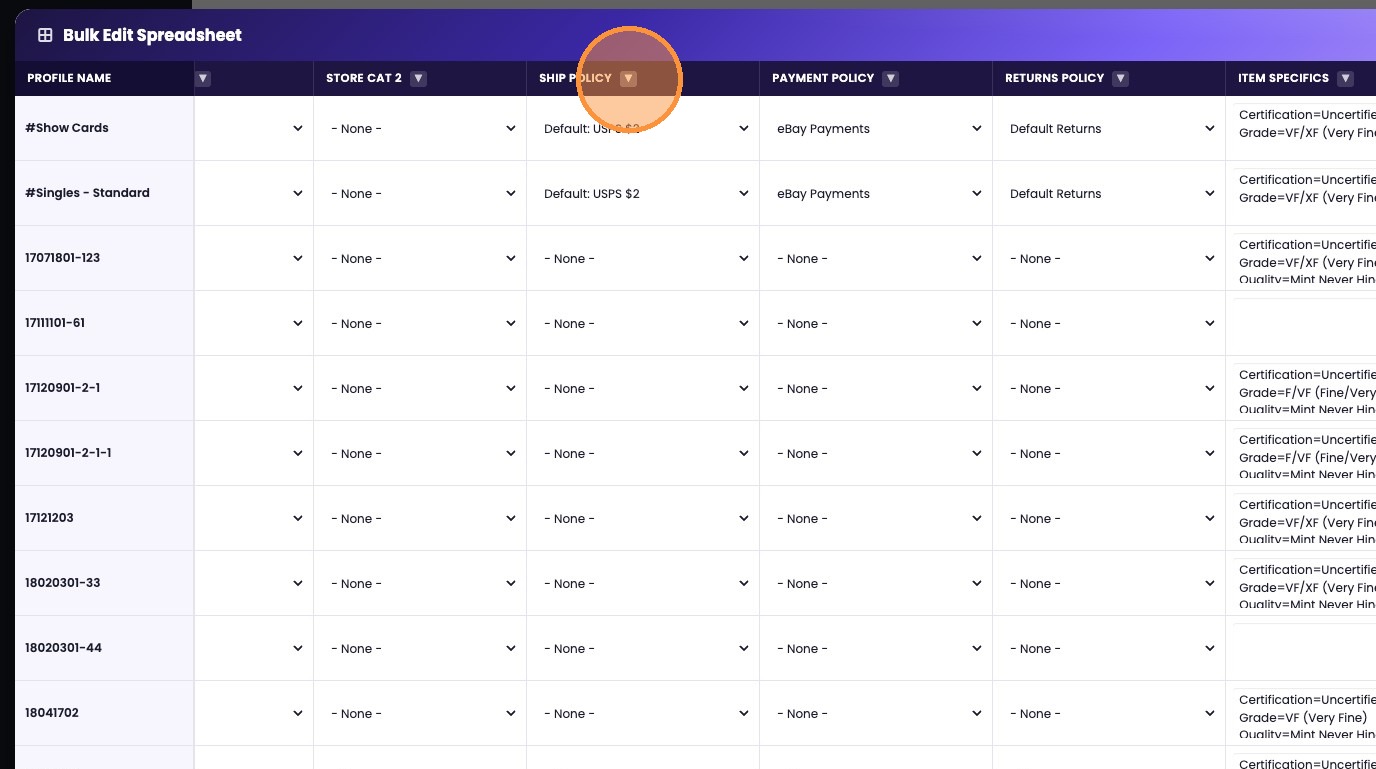
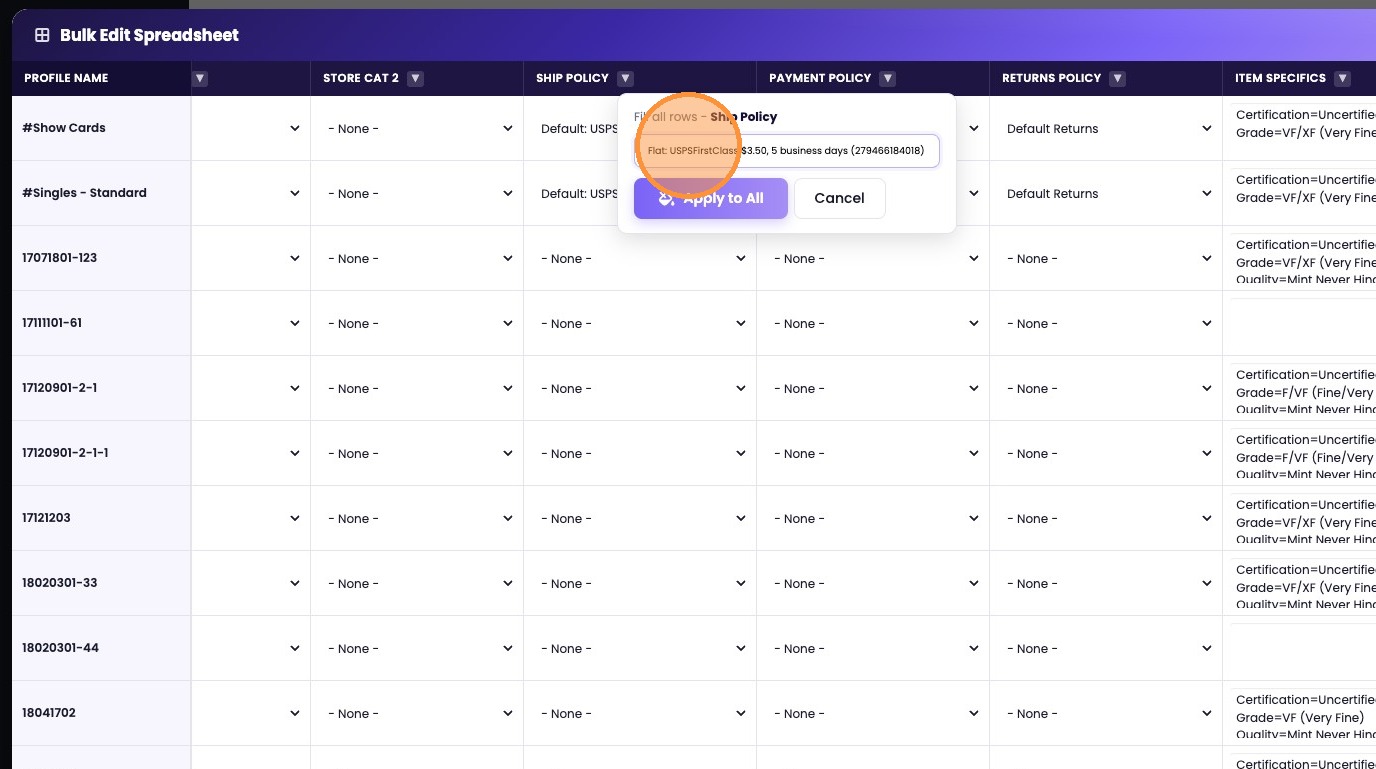
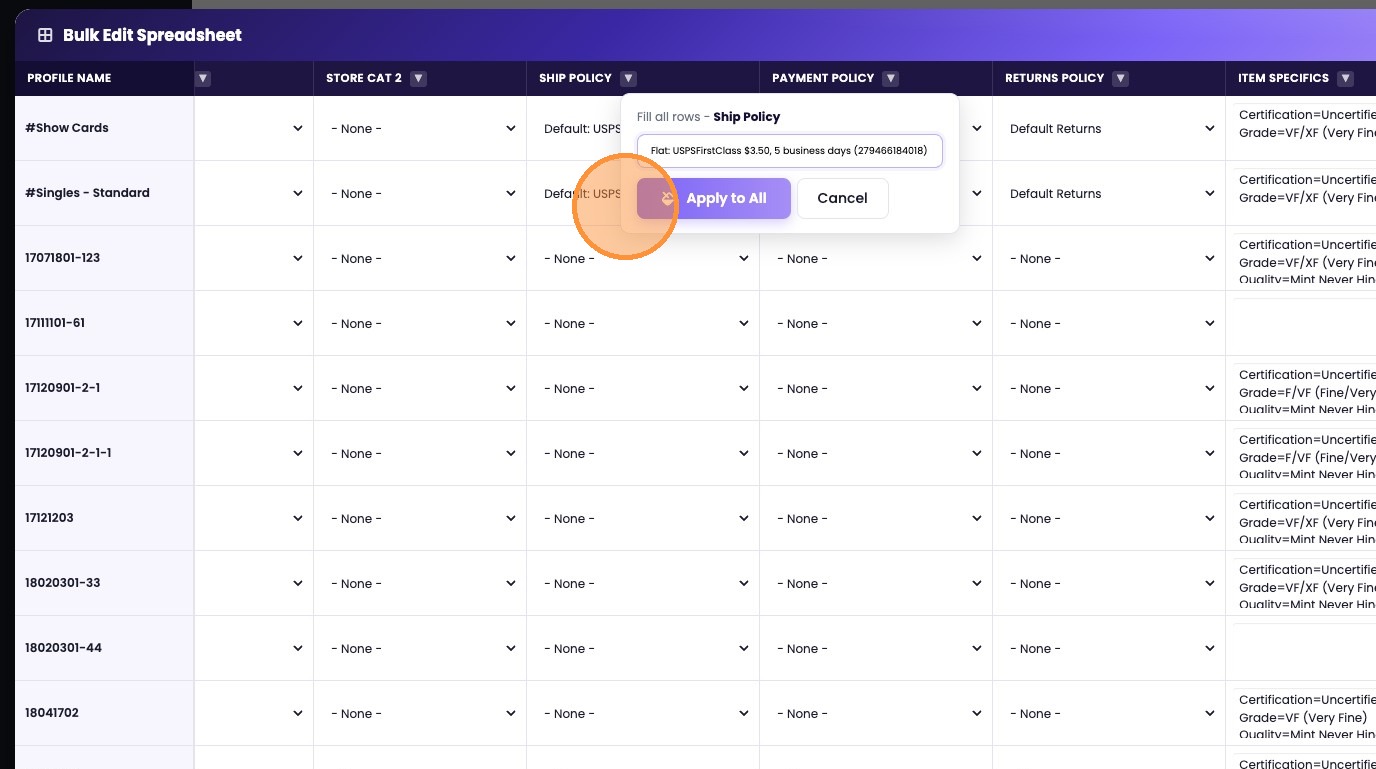
5. Bulk update the shipping policy for all rows in the editor.
Was this article helpful?
That’s Great!
Thank you for your feedback
Sorry! We couldn't be helpful
Thank you for your feedback
Feedback sent
We appreciate your effort and will try to fix the article