Access Settings
1. Navigate to https://freedom.frooition.com/ebay/
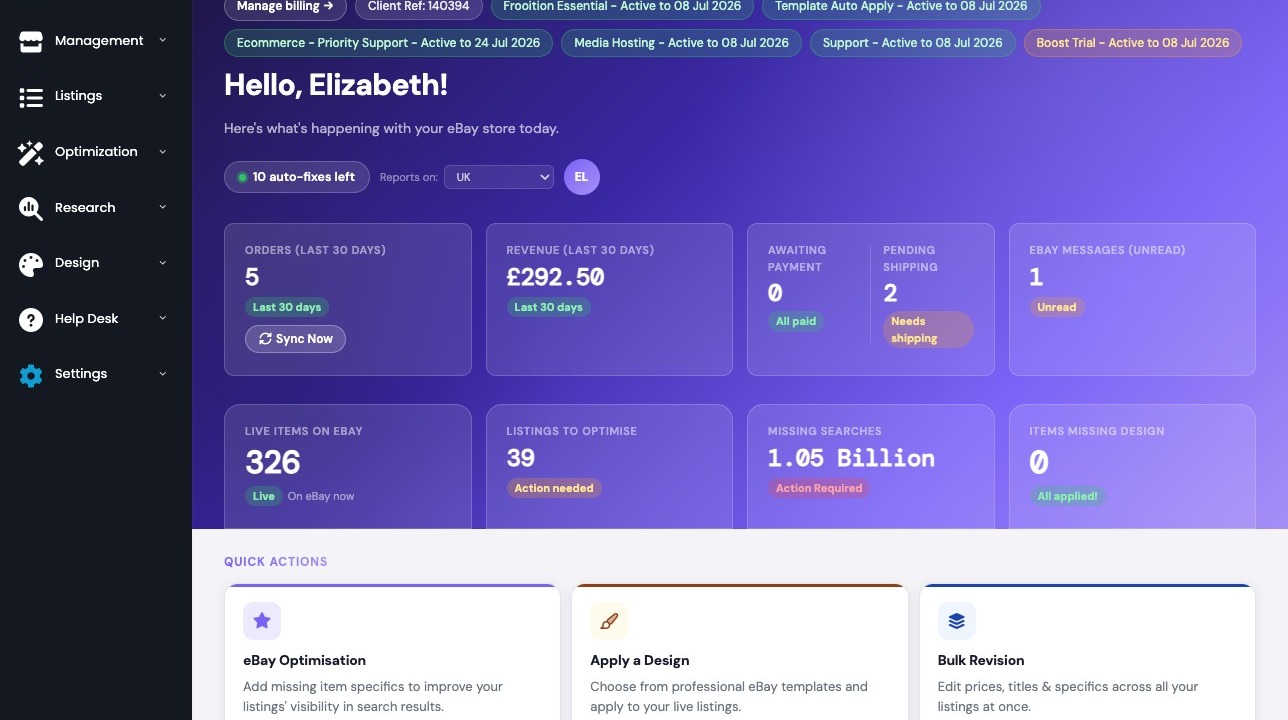
2. Navigate to the Seller Info Tabs section
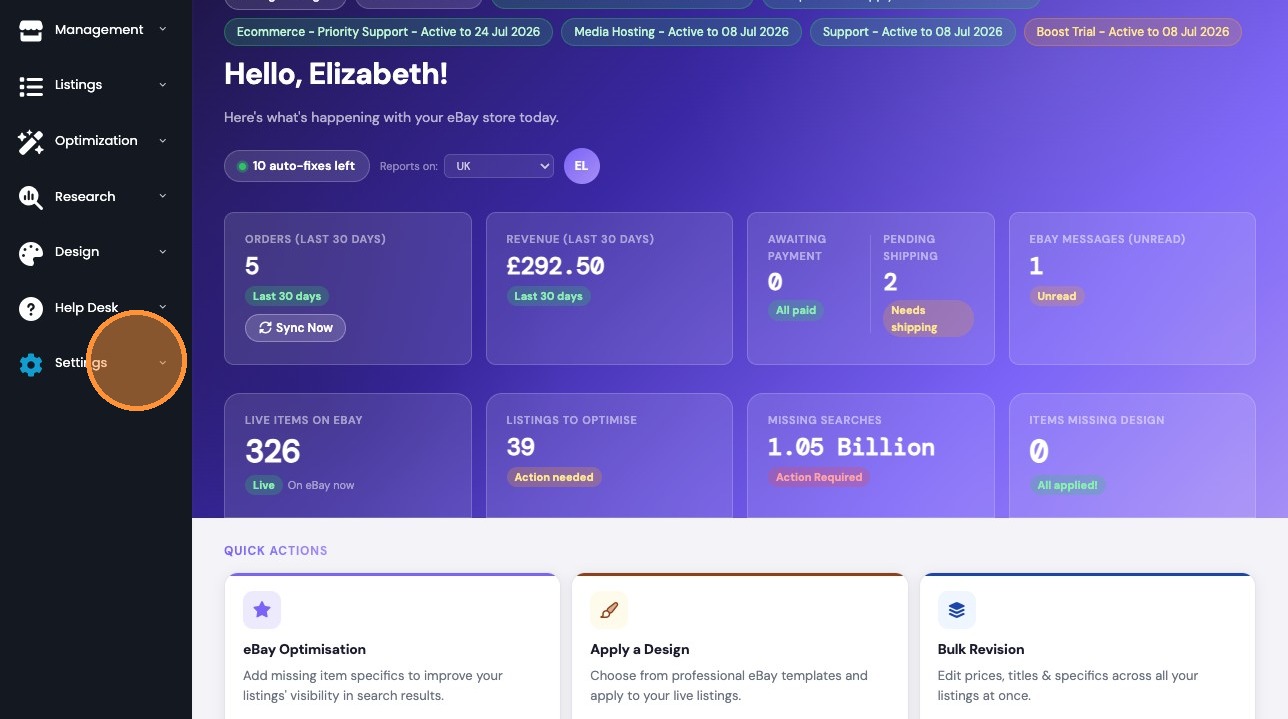
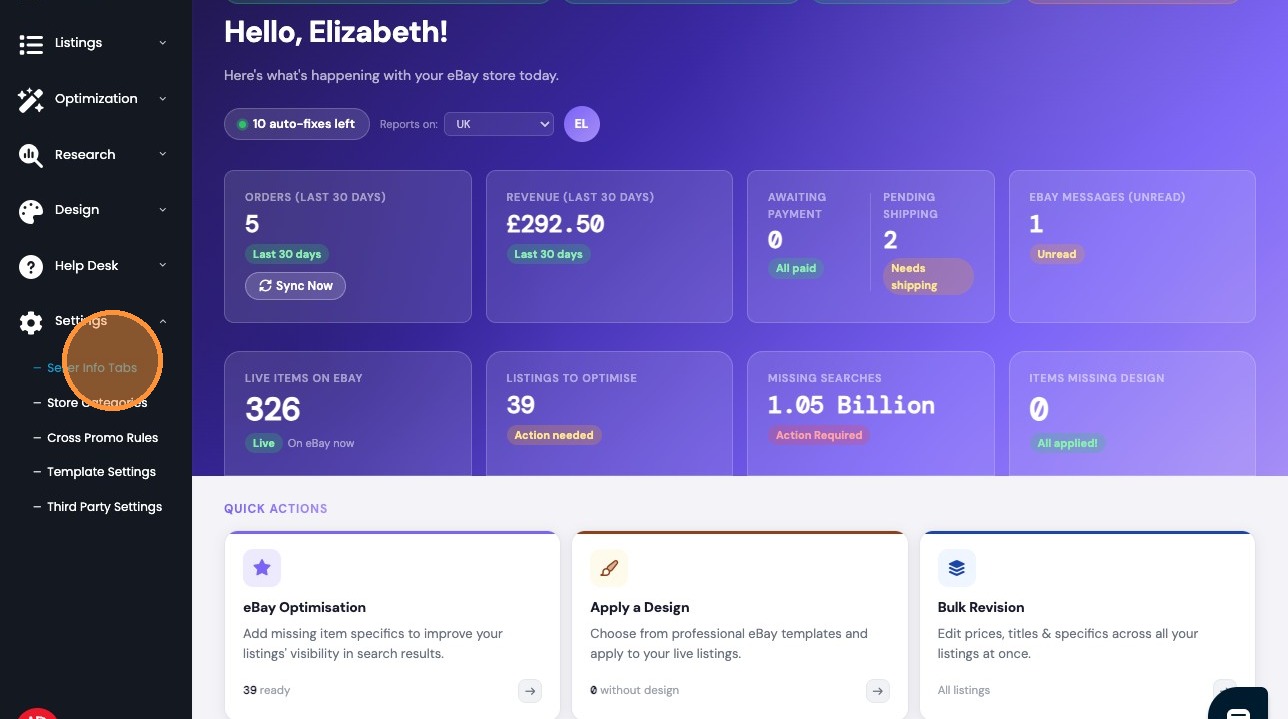
Configure Seller Info Tabs
3. Enter title for the first tab
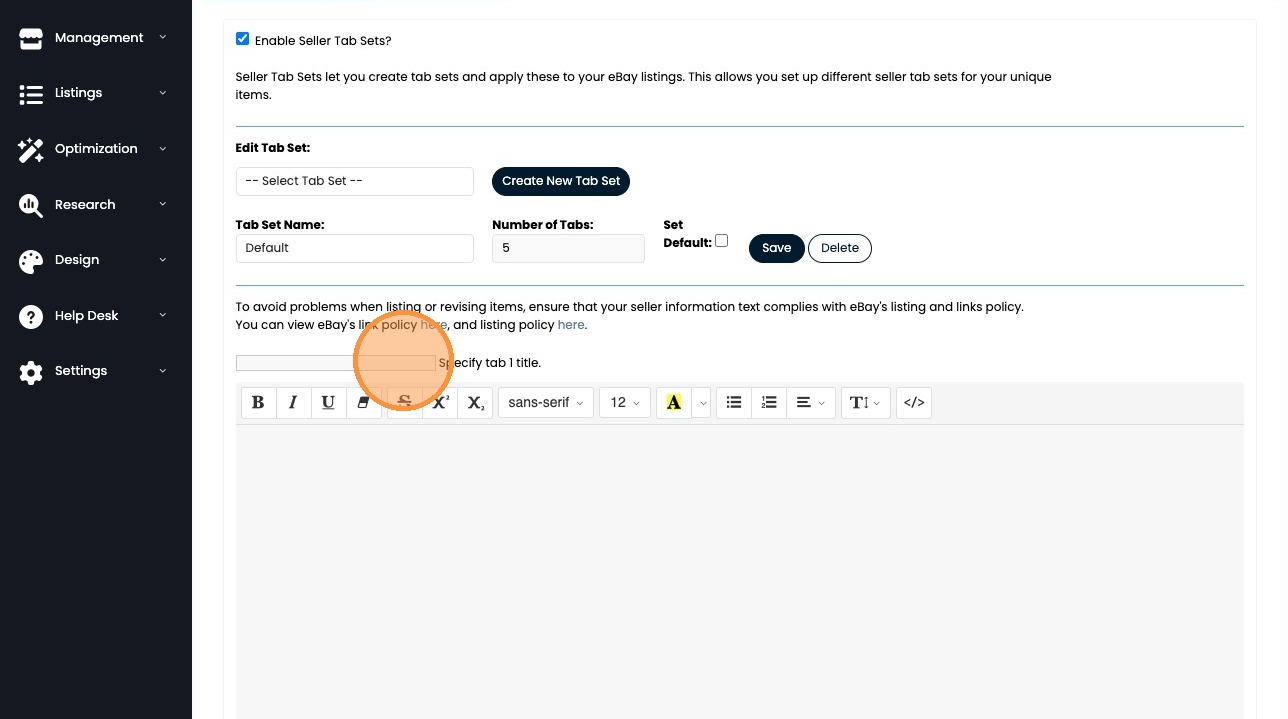
4. Enter text content for the first tab
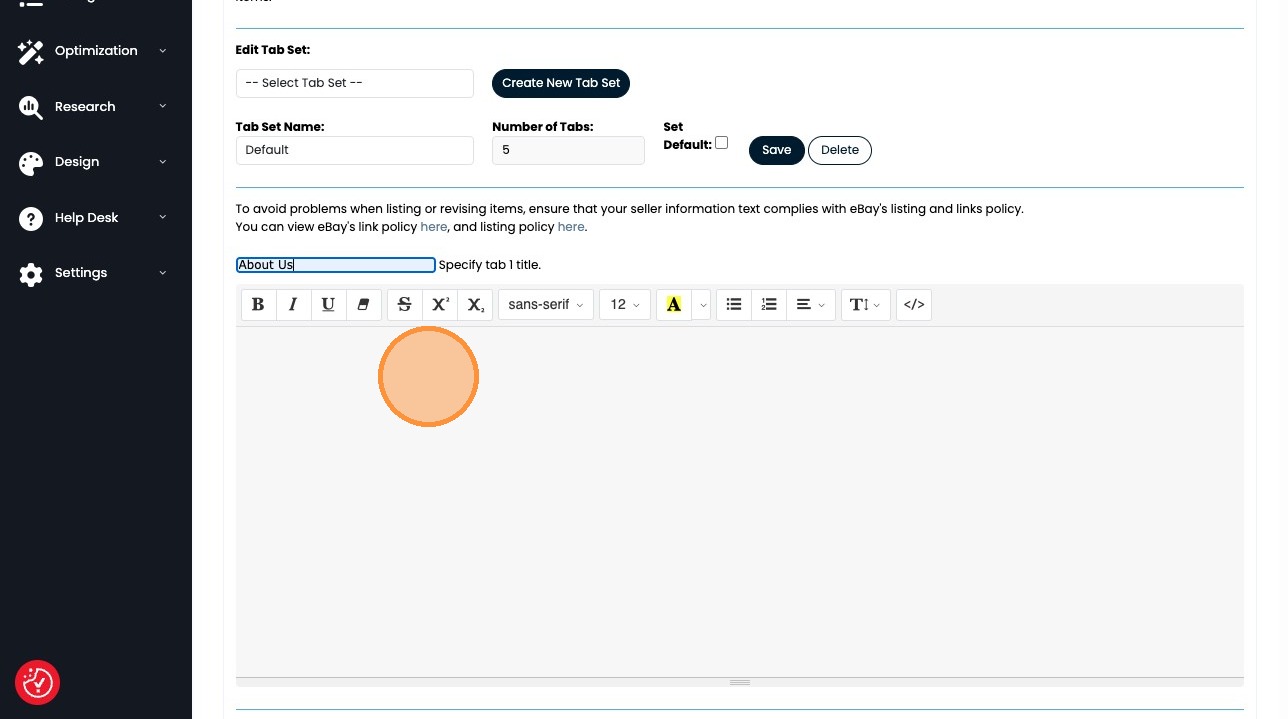
5. Enter title for the second tab
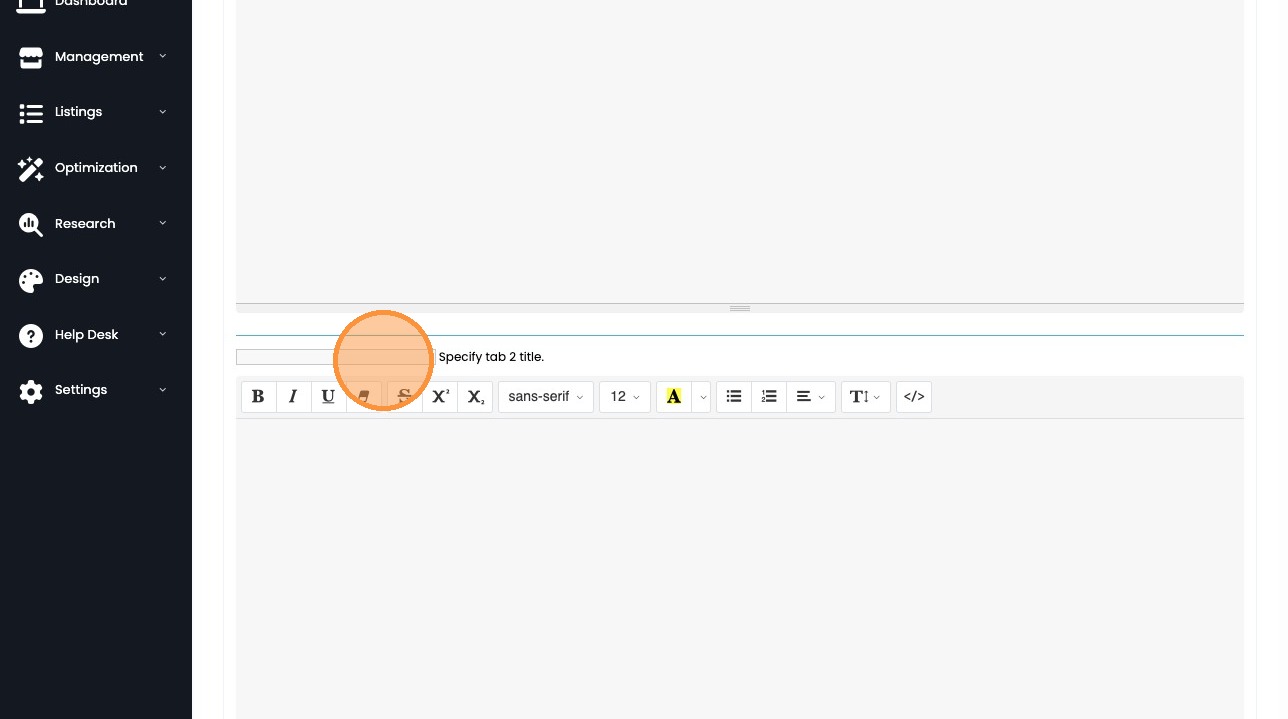
6. Enter text content for the second tab
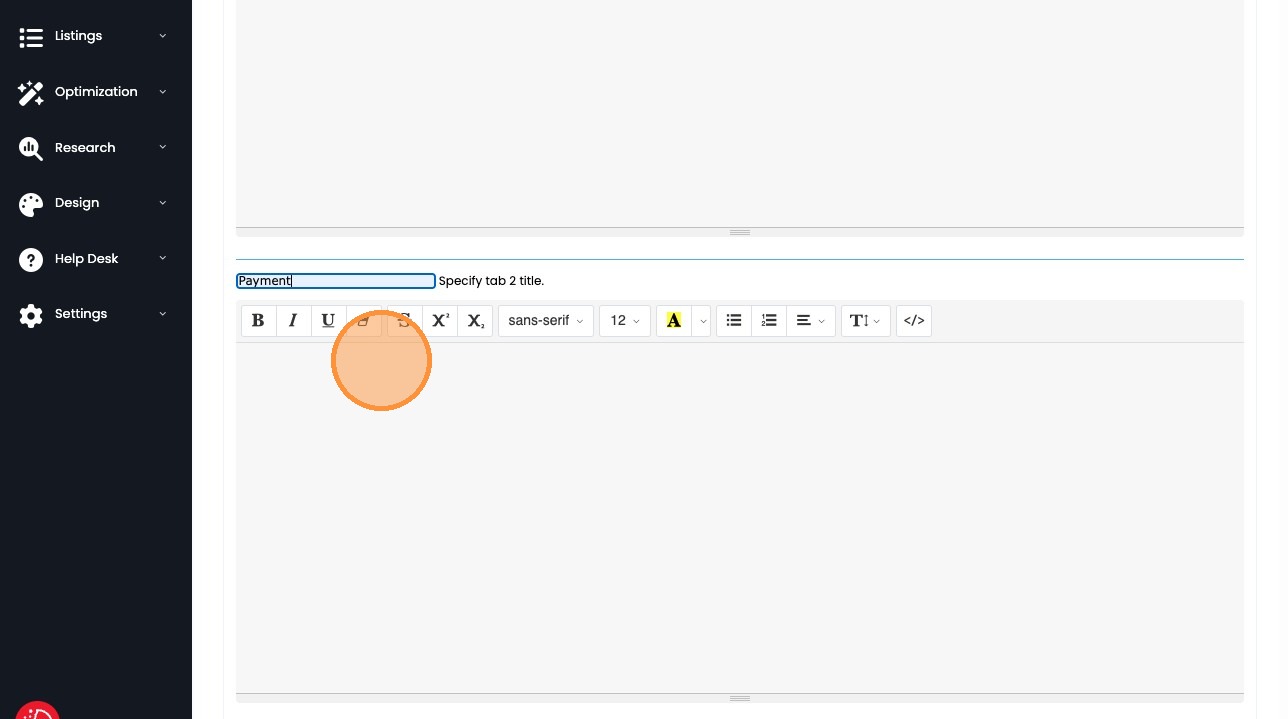
7. Enter 'Returns' as the third tab title
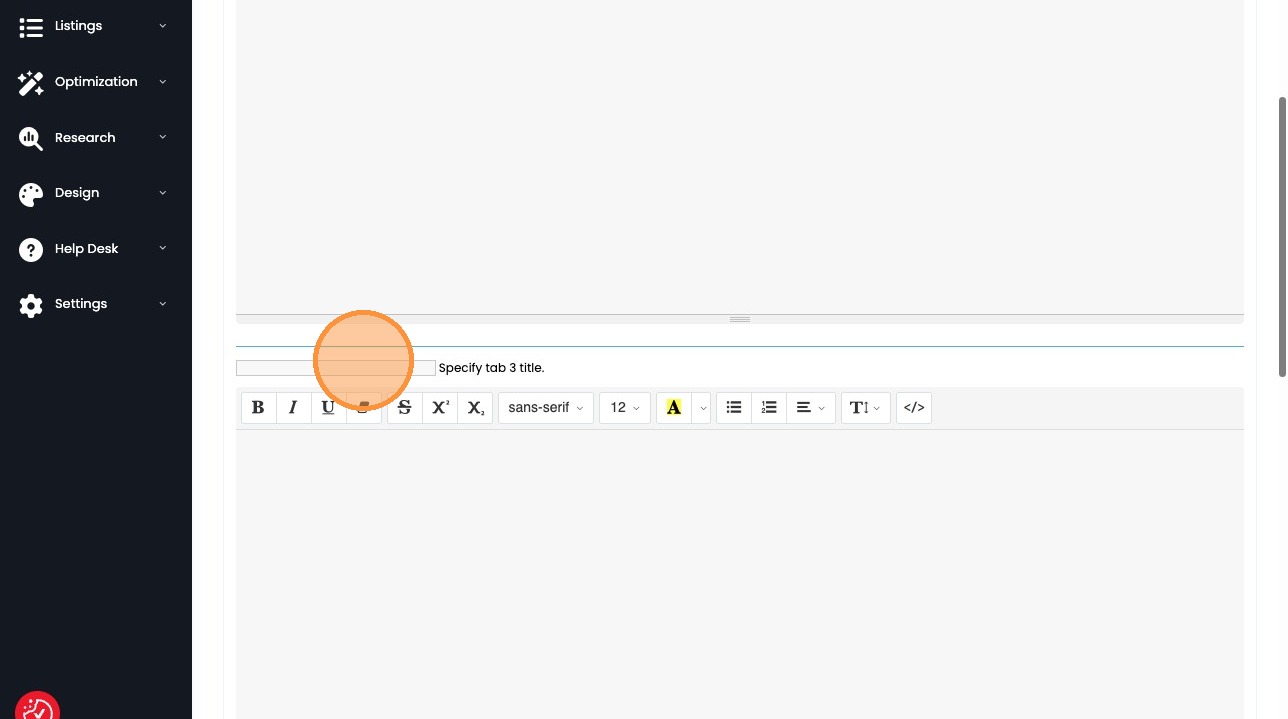
8. Enter text content for the third tab
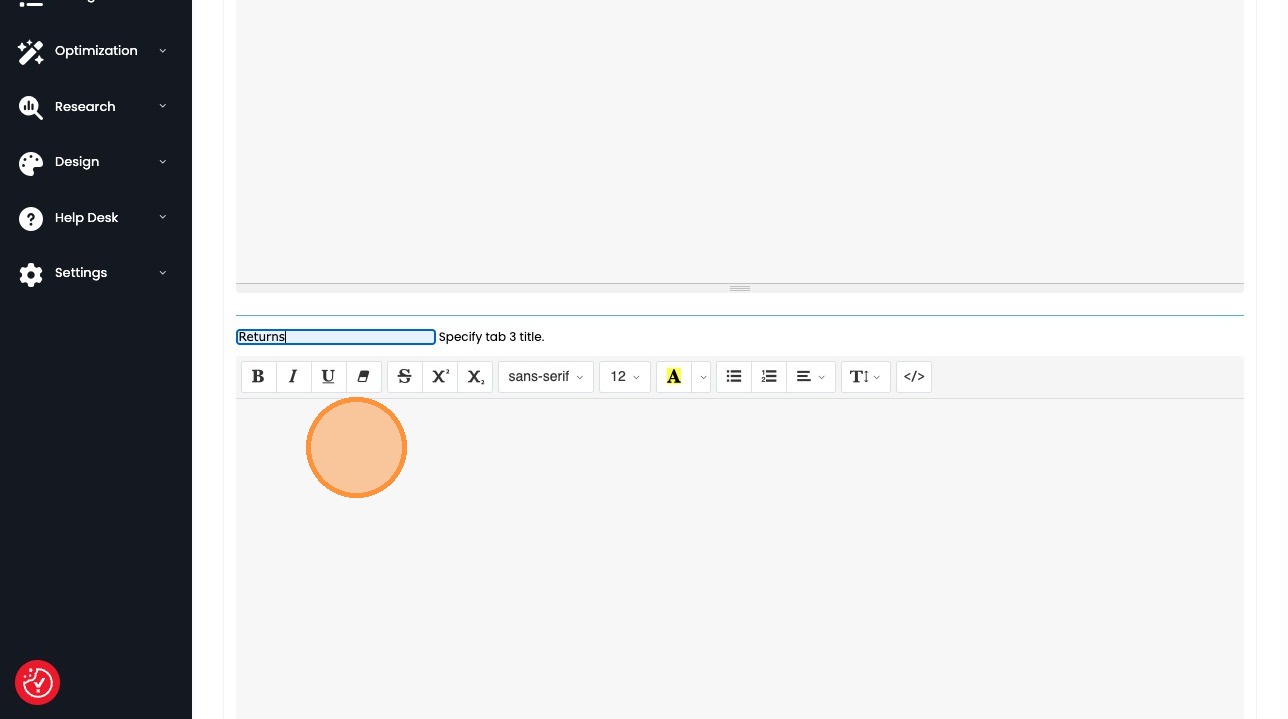
9. Enter 'Terms' as the fourth tab title
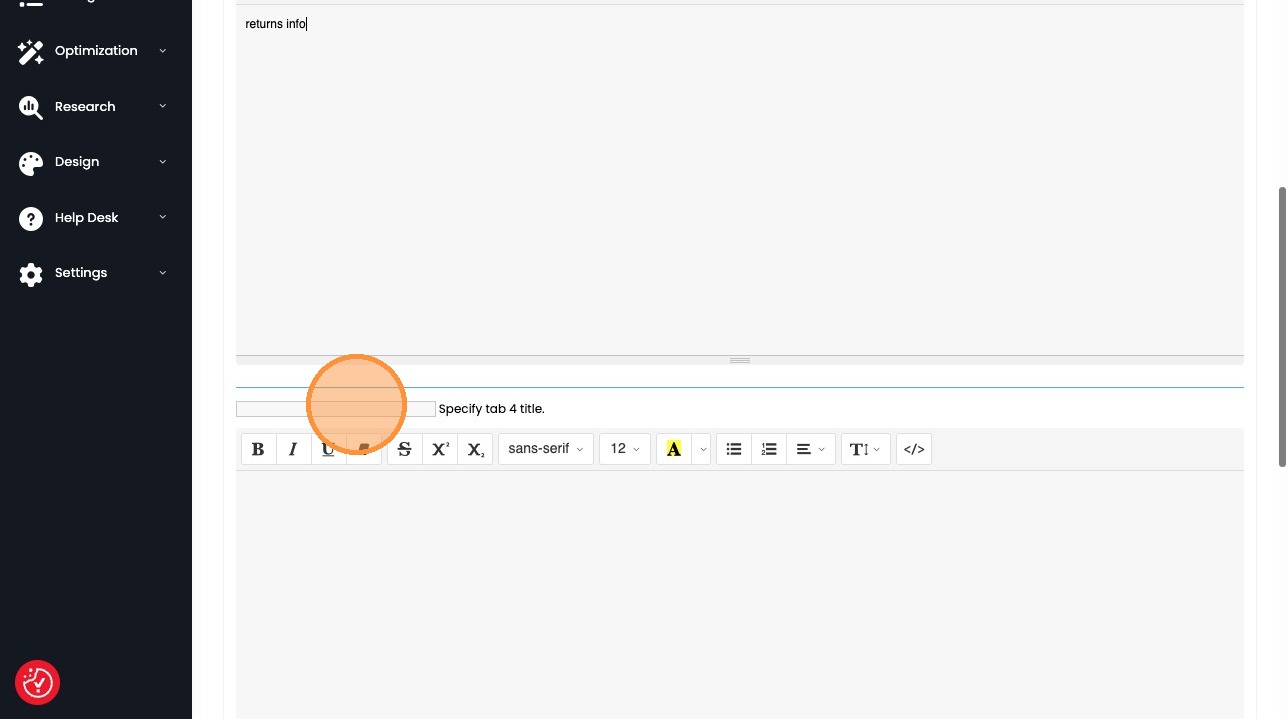
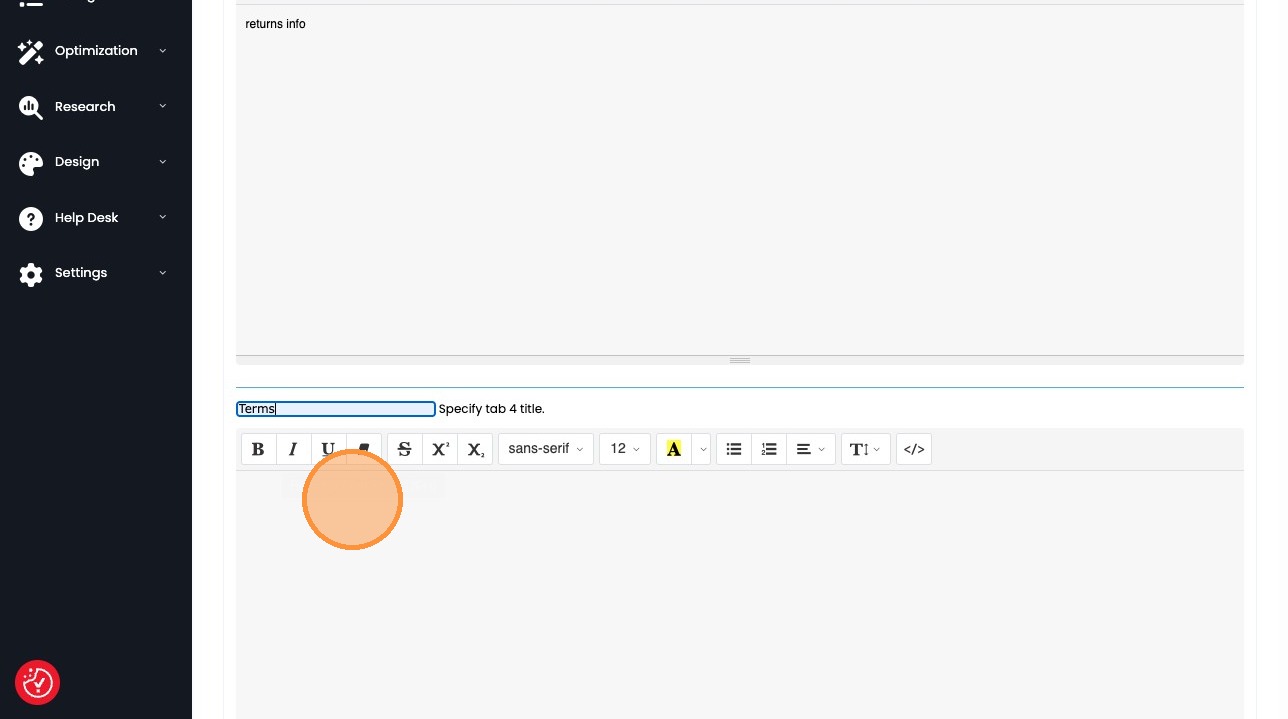
10. Enter text content for the fourth tab
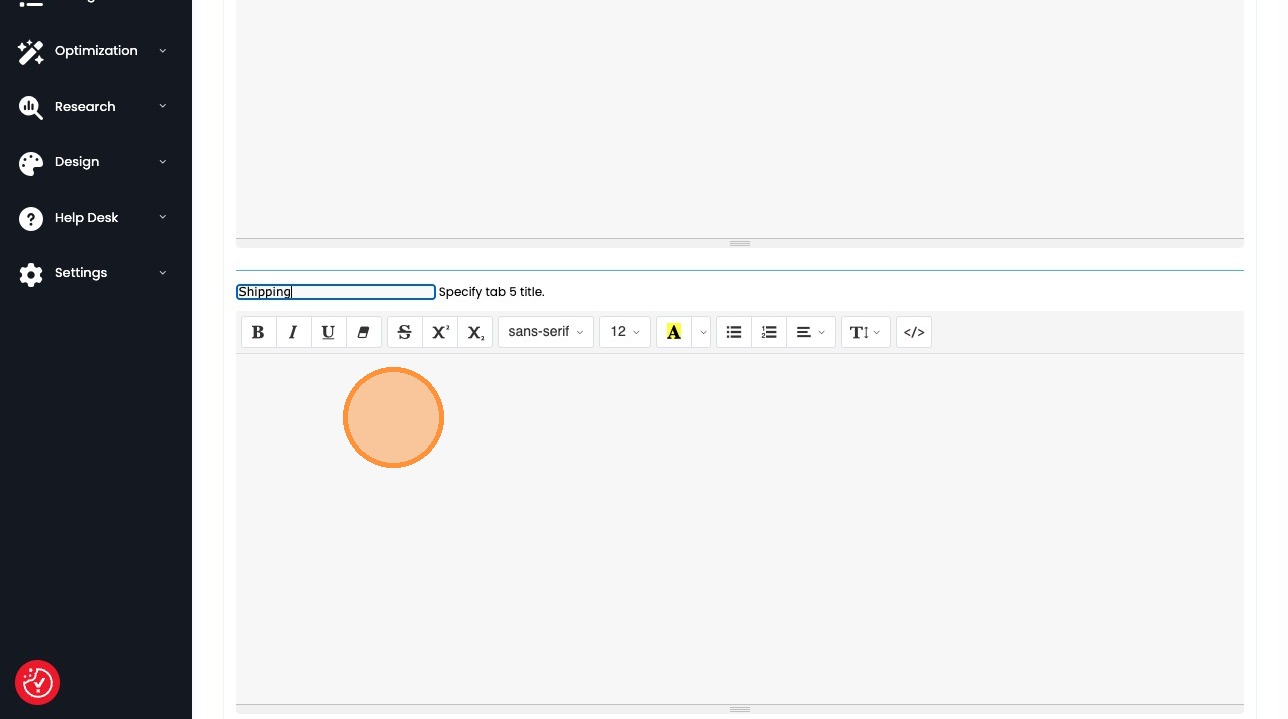
11. Enter 'Shipping' as the fifth tab title
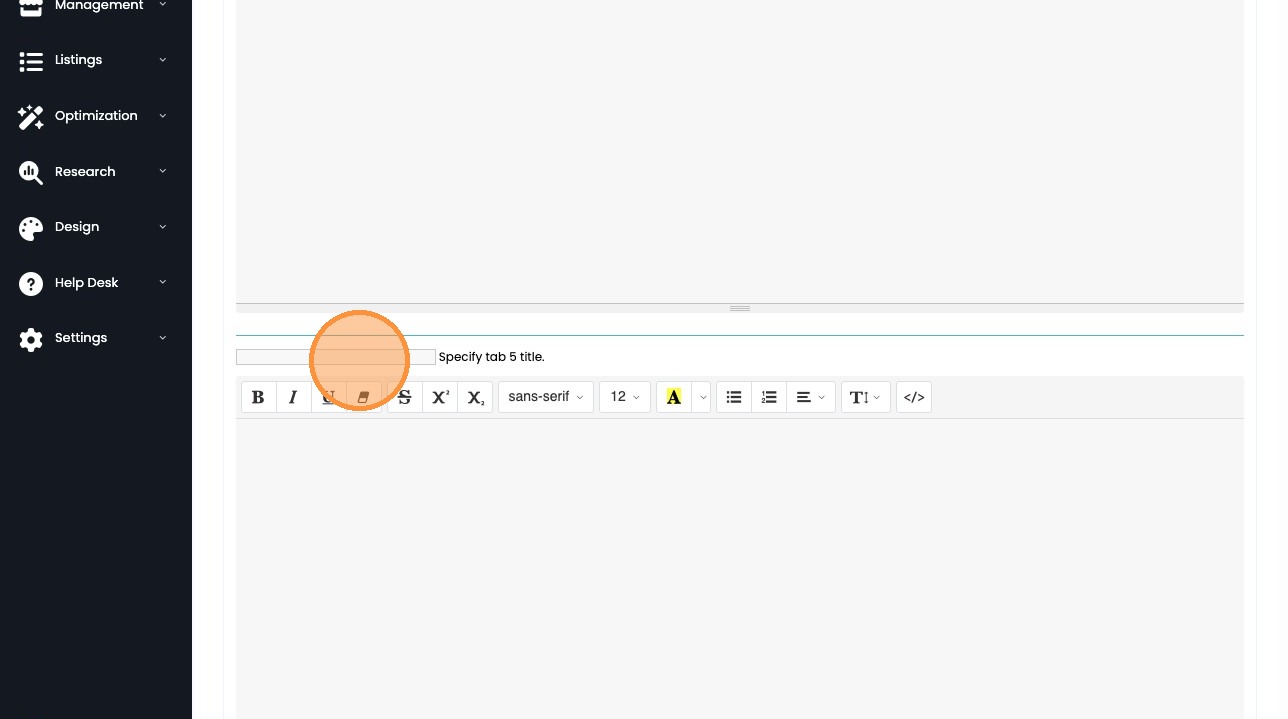
12. Enter text content for the fifth tab
Save Settings
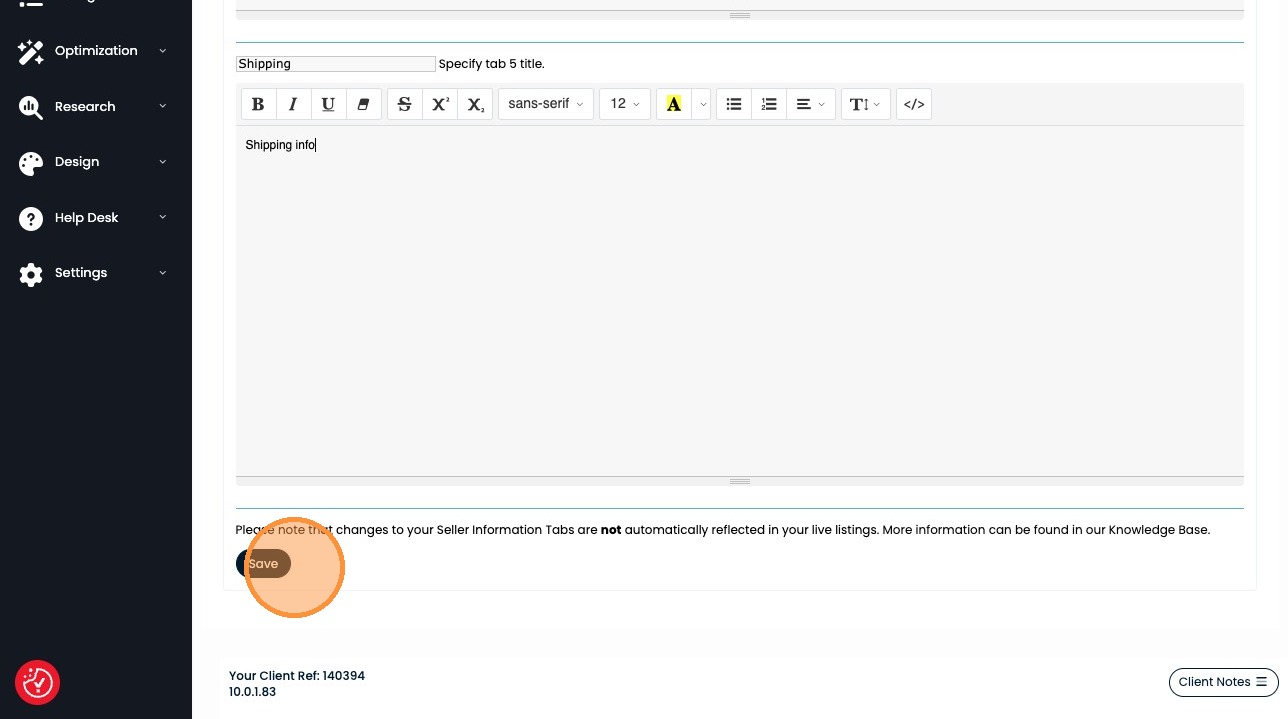
13. Click Save to apply changes
Was this article helpful?
That’s Great!
Thank you for your feedback
Sorry! We couldn't be helpful
Thank you for your feedback
Feedback sent
We appreciate your effort and will try to fix the article