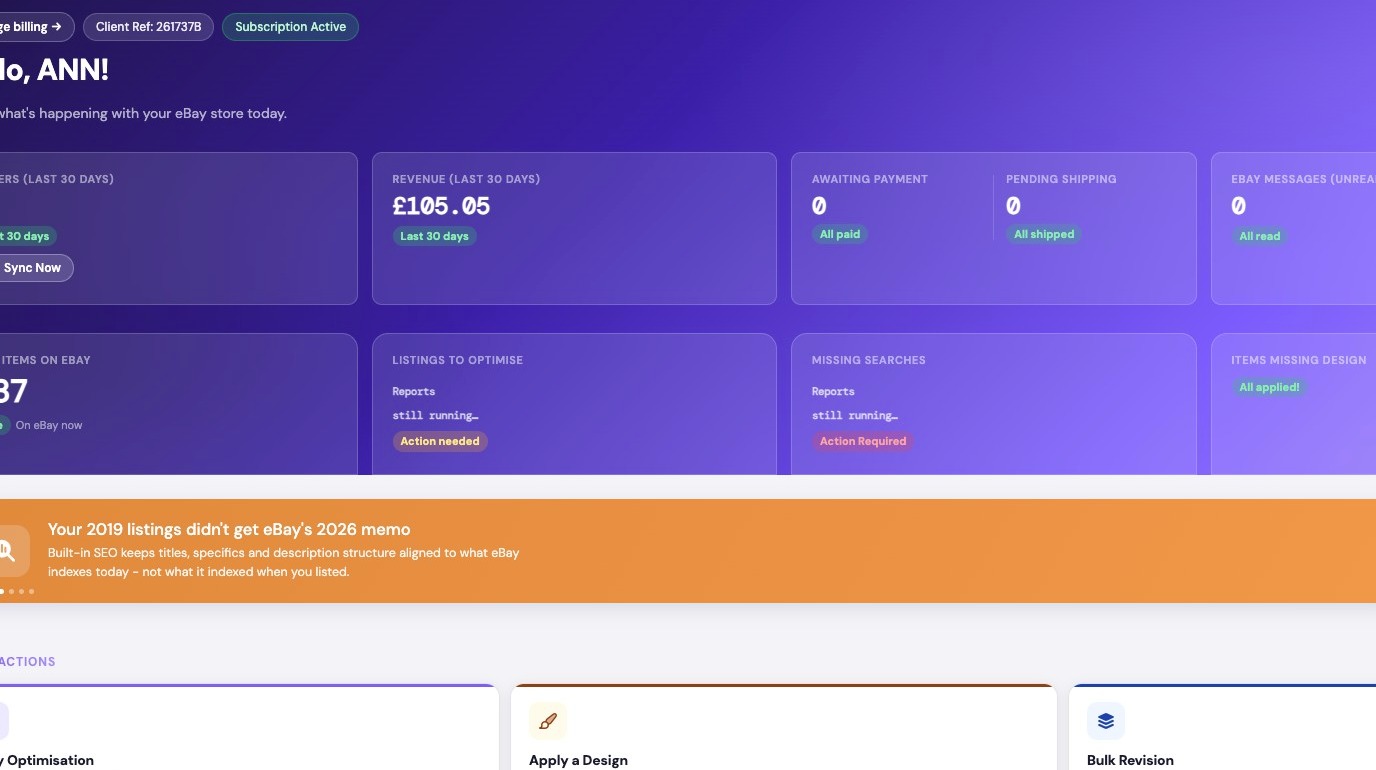
1. Navigate to https://freedom.frooition.com/ebay/
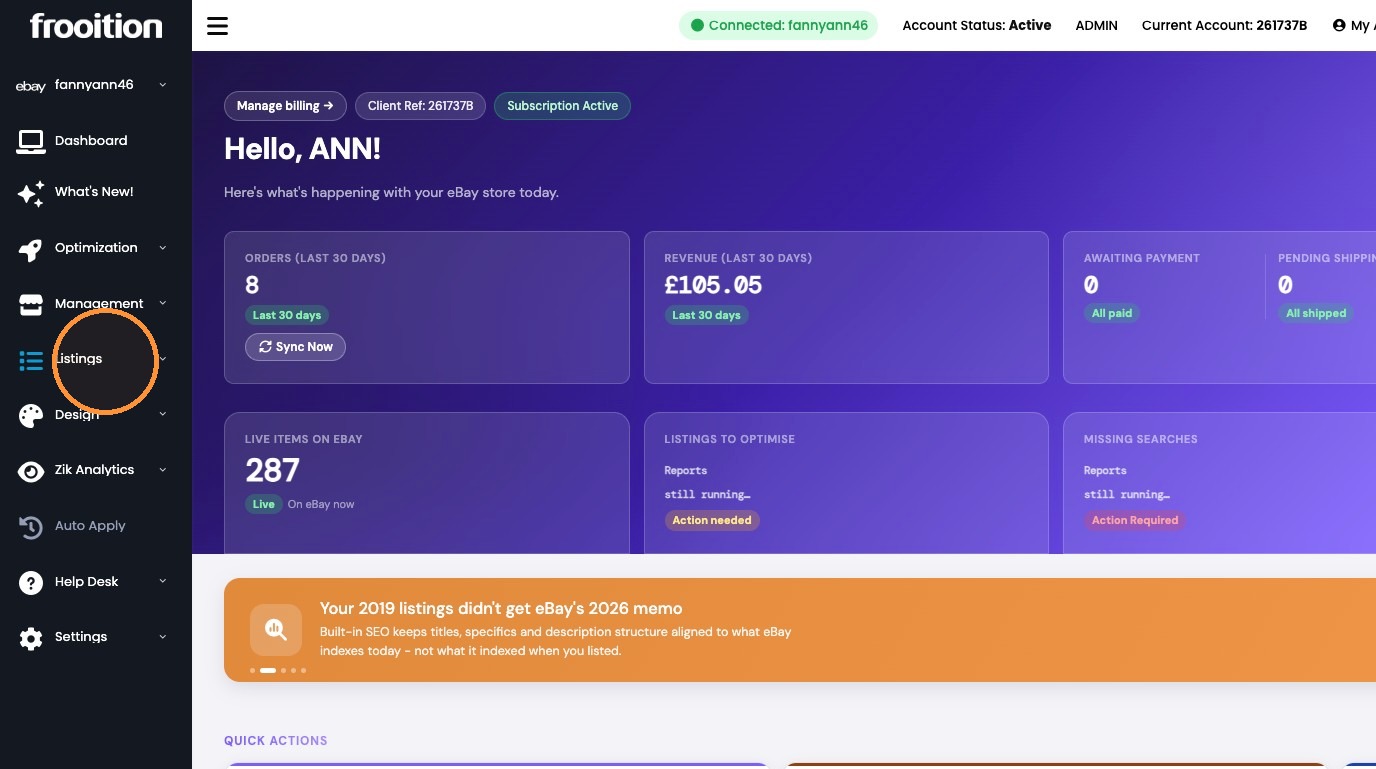
2. Click "Listings"
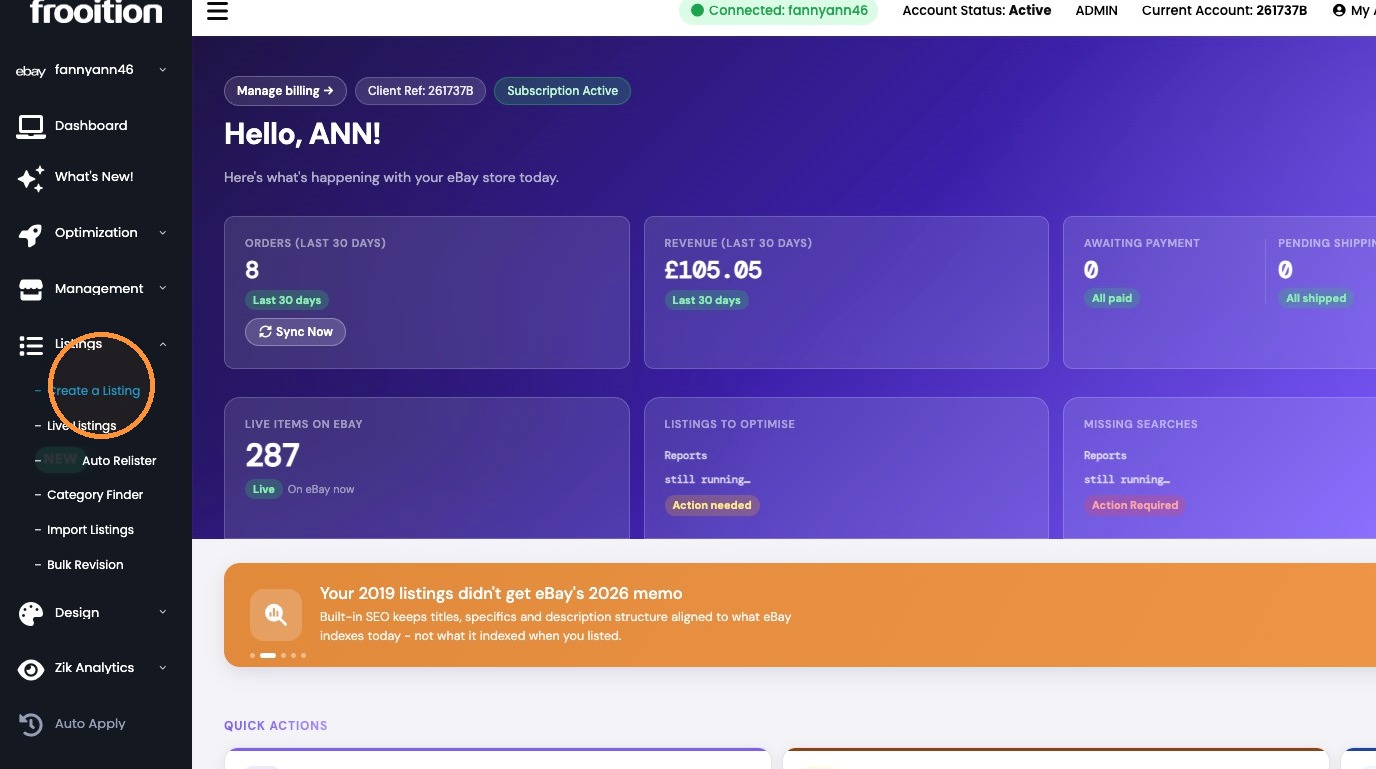
3. Click "Create a Listing"
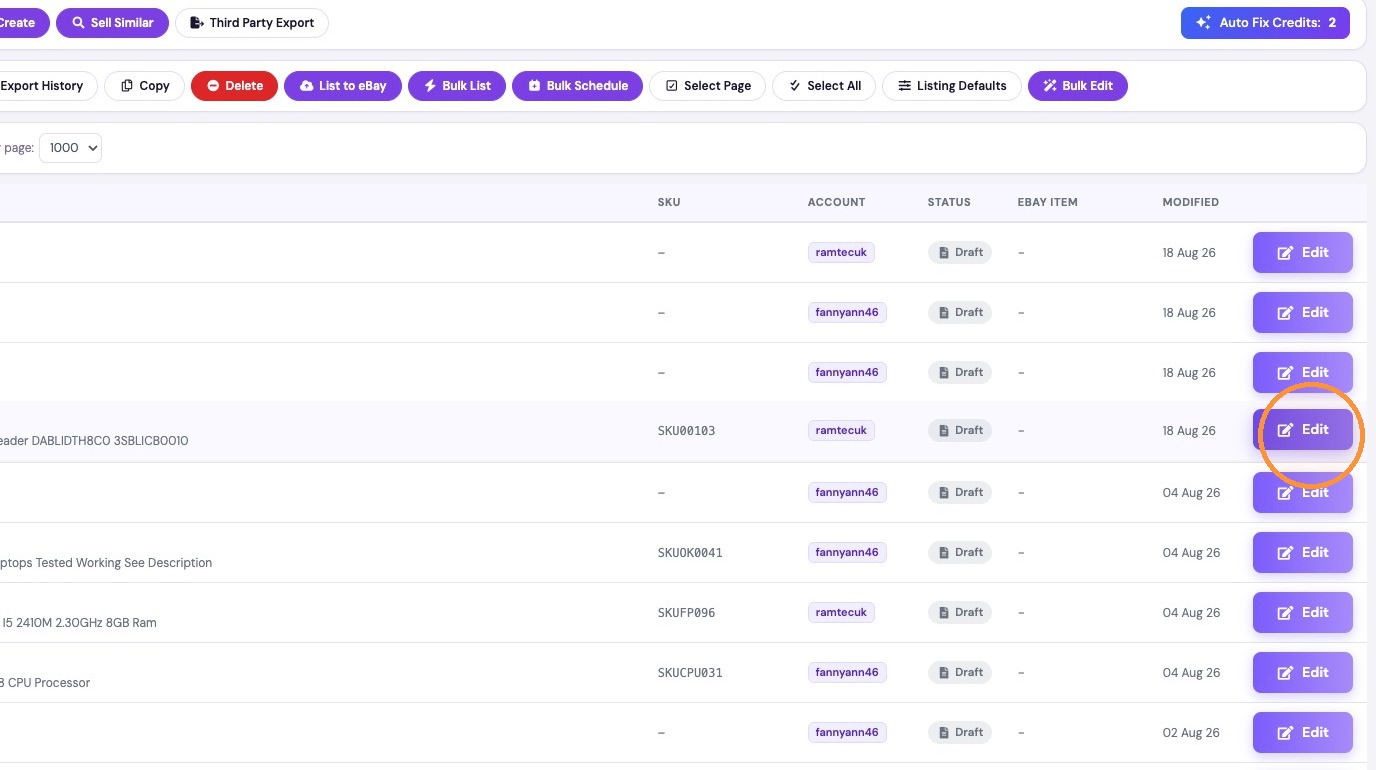
4. Click Edit for the SKU00103 listing.
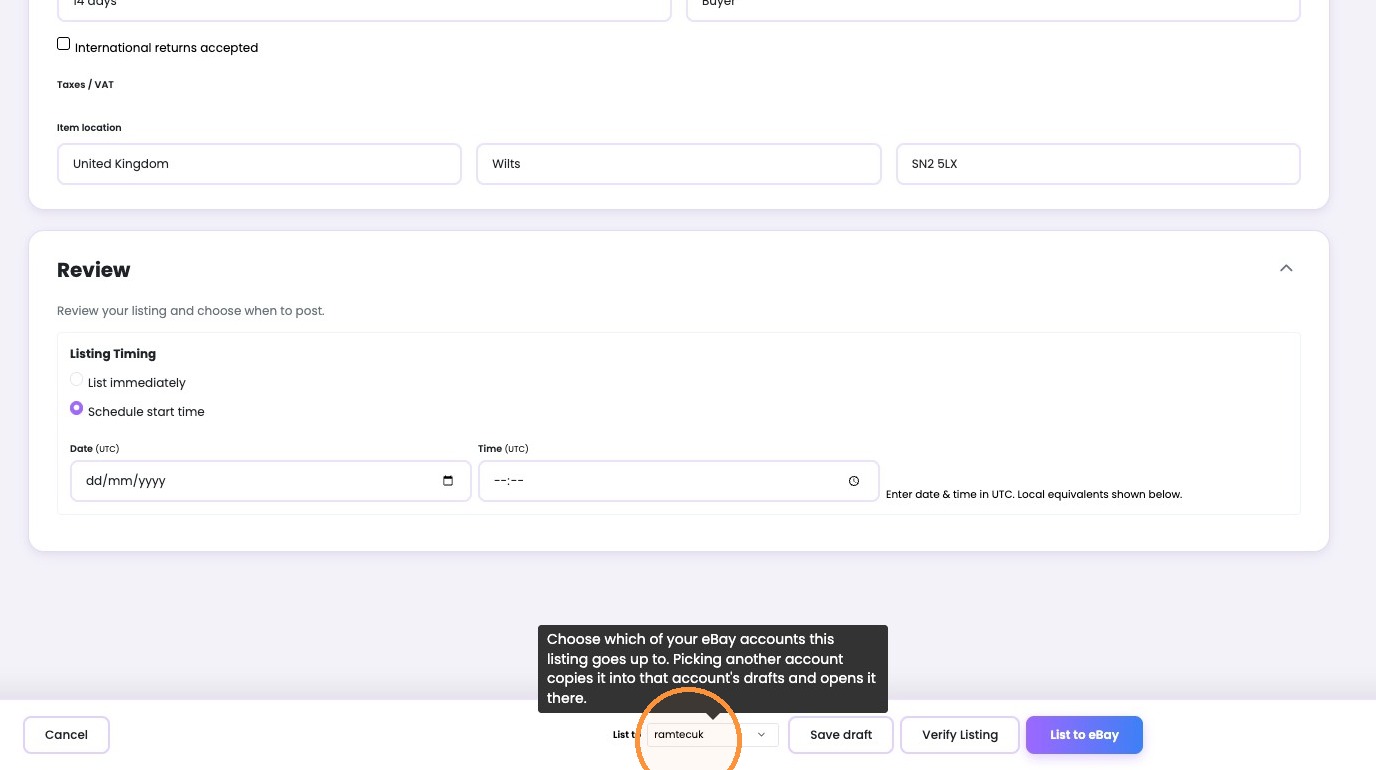
5. Click the account dropdown next to “List to”.
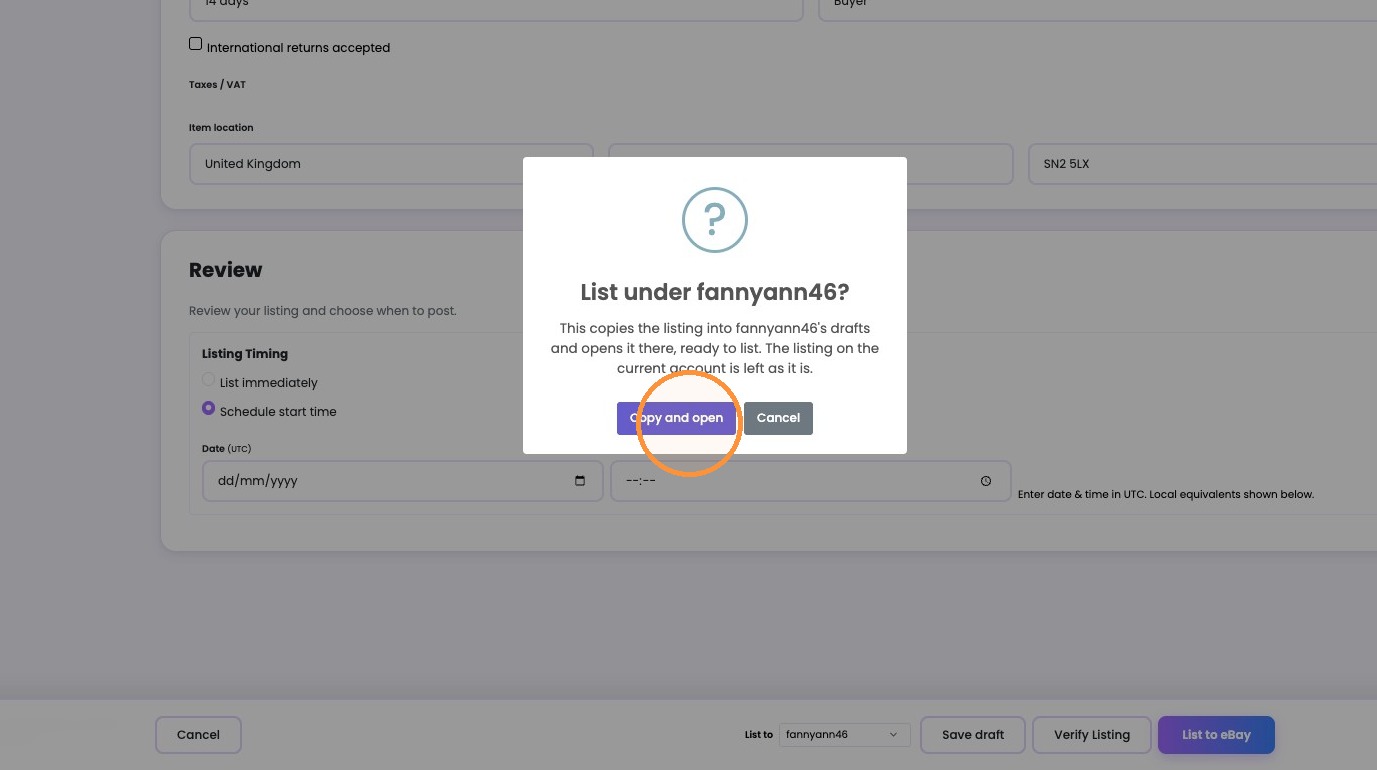
6. Click "Copy and open"
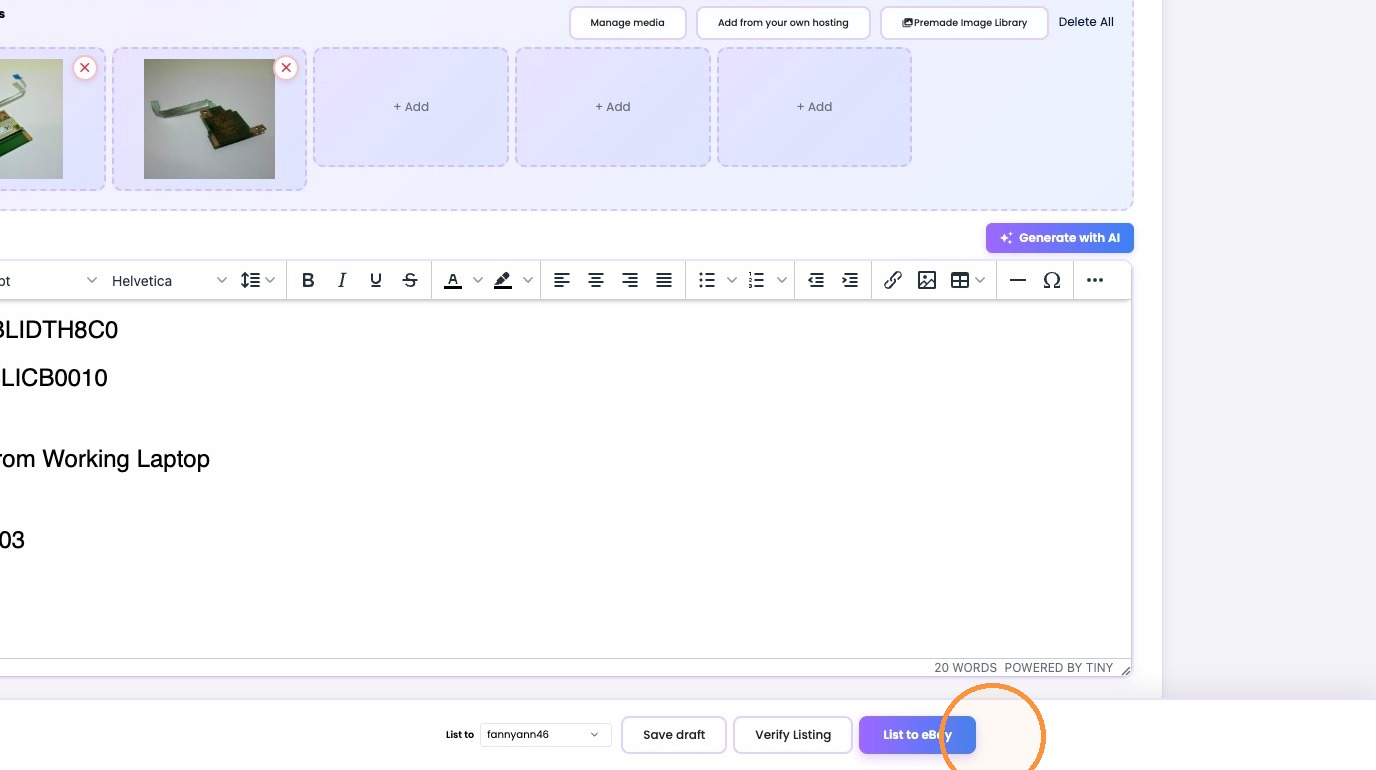
7. Click List to eBay.
Was this article helpful?
That’s Great!
Thank you for your feedback
Sorry! We couldn't be helpful
Thank you for your feedback
Feedback sent
We appreciate your effort and will try to fix the article