Accessing Listings
1. Navigate to https://freedom.frooition.com/ebay/
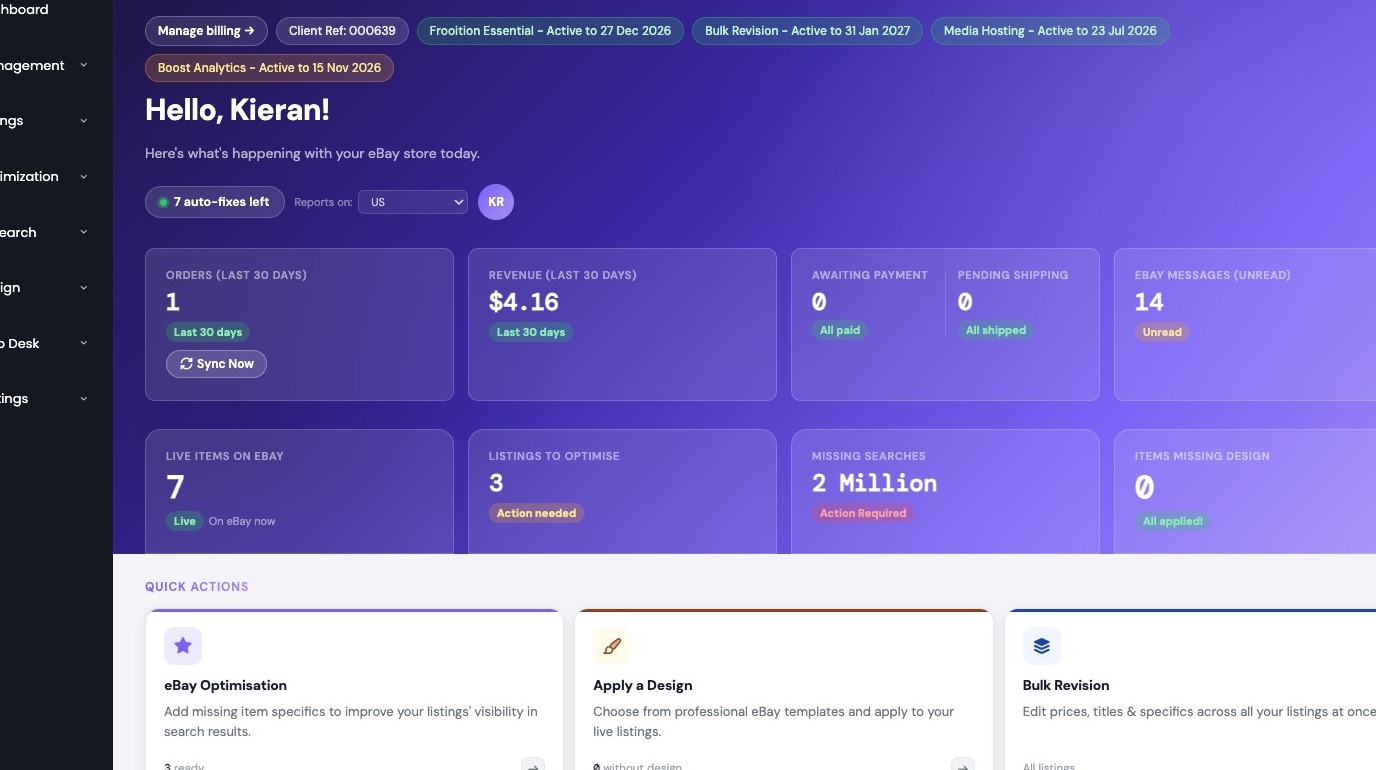
2. Select Listings in sidebar
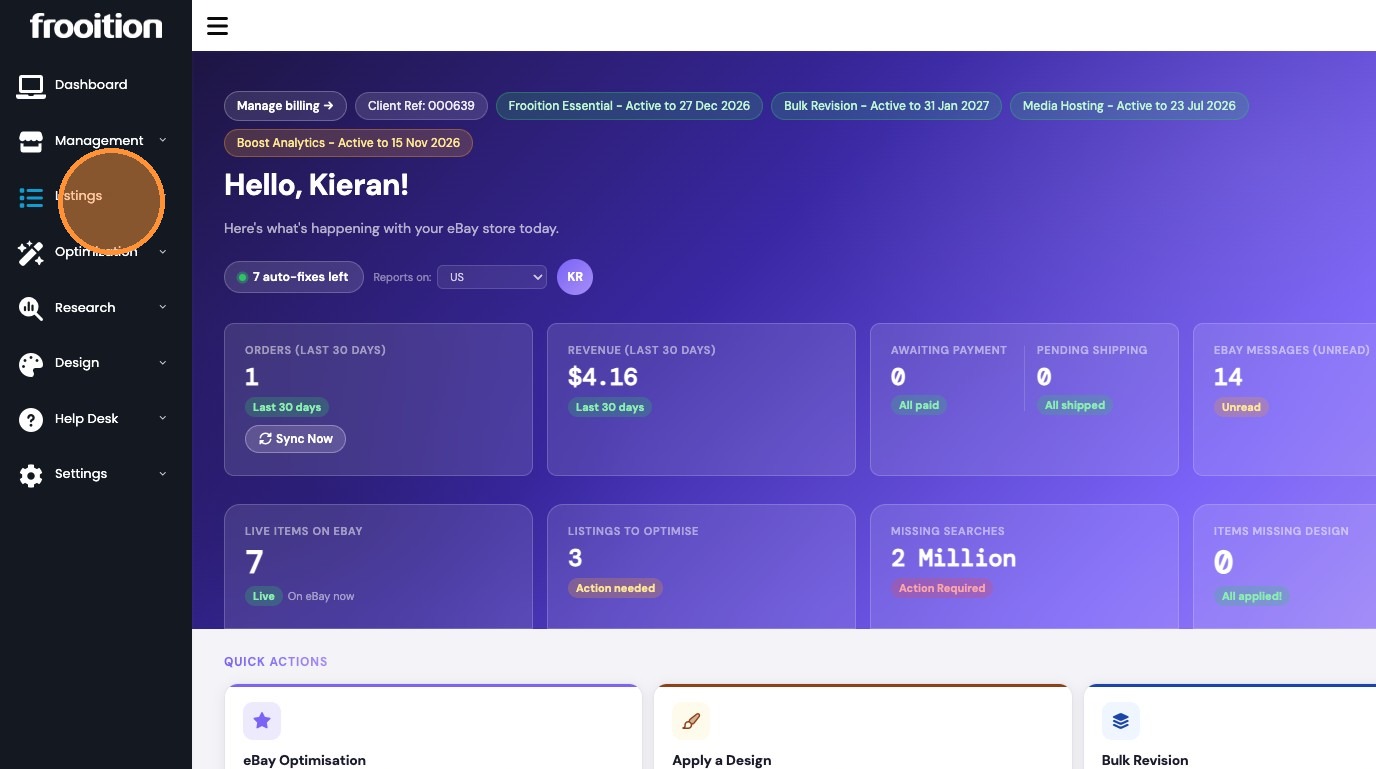
3. Select Create a Listing
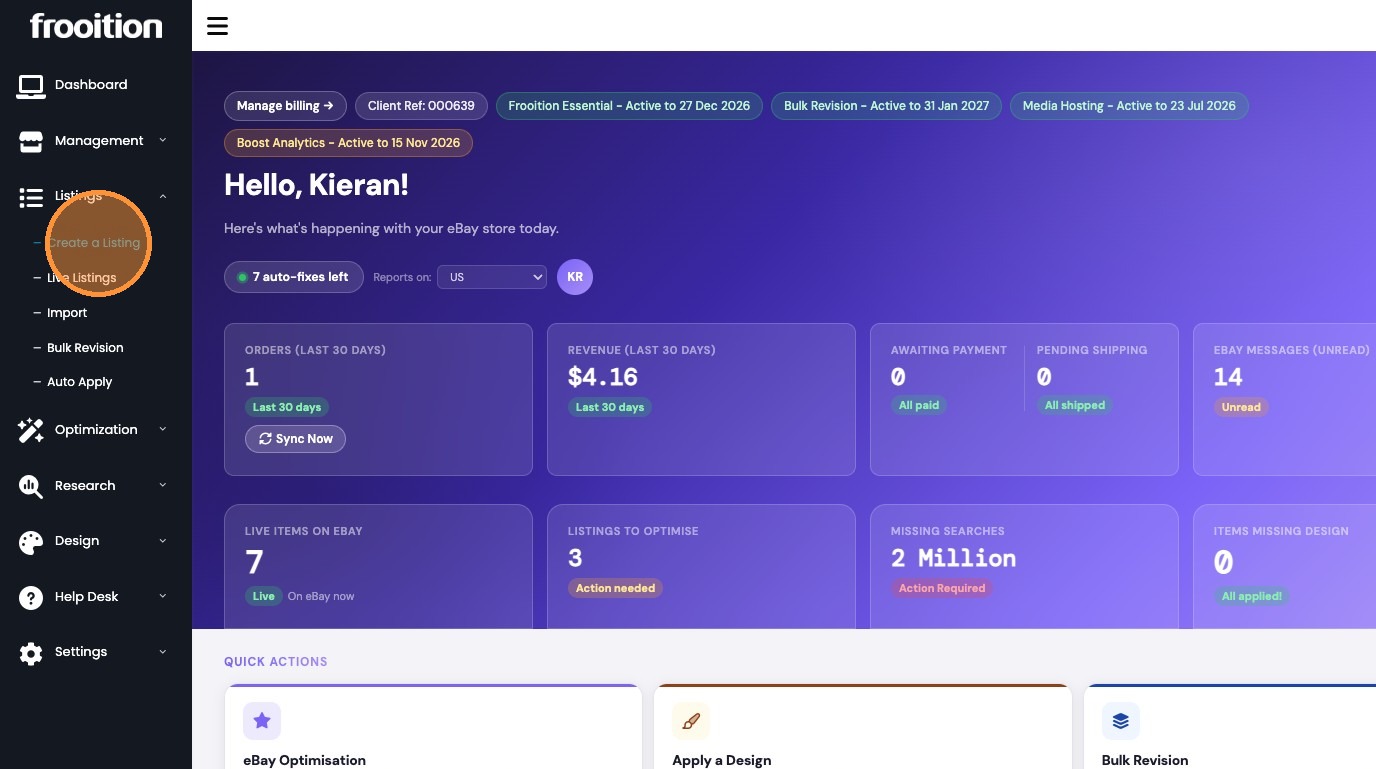
4. Click Edit on draft listing
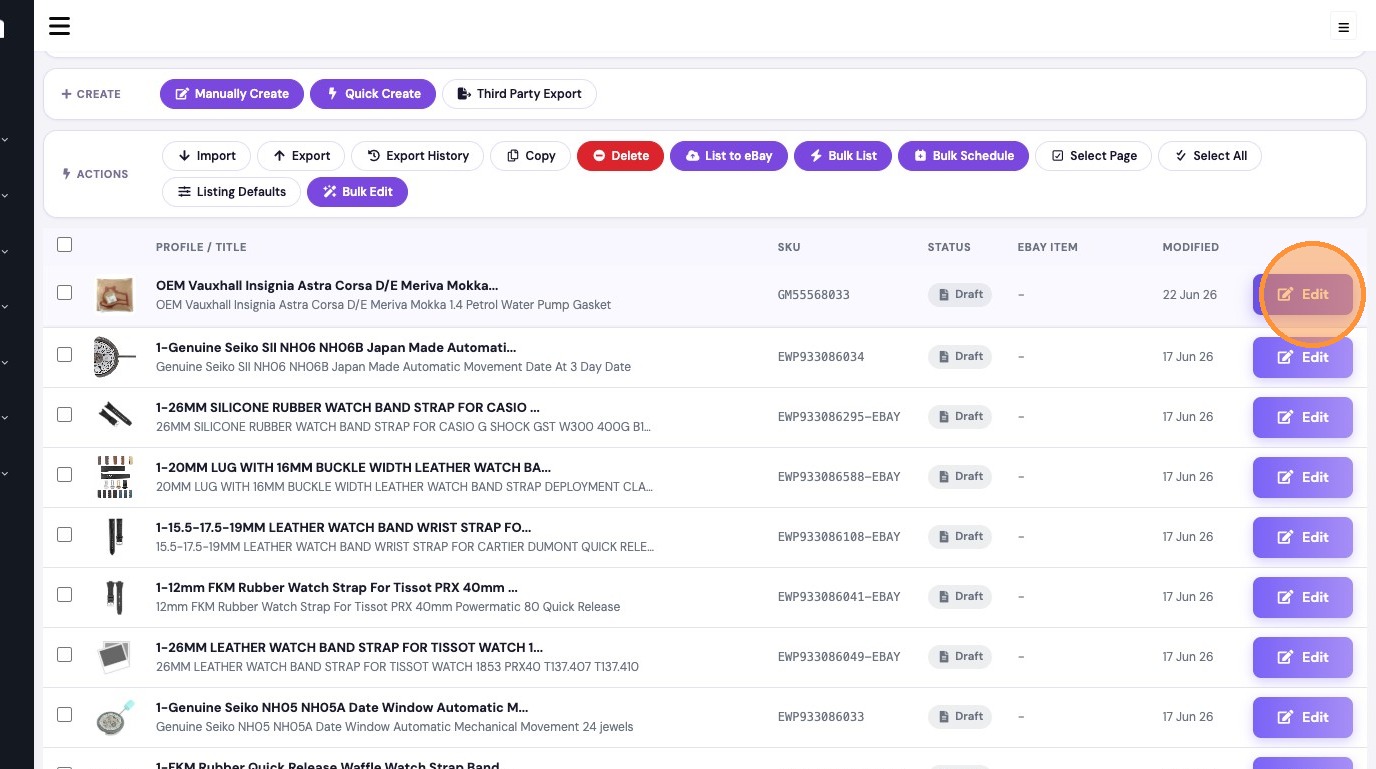
Updating Compatibility
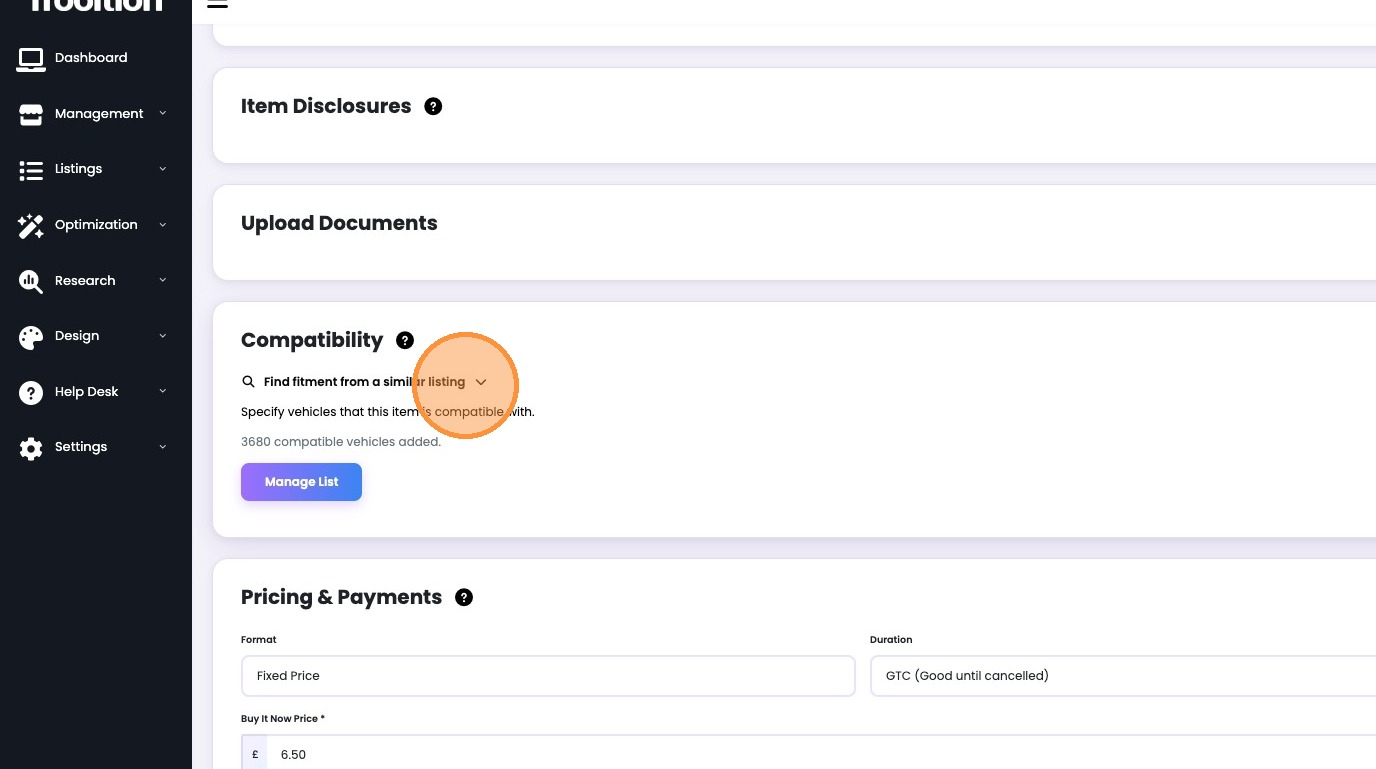
5. Expand Find fitment from a similar listing
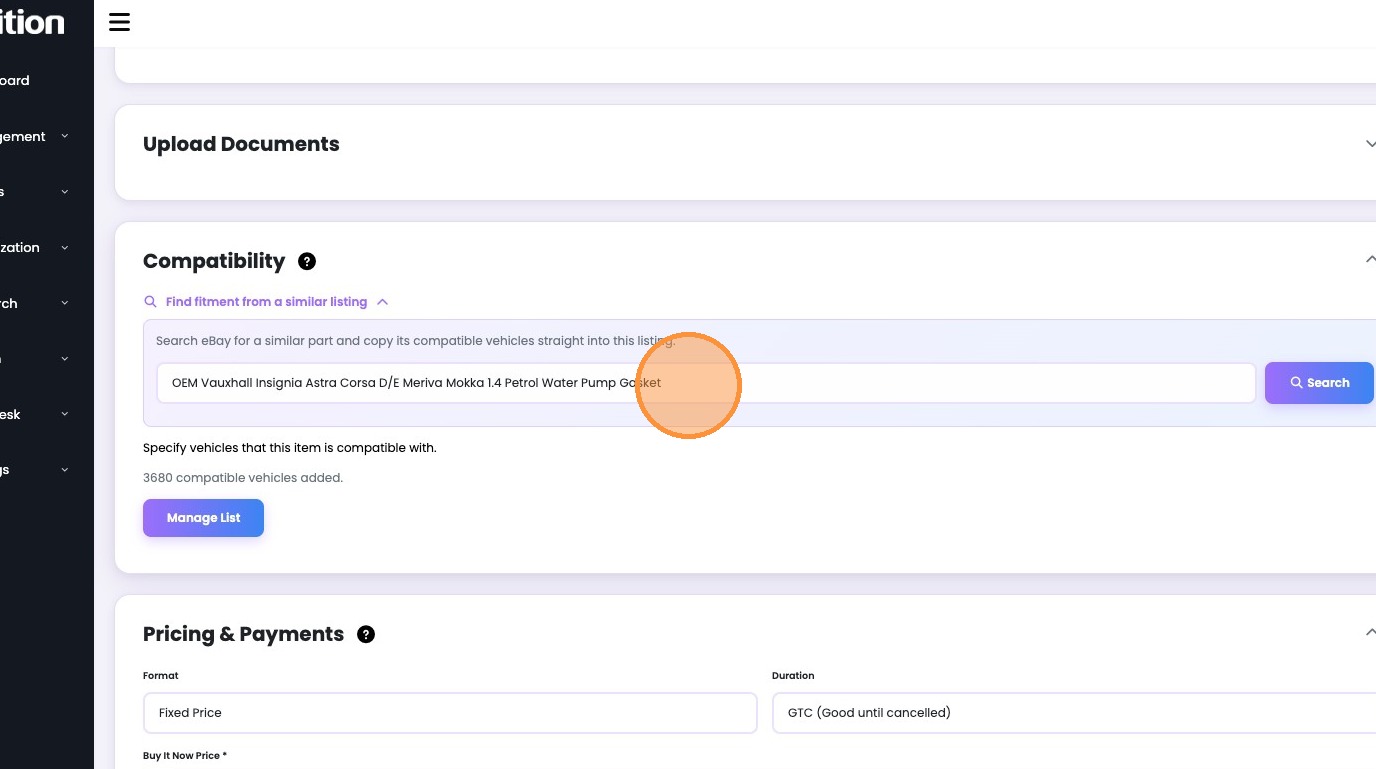
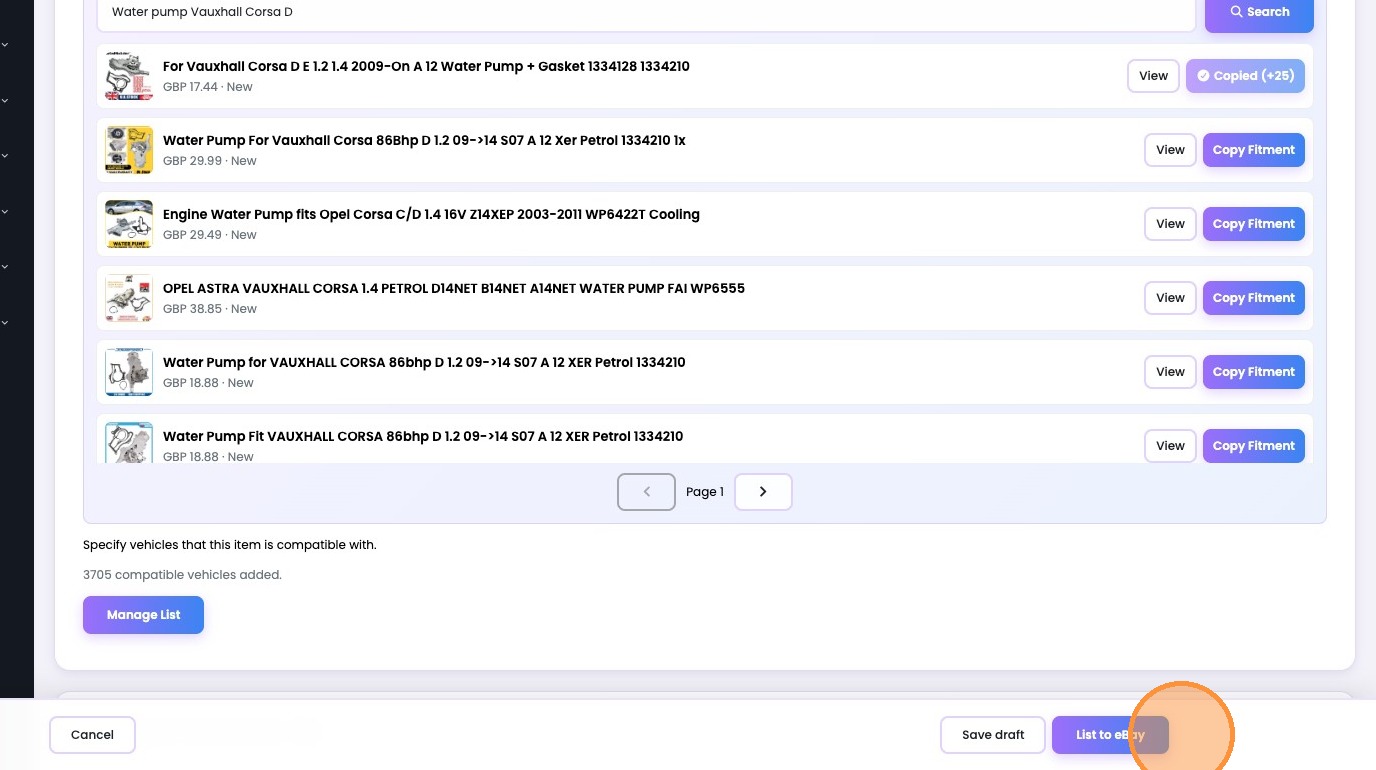
6. Type in your product or keep the current title search in place
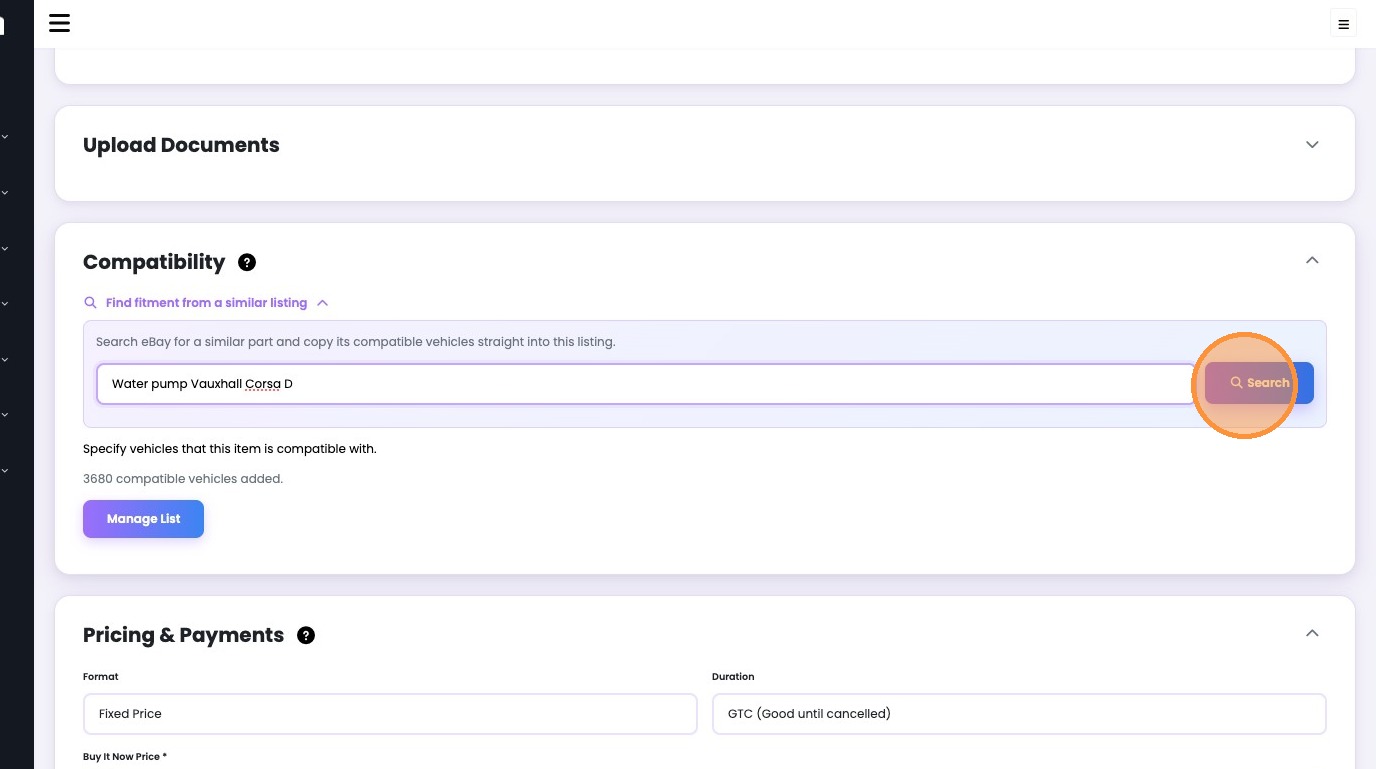
7. Click Search
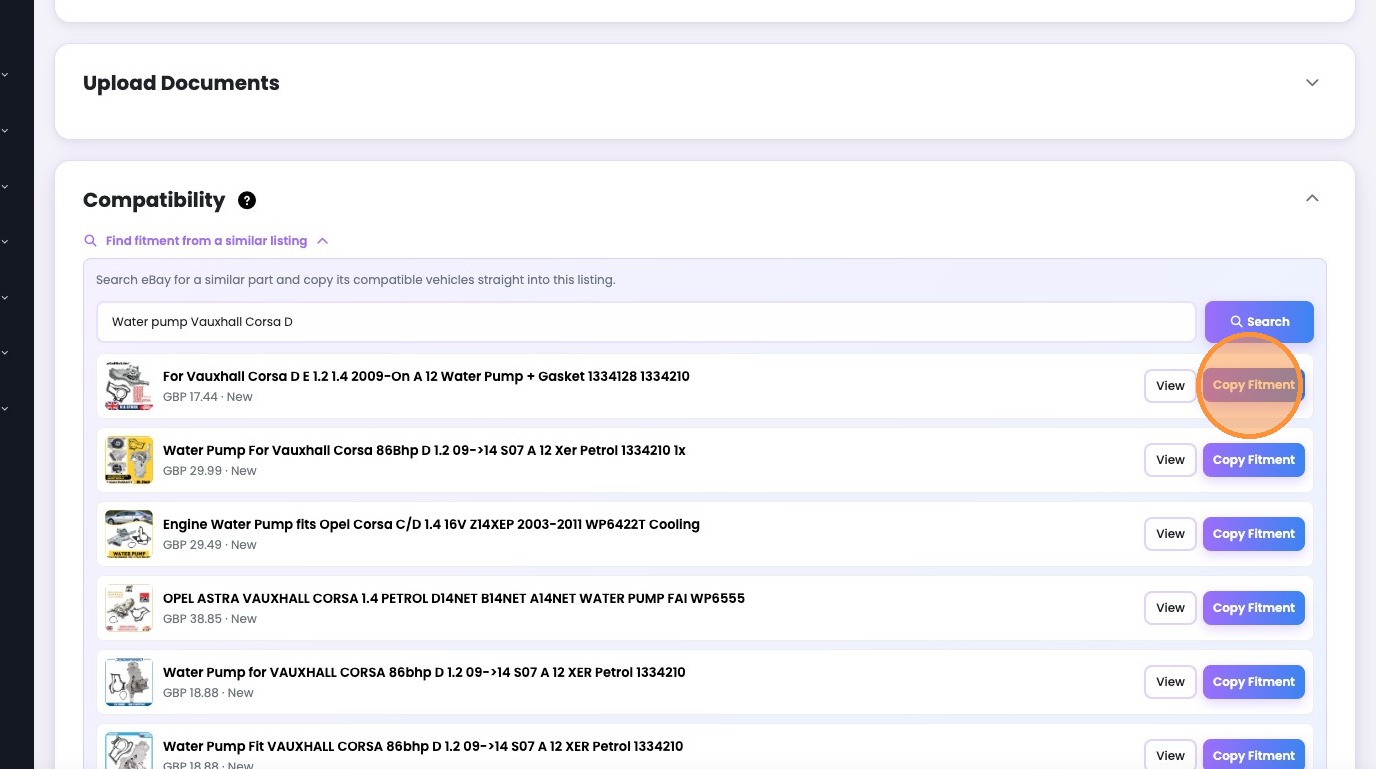
8. Click Copy Fitment on the item closest to yours.
9. You may then click the list to eBay button to revise your item
Was this article helpful?
That’s Great!
Thank you for your feedback
Sorry! We couldn't be helpful
Thank you for your feedback
Feedback sent
We appreciate your effort and will try to fix the article