This guide helps you identify and manage your unsold eBay inventory within the Frooition dashboard. By following these steps, you can quickly filter your account to view listings that did not sell and determine your next course of action.
1. Navigate to https://freedom.frooition.com/ebay/live/
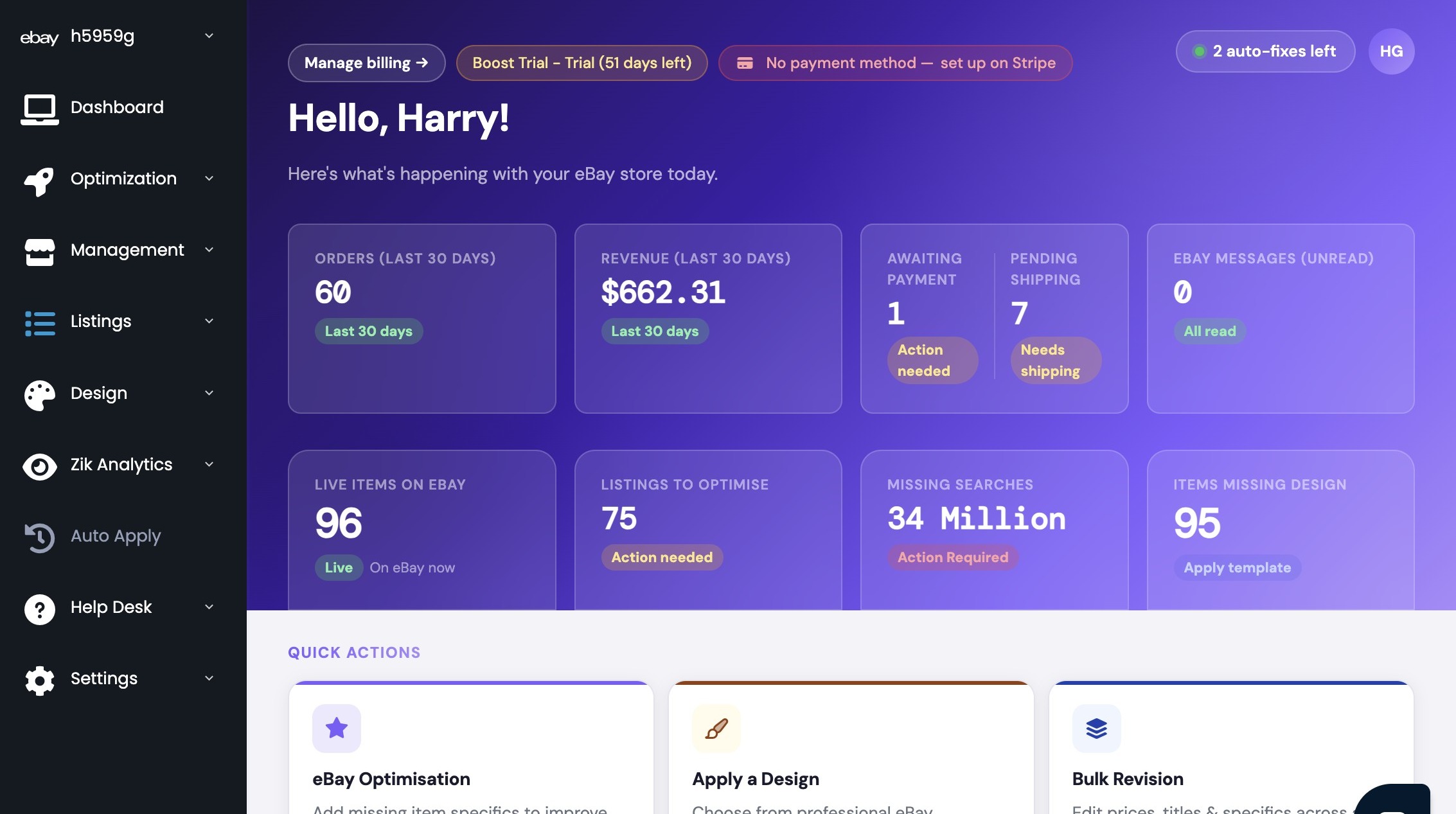

2. Select "Edit Live Listings" from the Listings menu

3. Filter listings by the "Ended - No Sale" status
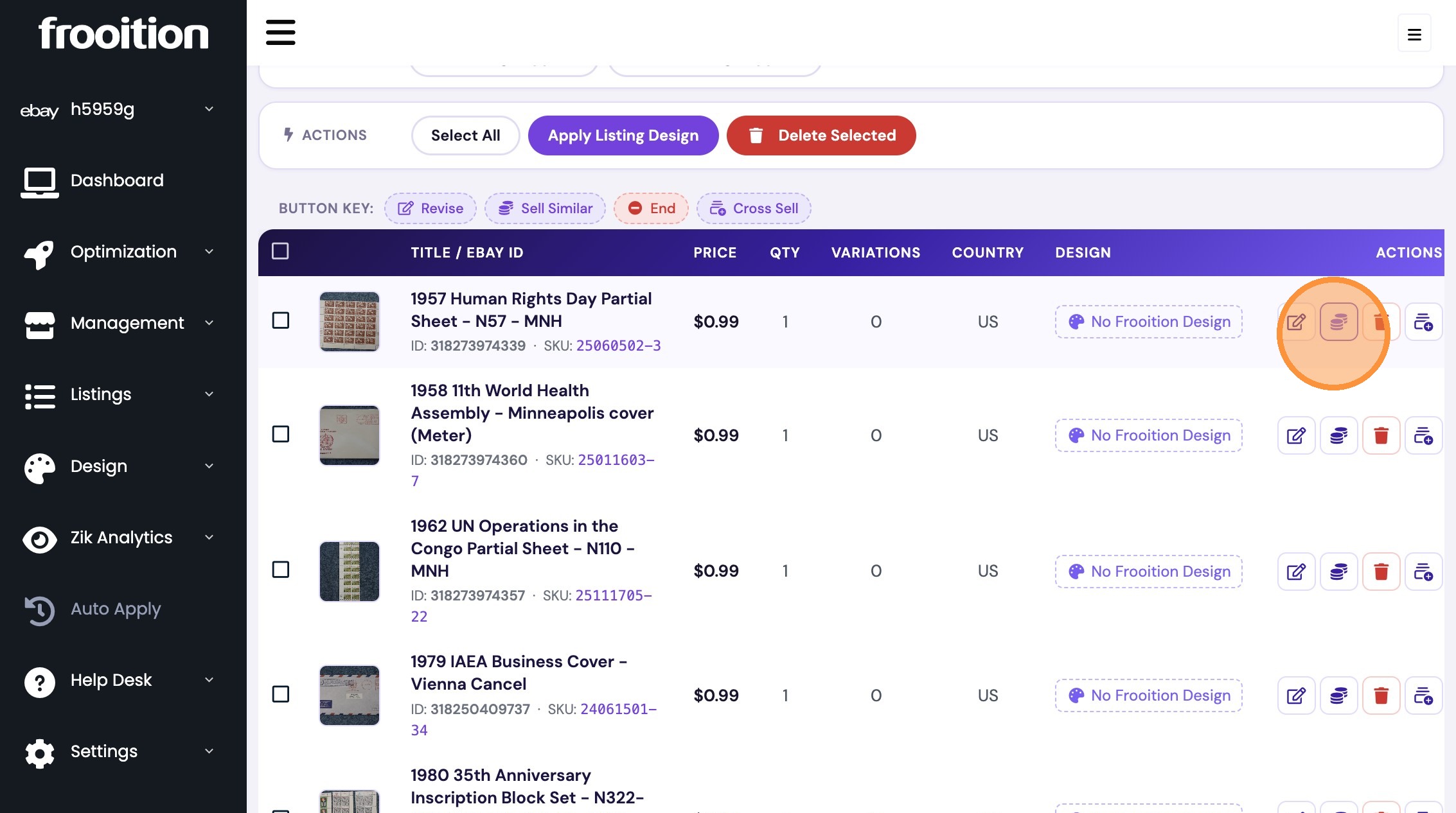
4. Click "Delete Selected"
Was this article helpful?
That’s Great!
Thank you for your feedback
Sorry! We couldn't be helpful
Thank you for your feedback
Feedback sent
We appreciate your effort and will try to fix the article