1. Navigate to https://freedom.frooition.com/ebay/
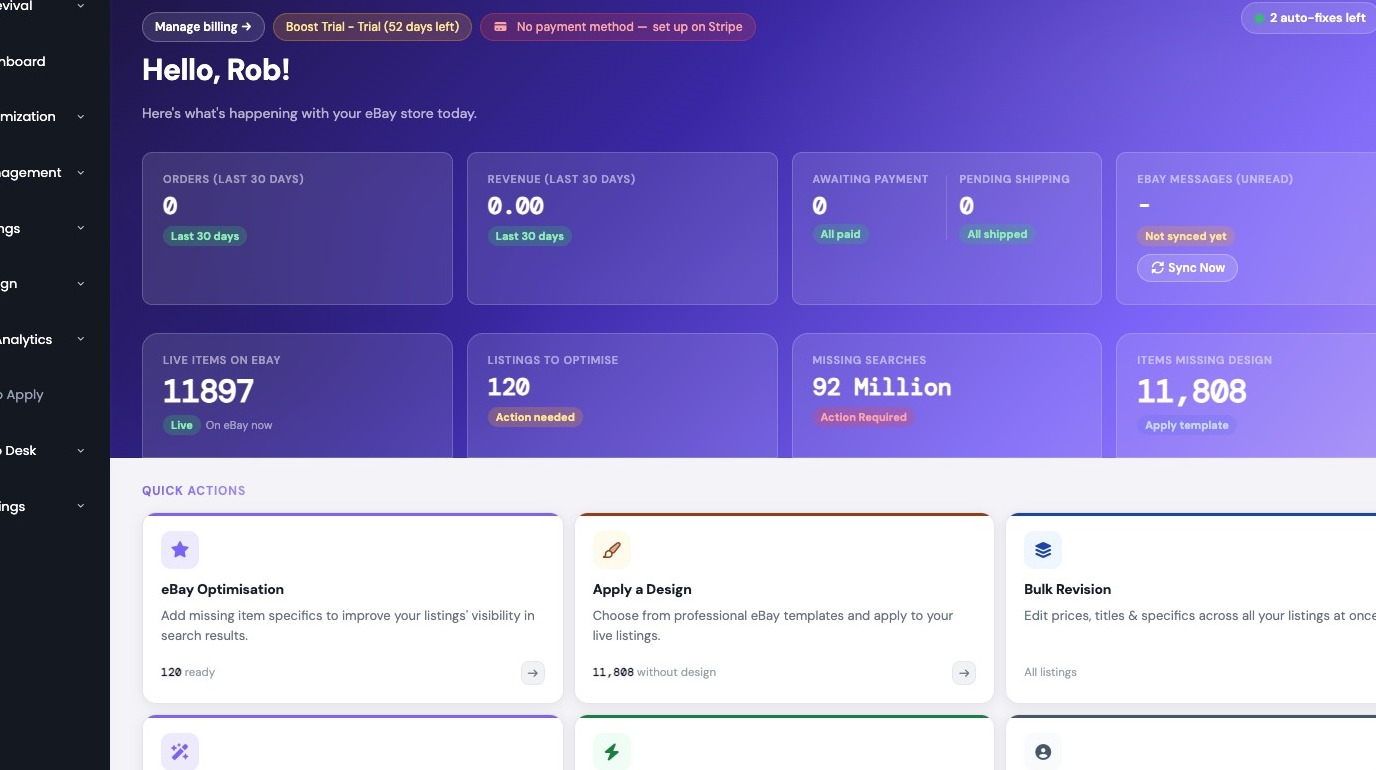
Access Support Center
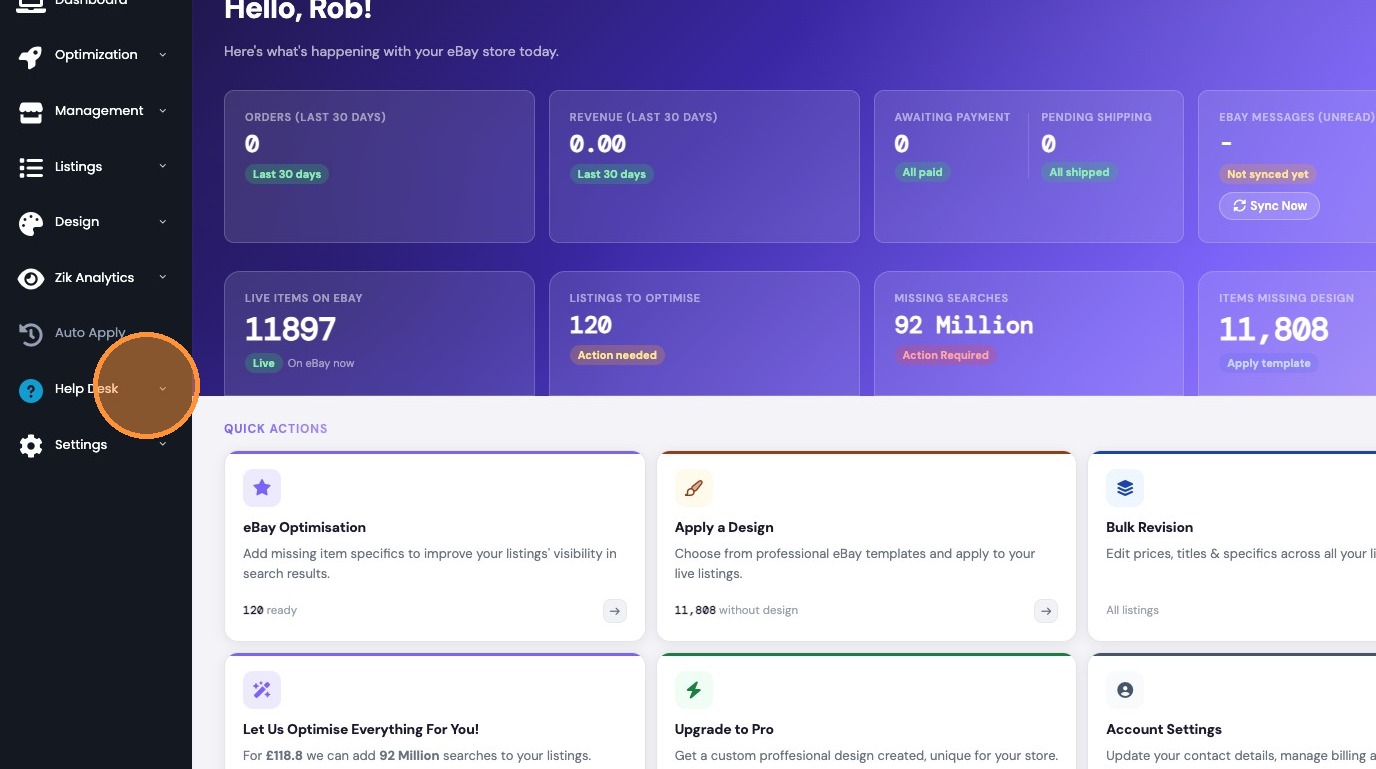
2. Click "Help Desk"
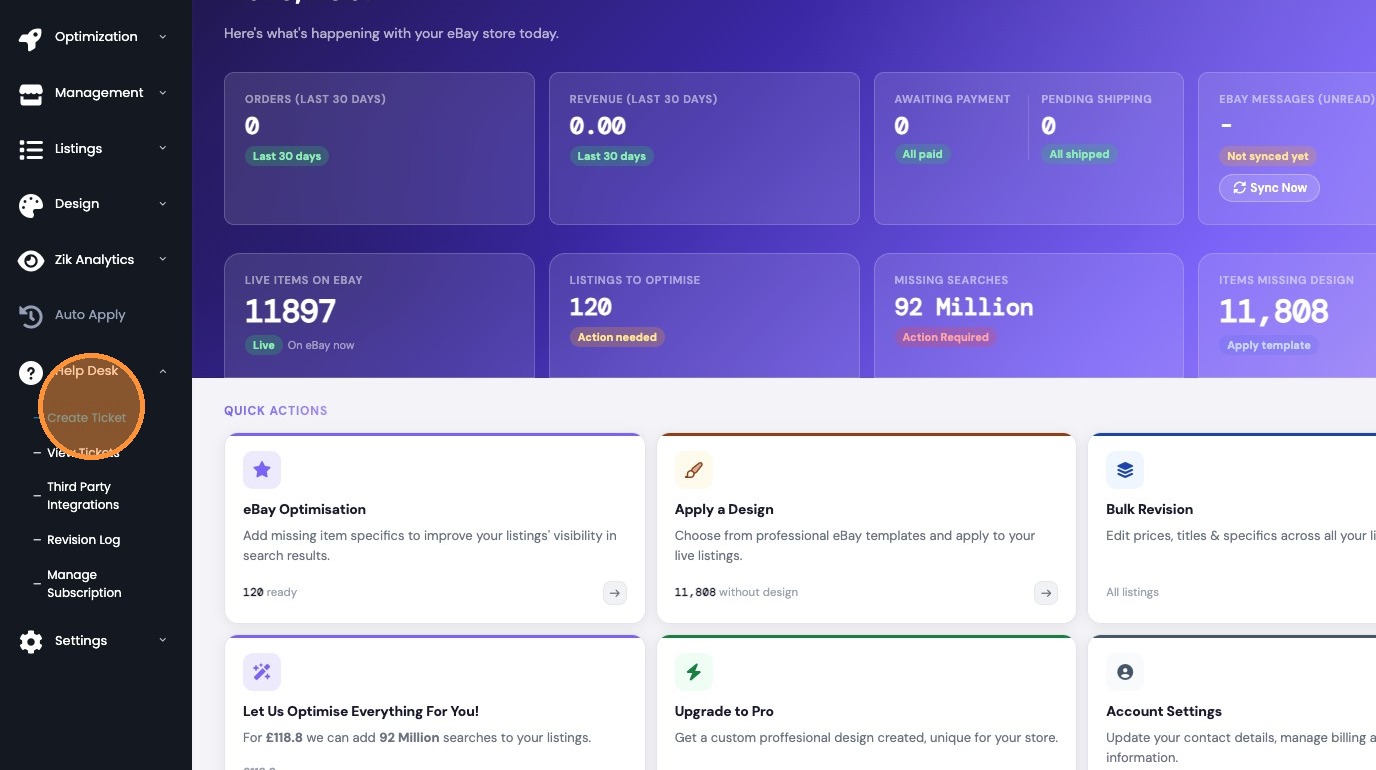
3. Click "Create Ticket"
Submit Support Request
4. Select The request that best suits your needs from the Request Type dropdown.
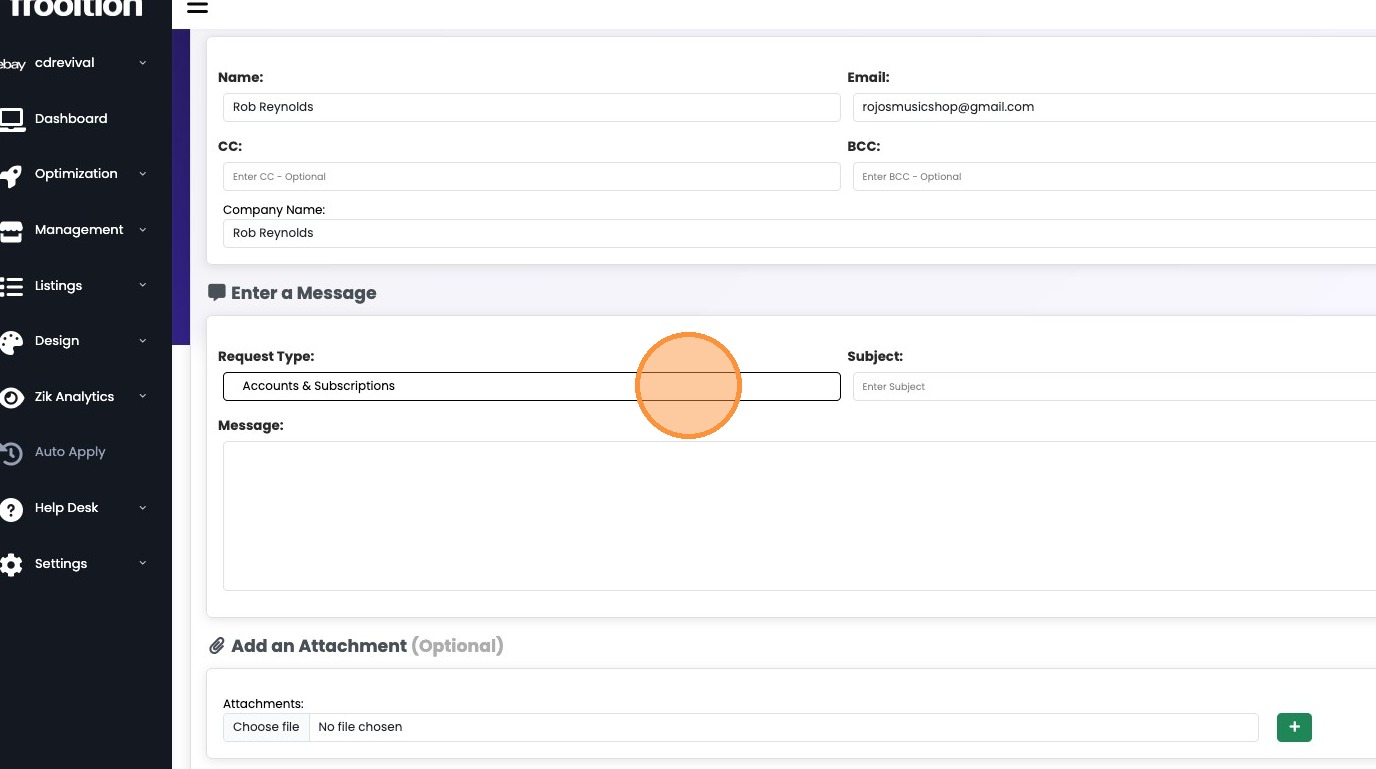
5. Add in your subject
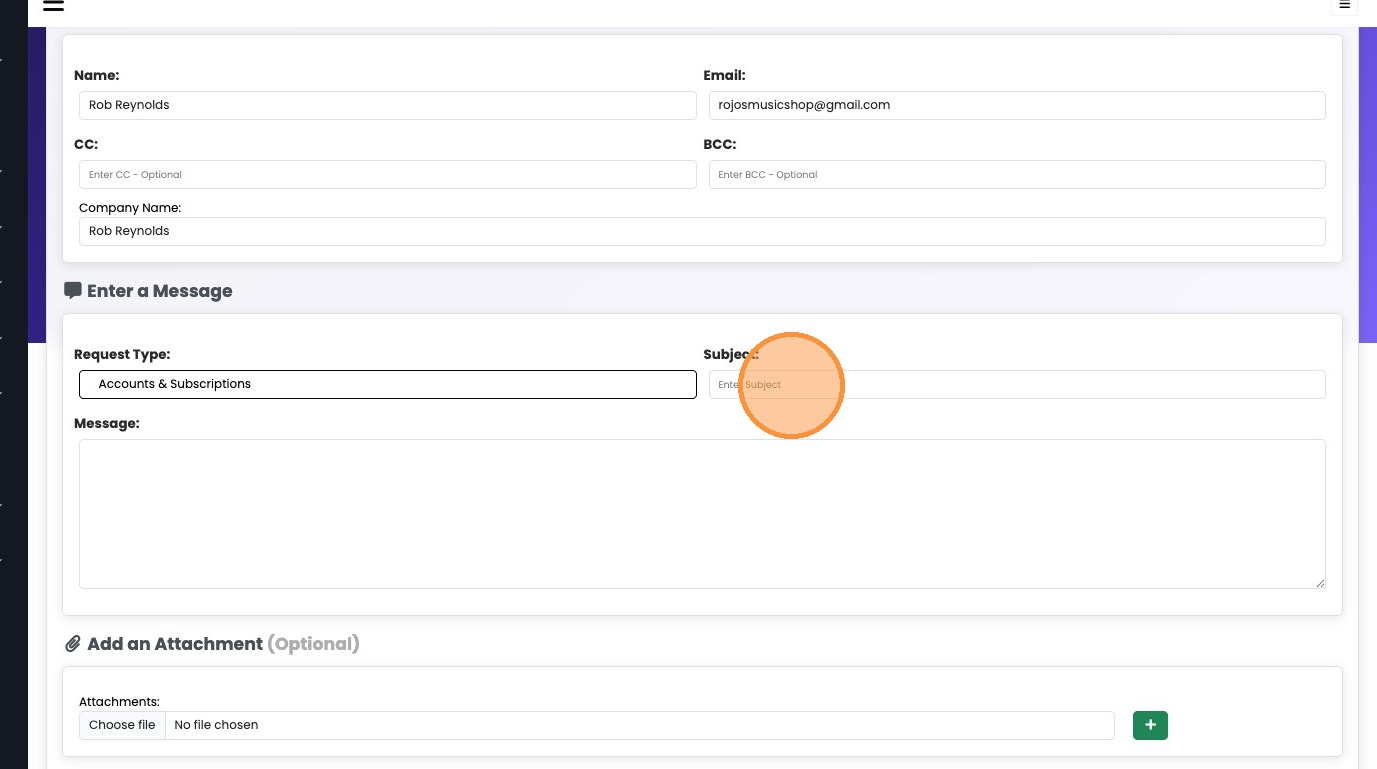
6. Add your message

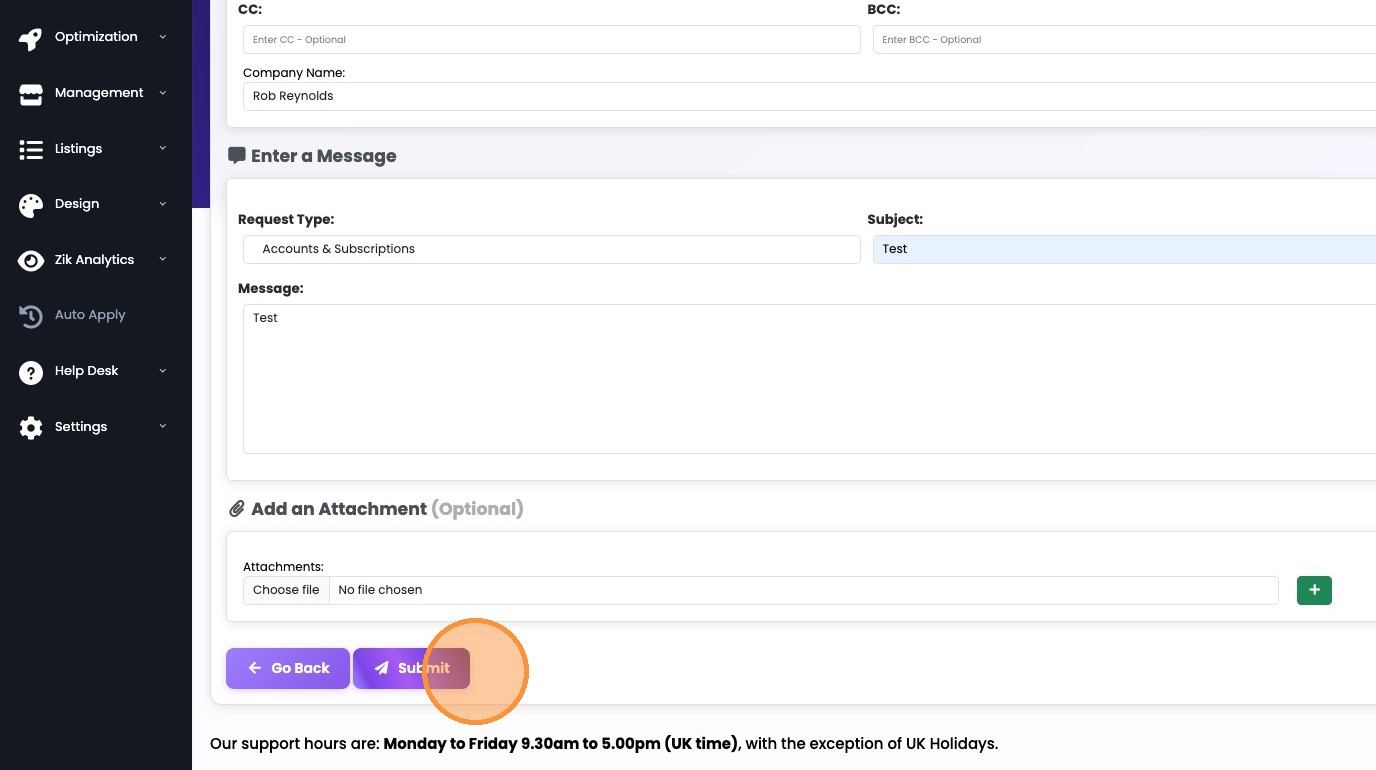
7. Click 'Submit'.
Was this article helpful?
That’s Great!
Thank you for your feedback
Sorry! We couldn't be helpful
Thank you for your feedback
Feedback sent
We appreciate your effort and will try to fix the article