Learn how to efficiently export your eBay inventory into a CSV file using the Frooition platform. This guide simplifies the bulk management process, allowing you to quickly download your listing data for analysis or backup.
Platform Navigation
1. Navigate to https://freedom.frooition.com/ebay/
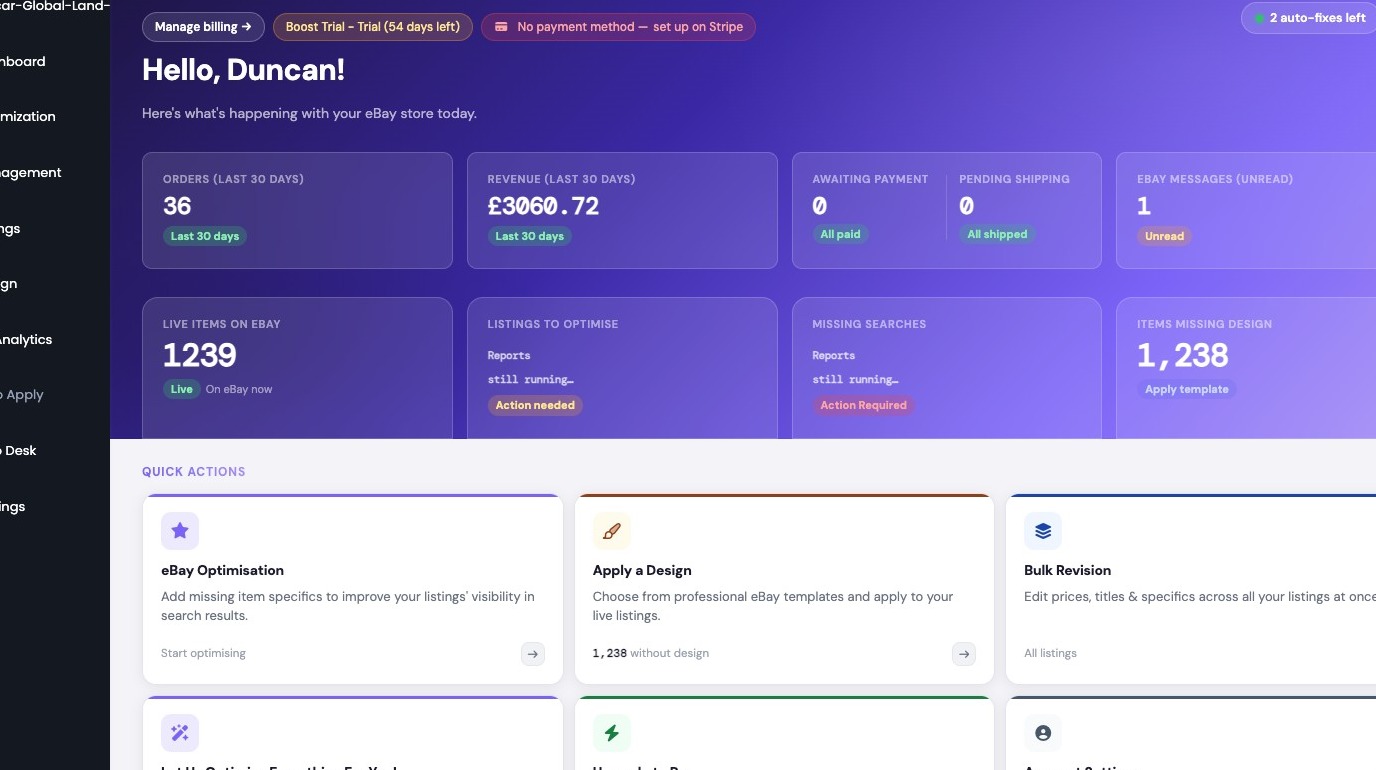
2. Click "Listings"
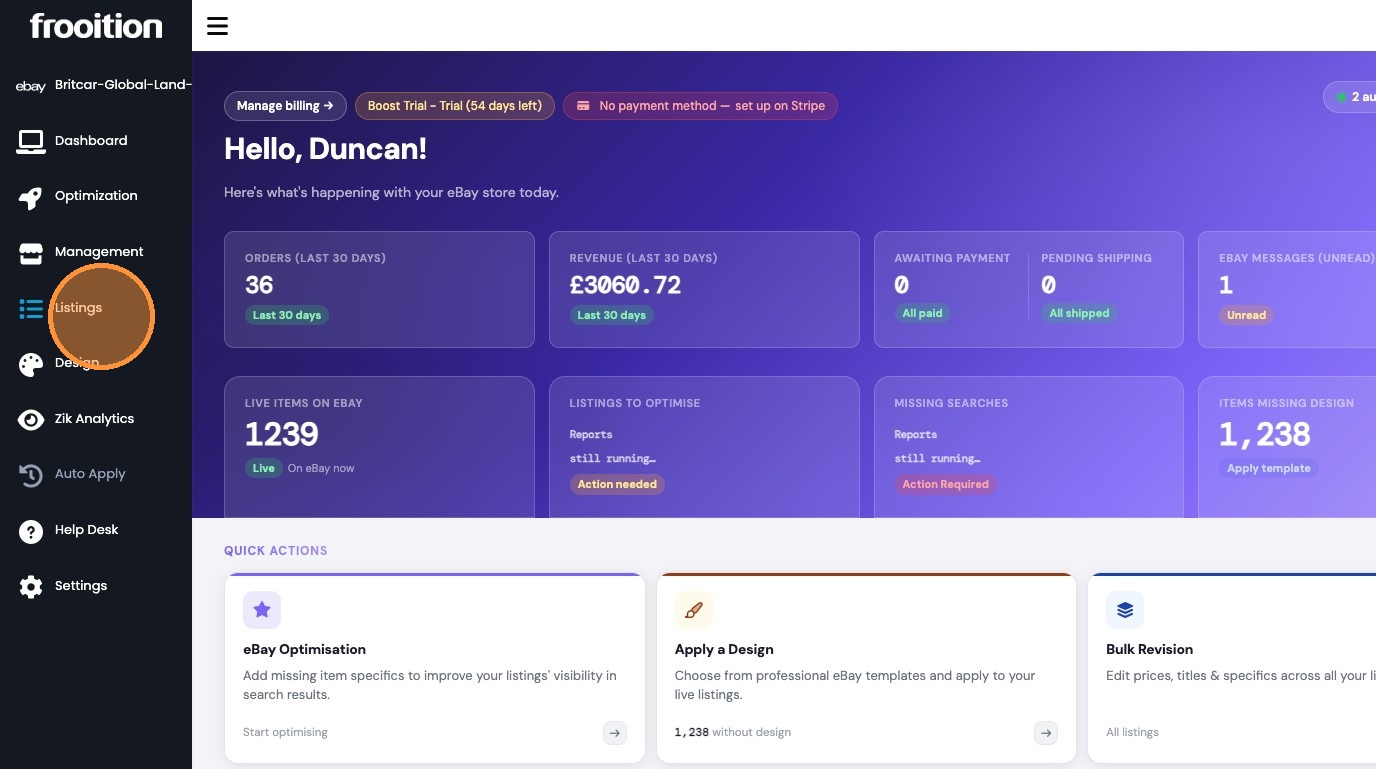
3. Select 'Create a Listing' from the sidebar menu
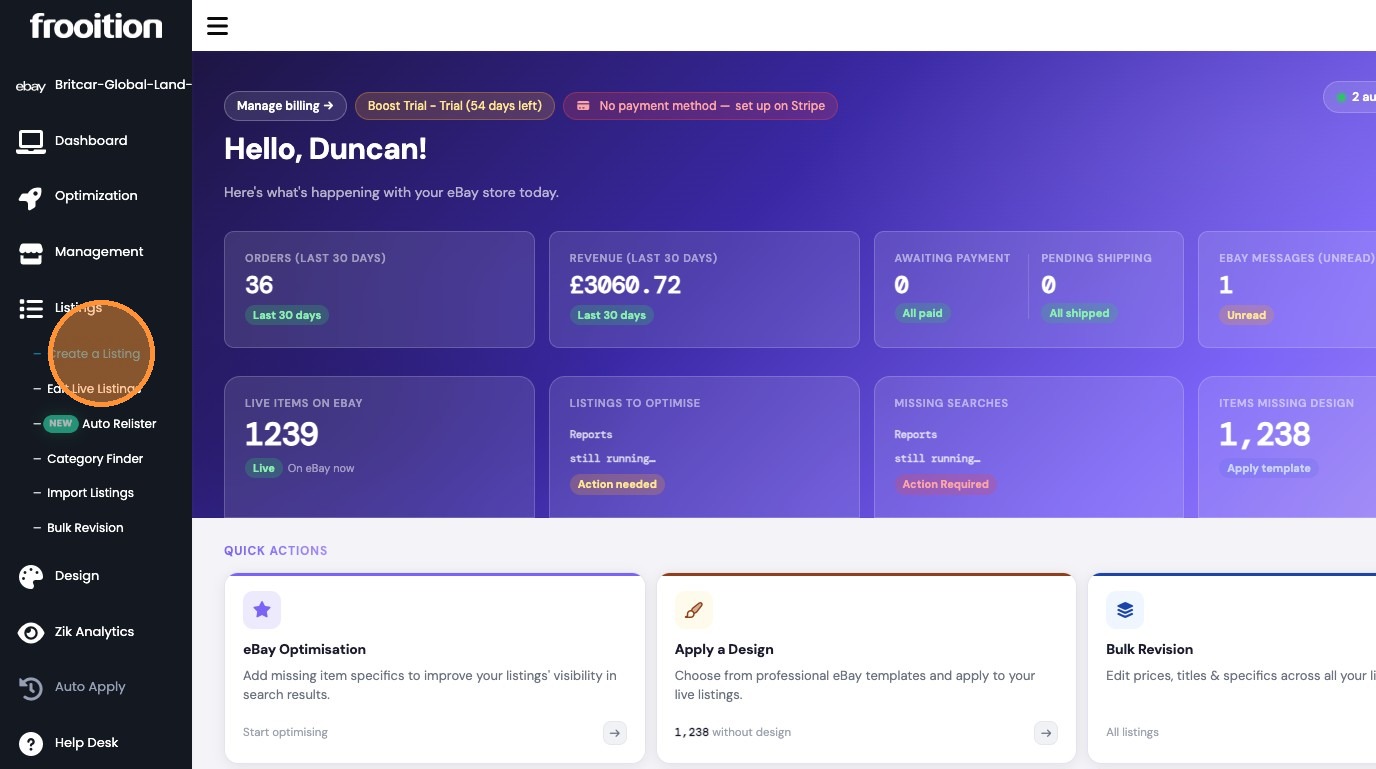
Bulk Listing Selection
4. Select all listings across all pages
CSV Data Export
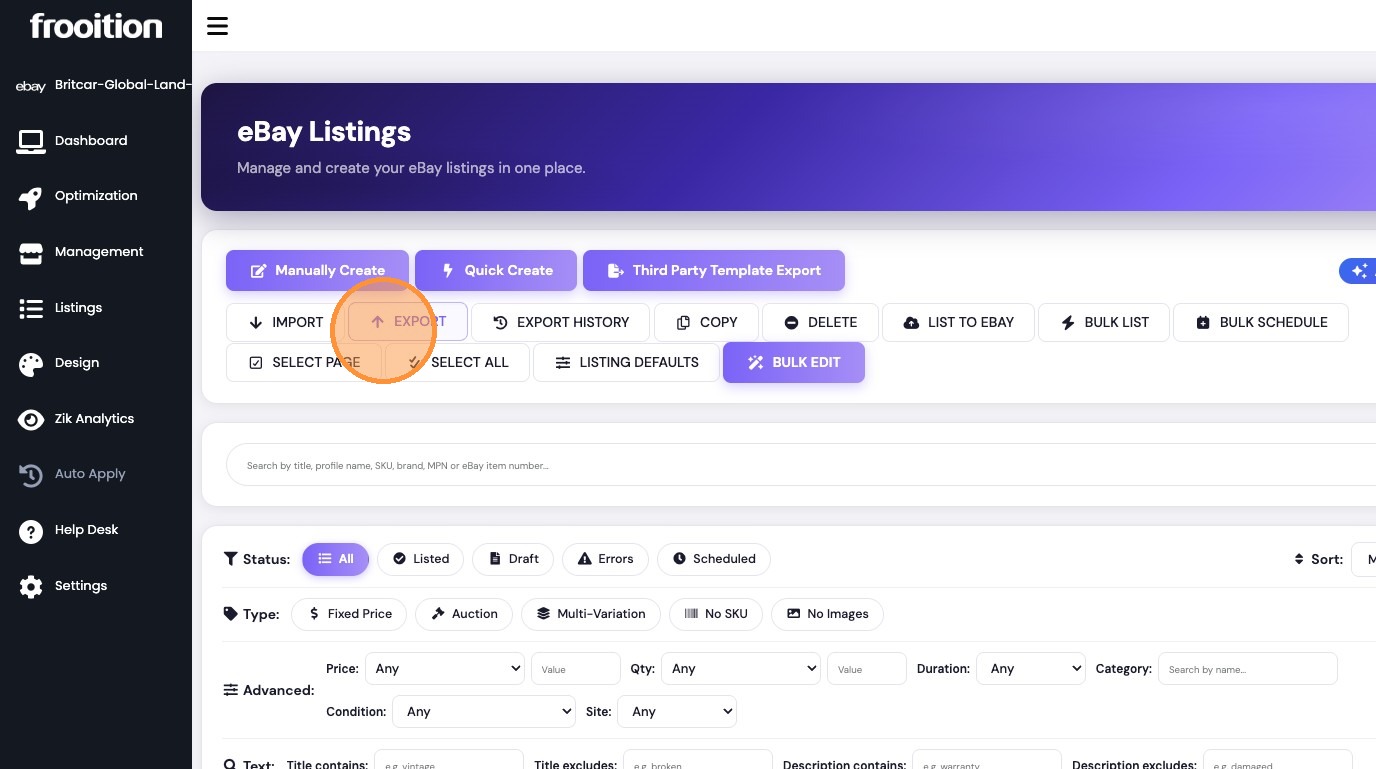
5. Click 'EXPORT' to open the export options

6. Select all columns and click 'Start Export'
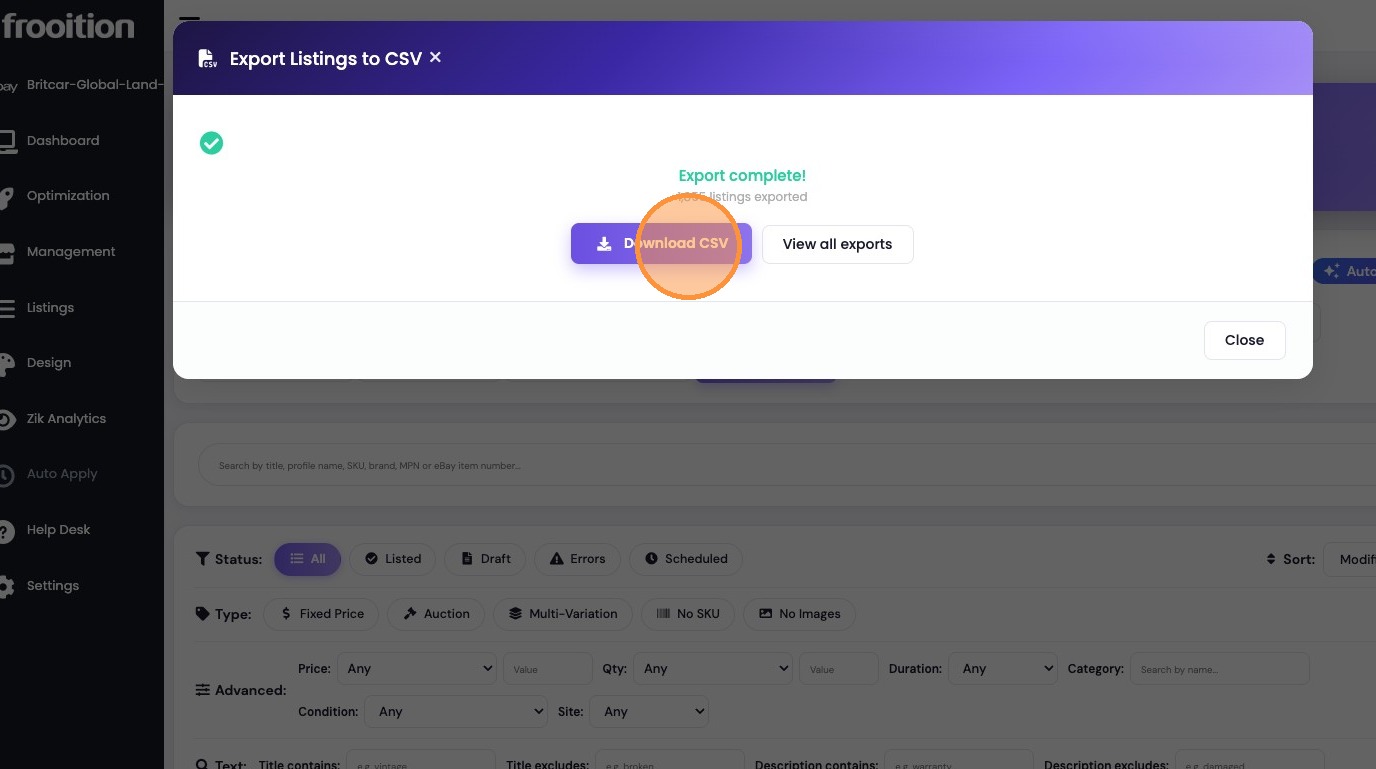
7. Click 'Download CSV' to save the exported file
Was this article helpful?
That’s Great!
Thank you for your feedback
Sorry! We couldn't be helpful
Thank you for your feedback
Feedback sent
We appreciate your effort and will try to fix the article