Learn how to efficiently upload your product data using the Frooition import tool. This guide provides a quick walkthrough to ensure your CSV files are processed correctly for your eBay listings.
Accessing the Import Tool
1. Navigate to https://freedom.frooition.com/ebay/


2. Select 'Import' from the 'Listings' sidebar menu.
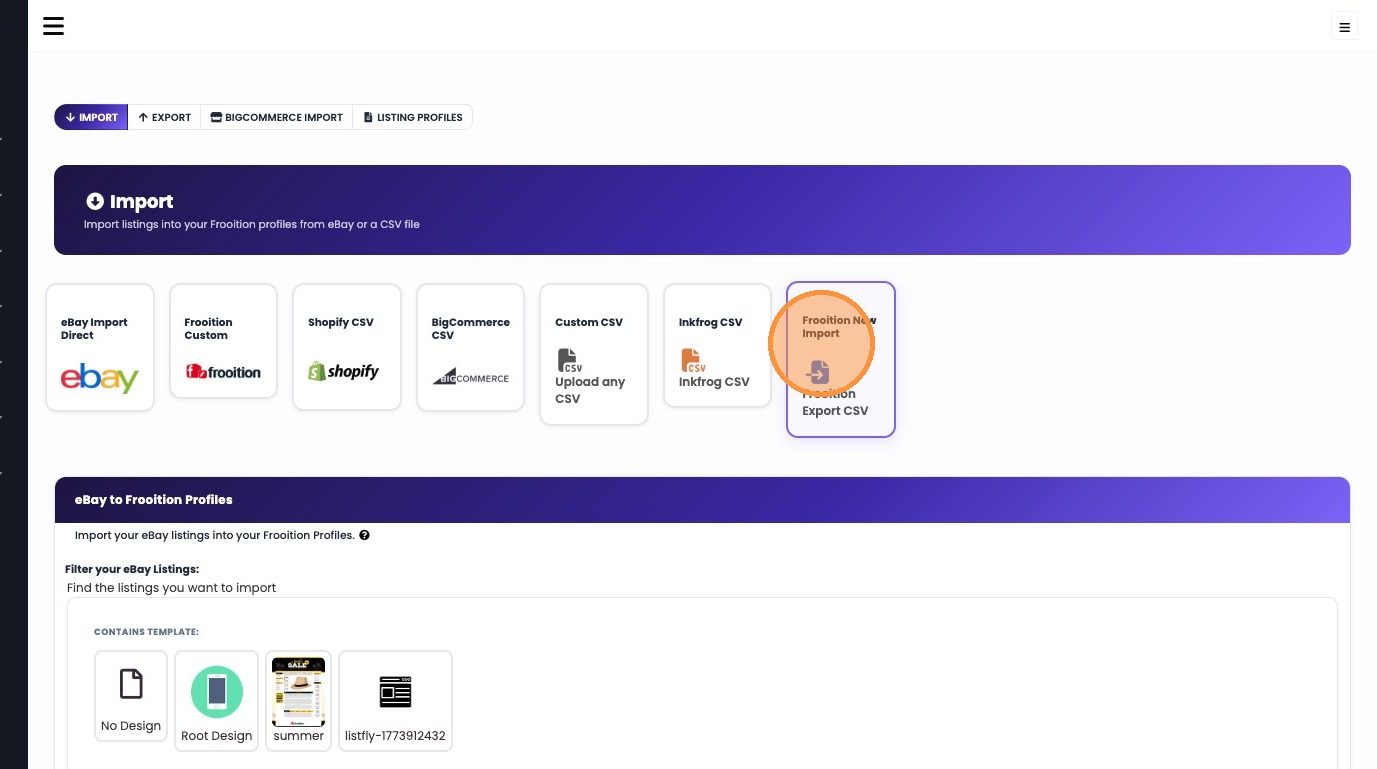
3. Click "Frooition New Import"
Uploading the CSV
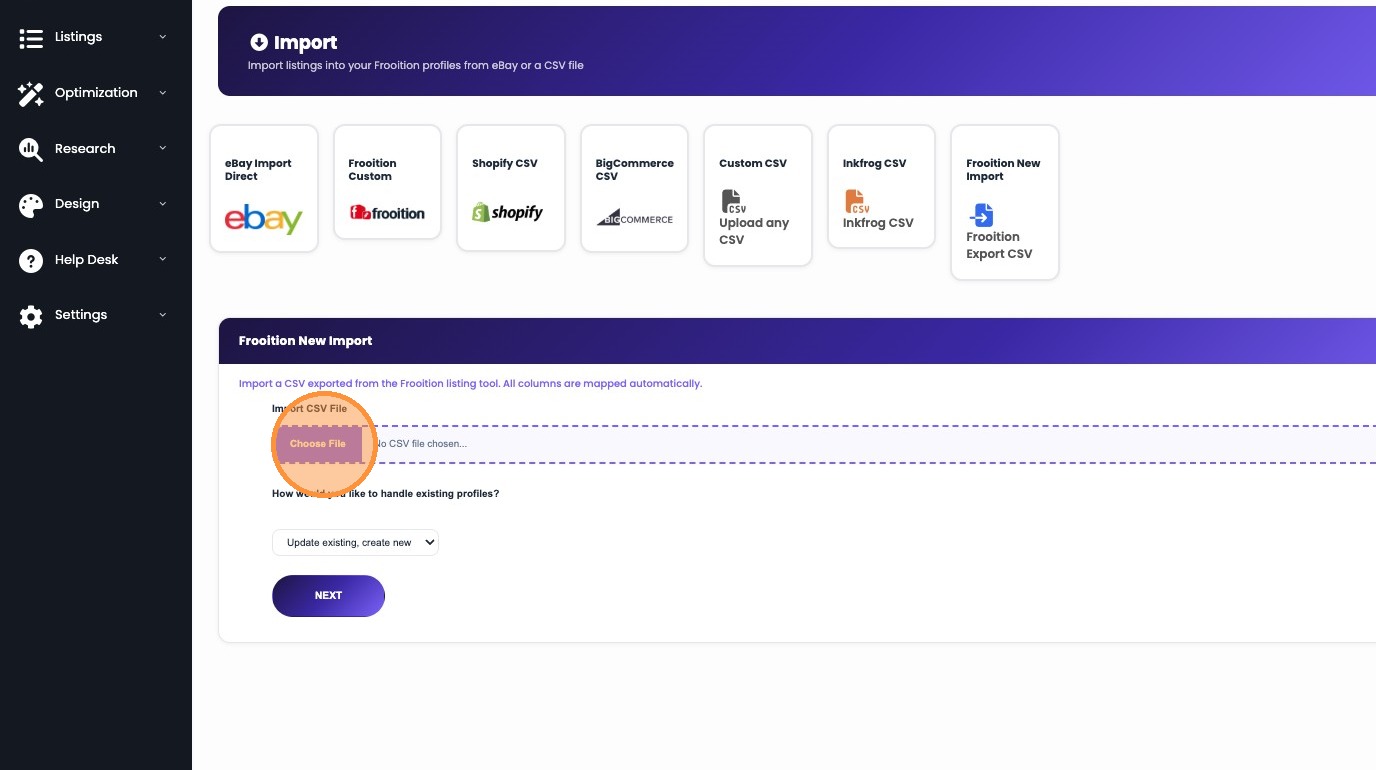
4. Click 'Choose File' and select the CSV file you wish to import.
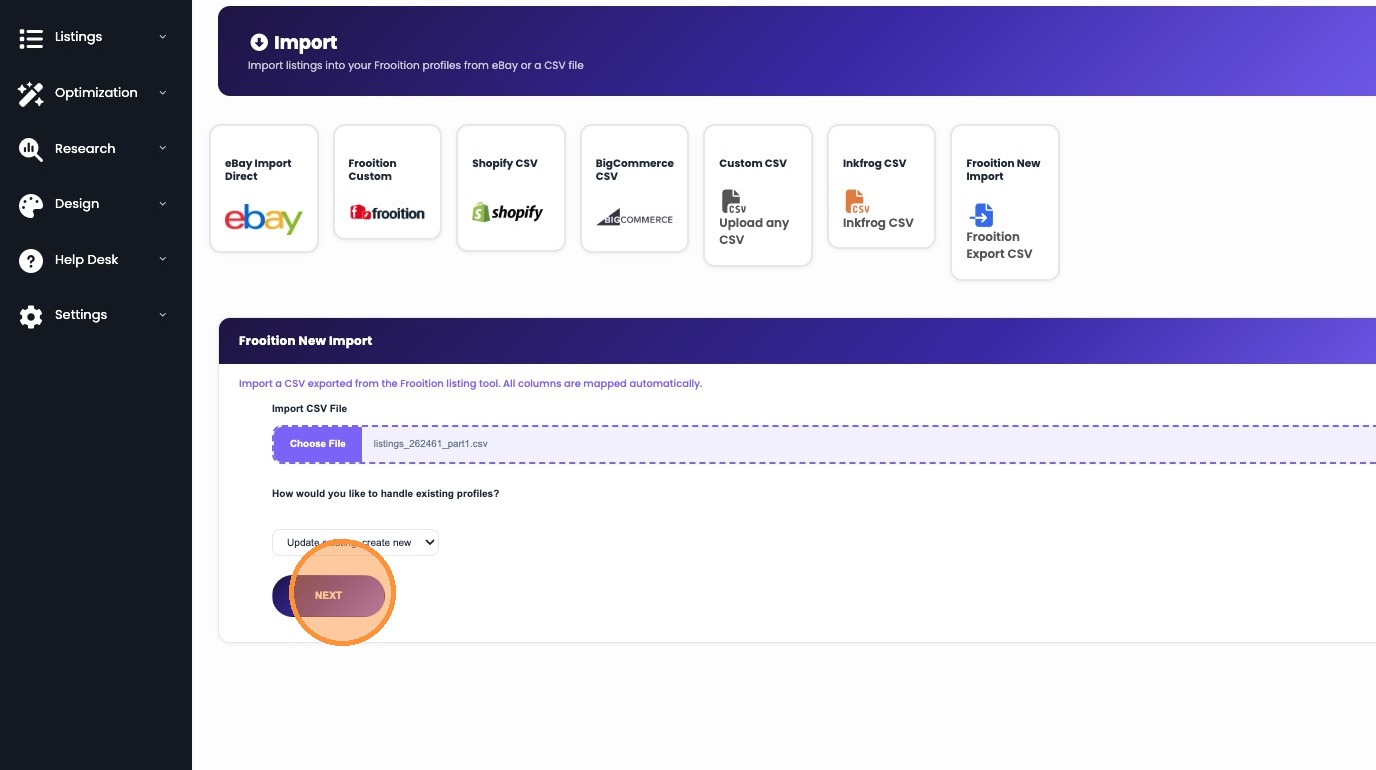
5. Click "NEXT"
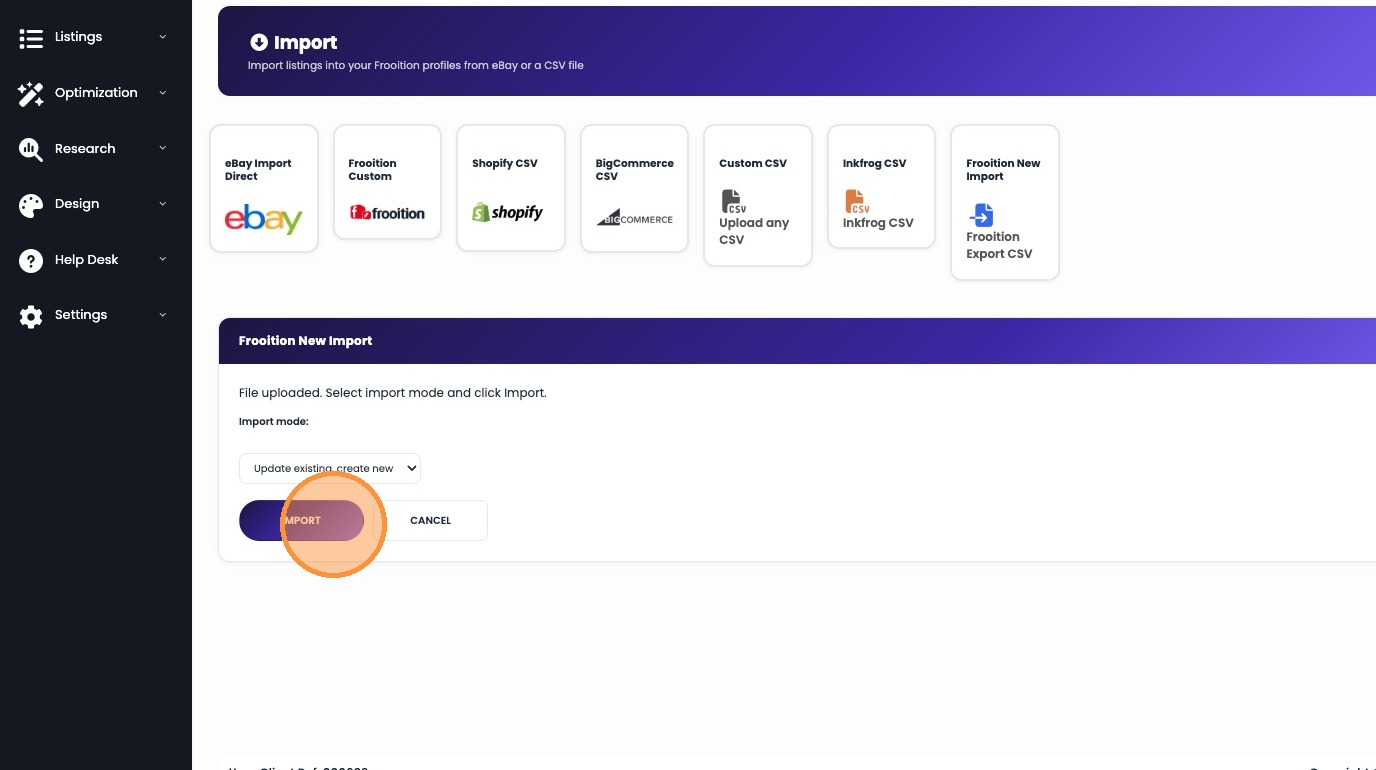
6. Click "IMPORT"
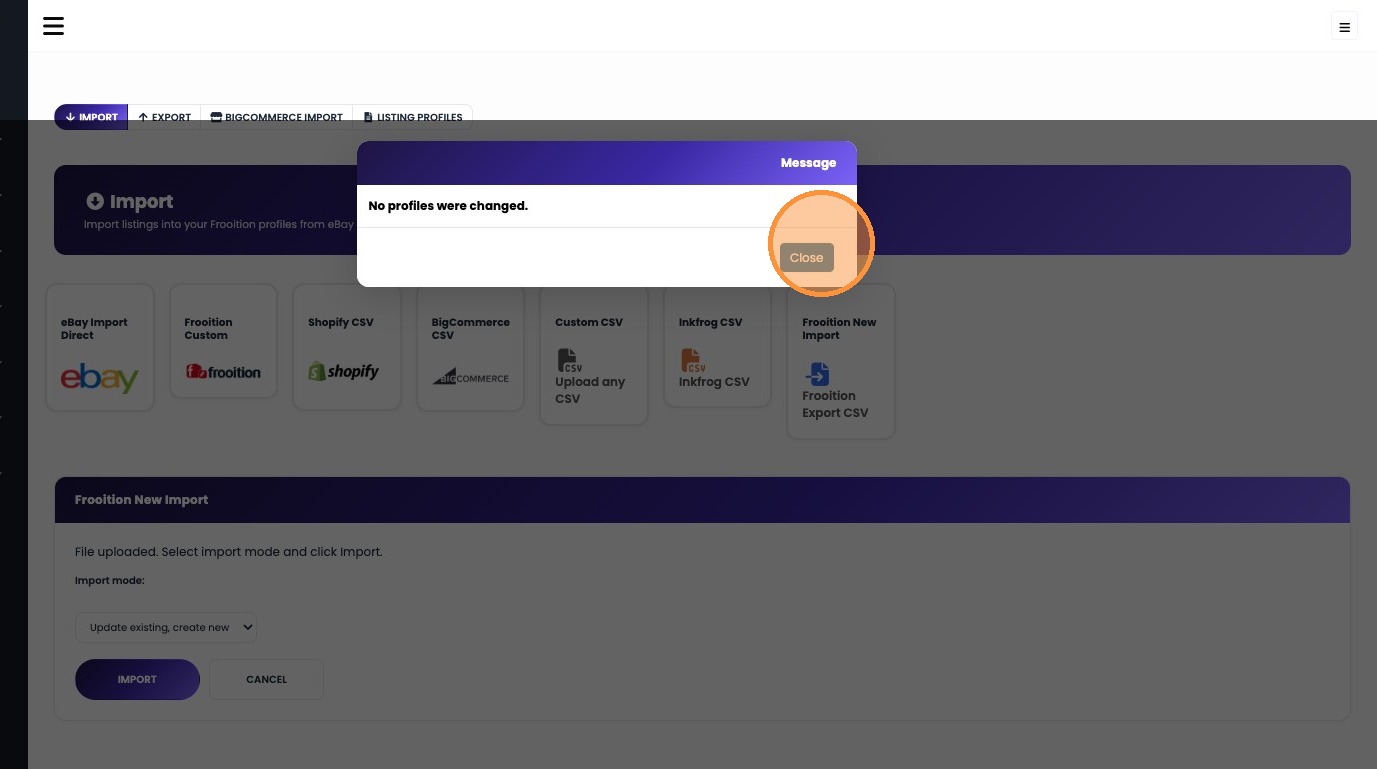
7. Click 'Close' to dismiss the confirmation message.
Was this article helpful?
That’s Great!
Thank you for your feedback
Sorry! We couldn't be helpful
Thank you for your feedback
Feedback sent
We appreciate your effort and will try to fix the article