Learn how to establish custom default settings for your eBay listings within the Frooition platform. This guide explains how to save your configuration as a reusable profile to streamline your workflow and ensure consistent listing creation.
Listing Defaults Navigation
1. Navigate to https://freedom.frooition.com/ebay/listing/
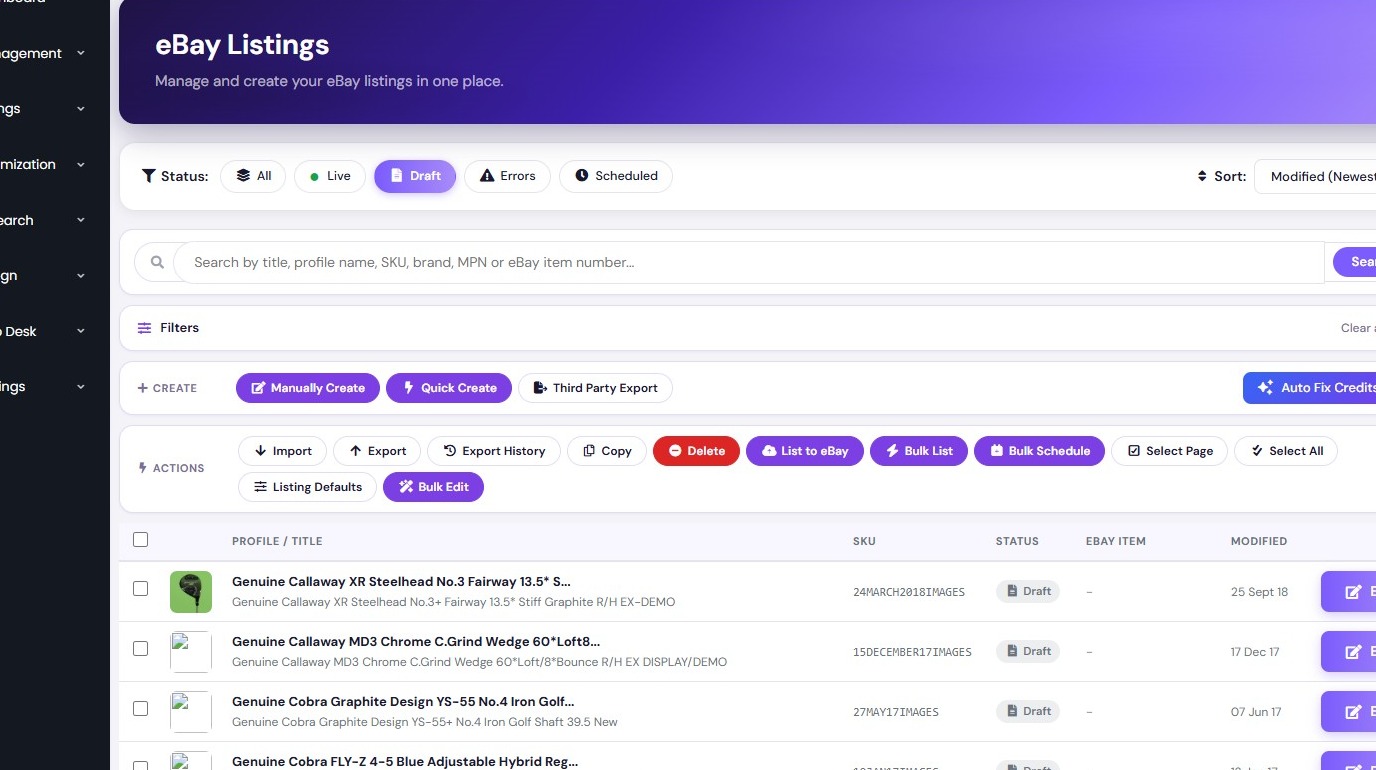
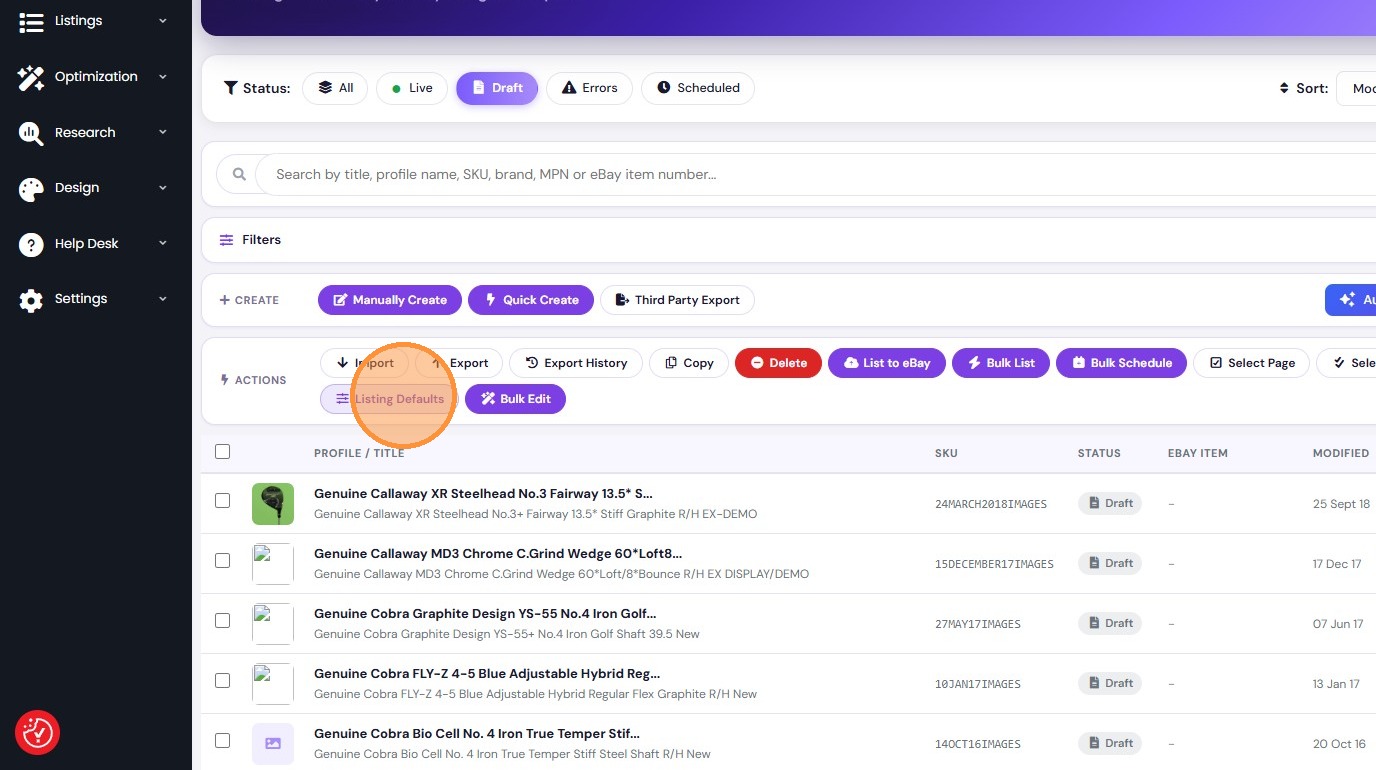
2. Click "Listing Defaults"
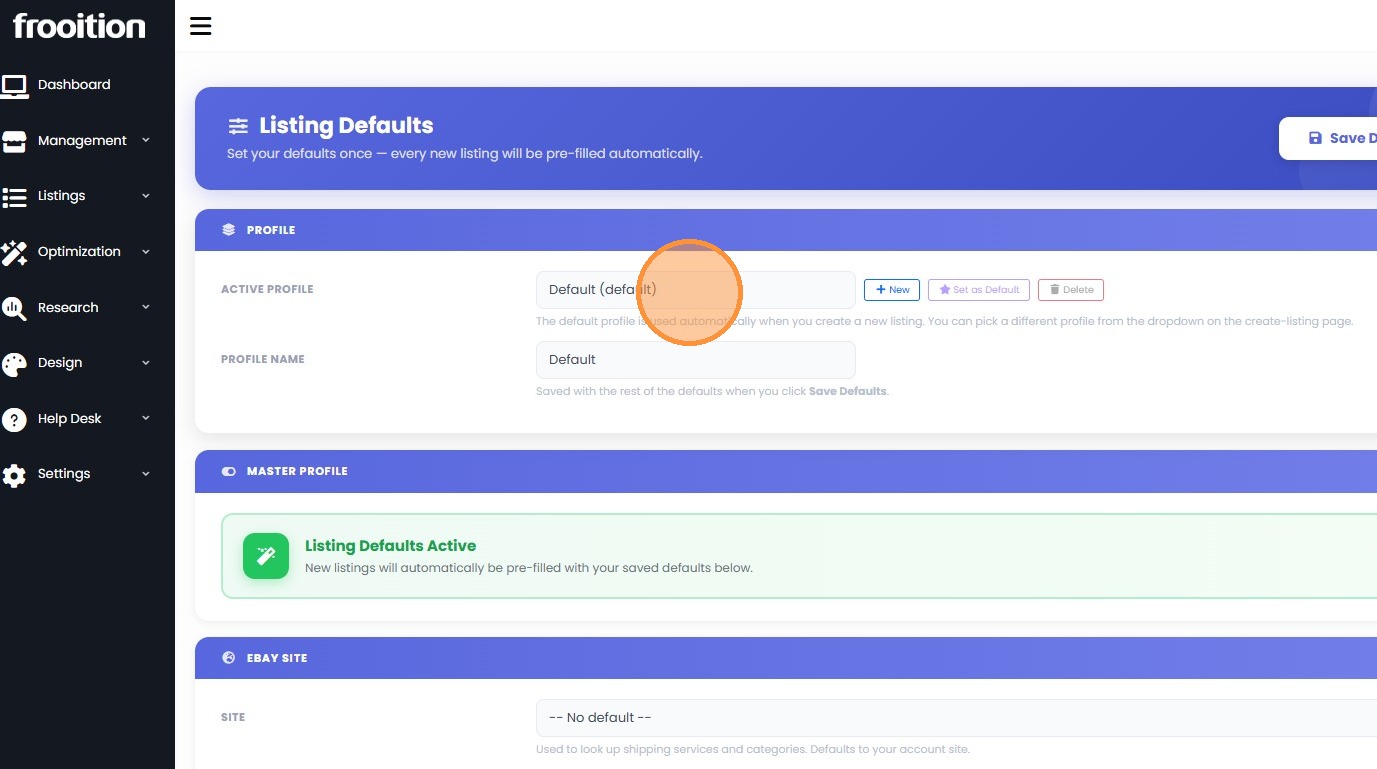
3. Click the Active Profile dropdown.
Profile Creation from Existing Listing
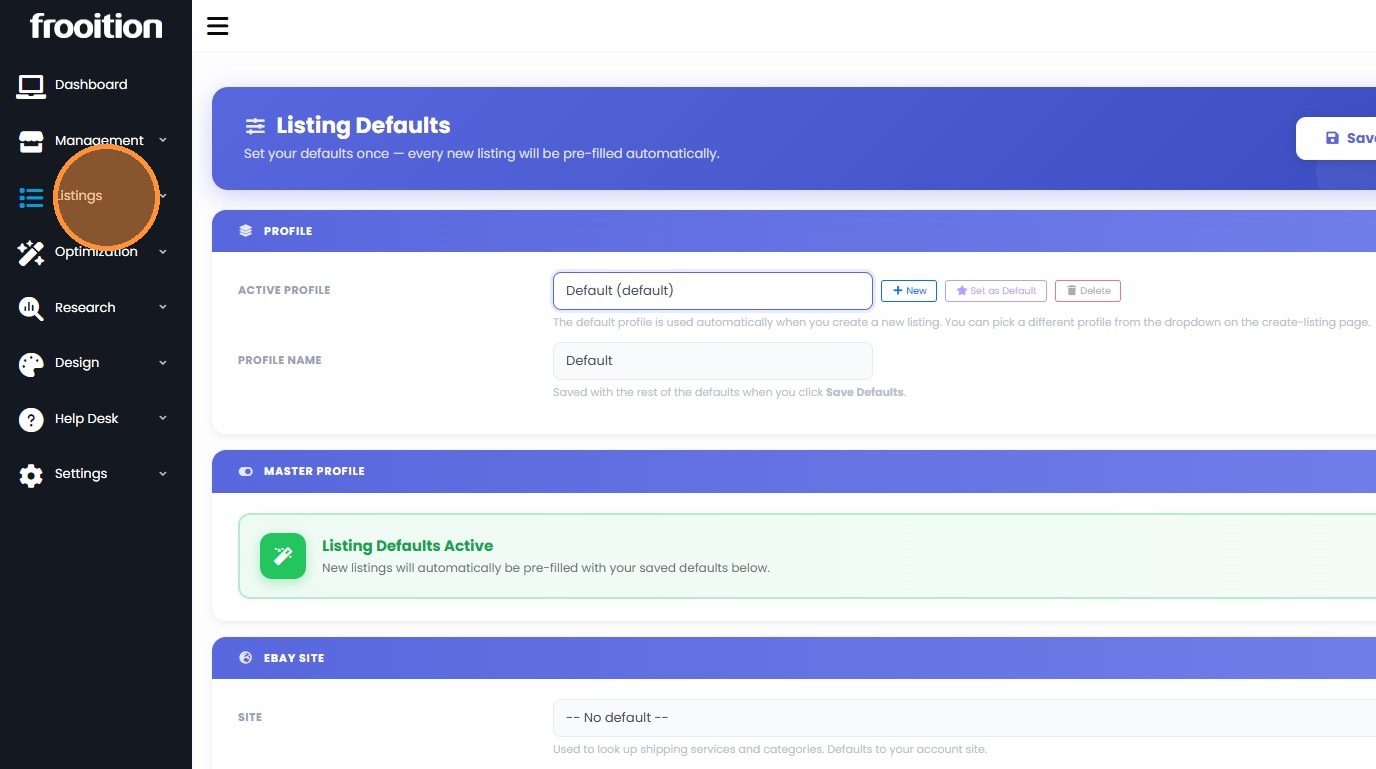
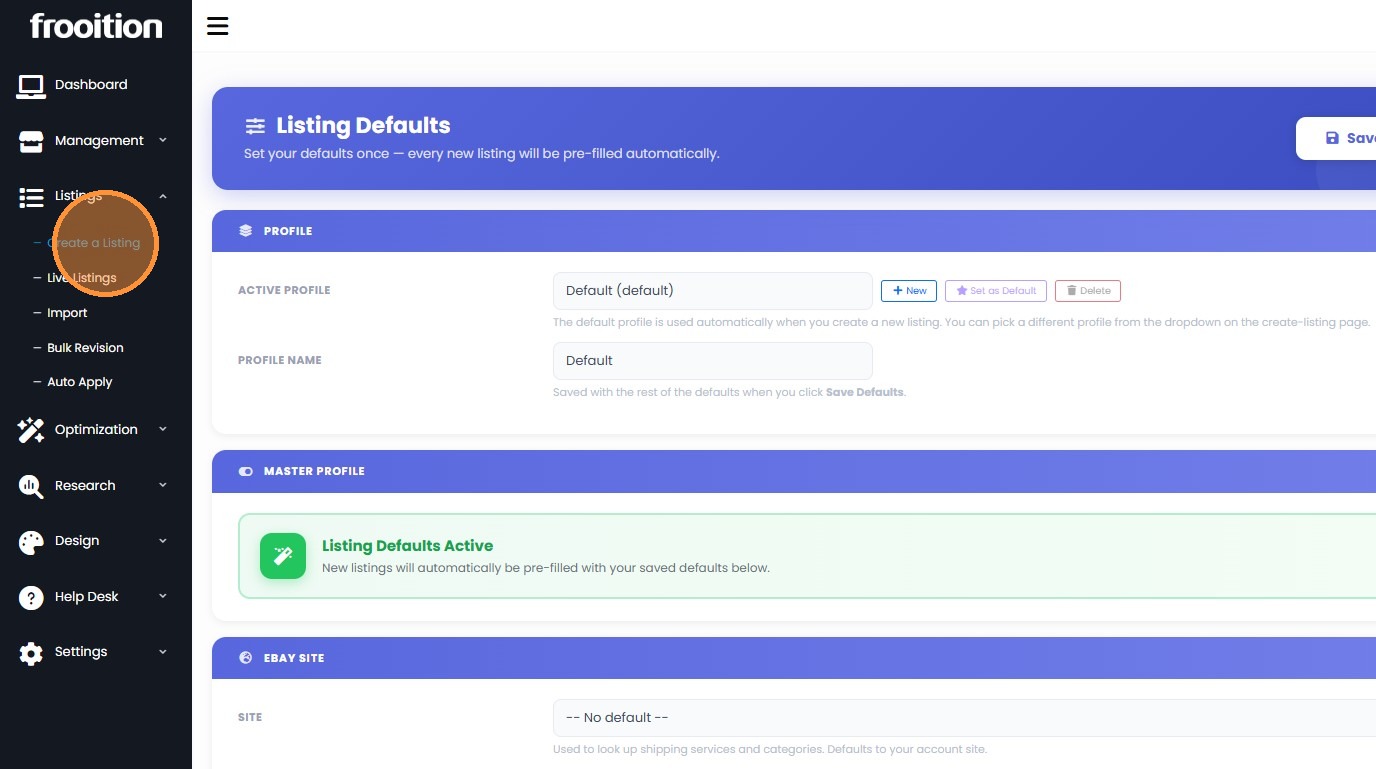
4. Select "Listings" from the side menu.
5. Click "Create a Listing" in the sidebar.
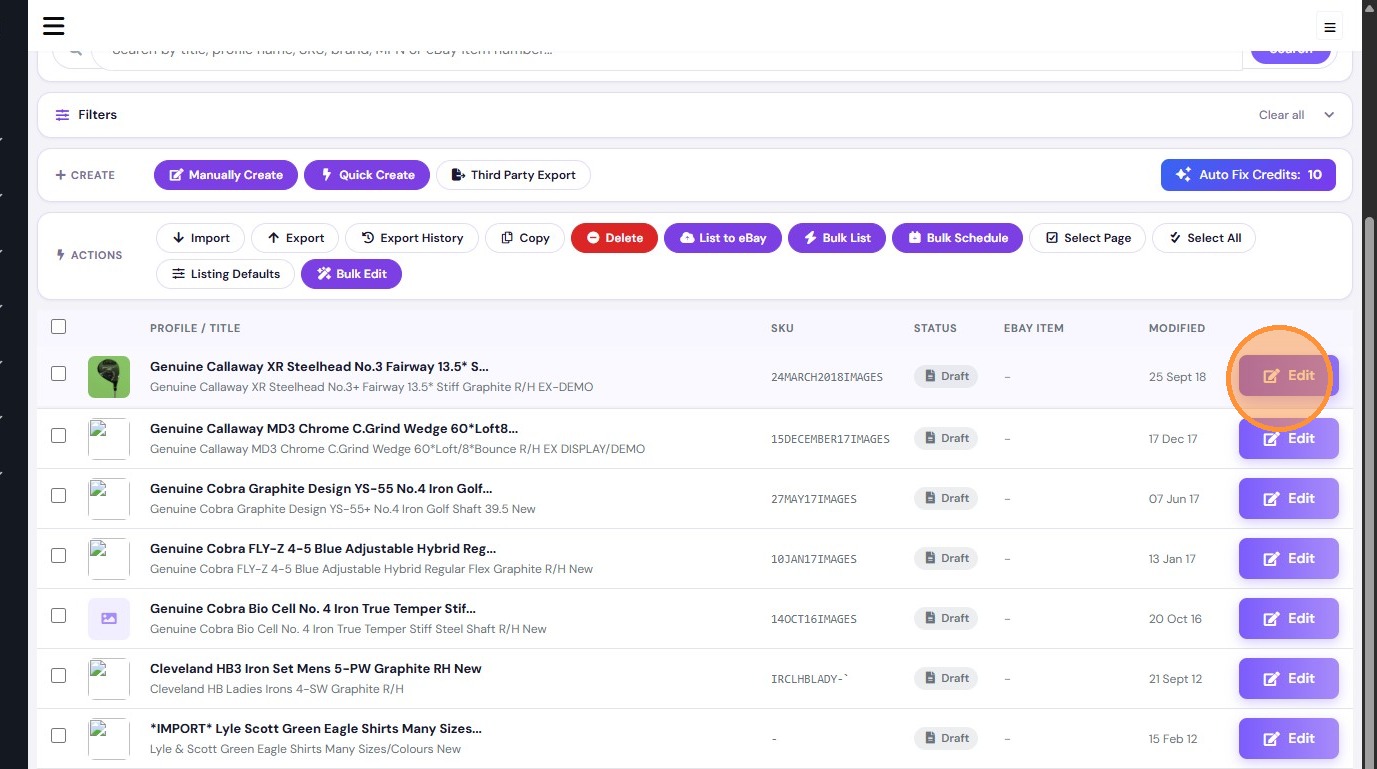
6. Click "Edit" on an existing listing to use its data for the new profile.
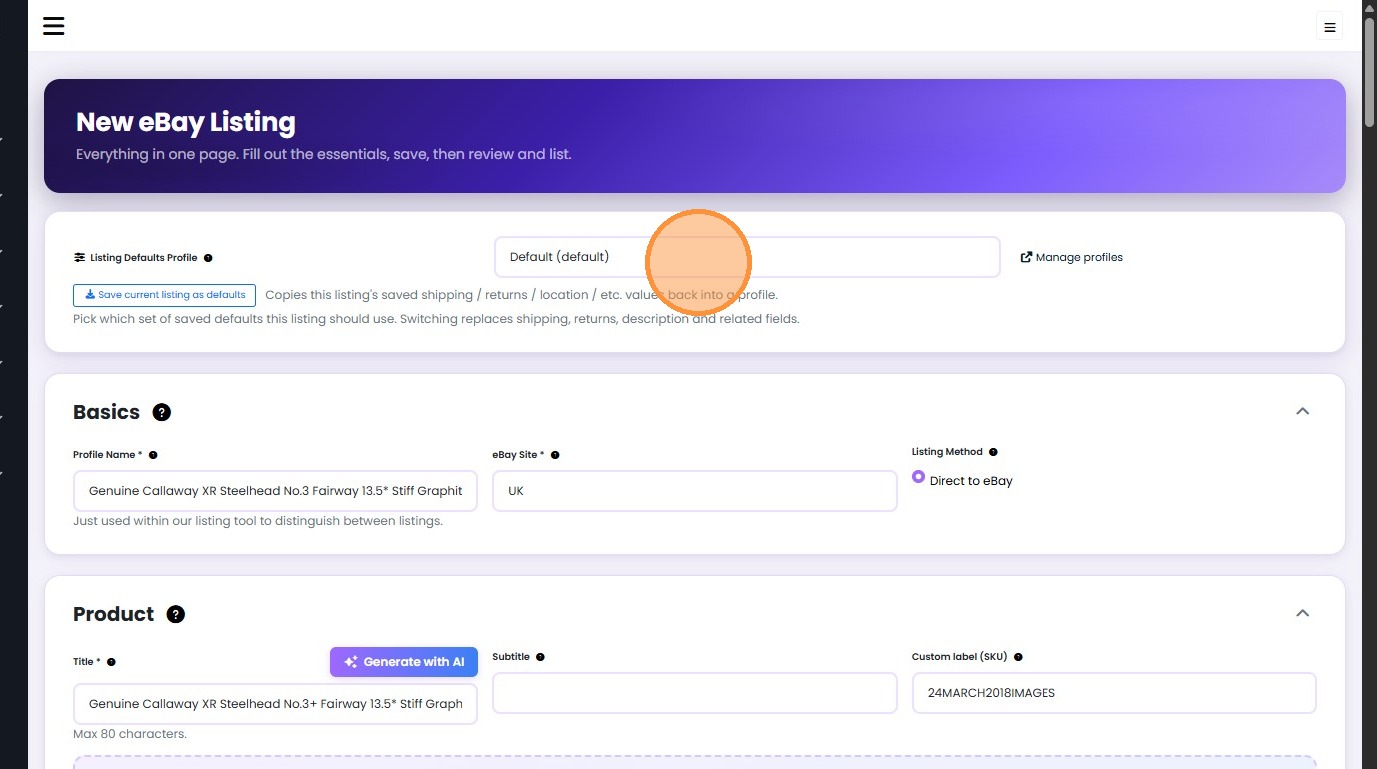
7. Click the "Listing Defaults Profile" dropdown.
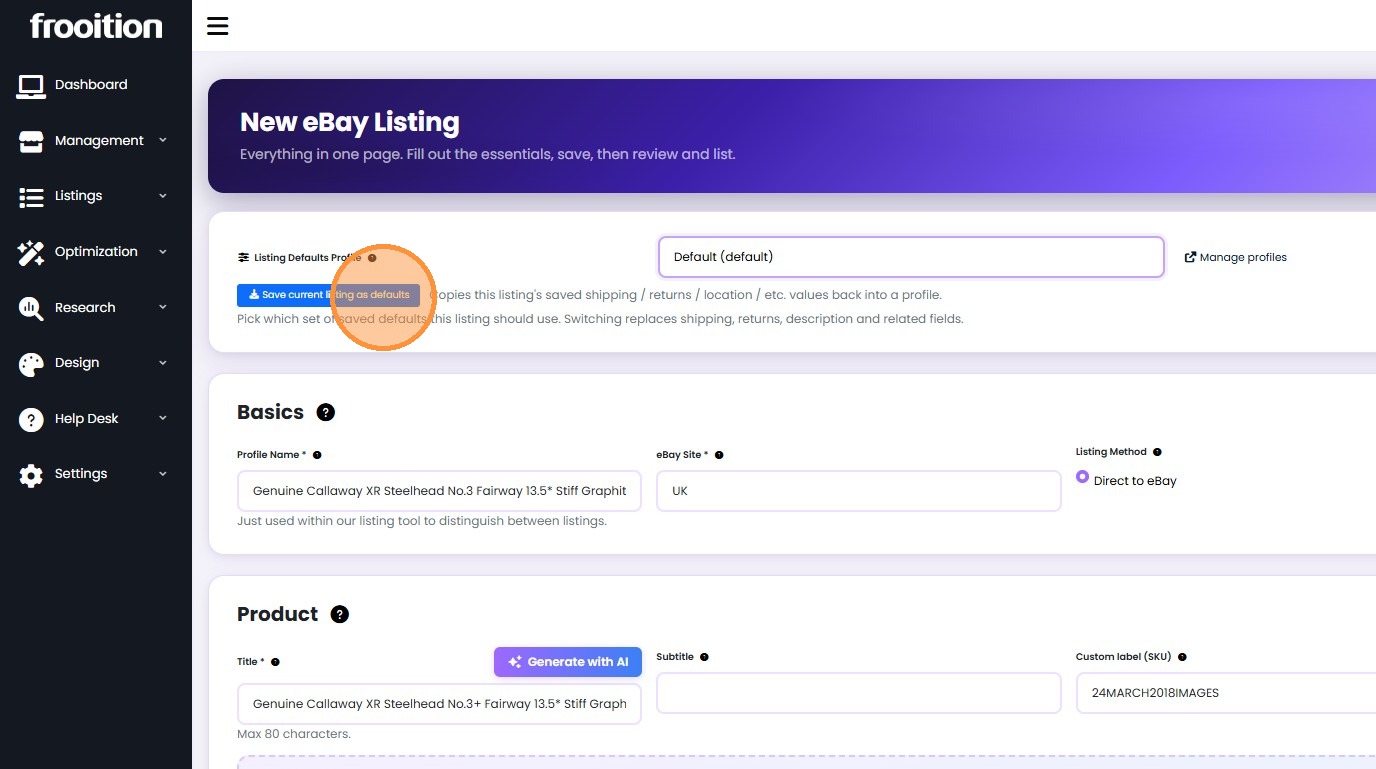
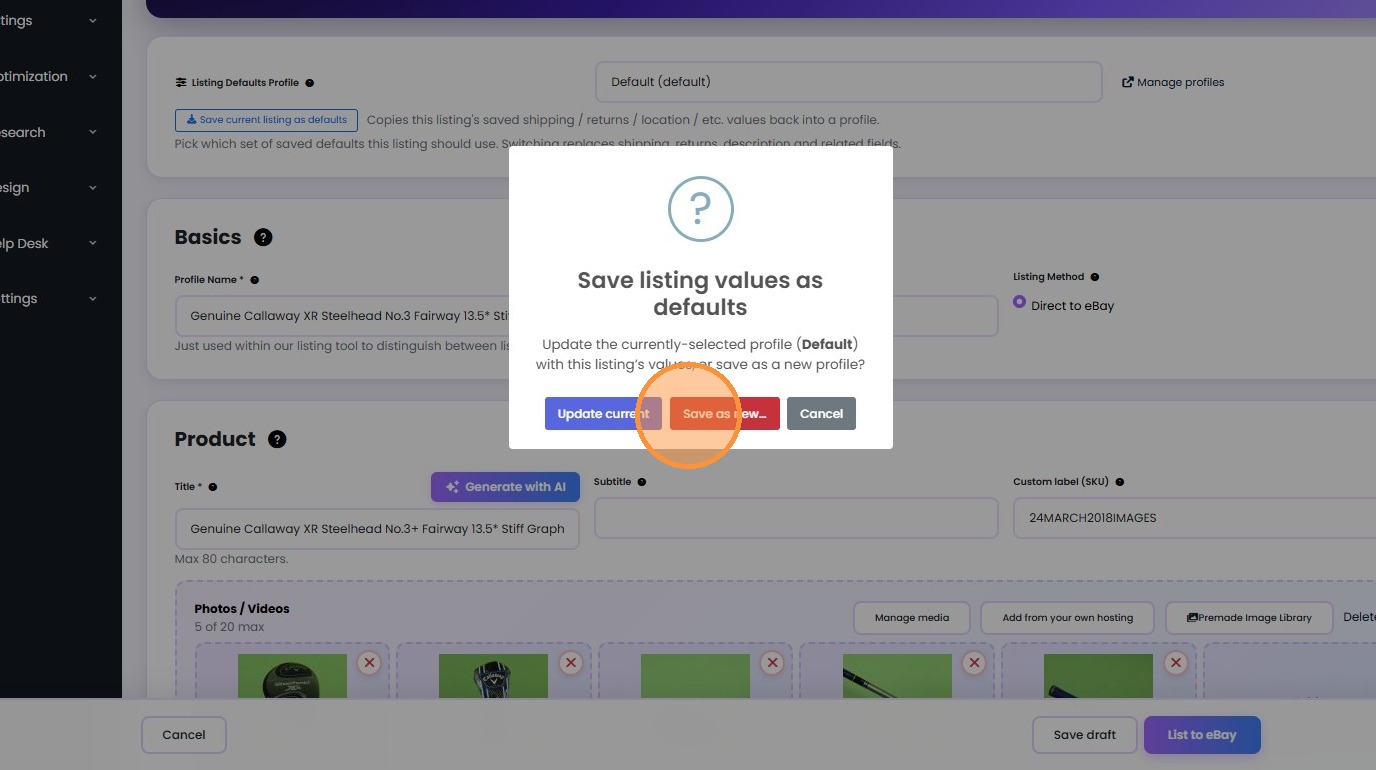
8. Select "Save current listing as defaults" to start creating a new profile.
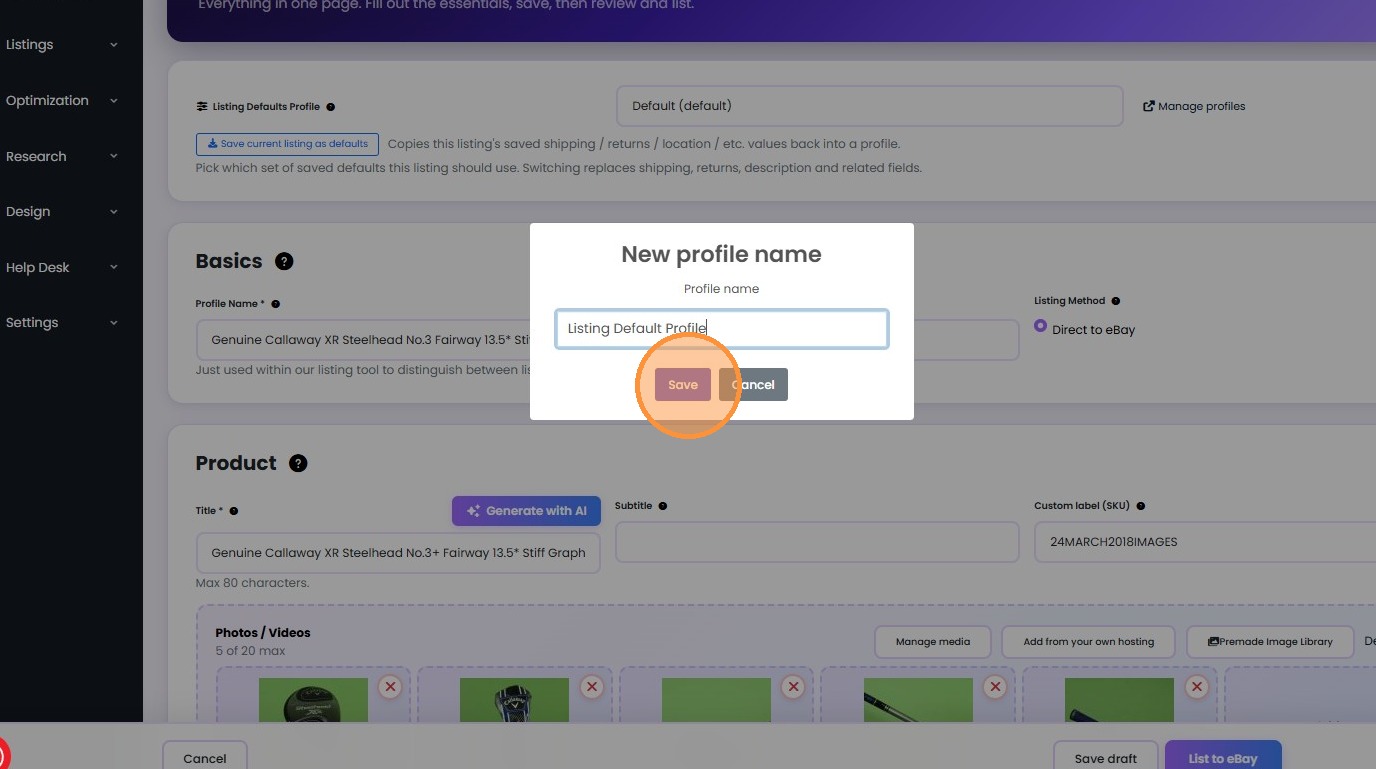
9. Choose "Save as new…", name the profile "Listing Default Profile", and click "Save".
Profile Application and Verification
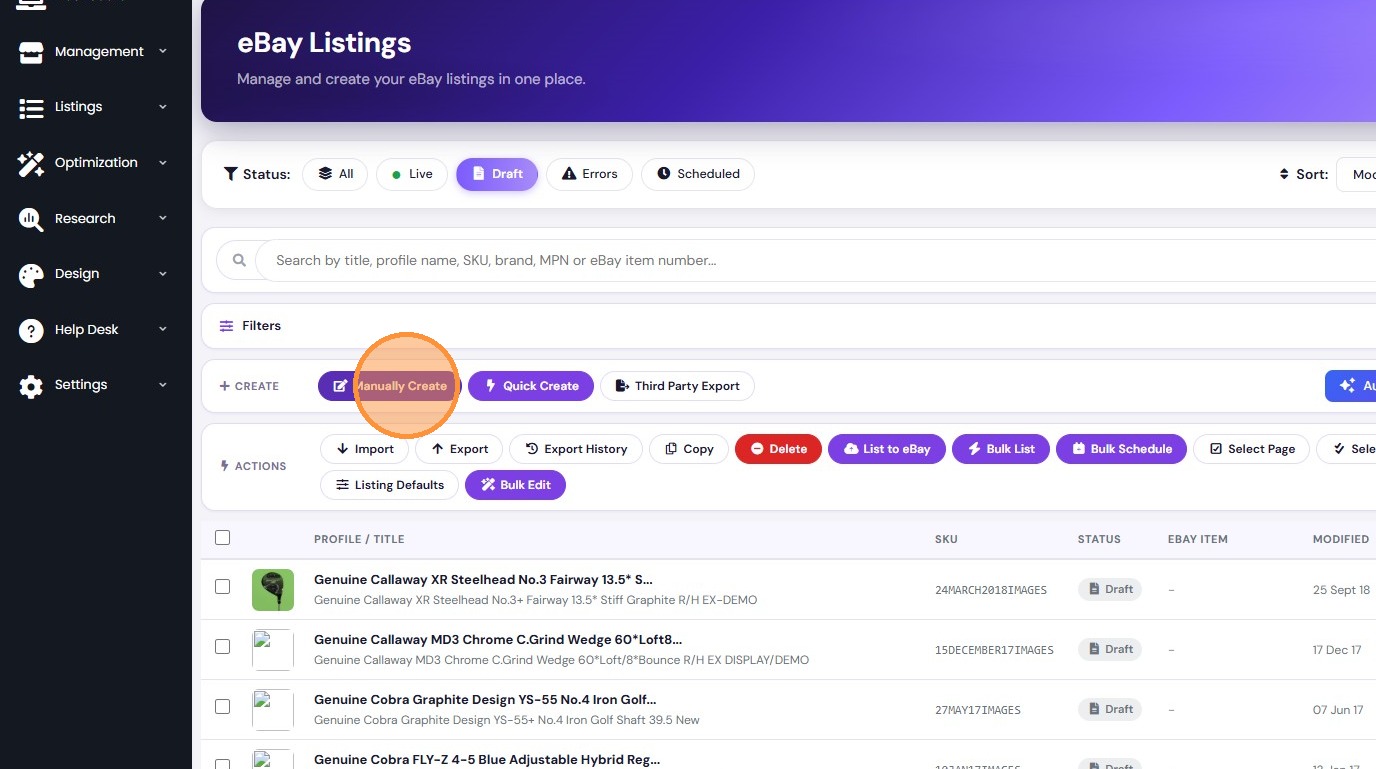
10. Navigate back to the eBay Listings page and click "Manually Create" to start a fresh listing.
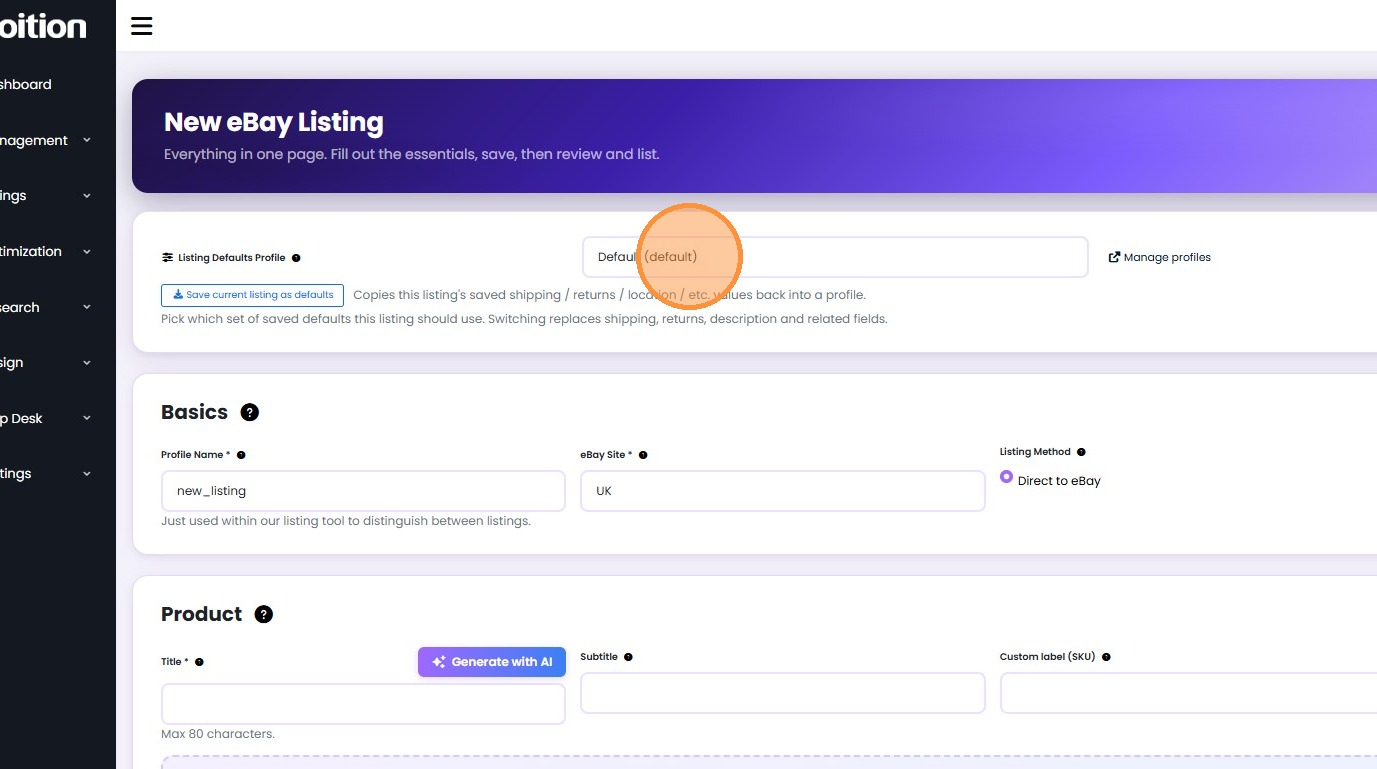
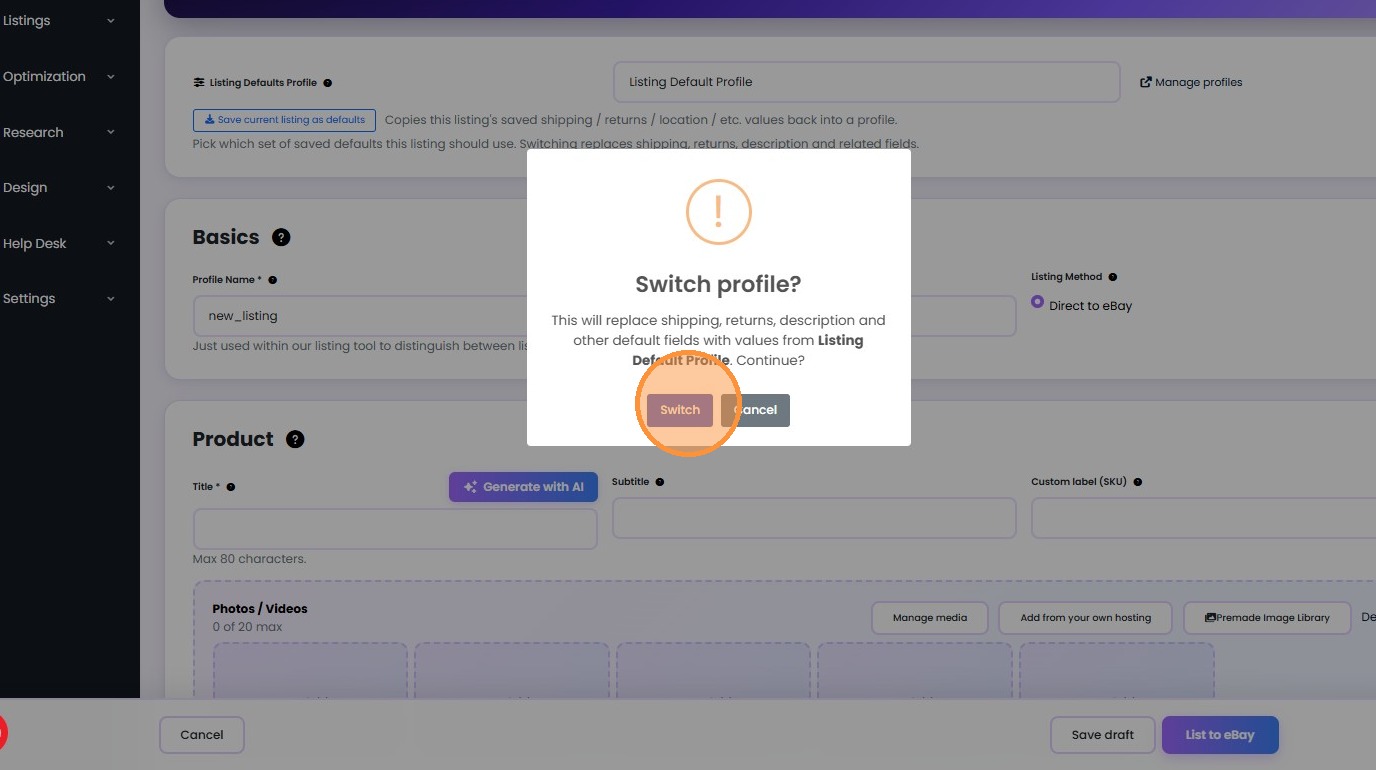
11. Select your new profile from the dropdown and click "Switch" to apply the saved defaults.
Was this article helpful?
That’s Great!
Thank you for your feedback
Sorry! We couldn't be helpful
Thank you for your feedback
Feedback sent
We appreciate your effort and will try to fix the article