Learn how to efficiently migrate your active eBay listings from one Frooition account to another. This guide simplifies the transfer process, allowing you to quickly move inventory between your storefronts with ease.
Accessing Listings
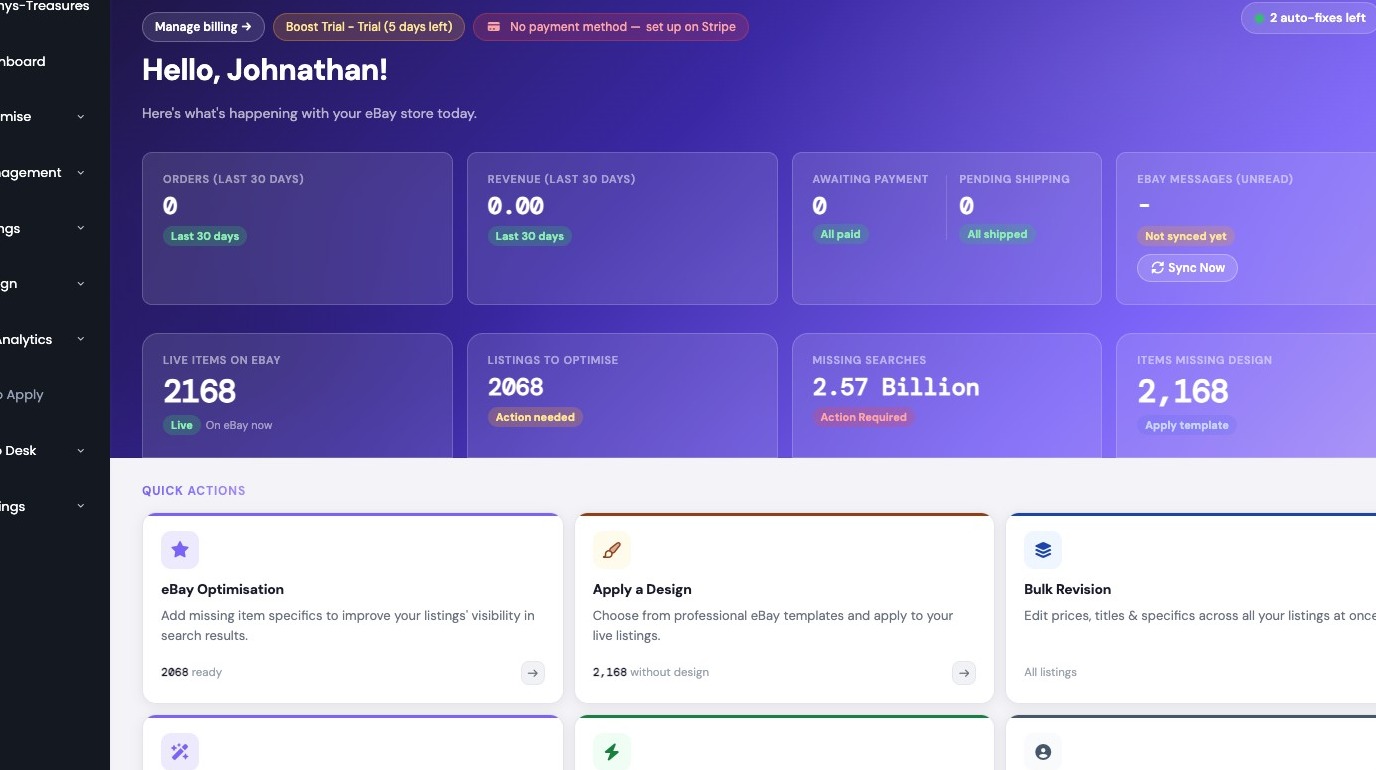
1. Navigate to https://freedom.frooition.com/ebay/

2. Navigate to the Edit Live Listings section
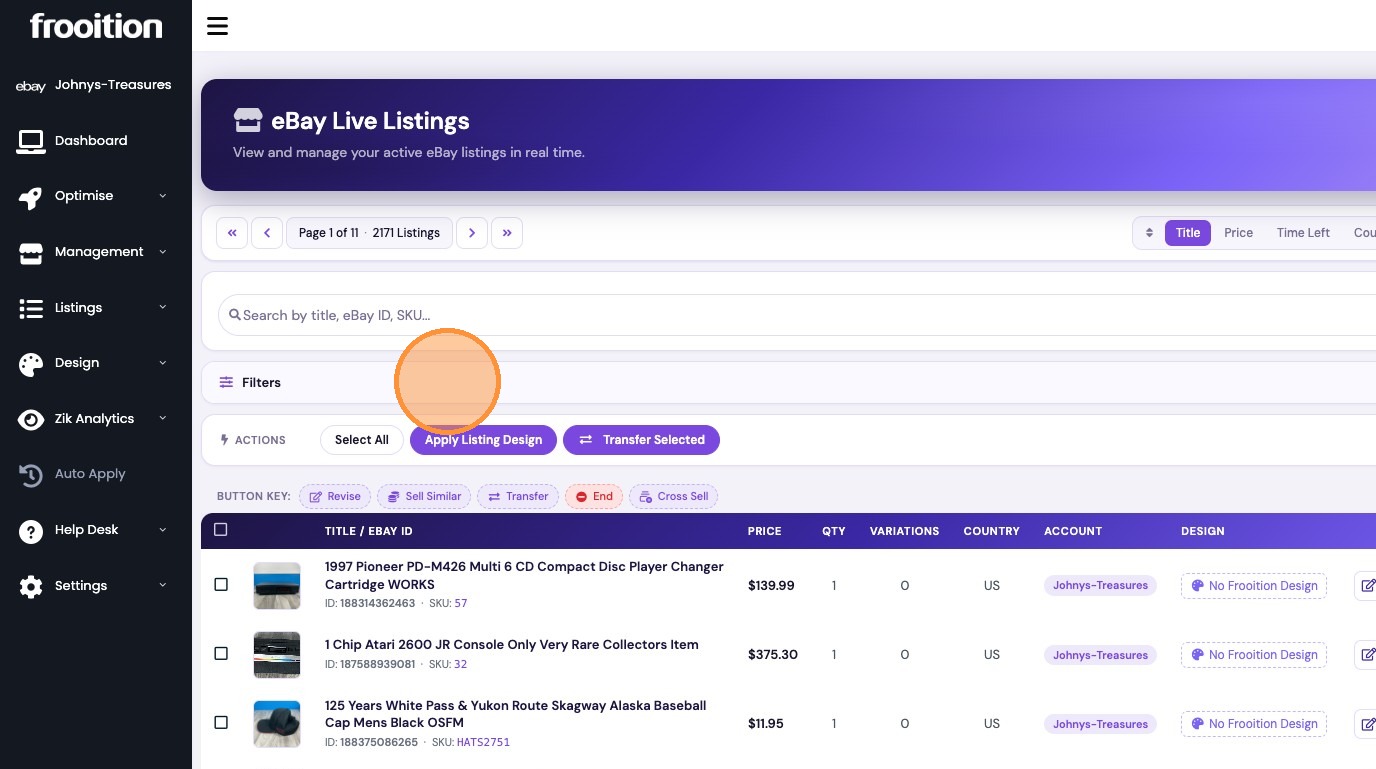
Selecting Listings
3. Click "Filters"
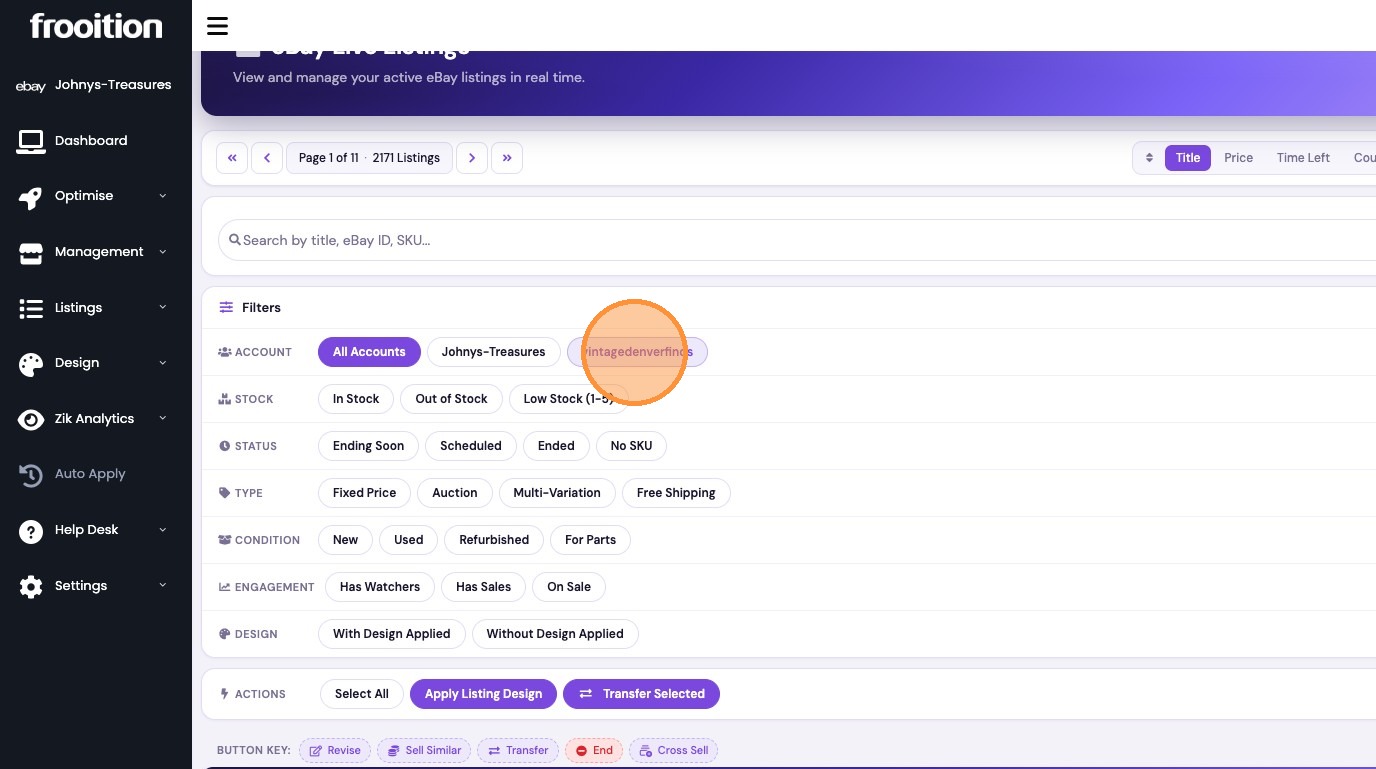
4. Click "vintagedenverfinds"
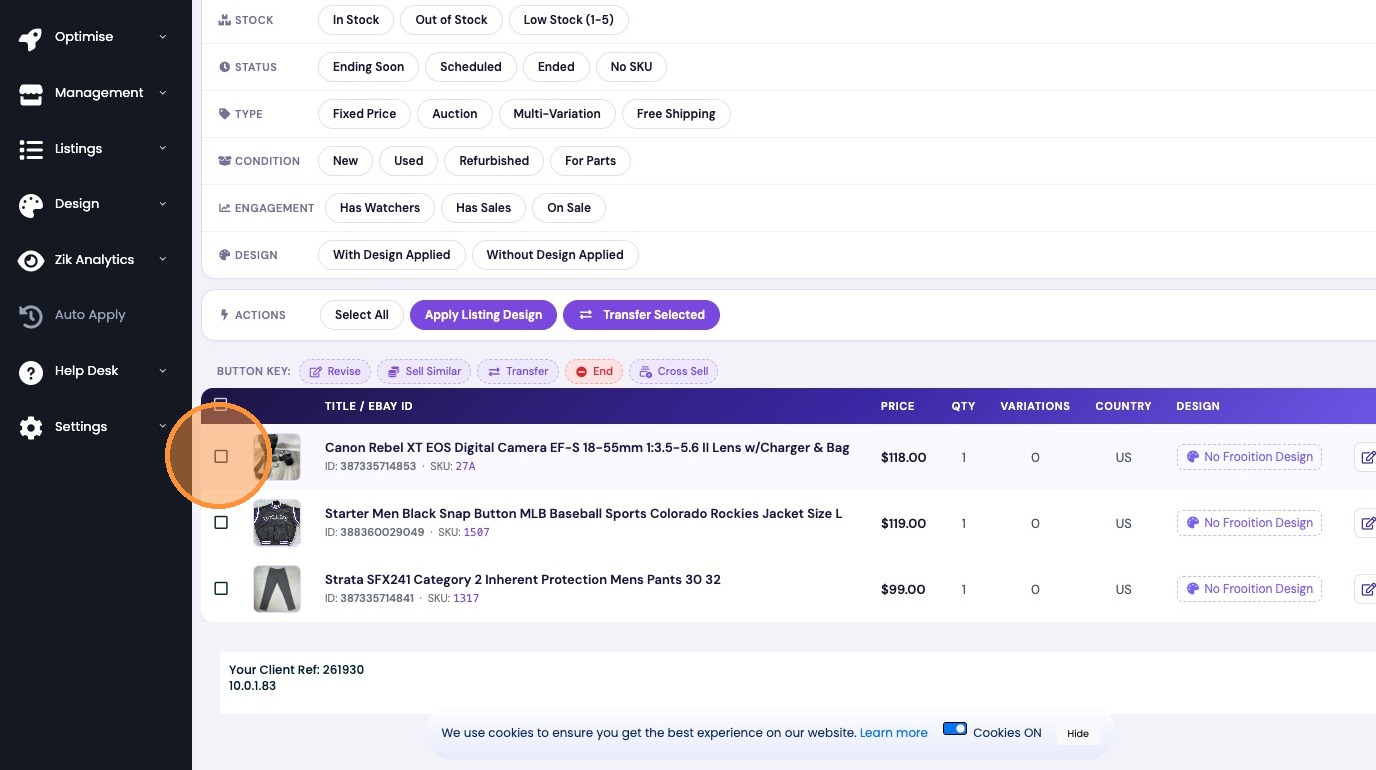
5. Select the checkbox for the listing(s) you want to transfer
Transferring Listings
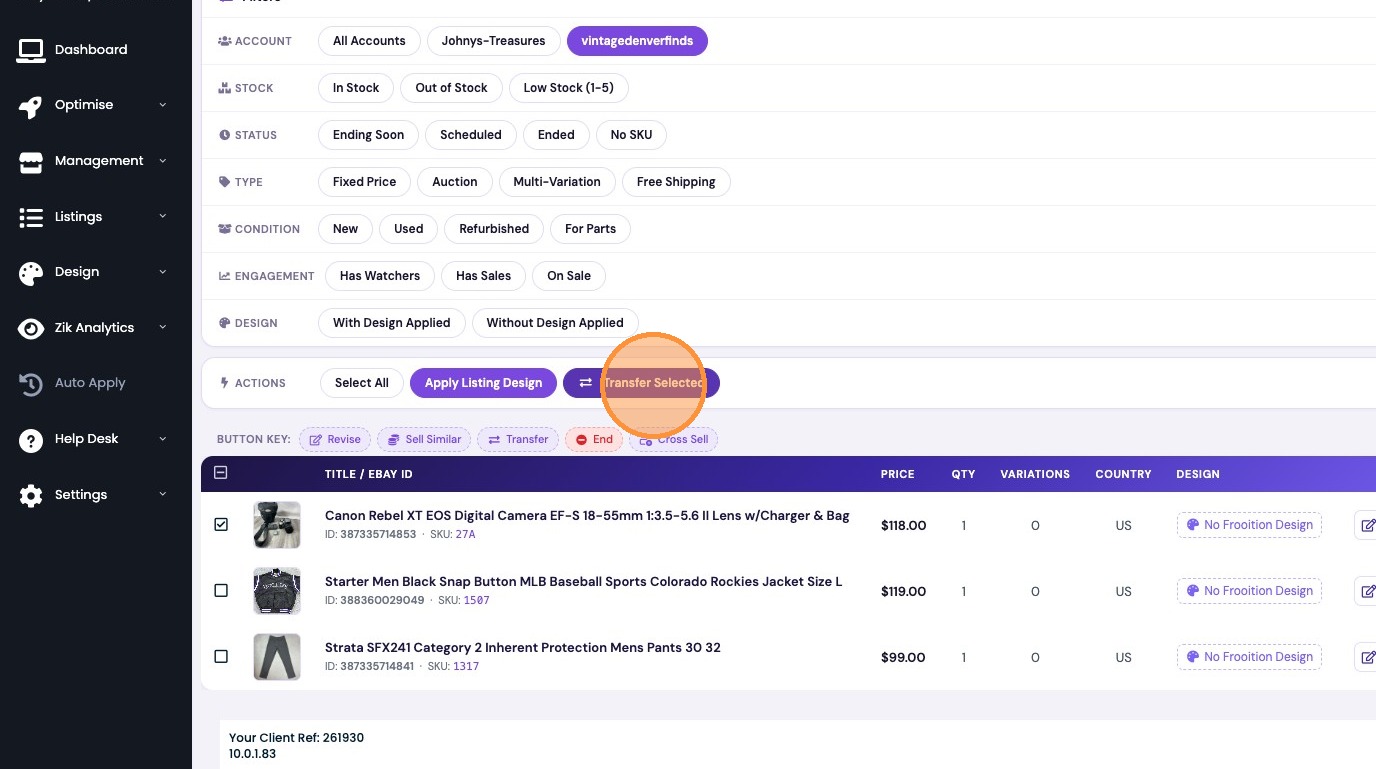
6. Click "Transfer Selected"

7. Select the destination account and click Transfer Listings
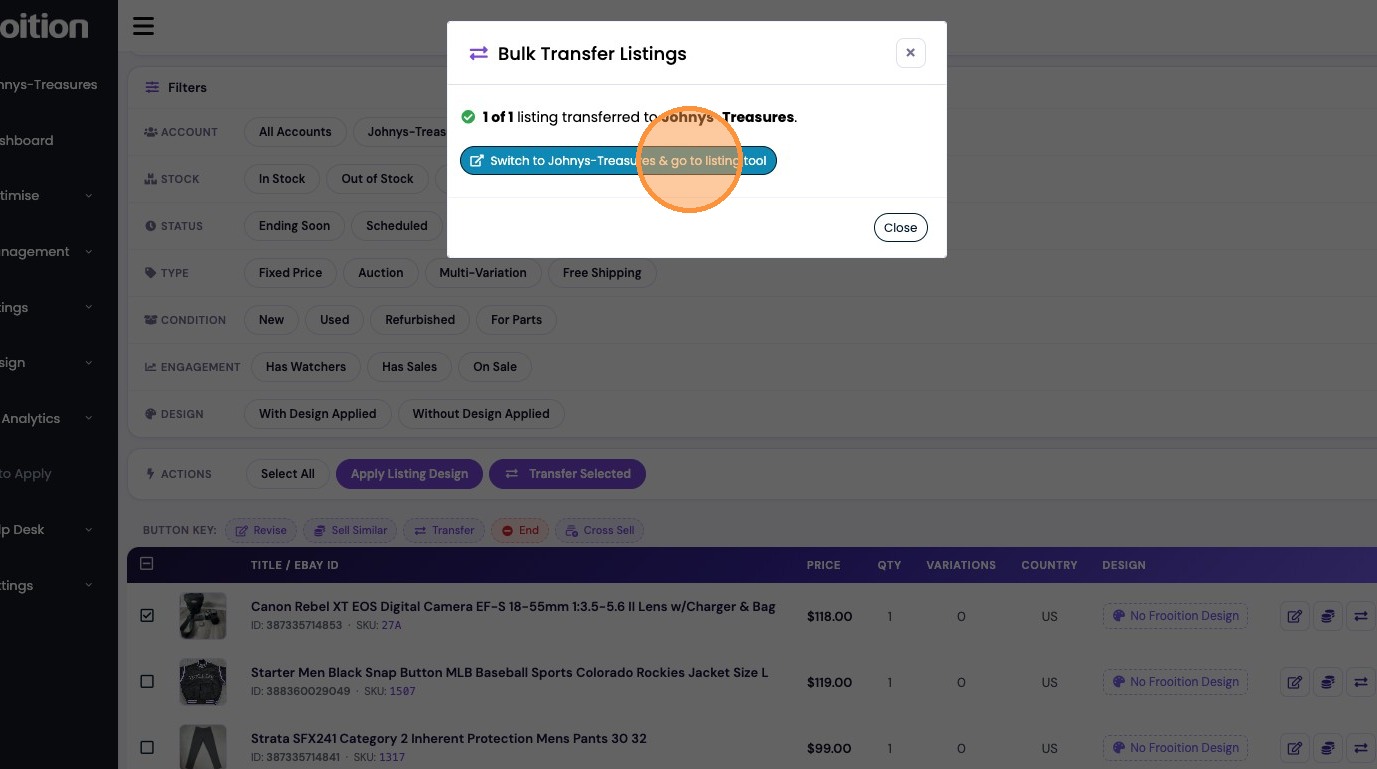
8. Click "Switch to Johnys-Treasures & go to listing tool"
Was this article helpful?
That’s Great!
Thank you for your feedback
Sorry! We couldn't be helpful
Thank you for your feedback
Feedback sent
We appreciate your effort and will try to fix the article