Learn how to efficiently migrate your listing data into the Frooition platform by importing Inkfrog CSV files. This guide simplifies the process to ensure your eBay listings are uploaded correctly and ready for management.
Access Import Tool
1. Navigate to https://freedom.frooition.com/ebay/
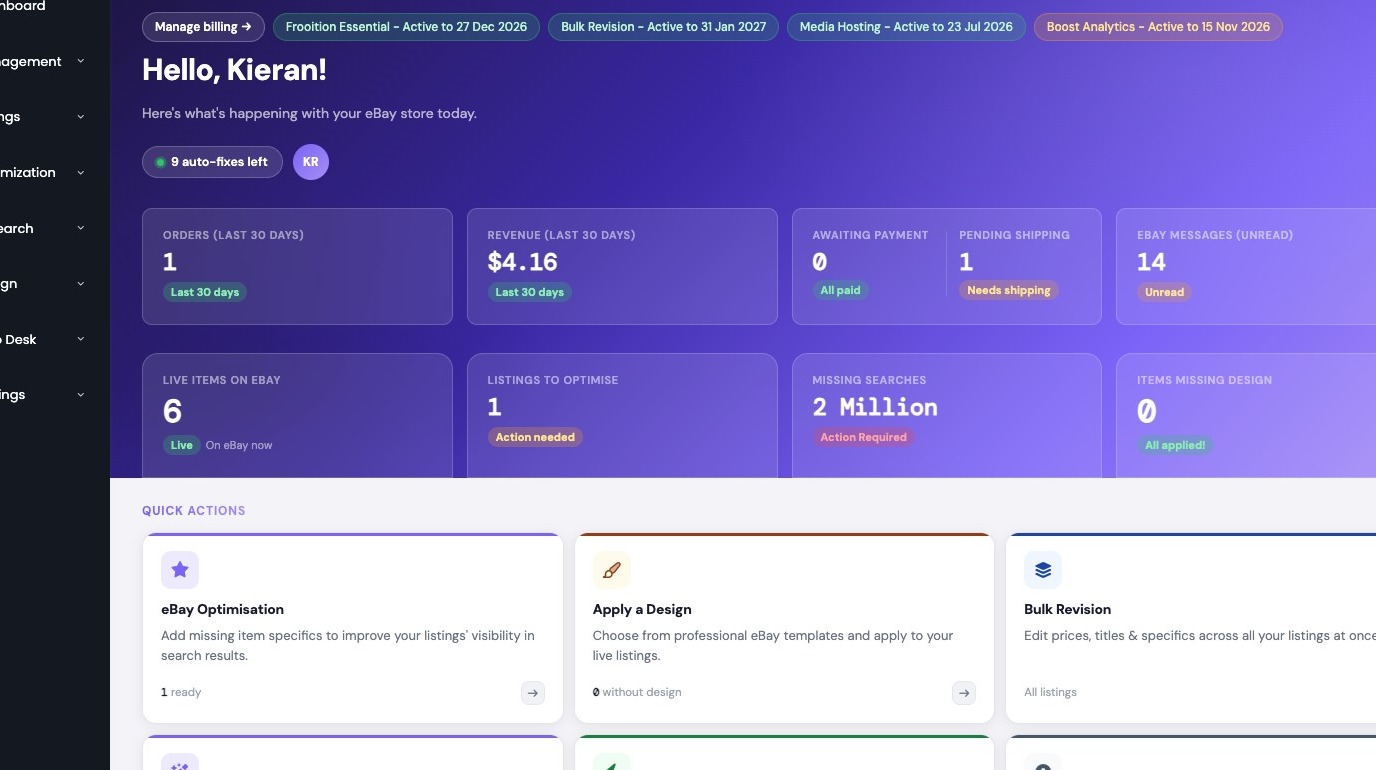
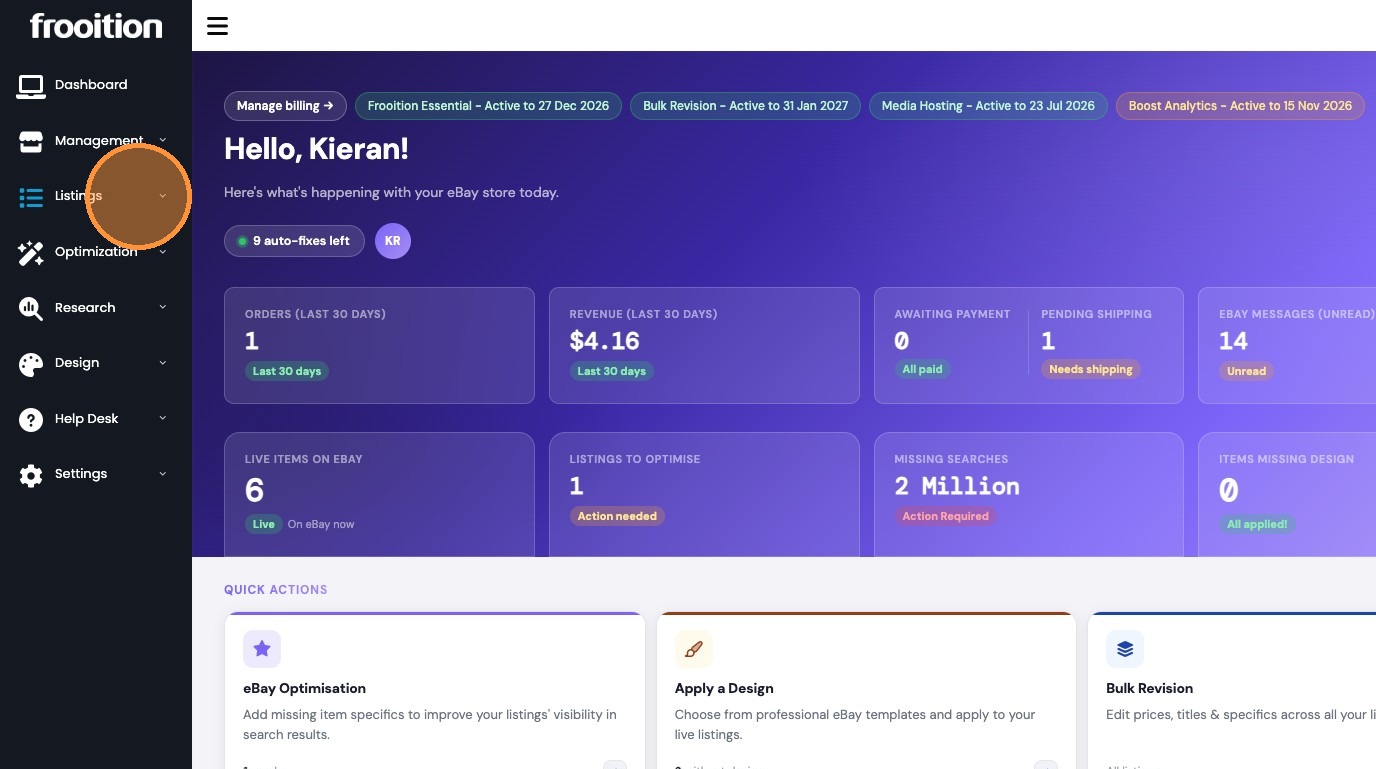
2. Click "Listings"
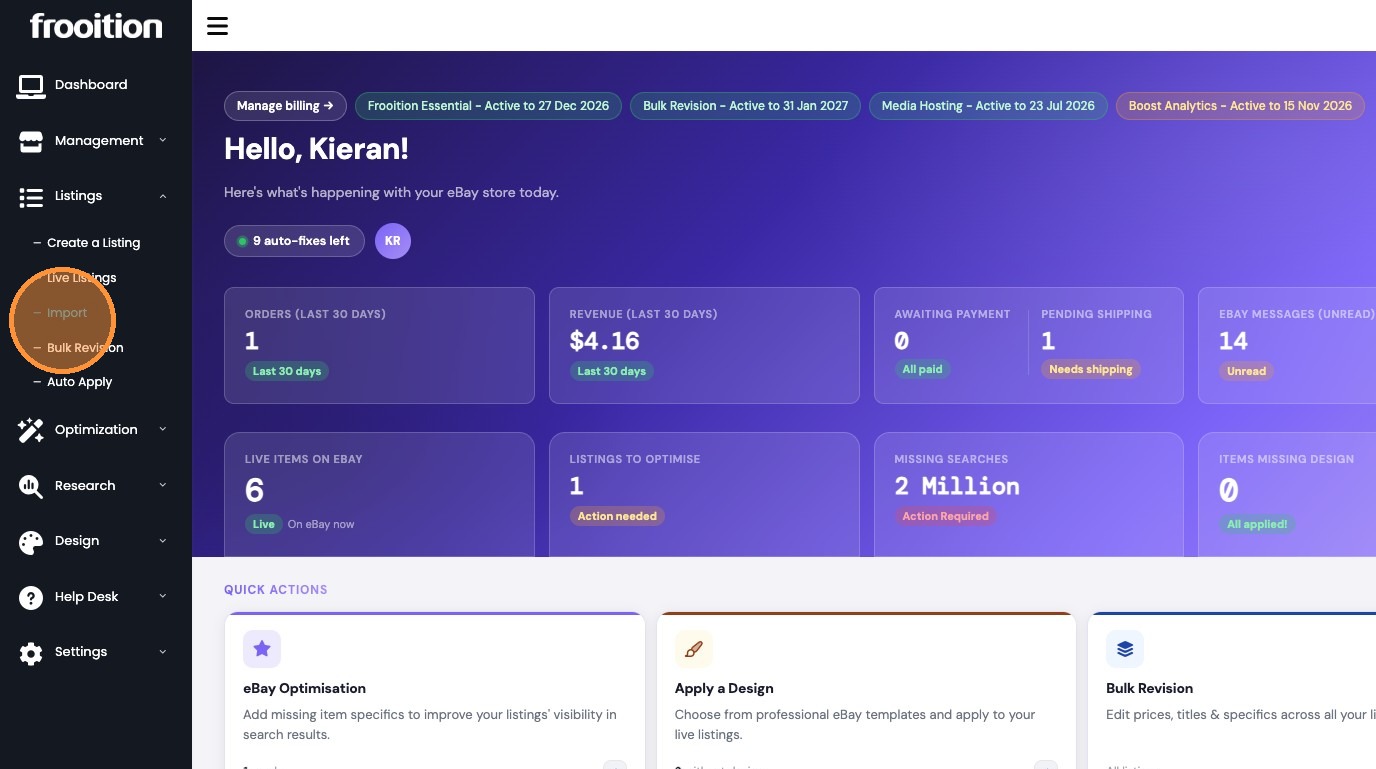
3. Click "Import"
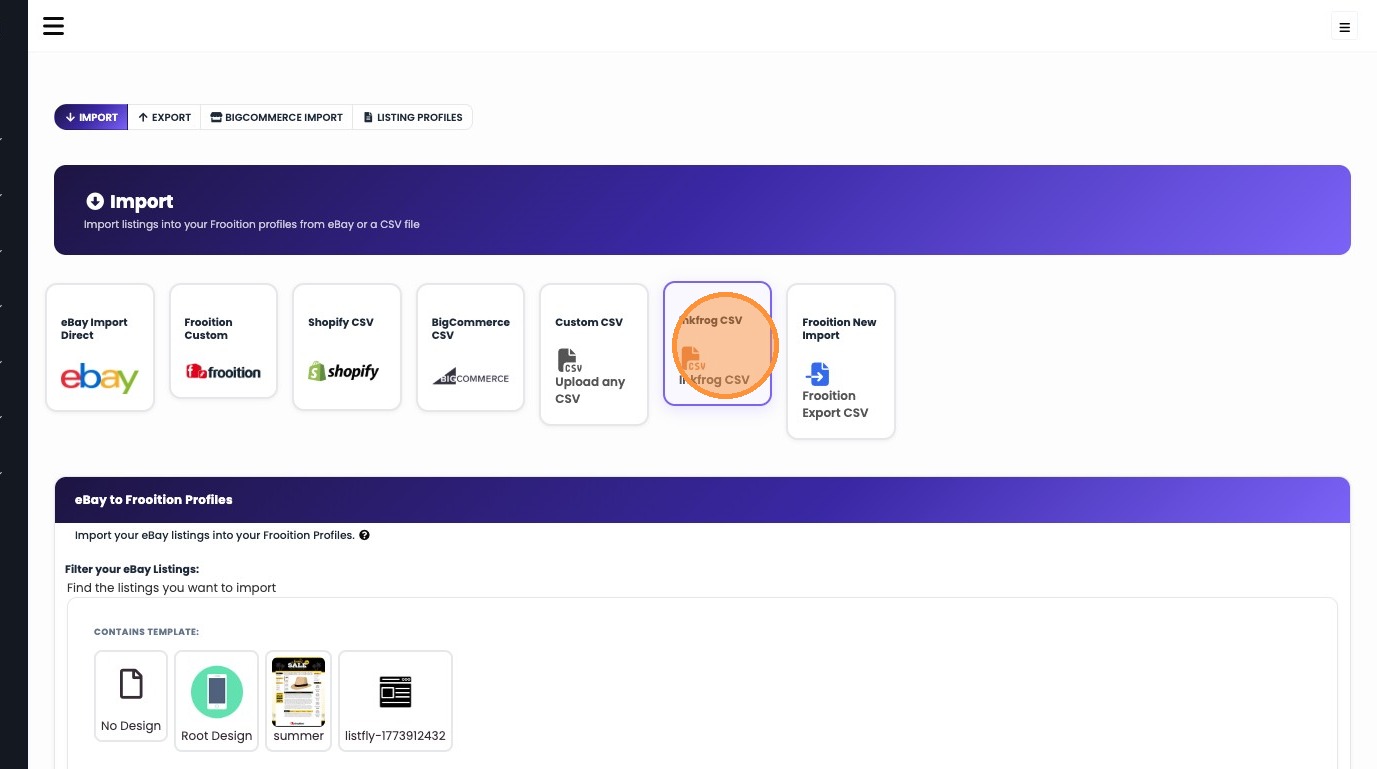
Select Import Source
4. Select 'Inkfrog CSV' import option
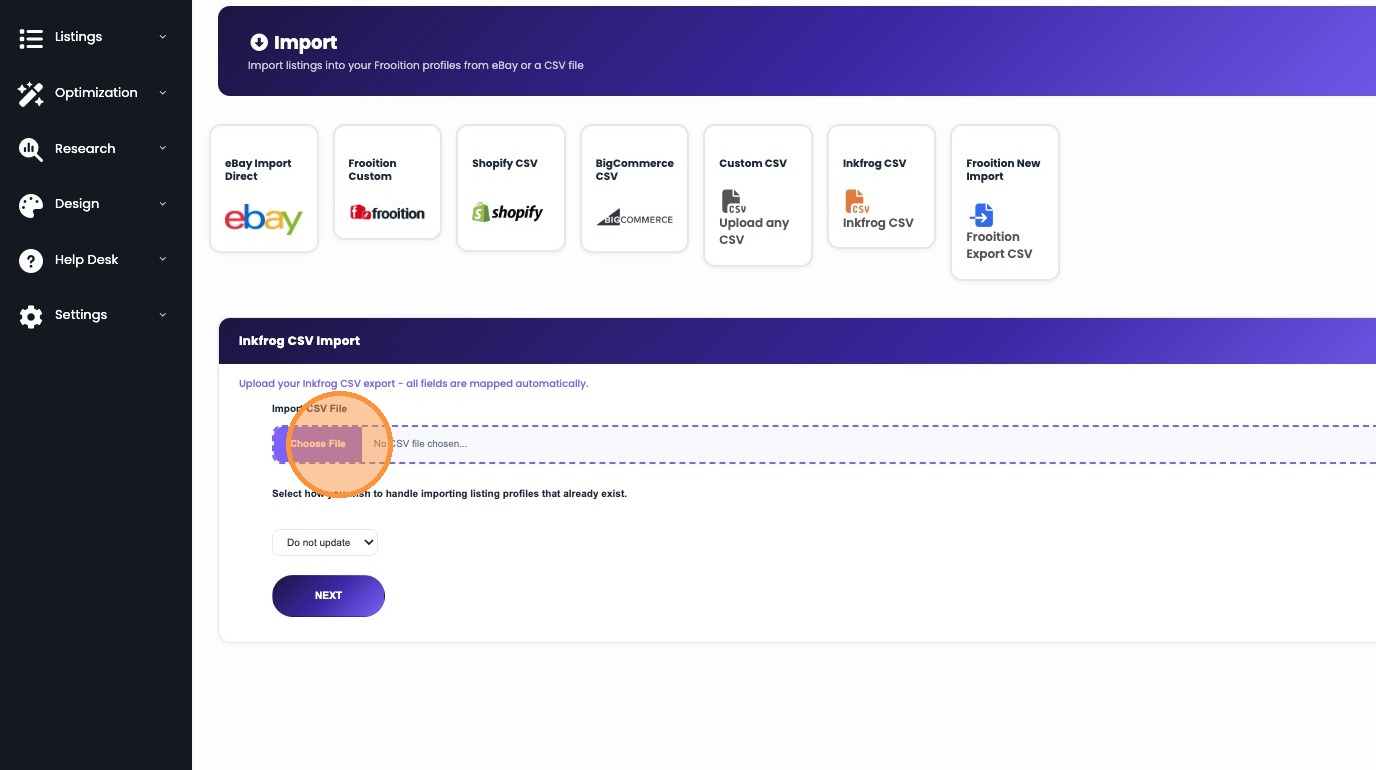
5. Click 'Choose File' and upload your CSV file
Process and Confirm Import
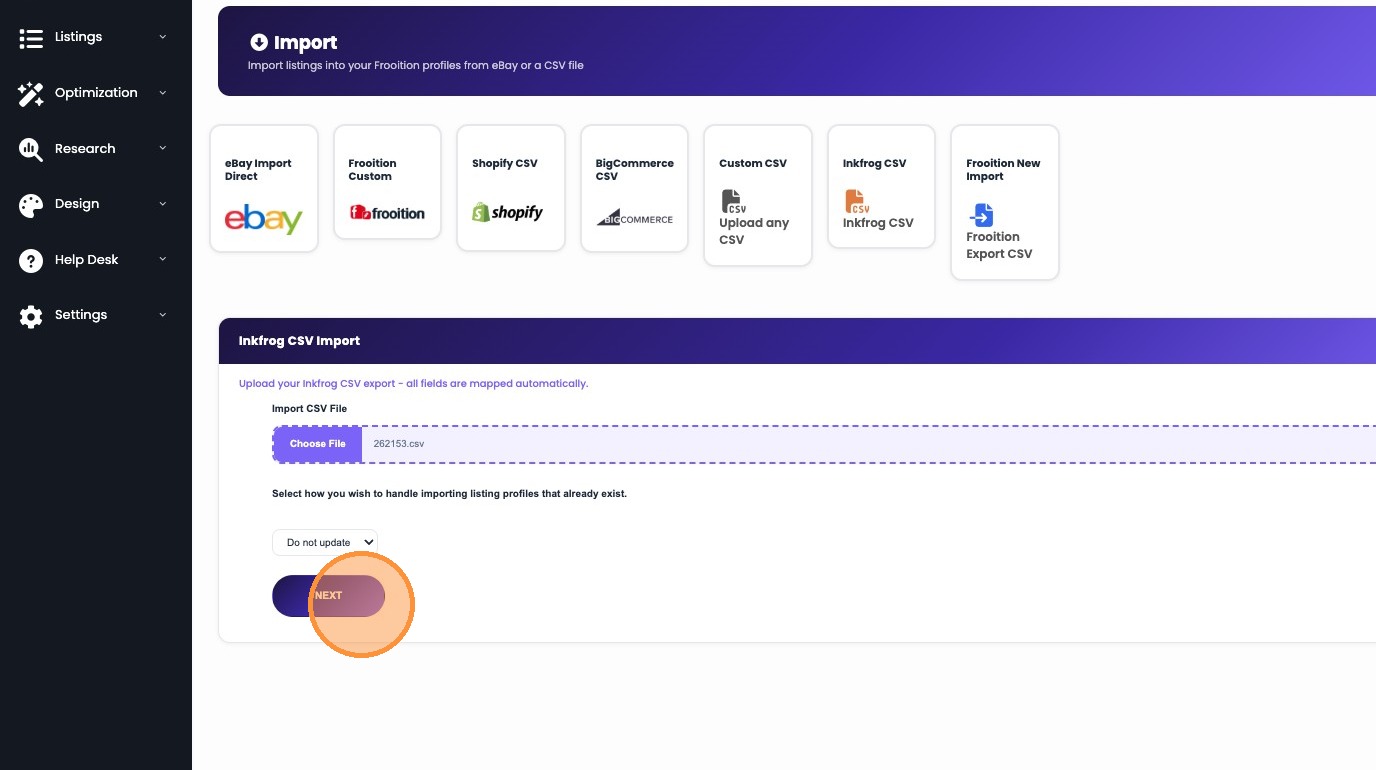
6. Click "NEXT"
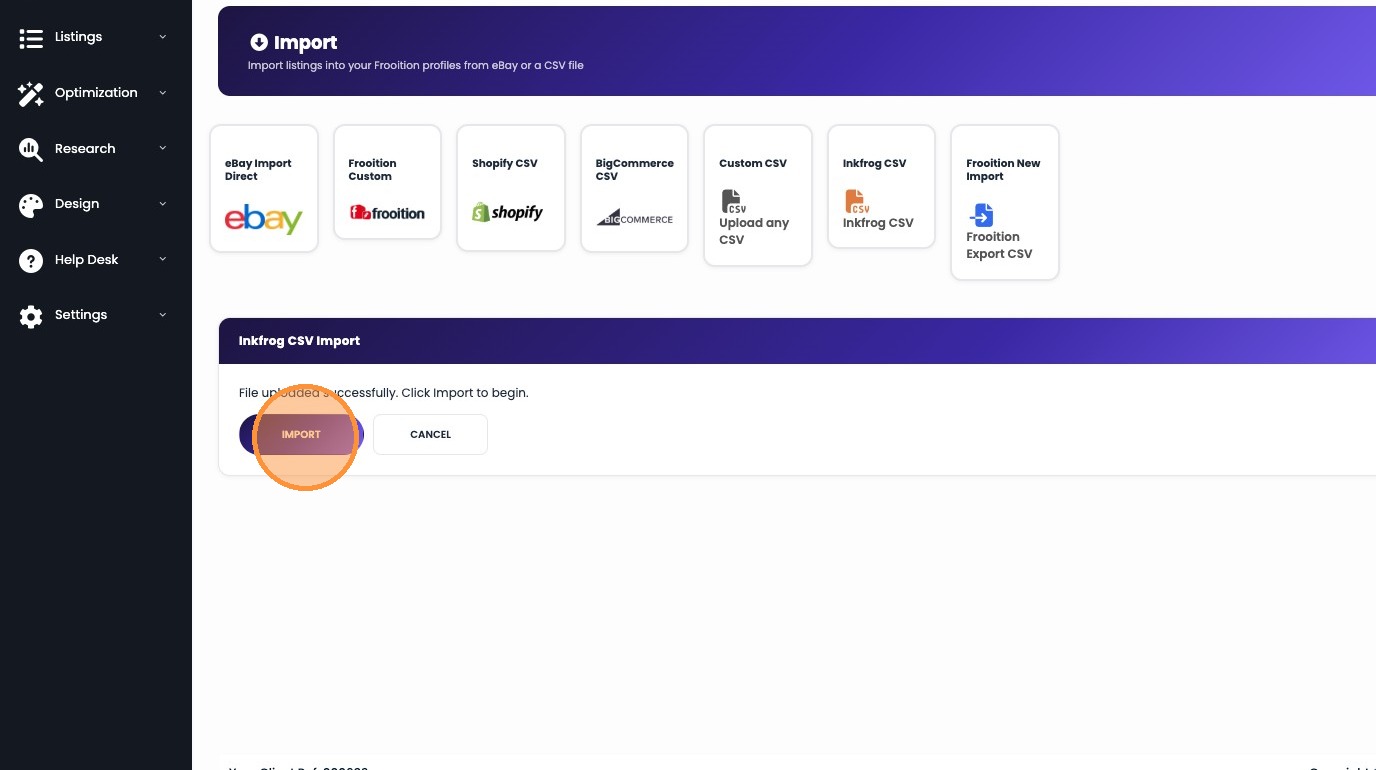
7. Click "IMPORT"
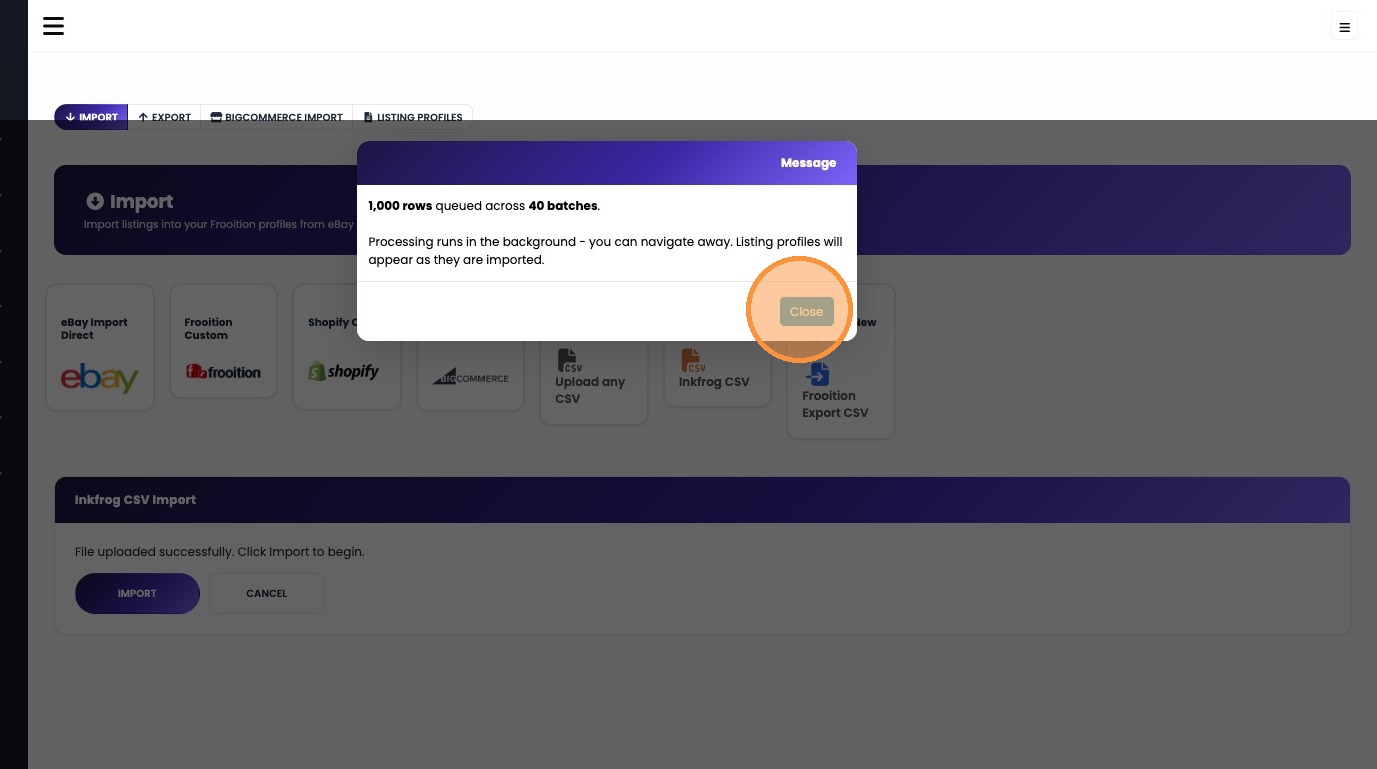
8. Click "Close"
Was this article helpful?
That’s Great!
Thank you for your feedback
Sorry! We couldn't be helpful
Thank you for your feedback
Feedback sent
We appreciate your effort and will try to fix the article