Learn how to access your seller settings and update your information tabs efficiently. This guide simplifies the process of amending your account details within the Frooition platform.
1. Navigate to https://freedom.frooition.com/ebay/
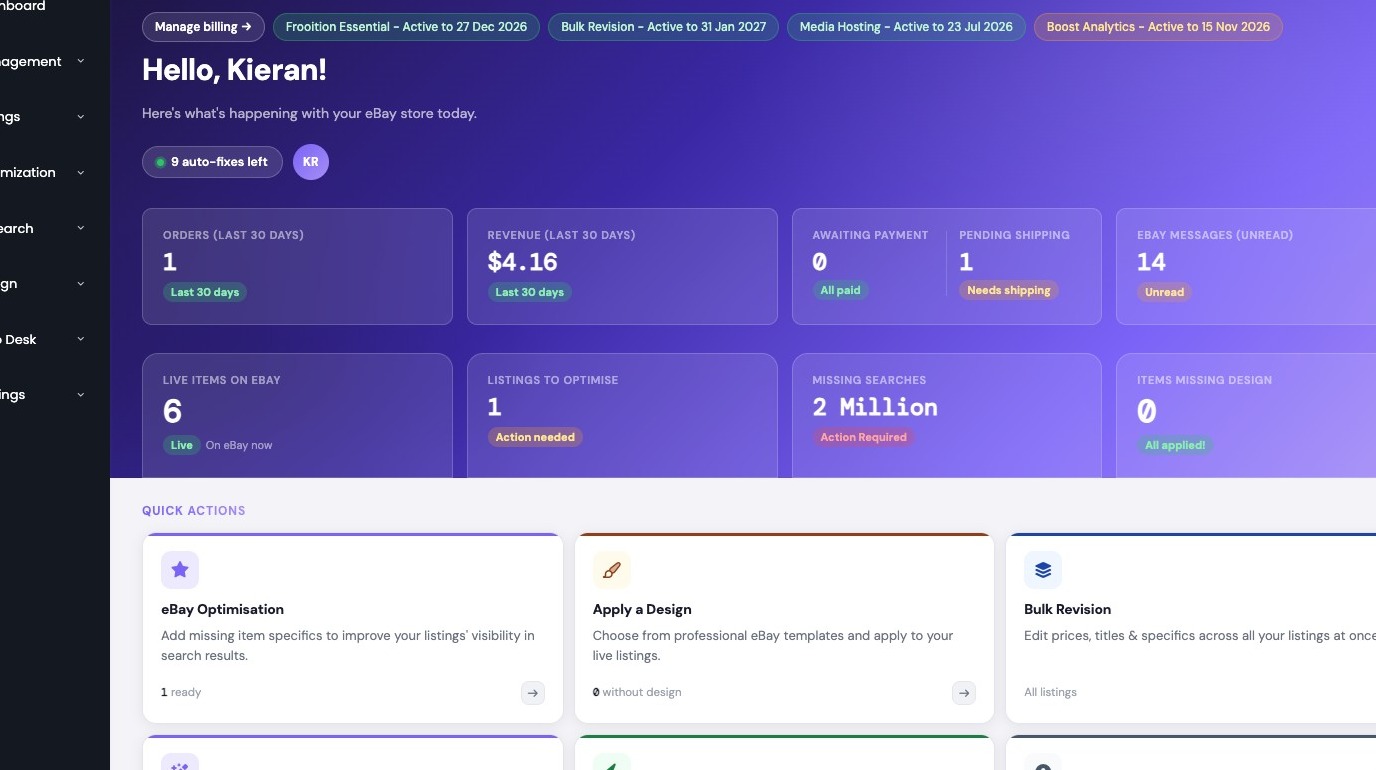
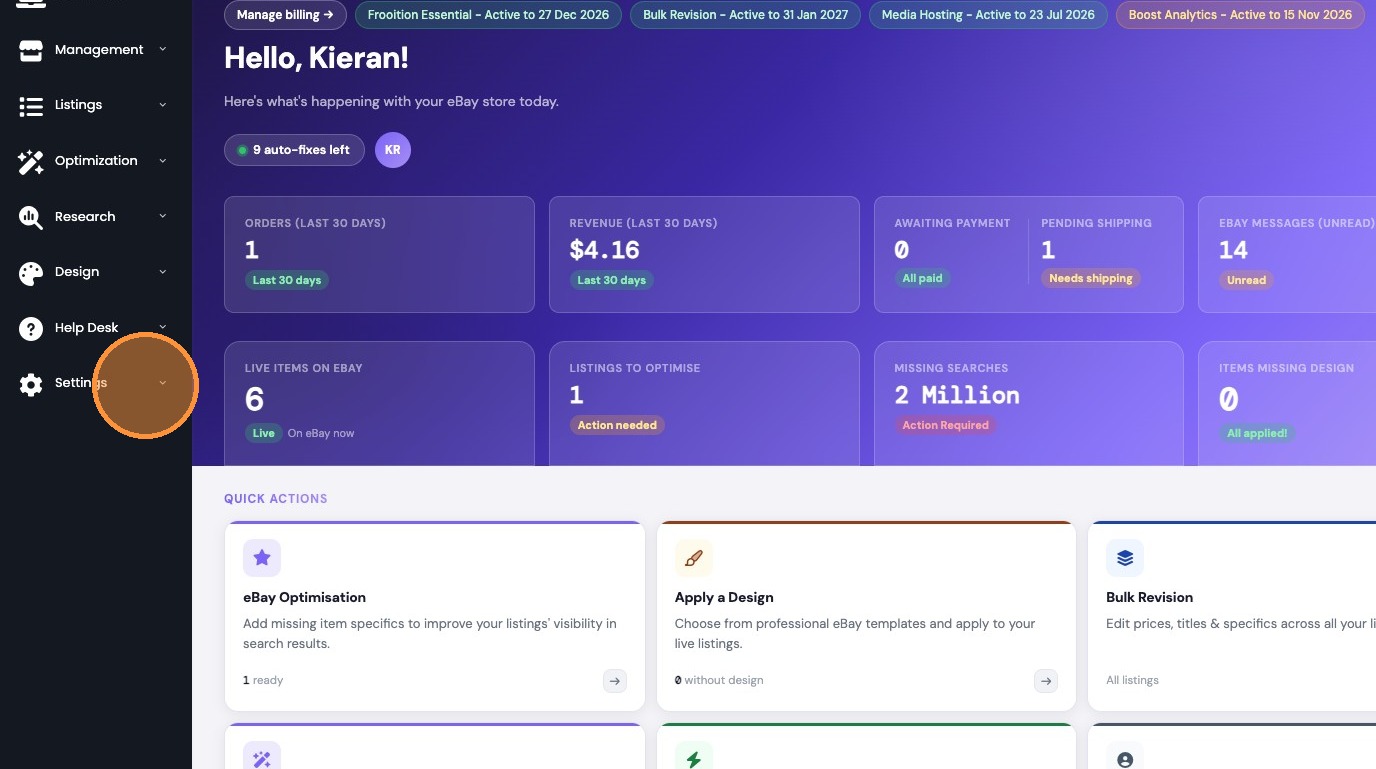
2. Select Settings in the sidebar.
3. Select Seller Info Tabs.
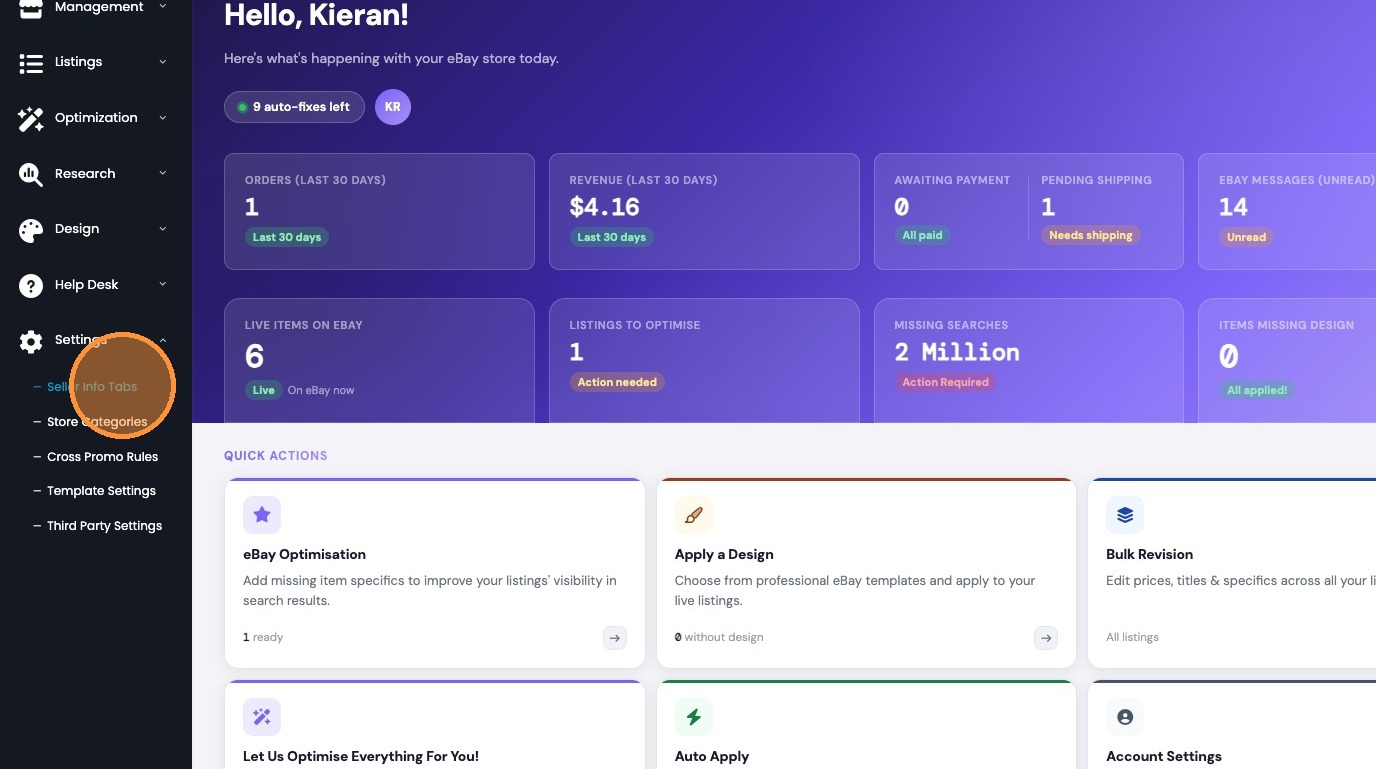
4. Fill in your seller information tabs.

Was this article helpful?
That’s Great!
Thank you for your feedback
Sorry! We couldn't be helpful
Thank you for your feedback
Feedback sent
We appreciate your effort and will try to fix the article